

Paraflow
Paraflow · Productivity
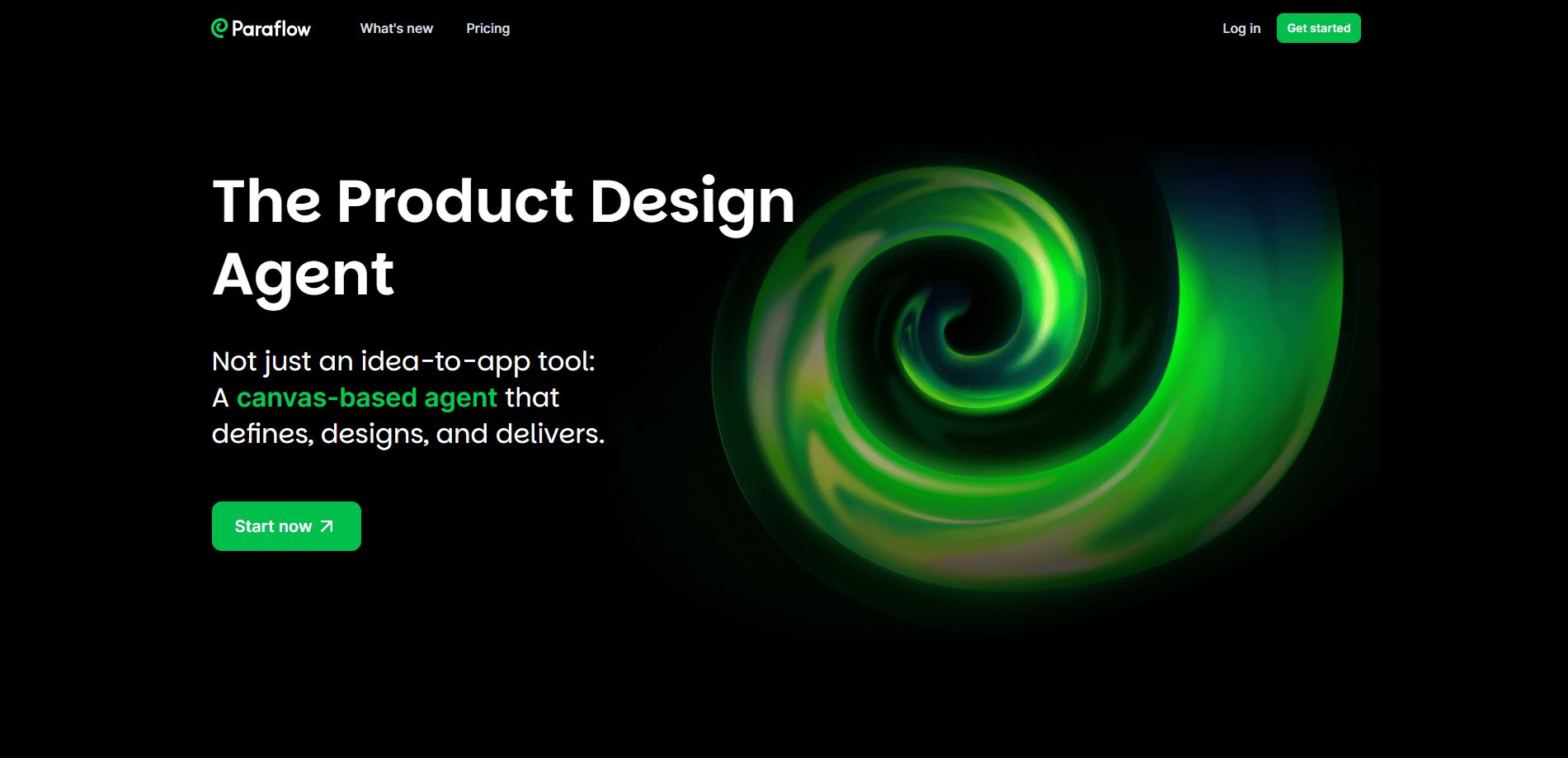
Paraflow is an AI product design agent built around a shared canvas. You describe a product idea in plain language, and Paraflow drafts the requirements, user flows, UI prototypes, and frontend code in the same workspace. It targets product managers, designers, developers, and startup teams who want to move from a rough idea to something testable without juggling five separate tools. The product is still in Beta, works in a browser, and offers a free trial. That last part matters if you're just curious and don't want to commit.
About Paraflow
What Is Paraflow
Paraflow positions itself as one workspace where the messy early stages of building a product live together. Think about how most teams actually work. Requirements go in a notes app. Flows go in a diagramming tool. Screens go in a design tool. Code goes in an IDE. Paraflow argues you don't need four tabs for that, and that the handoffs between them are where ideas quietly die. You type what you want to build, and the agent fills the canvas with the documents, diagrams, and screens that follow from it.
The main problem it targets is the gap between an idea and a spec someone can actually build from. A founder with a half-formed concept usually can't hand that straight to a developer, because a developer needs structure rather than a vague feeling that the idea is good. Paraflow takes that concept and produces a product requirements document, a set of user flows, and UI mockups you can review together. From there it can turn those mockups into frontend code snippets for HTML, CSS, or React.
The biggest limit is maturity. Paraflow is in Beta, and Beta tools change fast. Some workflows will feel rough, and the generated code or specs need a human pass before anyone ships them, which means the tool speeds up the drafting stage but doesn't remove the review stage you still owe your users. Treat the output as a strong first draft. Not a finished deliverable.
Getting Started
- Open paraflow.com in your browser and sign up for the free trial.
- Describe your product idea in natural language on the canvas, the way you'd explain it to a teammate.
- Let the agent generate a PRD and the supporting user flows, then edit them in place.
- Generate UI prototypes from the structure and switch styles such as Material Design or iOS.
- Export the frontend code, or hand off the spec and screens to your team.
Product Information
A quick look at Paraflow's pricing, supported platforms, and performance.
Best for
The users, tasks, and scenarios where this tool fits best.
Users
- Product managers
- Designers
- Startup founders
- Developers
Tasks
- Writing a product requirements document
- Mapping user flows
- Prototyping a UI
- Producing frontend code
Scenarios
- Early product discovery
- Client pitches at an agency
- Redesigning an existing site
Key features
Natural Language to PRD
Type a product idea and Paraflow parses the description into a full requirements document and a technical spec. It supports multi-round editing, so you can ask for changes instead of rewriting from scratch. The PRD exports as Markdown, which means it drops into whatever docs tool your team already uses. No copy-paste gymnastics.
User Flow Mapping
The agent generates user operation flows, information architecture, and the page-to-page logic behind a product. Everything sits on the unified canvas, so the relationship between screens stays visible. You can adjust the flows visually and review them with the team before anyone builds anything, which is exactly when catching a wrong turn is cheapest. That saves rework.
UI Prototyping with Style Switching
Paraflow produces interface sketches and high-fidelity prototypes from the structure it built. It supports style switching, including Material Design and iOS looks, along with batch editing and interaction events. When the screens are ready you can generate a demo link in one step, which is handy when a client wants to click through the flow before they'll sign off on the next phase.
Design Parsing and Refactoring
If you already have a site or a design file, you can import a URL or a Figma or Sketch file. Paraflow reads the existing structure and outputs an optimization or refactoring plan. This is the part that fits redesign and migration work, where starting from a blank canvas would waste time. It works best when your source files are tidy.
Frontend Code Output
From a finished prototype, Paraflow generates the matching frontend code for HTML, CSS, or React and can sync it to an IDE. That closes the loop between design and development without a manual hand-off document, so a developer starts from real structure instead of a screenshot and a prayer. Teams get a first pass at the code and the structure behind the screens. Read it before you trust it.
Pros & Cons
Pros: - One canvas for requirements, flows, prototypes, and code instead of four separate tools. - Natural language input lowers the barrier for people without a design background. - Style switching and interaction events make prototypes presentable to clients. - Code export in common frontend formats helps bridge design and development. - Free trial and browser access mean no install to test it. Cons: - Beta status means features and behavior can shift between sessions. - Generated specs and code still need human review before they're production-ready. - Importing a Figma or Sketch file works best with well-structured source files, so messy designs may produce weaker results. - Public pricing details are thin, which makes budgeting hard for teams planning to adopt it.
Related content
Explore related tools, skills, and articles for Paraflow.
Paraflow Alternatives

Swms
Swms AI · Writing · Productivity · BusinessSwms is an AI safety compliance tool that turns a plain description of a job into ready-to-use safety documents. Describe your project, trade, and known hazards, and it writes a safe work method statement, job hazard analysis, safe work procedure, RAMS, or safety data sheet in seconds. It also ships with Oscar, a chat assistant that answers workplace safety questions in any language. Teams in construction, mining, transport, and warehousing use it to cut the paperwork that usually eats into a workday.

Wordly AI Translation
Wordly · Voice & Language · ProductivityWordly AI Translation is a real-time AI translation and captioning platform built for meetings, conferences, and events. It delivers live translation, captions, transcripts, and summaries in more than 60 languages, and attendees join by scanning a QR code or opening a link instead of using dedicated headsets. The platform works with Zoom, Microsoft Teams, Google Meet, and Webex, and it's designed for organizations that want multilingual access without hiring human interpreters for every session. Simple as that.

Rows
Rows (Superhuman) · Productivity · BusinessRows is an AI spreadsheet and data analysis tool that imports live data from more than 50 sources, then lets you work with it using plain language instead of SQL queries or nested formulas. You can pull numbers out of PDFs, connect ad platforms, databases, and bank accounts, and ask the AI to build reports, merge datasets, or set up models that recalculate themselves. It runs in the browser, works like a spreadsheet, and now sits under the Superhuman umbrella.