

PDF Vector
PDF Vector · Productivity
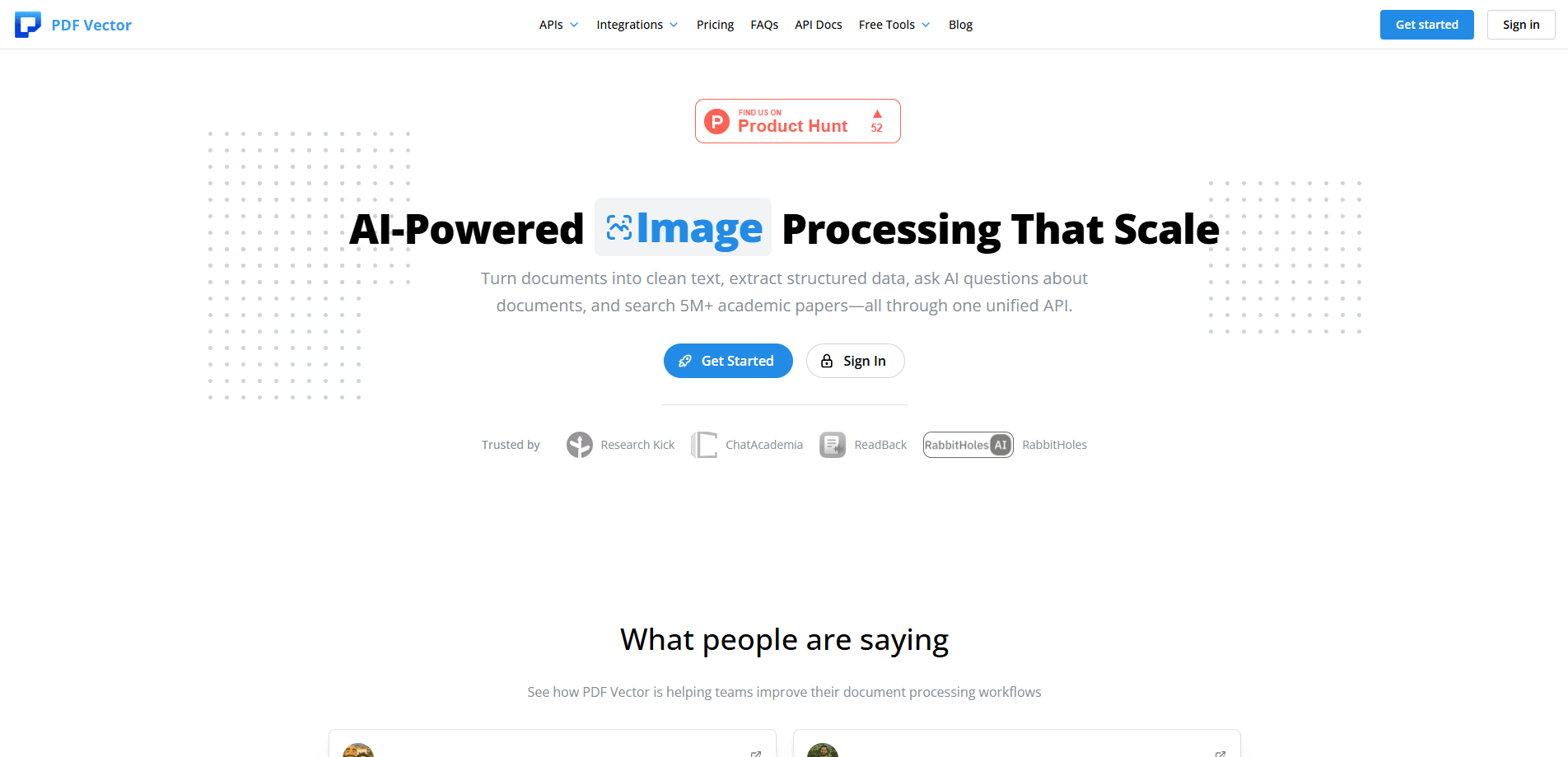
PDF Vector is an AI document processing platform that gives developers one API for turning files into usable data. It parses 20+ file types into clean markdown, answers questions about a document, and handles structured data extraction from invoices, identity documents, and bank statements. It also covers academic research, with an academic paper search API built on PubMed, arXiv, and OpenAlex. Feeding messy documents into an app is the whole point. Skip the brittle scraping code. Call an endpoint instead.
About PDF Vector
What Is PDF Vector
PDF Vector is a hosted API for document parsing and data extraction. You send it a file or a URL, pick what you want back, and it returns markdown, an answer, or structured JSON. The platform groups its endpoints by document type: general Document tools, plus specialized sets for Identity, Invoice, Bank Statement, and Academic work.
The main problem it solves is the gap between a raw file and something your software can use. A scanned invoice is just pixels until someone reads the totals and line items out of it. PDF Vector does that reading and hands back fields you can drop into a database. That's the job. The company says it has processed more than a million documents and indexed over five million papers.
There are limits worth knowing. This is an API-first product. No drag-and-drop desktop app for casual users. You need to write a few lines of code or wire it into a no-code tool to get value. Pricing runs on credits, and heavy jobs like extraction on large files burn more of them.
Getting Started
- Create an account at app.pdfvector.com and grab an API key from the dashboard.
- Install the client library (for example,
@pdfvector/client) or call the REST endpoints directly with cURL. - Send a request with a file URL or upload plus the model tier you want, such as
model: "max"for higher accuracy. - Read the response:
result.markdownfor parsed text, or the structured JSON for extraction jobs. - Wire the endpoint into your pipeline or a tool like Zapier, Make, or n8n for automated runs.
Product Information
A quick look at PDF Vector's pricing, supported platforms, and performance.
Best for
The users, tasks, and scenarios where this tool fits best.
Users
- Backend developers
- Data and ML engineers
- Finance and accounting teams
- Academic researchers and tool builders
Tasks
- Converting PDFs, DOCX, and images into markdown
- Extracting invoice line items and totals
- Pulling transactions from bank statements
- Reading identity documents
Scenarios
- Feeding documents into a chatbot or RAG app
- Automating accounts payable
- Literature review on a tight deadline
- Verifying uploaded IDs at signup
Key features
One API Across Document Types
The platform puts general parsing and specialized extraction behind a single set of endpoints. You learn the client library once and reuse it for invoices, IDs, bank statements, and research papers. That matters because most teams end up needing more than one format. Juggling five vendors is a headache.
20+ Supported File Formats
PDF, DOCX, XLSX, PPTX, CSV, and common image types are all in scope, along with less common ones like EPUB, ODT, and TIFF. If your users upload it, there's a decent chance the parser handles it. Less pre-processing code for you to write.
Document Extract With Custom Schemas
Instead of fixed output, Document Extract lets you define the schema you want and returns matching JSON. That turns a free-form contract or report into typed fields your code can trust. It's the difference between a wall of text and something you can query. Clean data beats raw text.
Specialized Invoice and Bank Statement Parsers
Invoices come back with line items, totals, tax, and vendor details. Bank statements yield transactions, balances, and statement periods. These are pre-built for the fields finance teams actually care about. Less prompt tuning, more using the data.
Identity Document Processing
The Identity endpoints parse passports, licenses, and national IDs, and let you ask targeted questions about them. For verification flows, that means pulling names and expiry dates without manual review. Narrow, yes. Common too.
Academic Search and Citation Tools
The academic side reaches across PubMed, arXiv, OpenAlex, and Semantic Scholar, and search grants through Grants.gov, NIH REPORTER, CORDIS, and UKRI. You can fetch paper metadata by DOI or arXiv ID, build a citing-papers graph, and find similar papers by citation network. For researchers and anyone building a literature tool, that's a lot of ground covered by one API key and a couple of method calls.
MCP Server and No-Code Integrations
There's a Model Context Protocol server, so AI apps can call PDF Vector directly, plus integrations for Zapier, Make, and n8n. Don't want to write code? You can still wire parsing and extraction into a workflow. That opens the tool to operators, not just engineers. Building RAG pipeline documents gets easier too, since the parsed output drops straight into your vector store.
Enterprise Deployment and Data Handling
Enterprise plans run on dedicated instances in any of 34+ regions across 26 countries, and the company states it doesn't store your documents, results, or metadata. For teams with data-residency rules that require every file to stay inside a chosen border, regional processing and no-retention handling are usually the deciding factors in the purchase.
Pros and cons
Pros
- One API key covers general parsing, invoices, IDs, bank statements, and academic search, which saves vendor sprawl.
- The custom-schema extraction returns typed JSON you can use directly, not text you have to parse again.
- Broad file support (20+ formats) means less pre-processing code in your pipeline.
- The academic endpoints pull from multiple major databases and citation graphs, useful for research tools.
- No-code integrations with Zapier, Make, and n8n make it usable without a full engineering effort.
Cons
- API-first means no standalone desktop app, so non-developers need a no-code tool to get started.
- Credit-based pricing is hard to forecast for large or frequent jobs, since heavy extraction burns more credits.
- Features like identity verification and bank statement parsing are narrow, so if you only need plain text parsing, you're paying for capability you won't use.
Frequently asked questions
It's an API for turning documents into usable data. You can parse files into markdown, ask questions about a document, or extract structured JSON from invoices, IDs, bank statements, and research papers.
Related content
Explore related tools, skills, and articles for PDF Vector.
PDF Vector Alternatives

Swms
Swms AI · Writing · Productivity · BusinessSwms is an AI safety compliance tool that turns a plain description of a job into ready-to-use safety documents. Describe your project, trade, and known hazards, and it writes a safe work method statement, job hazard analysis, safe work procedure, RAMS, or safety data sheet in seconds. It also ships with Oscar, a chat assistant that answers workplace safety questions in any language. Teams in construction, mining, transport, and warehousing use it to cut the paperwork that usually eats into a workday.

Wordly AI Translation
Wordly · Voice & Language · ProductivityWordly AI Translation is a real-time AI translation and captioning platform built for meetings, conferences, and events. It delivers live translation, captions, transcripts, and summaries in more than 60 languages, and attendees join by scanning a QR code or opening a link instead of using dedicated headsets. The platform works with Zoom, Microsoft Teams, Google Meet, and Webex, and it's designed for organizations that want multilingual access without hiring human interpreters for every session. Simple as that.

Rows
Rows (Superhuman) · Productivity · BusinessRows is an AI spreadsheet and data analysis tool that imports live data from more than 50 sources, then lets you work with it using plain language instead of SQL queries or nested formulas. You can pull numbers out of PDFs, connect ad platforms, databases, and bank accounts, and ask the AI to build reports, merge datasets, or set up models that recalculate themselves. It runs in the browser, works like a spreadsheet, and now sits under the Superhuman umbrella.