

Photo to Video
Photo to Video · Video
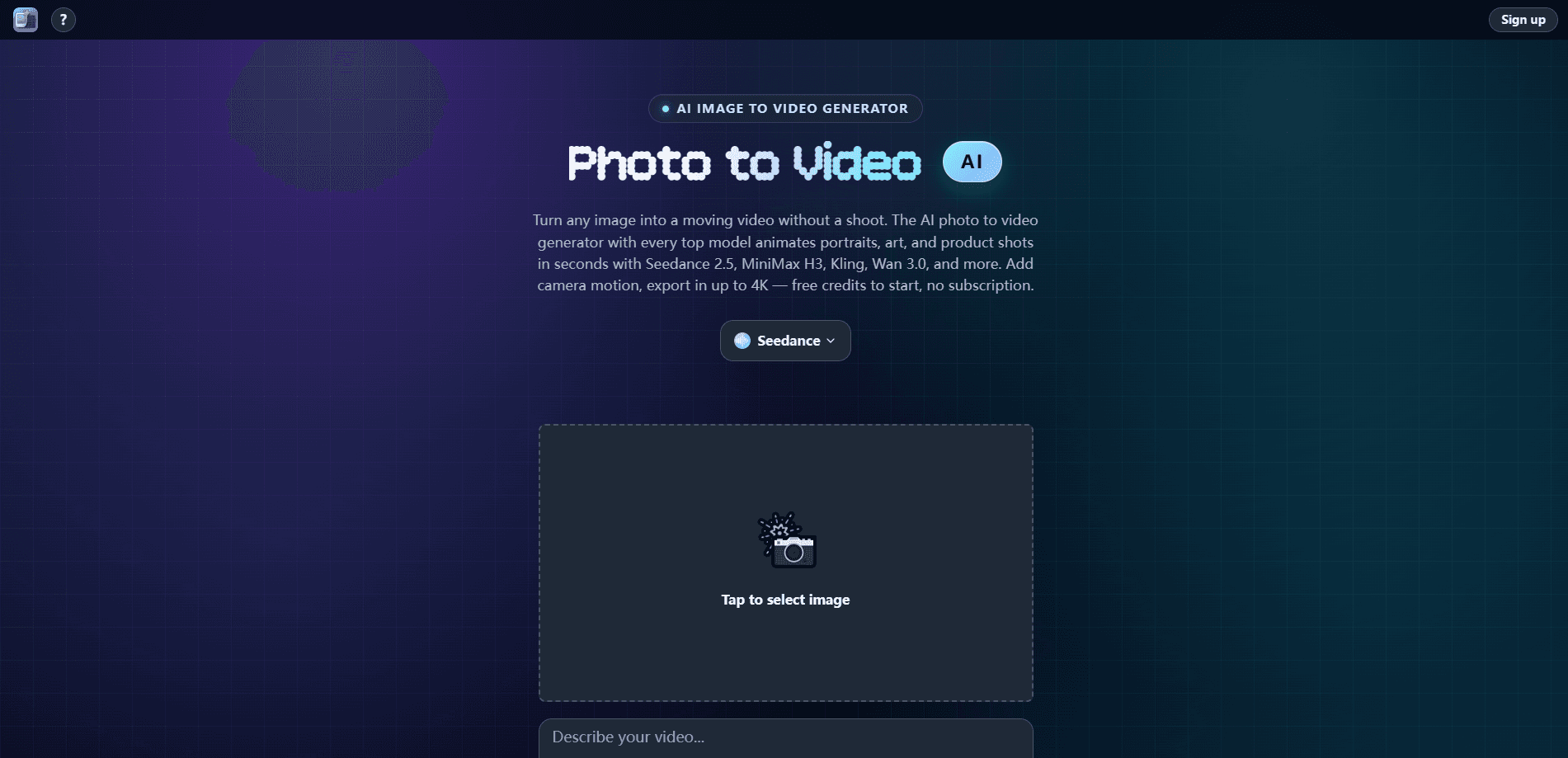
Photo to Video is an AI image-to-video generator that animates a single still photo into a short, polished clip. You upload one image, describe the motion in plain English, and pick a video model. The tool handles the rest, covering camera moves, motion, and export up to 4K. It runs in the browser and starts with free credits. No subscription needed.
About Photo to Video
What Is Photo to Video
Photo to Video is a web-based image-to-video AI generator that brings still photos to life. It turns a single image into a moving clip, keeping the subject sharp while the scene gains natural motion. Why does that matter? Because plenty of creators already have good photos and just need video from them.
The appeal is the model library. Instead of committing to one video engine, you switch between leading models like Seedance, Kling, Veo, Sora 2, and Wan on a per-shot basis. That matters when one model handles faces better and another nails camera movement. You compare results directly and pay only for the videos you render.
The main trade-off is control. There's no timeline editing here, so you can't cut clips together or layer audio tracks inside the tool. You get an animated clip and export it. If your project needs frame-level editing, you'll finish it elsewhere.
Getting Started
- Open the site and create an account, or start with the free credits that come with a new sign-up.
- Upload a photo. Product shots, portraits, and old family photos all work, and the subject stays intact while it moves.
- Write a motion prompt in plain English, like "slow camera push-in, hair moving in the wind."
- Pick a video model, such as Seedance, Kling, or Veo, then generate the clip.
- Preview the result, compare it against another model if you want, and export the final video.
Product Information
A quick look at Photo to Video's pricing, supported platforms, and performance.
Best for
The users, tasks, and scenarios where this tool fits best.
Users
- Social media creators
- Product sellers
- Families restoring old photos
Tasks
- Portraits and headshots
- Backgrounds and scenes
- Catalog clips
Scenarios
- Landing pages that need a moving hero image instead of a static banner.
- Quick ad creatives where you can compare two models and keep the better result.
- Memory videos where a single framed photo is the whole story.
Key features
One photo in, video out
Photo to Video works from a single still image. You upload it, add a prompt, and get a clip back. The subject holds its shape while hair, water, and cloth move, so faces don't warp into something unrecognizable. That reliability is the whole point of an AI photo animator, and it's what makes single-shot workflows practical. To animate a photo well, you mostly need a clean source image.
A library of leading video models
The generator puts multiple top video models in one workspace, so you can switch models per shot, compare their results side by side, and keep the output you prefer. That saves you from juggling separate subscriptions across competing platforms, and it lets you match the model to the job rather than settling for one engine's weak spots.
AI 360 spin from a single image
One feature worth calling out is the 360 spin. Photo to Video rotates a subject on a clean loop using a single photo, which is exactly what product listings and catalog pages need. You get every angle on show without a turntable, a studio, or a second shoot. For sellers, that's a real time saver.
Portrait and lifestyle animation
Portrait animation, an AI portrait animator in practice, makes faces blink, smile, and turn while expressions stay lifelike. Old photos and headshots come alive. The lifestyle scene feature goes further: it drops your subject into a new setting in motion, matching lighting and perspective to the original image. Room, desk, or street, it fits the shot. Trust me, the blink is the detail that sells it.
Prompt-guided motion and camera moves
You describe what should happen in plain English and the model choreographs it. Camera pushes, pans, and subject movement all respond to the prompt, so you don't need keyframes or editing skills. Better prompts give better clips. Wishy, vague prompts give wishy, vague motion.
Up to 4K export in one workflow
The tool animates, directs, restyles, upscales, and exports without leaving the page. Output goes up to 4K, which keeps clips sharp enough for larger screens and print-adjacent work. One workflow, image to final video, ready to share. No subscriptions and no timeline editing to slow you down. If your clip needs to hold up on a big display, that 4K headroom is the reason to care.
Pros and cons
Pros
- Free credits to start, so you can test the workflow before paying anything.
- Multiple top video models in one place, switchable per shot.
- 360 spin from one photo is a strong fit for product and catalog pages.
- Pay-per-video pricing with no subscription commitment.
- Exports up to 4K for sharper clips.
Cons
- No timeline editing means you can't assemble multiple clips or mix audio inside the tool.
- Motion quality still depends on how well you write the prompt, so vague input underperforms.
- Model availability and per-video costs vary, so you'll want to check the current options before a big batch.
Frequently asked questions
It turns a single still photo into a short animated clip. Common uses include product spins, portrait animation, and background motion for social posts, ads, and listings.
Related content
Explore related tools, skills, and articles for Photo to Video.
Photo to Video Alternatives

Vadu AI
Vadu AI · Image · VideoVadu AI is a web-based AI video generator that turns written prompts or still images into short clips, and it can also generate images on its own. You type what you want, pick a model and style, and the platform renders the result in minutes. A free plan covers light testing, while paid tiers run from $9 to $77.40 per month based on how many credits you burn.

Mykaraoke Video
MyKaraoke Video · VideoMykaraoke Video is an online karaoke video maker and lyric video maker that turns any song into a finished, lyrics-synced video right in your browser. It handles the slow part for you. The AI pulls vocals out of the mix and locks the lyrics to the beat, then lets you customize background, fonts, and colors before exporting in 1080p MP4. If you make lyric videos for social media, party nights, or music promotion, it skips the software installs and manual timing work entirely. Want a karaoke video generator that doesn't eat your whole evening? That's the pitch here.

Finalframe
Finalframe · VideoFinalframe is a set of free, browser-based tools for grabbing exact frames out of a video clip. Its best-known feature, the Final Frame Extractor, lets you extract the last frame of any video so you can use it as the starting image for AI video tools like Luma Dream Machine, Runway, or Kling. Want to keep a clip going? That last frame is your starting point. The tool runs locally in your browser, needs no sign-up, and costs nothing. A separate paid AI video-generation app from the same team is currently offline while it's rebuilt.