

Photolaria
Photolaria · Image
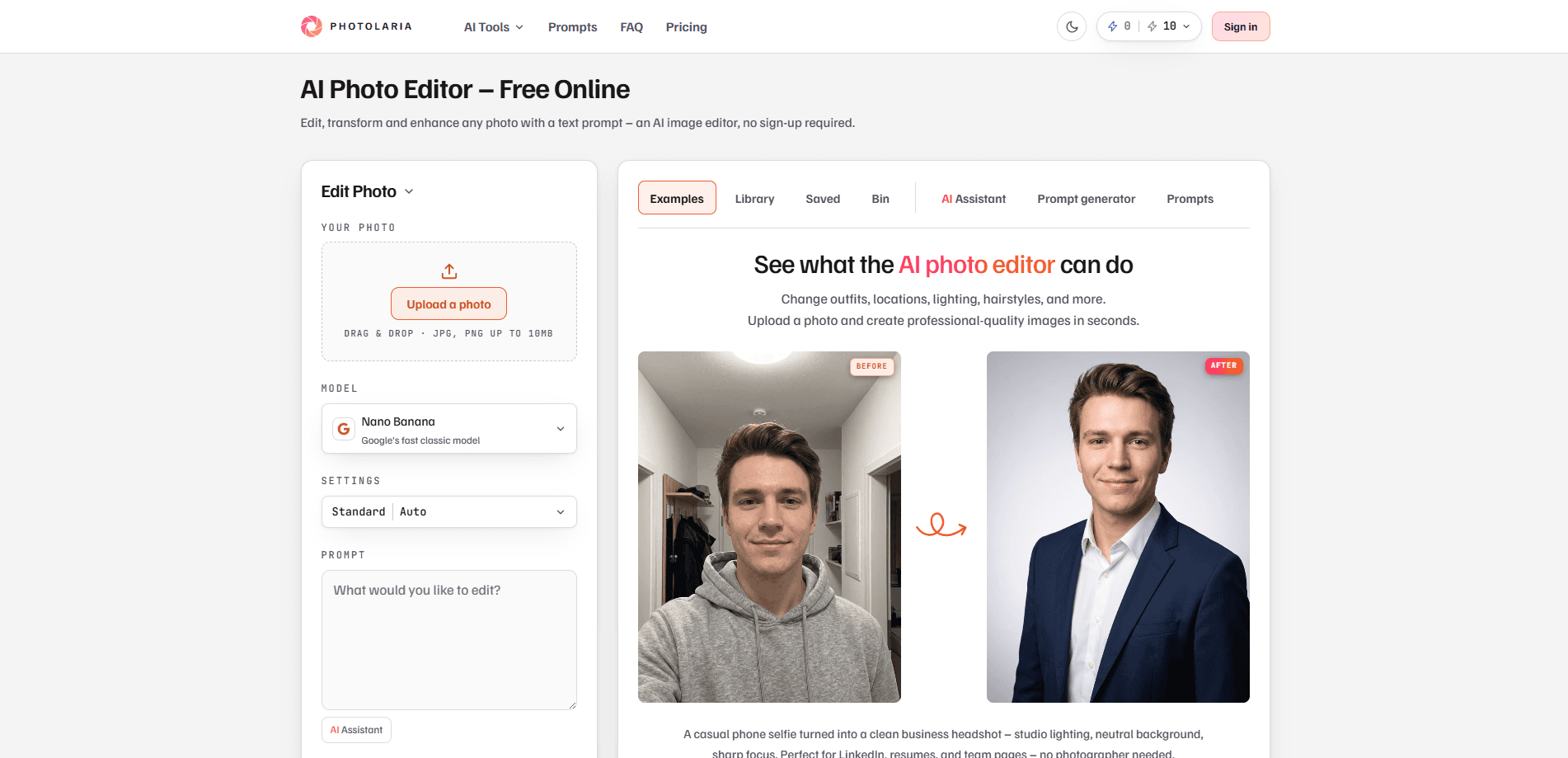
Photolaria is a browser-based AI photo editor. It changes images through plain-text prompts instead of sliders and selection tools. You upload a photo, type what you want, and choose an image model to render the edit. It handles background swaps, object removal, restoration, and upscaling. No sign-up needed, and no visible watermark on your results.
About Photolaria
What Is Photolaria
Photolaria is an AI photo editor that runs entirely in your browser. There's no software to install and no mobile app. You describe an edit in ordinary language, like "remove the people in the background," and the tool rebuilds the photo around that request. As an AI image editor, it swaps manual tools for a single text box.
The appeal is speed for people who aren't trained in editing software. A marketplace seller can turn a kitchen-table phone shot into a clean product image. Someone with a scanned family photo can repair scratches and colorize it without opening Photoshop. No layers. No masks. Just words.
The catch is that results aren't guaranteed on the first try. Complex edits often need a rewritten prompt or a different model, so plan for a couple of attempts on anything fussy. That's just how prompt-based tools work right now.
Getting Started
- Open photolaria.com in your browser. You can start editing as a guest, no account needed.
- Upload a photo from your phone or computer, or start from a generated image.
- Type your edit as a prompt, or pick a ready-made prompt from the Prompts tab if you're stuck on wording.
- Choose an AI model for the edit. Each one shows its credit cost on the generate button before you commit.
- Review the result, download it, or fine-tune with another prompt. Sign up free if you want history that syncs across devices.
Product Information
A quick look at Photolaria's pricing, supported platforms, and performance.
Best for
The users, tasks, and scenarios where this tool fits best.
Users
- Online sellers
- Social media creators
- Families with old photos
Tasks
- Removing objects and people
- Changing backgrounds and scenes
- Restoring and colorizing old photos
- Upscaling images
Scenarios
- Prepping a LinkedIn or resume headshot
- Building an online store catalog
- Fixing a food or menu photo
Key features
Prompt-Based Editing
The core idea is that you edit with words, not menus. Type "make the sky sunset orange" or "remove the dog in the background" and the AI applies it while trying to keep the rest of the photo intact. There's no layer stack and no masking to learn. So how do you get good results? Phrase your request clearly and be specific about what to keep.
Multiple AI Models
Photolaria runs on several popular image models: Nano Banana, Nano Banana 2, Nano Banana Pro, Seedream 5.0 Pro, GPT Image 2, and GPT Image 2.5. You pick the model per edit, and each carries a different credit cost that shows on the generate button. Different models suit different jobs, so having the choice matters when one returns a weak result.
Background Removal and Replacement
A dedicated Remove Background model cuts a subject out to transparency with no prompt at all. From there you can drop it onto a studio gray, a beach at sunset, or pure white for a product listing. The tool matches lighting and shadows to the new setting so the composite doesn't look pasted.
Object and People Removal
You can erase photobombers, tourists, utility lines, and text overlays. The AI reconstructs the area behind whatever you removed, aiming for a clean result rather than a blurred patch. It's fast. This is one of the most common uses, and it works best on photos with relatively simple backgrounds.
Photo Restoration and Colorization
Scanned family photos with scratches, tears, and faded color can be repaired, and black-and-white images can be colorized while keeping faces close to the original. It's a shortcut for anyone digitizing old prints who doesn't want to learn restoration software.
Upscaling
Several upscale modes raise image resolution, at different credit costs. These include standard, transparent, enhancement, and creative upscales, and each suits a different source image. Transparent upscales handle images with cut-out areas and scale by pixel count, while the others target general quality gains on low-res shots.
No Sign-Up, No Watermark
You can edit as a guest without creating an account, and results carry no visible Photolaria watermark on any plan. A free account adds a library that syncs across devices with unlimited history. Not required, but handy.
Pros and cons
Pros
- No account required to start, and no visible watermark on results.
- One tool covers background swaps, object removal, restoration, and upscaling.
- Multiple image models in one place let you compare outputs for the same edit.
- Commercial use rights are included on every plan, free or paid.
- Free bonus credits let you test the editor on real photos before paying.
Cons
- Complex edits often take several attempts, so it's not a one-click fix for fussy work.
- Credit costs vary by model and resolution, which makes budgeting less predictable than a flat price.
- There's no mobile app and no API, so automation and offline use aren't options.
Frequently asked questions
Yes. It runs on bonus credits as a free guest allowance and a larger amount with a free account, with no expiring trial and no visible watermark. Bonus credits are a temporary promotion. The amount and refresh schedule can change.
Related content
Explore related tools, skills, and articles for Photolaria.
Photolaria Alternatives

X Ray Interpreter
X-ray Interpreter · ImageX Ray Interpreter is a web-based AI radiology tool that turns X-rays, CT scans, MRI, ultrasound, and PET images into plain-language reports. You upload a scan, get a preliminary X-ray interpretation in moments, then ask follow-up questions if something needs explaining. It works as a second opinion and a learning aid, not as a medical diagnosis.

Aieasypic
AIEasyPic · ImageAIEasyPic is an AI image generator that turns plain text prompts into finished artwork in seconds. You can also train custom models on your own photos, swap faces in existing images, and create short video clips from text, all from a browser. It suits casual creators who want quick visuals and hobbyists who want to build a personal model without touching any code.

Chargen
Chargen · ImageChargen is an AI character generator and worldbuilding toolkit built for Dungeons & Dragons and other tabletop RPGs. It turns a one-line idea into a painted character portrait, spins up NPCs, monsters, maps and encounters from the same session, and keeps every creature's details close at hand. The tabletop RPG art side runs on a credit system called Gold, while the text generators stay free for everyone.