

Photowand
Photowand · Image
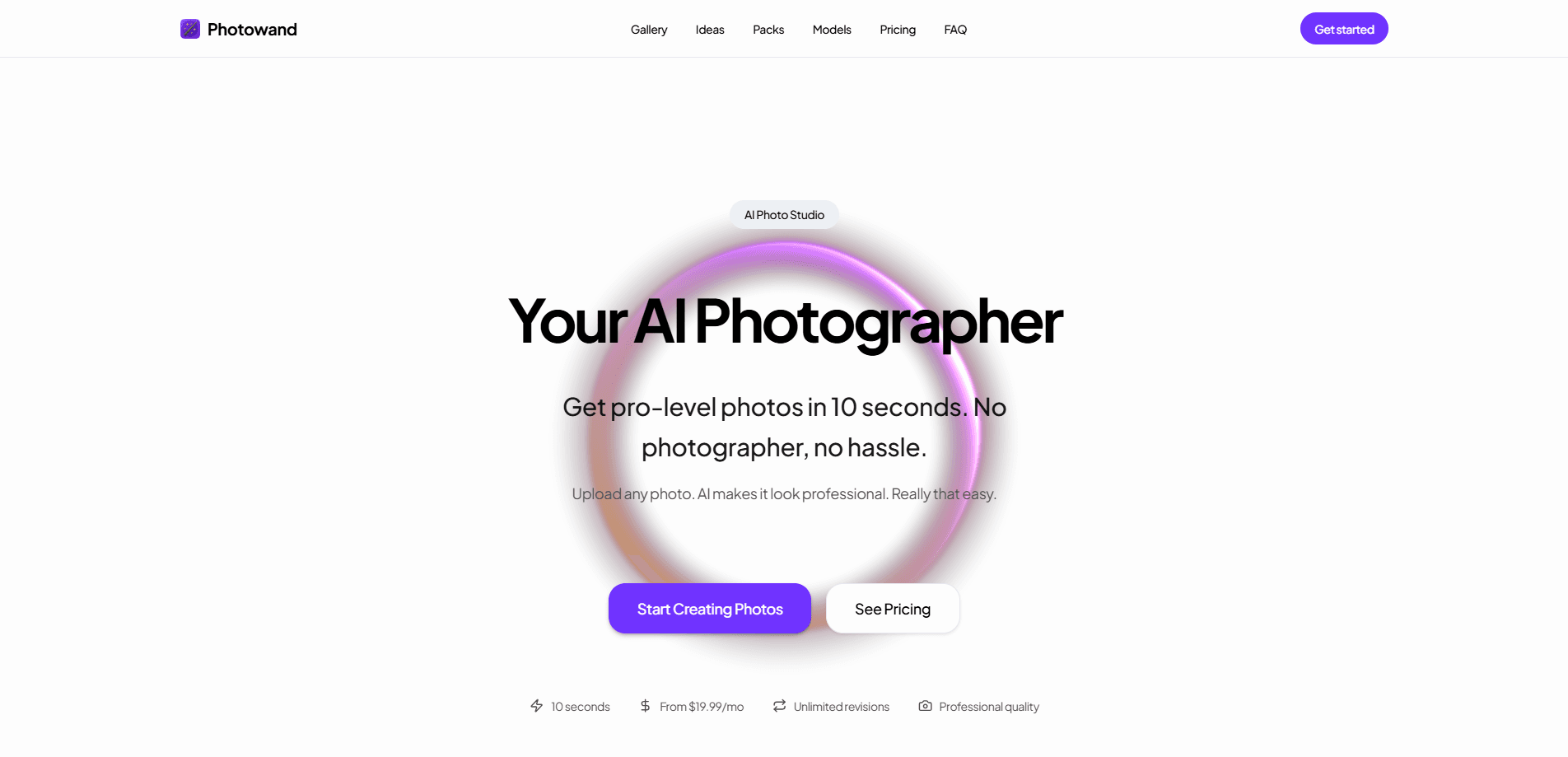
Photowand is an AI photo studio that turns a handful of ordinary phone photos into professional-looking images in about ten seconds. You upload shots of yourself, a product, or a space, pick one of the 450+ photo packs built around headshots, real estate, food, and fashion, and the tool generates polished results you can use for LinkedIn, dating profiles, e-commerce listings, or ad campaigns. It's aimed at people who need studio-quality photos without hiring a photographer, and it runs entirely in the browser for a flat monthly fee starting at $19.99.
About Photowand
What Is Photowand
Photowand is a browser-based AI photo generator that rebuilds your existing photos into professional composites. Instead of booking a photographer and a studio, you upload a few source images and let the tool place them into pre-designed scenes: a headshot on a clean backdrop, a product on a marble surface, a house at twilight. It works as a full AI headshot generator and a product photography AI tool in one place.
Cost is the core problem it solves. A single professional headshot session can run into hundreds of dollars. Product photography for a full catalog often costs thousands. Photowand replaces that with a subscription that starts at $19.99 per month, and results come back in seconds rather than days. That gap is the whole pitch.
There are limits worth knowing up front. Photowand generates new images rather than doing precise retouching, so it's a poor fit if you need pixel-accurate edits to a specific photo. Everything happens online, so you can't install it as a desktop or mobile app, and the credit system means heavy users can burn through their monthly allowance quickly. The quality of your output also depends heavily on the source photos you feed in.
Getting Started
- Create an account on the Photowand website and pick a subscription plan that matches how many photos you need each month.
- Upload a few clear source photos of yourself, your product, or your space. More angles lead to more accurate results.
- Browse the pack library and select a photo pack that fits your goal, such as headshots, real estate, or e-commerce.
- Generate your images, then choose a quality level: Standard for social media, High for professional detail, or Ultra HD for print.
- Download the results you like and use any remaining credits to produce variations until you land on the shot you want.
Product Information
A quick look at Photowand's pricing, supported platforms, and performance.
Best for
The users, tasks, and scenarios where this tool fits best.
Users
- Job seekers and professionals
- E-commerce sellers
- Real estate agents and hosts
- Small business owners and creators
Tasks
- Generating professional headshots
- Creating product photography
- Producing social media content
- Staging property photos
Scenarios
- Last-minute profile updates
- Catalog refreshes
- Marketing on a tight budget
- Ongoing content pipelines
Key features
450+ Photo Packs
The pack library is the heart of Photowand. Each pack is a pre-built scene or style, covering headshots, real estate, food, fashion, and creative fantasy looks. These AI photo packs reverse the usual editing flow: you pick a pack first, then feed in your photos. Simple as that.
Generate in Seconds
Photowand markets a roughly ten-second turnaround per generation. That speed matters when you're testing several packs or producing a batch of product shots, because you can iterate fast instead of waiting on a retoucher. Think about that for a second. Most retouchers need a day or more. Photowand plans include unlimited revisions, so you can keep refining until a result fits.
Three Quality Levels
Output comes in Standard, High, and Ultra HD tiers. Standard suits social media and web use, High adds detail for professional projects, and Ultra HD targets print and commercial work. The difference isn't cosmetic. Higher tiers give you more pixels to work with, which changes whether a shot survives being blown up on a landing page or a physical menu.
Credit-Based Generation
Photowand runs on AI photo credits, where one credit equals one generated image. Generating four photos at once costs four credits. That adds up. Unused credits roll over each billing cycle up to a cap, so a light month doesn't wipe out your balance as long as your subscription stays active.
Flexible Plan Changes
You can upgrade at any time and the change takes effect immediately with full credits for the new tier, and you keep whatever unused credits you already had. Downgrades kick in at the end of the current billing period. That flexibility helps when one month needs a bigger push than the next.
Commercial-Ready Output
The generated images are built for real use: listings, ads, profiles, and print. Combined with the Ultra HD tier and a 30-day money-back guarantee, it's positioned for sellers and marketers who need usable assets rather than just fun experiments.
Pros and cons
Pros
- Cuts photo costs dramatically compared to booking a photographer, with plans starting at $19.99/mo.
- Fast turnaround: results land in seconds, so you can test many packs and variations quickly.
- Large pack library of 450+ scenes covers headshots, product, real estate, food, and fashion.
- Credits roll over up to a cap, so light usage months aren't wasted.
- Works entirely in a browser with no software to install, and it's backed by a 30-day money-back guarantee.
Cons
- No free plan or free trial tier, so you have to subscribe before you can test the output yourself.
- It generates new images instead of editing your existing ones, which is a poor fit for precise retouching work.
- Results depend on your source photos, so low-quality or poorly lit uploads will show up in the output.
- Credits reset to zero when you cancel, so unused balance is lost the moment your subscription ends.
Frequently asked questions
Photowand generates professional-looking photos from your own uploads. People use it for headshots, product photography, real estate listings, and social media content. You pick a photo pack, upload source images, and download the results.
Related content
Explore related tools, skills, and articles for Photowand.
Photowand Alternatives

X Ray Interpreter
X-ray Interpreter · ImageX Ray Interpreter is a web-based AI radiology tool that turns X-rays, CT scans, MRI, ultrasound, and PET images into plain-language reports. You upload a scan, get a preliminary X-ray interpretation in moments, then ask follow-up questions if something needs explaining. It works as a second opinion and a learning aid, not as a medical diagnosis.

Aieasypic
AIEasyPic · ImageAIEasyPic is an AI image generator that turns plain text prompts into finished artwork in seconds. You can also train custom models on your own photos, swap faces in existing images, and create short video clips from text, all from a browser. It suits casual creators who want quick visuals and hobbyists who want to build a personal model without touching any code.

Chargen
Chargen · ImageChargen is an AI character generator and worldbuilding toolkit built for Dungeons & Dragons and other tabletop RPGs. It turns a one-line idea into a painted character portrait, spins up NPCs, monsters, maps and encounters from the same session, and keeps every creature's details close at hand. The tabletop RPG art side runs on a credit system called Gold, while the text generators stay free for everyone.