
Pica AI
WEGITAL HK Limited · Image
Pica AI is an AI photo editor from WEGITAL HK Limited that handles face swap, photo enhancement, old photo restoration and AI headshot generation from one web or mobile workspace.
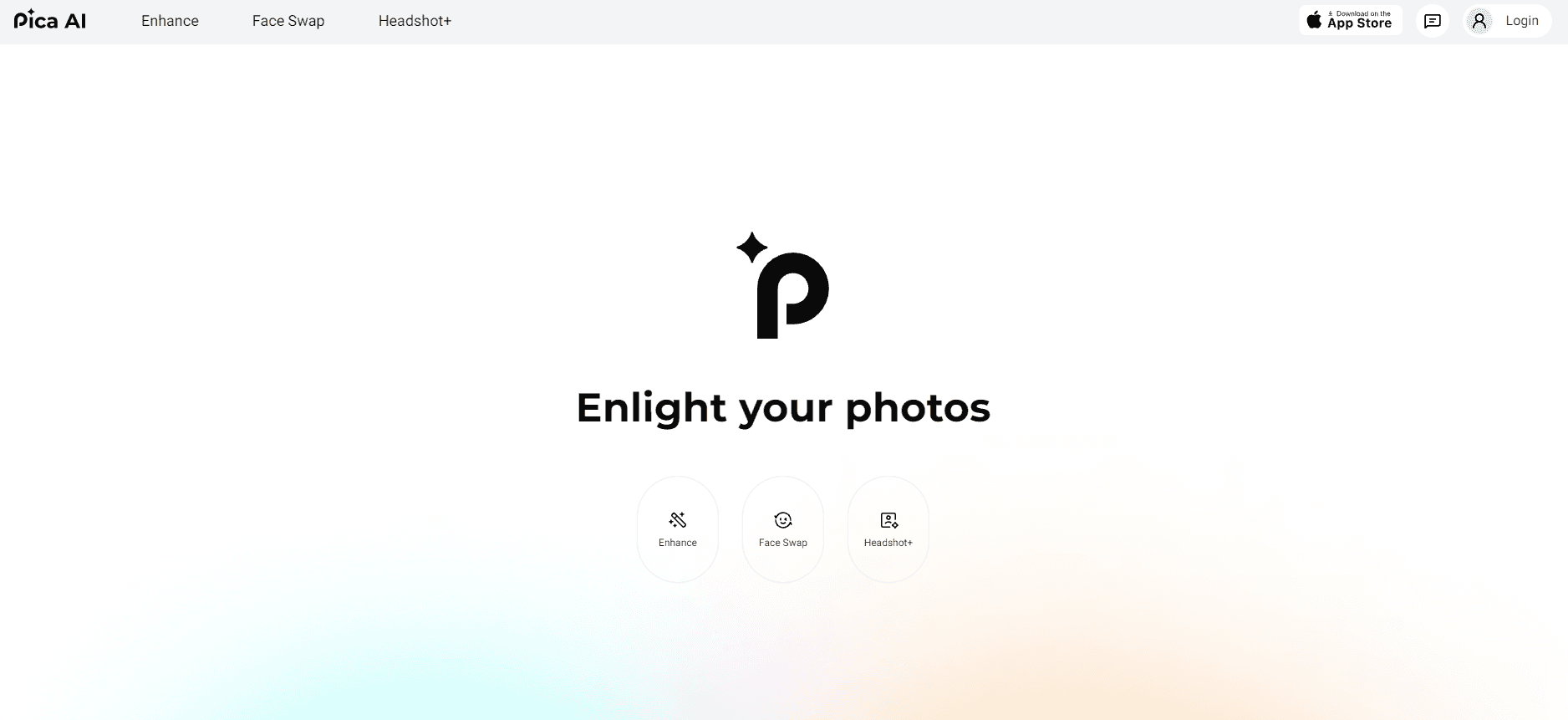
About Pica AI
What Is Pica AI
Pica AI is a consumer AI photo editor built for people who want edited images without learning layer-based software. It brings four tools into one place: Face Swap, Headshot+, Restore Old Photo and Photo Enhancer. You upload an image, pick a tool, and the platform returns a processed result through a guided workflow.
The product comes from WEGITAL HK Limited, a Hong Kong developer, and it runs on the web plus iOS and Android apps. Face swap works on photos, cartoons and artworks, so the same tool covers playful edits and creative projects. Headshot+ turns selfies into professional-style portraits aimed at LinkedIn, resumes and profiles, while restoration targets scratched or faded prints and the enhancer cleans up blurry or low-resolution files. The photo enhancer now routes through Artguru, a sister product from the same developer, as the site banner states.
The main limitation is depth. Pica AI is a fast, template-driven toolkit, not a manual editor with precise masks and layer control. Users who need detailed retouching or offline desktop work will hit a wall. Credit costs also differ by tool, so the same task isn't always priced the same way.
Getting Started
- Open the Pica AI site or install the iOS or Android app, then sign in with a Google or Apple account.
- Pick a tool: Face Swap, Headshot+, Restore Old Photo or Photo Enhancer.
- Upload your images. For face swap, add both the target image and a clear source-face photo; for Headshot+, upload a set of recent selfies.
- Run the generation and wait for the AI to process the file.
- Download the result. Free accounts get limited daily credits and images that are kept for 24 hours.
Product Information
A quick look at Pica AI's pricing, supported platforms, and performance.
Best for
The users, tasks, and scenarios where this tool fits best.
Users
- Social media creators
- Job seekers
- Family historians
- Small business owners
Tasks
- Swapping a face into a photo, cartoon or artwork
- Cleaning up blurry or low-resolution photos
- Reviving damaged family photos
- Making a profile-ready portrait
Scenarios
- Posting a creative edit to social media
- Updating a LinkedIn or resume photo before a job search
- Digitizing old family albums
- Preparing product images for an online store
Key features
Face Swap for photos, cartoons and artworks
Pica AI's Face Swap replaces one face with another across photos, cartoons and artworks. You supply a target image and a source face, then generate the merged result. It suits playful edits and creative projects rather than anything presented as a real, unedited photo.
Headshot+ AI headshot generator
Headshot+ converts selfies into professional-style portraits for LinkedIn, resumes and profiles. Realism depends on your uploads: recent photos with even lighting, a sharp face and a couple of angles work best. Treat the output as a generated portrait, not proof of a studio session.
One-click photo enhancement
The Photo Enhancer sharpens blurry photos, reduces noise and upscales low-resolution images in a single pass. Pica AI states the enhancer has been upgraded via Artguru, the developer's sister product, for clearer results. It's aimed at intact but soft or compressed files rather than heavy restoration jobs.
Old photo restoration
Restore Old Photo repairs scratches, fold lines and faded color in vintage prints. It targets obvious damage and worn color, and it works best on photos that still hold clear facial features. Originals are worth keeping when the image carries archival or sentimental value.
Cross-platform access
Pica AI runs in the browser and as iOS and Android apps, so the same tools travel between a laptop and a phone. Credit usage and features stay consistent across platforms, and the Apple app sits around 4.5 stars with over 500,000 downloads.
Credit-based pricing with a free tier
Every account starts with a free plan that includes a small daily credit allowance and 24-hour image storage. Paid plans add monthly credits, faster processing and watermark-free downloads. Credit costs vary by tool, so check the display before you generate.
Pros and cons
Pros
- Four common photo jobs sit in one place, so there's no juggling separate apps for face swap, headshots, restoration and enhancement.
- The free tier lets you test each tool before paying, with daily credits and no card required.
- Headshot+ covers a use case many people actually have, a decent profile photo without a studio.
- Web, iOS and Android access means you can start on a phone and finish on a laptop.
- Paid plans remove the watermark and speed up processing, which matters for anything you publish.
Cons
- Credit costs differ by tool, so the same task isn't always priced the same, which makes budgeting awkward.
- Free images are stored for only 24 hours, so you need to download results right away.
- It's a template-driven editor with little manual control, meaning professional retouchers will outgrow it fast.
- Quality drops on extremely low-resolution or badly damaged originals, exactly the files restoration is meant to fix.
Frequently asked questions
Pica AI is an AI photo editor from WEGITAL HK Limited. It bundles four tools: face swap, photo enhancement, old photo restoration and an AI headshot generator, all used from the web or mobile apps.
Related content
Explore related tools, skills, and articles for Pica AI.
Pica AI Alternatives

Tractionwave
TractionWave · Image · MarketingTractionWave is an AI attention heatmap tool for static ads. Upload a PNG or JPG and it returns predicted attention, ranked hotspots, and fixes before you spend budget.

Imejis.io
Imejis.io · Image · MarketingImejis.io is an AI design studio for agents and marketing teams. Describe an image in plain words, and it writes the copy, builds the layout, reflows it to every size, then exports a finished file.

Layoutr
Van Dijk Ontwikkeling · Image · China AILayoutr is a browser floor plan tool that scales your own plan, places furniture at true size, shows the room in 3D and renders it with AI.