

Pics2Video : AI Photo To Video
SCANBOTIX TECHNOLOGIES LLC · Video
Pics2Video : AI Photo To Video is an Android app that works as a photo to video converter, turning still photos into animated video clips using AI. You upload one or several images, pick a style or effect, and the app generates a moving clip you can save in HD. Think of it as a lightweight AI video maker for people who want to animate photos without learning a full editor. It suits casual creators chasing quick, shareable content. The app is free to download, shows ads, and offers in-app purchases for extra features.
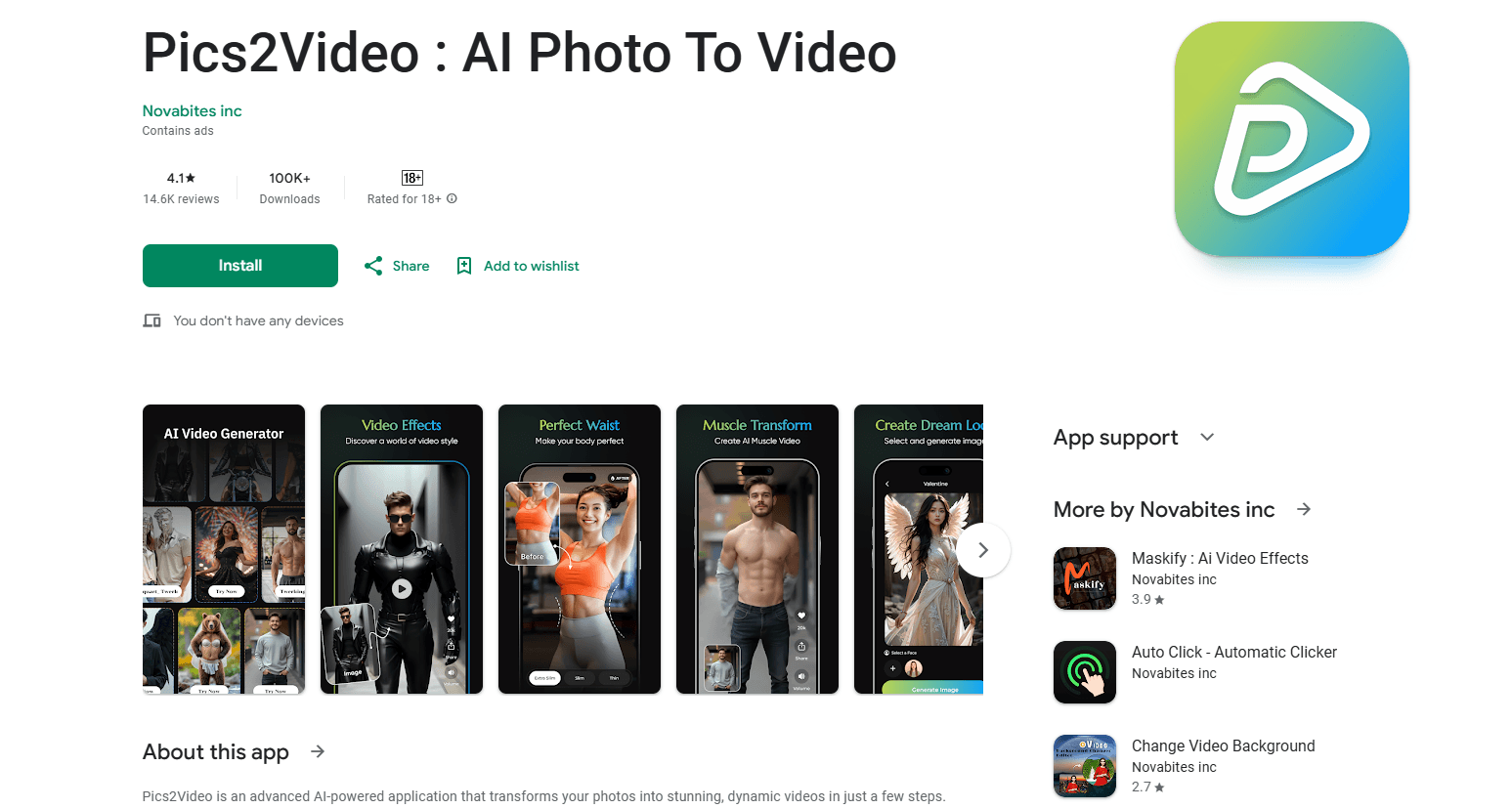
About Pics2Video : AI Photo To Video
What Is Pics2Video : AI Photo To Video
Pics2Video : AI Photo To Video, developed by SCANBOTIX TECHNOLOGIES LLC, is a mobile app built for one job: taking static pictures and adding motion to them. Instead of editing frames by hand, you let the app's AI animate faces, objects, or whole scenes, then export the result as a video clip. It sits in Google Play's Photography category and has passed 100K downloads with a 4.8-star average from roughly 15,500 reviews.
The appeal is speed. You don't need timeline editing, keyframes, or a desktop machine. The trade-off is control. You pick from preset styles and effects rather than directing every movement yourself, so the output looks like the app's choices more than your own. Want a fast animated clip to post? That's a fair deal. Need precise, frame-level direction? This won't be enough.
The app is rated for adults (18+) and contains ads, so expect interruptions between runs unless you buy your way past them. It doesn't share your data with third parties, according to the developer's Data safety disclosure. It does still collect photos, videos, and device identifiers to work.
Getting Started
- Install Pics2Video from Google Play and open it.
- Grant the app permission to access your photos or camera.
- Choose a photo, or select several images for a longer clip.
- Pick an animation style or effect that fits the mood you want.
- Generate the video, preview it, and save or share the HD export.
Product Information
A quick look at Pics2Video : AI Photo To Video's pricing, supported platforms, and performance.
Best for
The users, tasks, and scenarios where this tool fits best.
Users
- Casual social media creators
- People making memory keepsakes
- Small business owners posting promos
Tasks
- Turning a single portrait into a moving clip
- Building a slideshow-style video from multiple images
- Quick posts for Reels or TikTok
Scenarios
- When you need something posted today and don't want to open a full editor
- When you only have still photos and no video footage
- When you're experimenting with AI trends
Key features
AI Photo Animation
The core feature takes a static image and adds natural-looking movement to faces, objects, or entire scenes. You don't mark points or draw motion paths. The AI decides how things should move based on what's in the frame. This is the image to video step at the heart of the app. It works best on clear, well-lit subjects, and results on crowded or low-quality shots can look uneven.
Photo to Video Conversion
You can feed in a single photo or a batch of images and get back a smooth video clip, which saves you from assembling a slideshow by hand in a separate editing app. Multi-image mode stitches your photos into one sequence. The clips come out as standard video files you can save to your gallery.
Creative Styles and Effects
The app ships with a range of filters, themes, and animation styles so you can match a mood rather than accept one fixed look. This is where most of your creative control lives. The catch? Your output tends to inherit the style's character more than your own. Popular styles can also feel familiar if you've seen similar photo animation apps.
High-Resolution Export
Generated clips can be exported in HD, which matters if you plan to post on a larger screen or use the video for a client presentation, and it keeps small details from turning to mush. Higher resolution also means larger files, so keep an eye on storage if you're producing a lot of clips.
Ad-Supported Free Access
You can run the core features without paying, and in exchange the app shows ads between runs, plus it carries an adults-only rating. If the interruptions bother you, in-app purchases open up a smoother experience. That free tier makes it easy to test whether the output style suits you before spending anything. Try it first.
Simple, Tap-Based Workflow
The whole process lives on a few screens: pick photo, choose style, generate, export. There's no timeline, no layer panel, and nothing to learn from a tutorial. That simplicity is the point. It also caps how far you can push a single edit.
Pros and cons
Pros
- Turns still photos into moving video clips in just a few taps, with no editing experience required.
- Handles both single images and multi-photo sequences, so you can build longer clips without another tool.
- Offers a varied set of styles and effects instead of one rigid preset.
- Supports HD export, which keeps clips usable for social posts and bigger screens.
- Free to use with ads, so you can test the results before paying anything.
Cons
- Creative control is limited to presets, so you can't direct specific movements frame by frame.
- Ads and the 18+ rating make the free experience less polished for casual or younger users.
- Results depend heavily on photo quality; blurry or busy images can produce messy animation.
Frequently asked questions
It converts your still photos into animated video clips using AI. You upload one or more images, choose a style, and the app generates a moving clip you can save or share.
Related content
Explore related tools, skills, and articles for Pics2Video : AI Photo To Video.
Pics2Video : AI Photo To Video Alternatives

Vadu AI
Vadu AI · Image · VideoVadu AI is a web-based AI video generator that turns written prompts or still images into short clips, and it can also generate images on its own. You type what you want, pick a model and style, and the platform renders the result in minutes. A free plan covers light testing, while paid tiers run from $9 to $77.40 per month based on how many credits you burn.

Mykaraoke Video
MyKaraoke Video · VideoMykaraoke Video is an online karaoke video maker and lyric video maker that turns any song into a finished, lyrics-synced video right in your browser. It handles the slow part for you. The AI pulls vocals out of the mix and locks the lyrics to the beat, then lets you customize background, fonts, and colors before exporting in 1080p MP4. If you make lyric videos for social media, party nights, or music promotion, it skips the software installs and manual timing work entirely. Want a karaoke video generator that doesn't eat your whole evening? That's the pitch here.

Finalframe
Finalframe · VideoFinalframe is a set of free, browser-based tools for grabbing exact frames out of a video clip. Its best-known feature, the Final Frame Extractor, lets you extract the last frame of any video so you can use it as the starting image for AI video tools like Luma Dream Machine, Runway, or Kling. Want to keep a clip going? That last frame is your starting point. The tool runs locally in your browser, needs no sign-up, and costs nothing. A separate paid AI video-generation app from the same team is currently offline while it's rebuilt.