

Pictory
Pictory · Video
Pictory is an AI video generator that turns scripts, blog posts, URLs, slideshows, and audio into captioned, narrated videos. It runs in the browser and starts from a free trial.
About Pictory
What Is Pictory
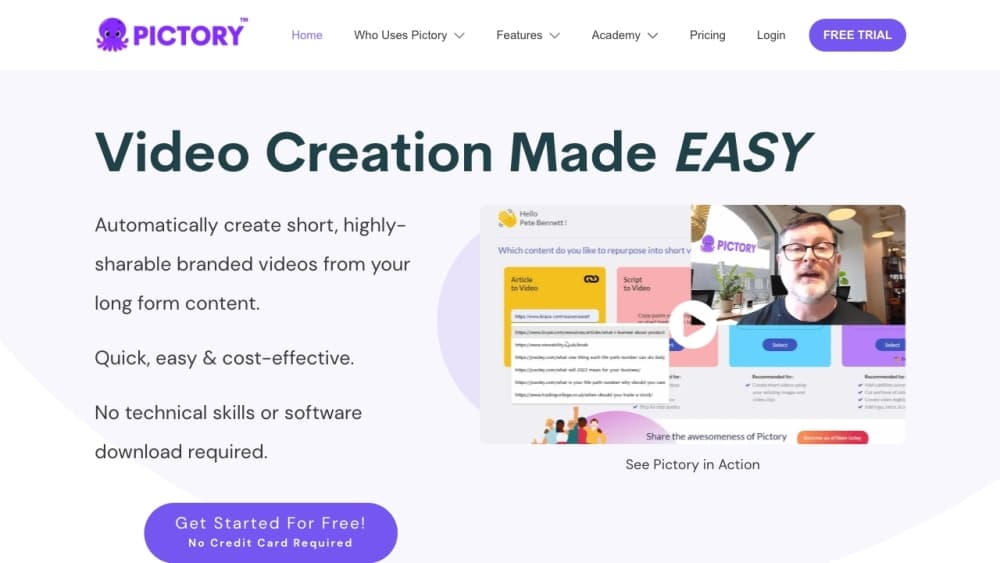
Pictory is a browser-based AI video editor that builds videos from text you already have. Paste a script, drop in a blog link, upload a deck or an audio file, and it splits the content into scenes, matches each scene to stock footage, and adds captions and a voiceover. The point is to skip the timeline editing most people find intimidating.
The product is aimed at marketers, trainers, and creators who need a steady stream of video without a production crew. Instead of hunting for clips and trimming scenes by hand, you edit the transcript and the visuals follow. That reframing is what makes it feel closer to writing than to editing.
Two things set its boundaries. The output is assembled from templates and stock libraries, so it looks polished but rarely one-of-a-kind. And the core text-to-video path works best with English source material; the platform handles 29 languages for voices and captions, but the automatic scene-building is tuned for English first. If you need cinematic, shot-by-shot control, this isn't the tool.
Getting Started
- Sign up at pictory.ai. The free trial gives you a few video projects to test the workflow before you pay.
- Pick an input. Choose Script to Video, Article to Video, PPT to Video, or another generator, then paste text, upload a file, or enter a URL.
- Let Pictory draft scenes. The AI segments your content, estimates timing, and pulls matching visuals and music from the built-in libraries.
- Refine it. Edit the transcript to change what plays on screen, swap any clip, generate new visuals in AI Studio, and apply your brand colors and logo.
- Export. Download in 1080p as a wide 16:9, vertical 9:16, or square file, with captions burned in or exported as separate .srt and .vtt files.
Product Information
A quick look at Pictory's pricing, supported platforms, and performance.
Best for
The users, tasks, and scenarios where this tool fits best.
Users
- Marketers and social media managers
- Corporate trainers and L&D teams
- Course creators and YouTubers
- Solo founders with no editing background
Tasks
- Turning a blog post into a video
- Converting a PowerPoint into a training video
- Adding subtitles to existing footage
- Summarizing a long webinar
Scenarios
- Repurposing a weekly newsletter into social clips
- Producing onboarding videos for new hires
- Scaling content for an agency's clients
Key features
Script and Article to Video
This is the core engine, and it's where Pictory earns its keep. Paste a script or point it at a URL and the tool breaks the text into scenes, drafts captions, and fills each scene with stock footage and music. You then edit the words, and the on-screen content updates to match. It suits anyone who thinks in text but needs video.
Text-Based Video Editing
Rather than dragging clips on a timeline, you edit the transcript. Deleting a sentence removes its scene; rewording a line changes the caption. For people who've never touched an NLE, this removes the steepest part of the learning curve. It also makes review faster, since a producer can read the text instead of scrubbing.
Automatic Captions and Subtitles
Pictory transcribes your video and adds captions automatically, then lets you export them as .srt, .vtt, or plain text. Captions matter for accessibility and for the many viewers who watch on mute. The editor handles text-edit support in French, German, Italian, Spanish, Dutch, Japanese, Korean, Russian, Hindi, Tamil, and Telugu, with more languages being added.
AI Voiceovers and Avatars
Hyper-realistic voiceovers run through ElevenLabs, with standard voices available in seven languages on lower plans and 29 languages on Professional and above. Avatars add a digital presenter inside the scene, and voice cloning lets a paid plan recreate a specific voice. If you'd rather use your own recording, you can upload a voiceover and Pictory syncs it to the scenes.
AI Studio for Custom Visuals
When stock footage doesn't fit, AI Studio generates images and video clips from text prompts and drops them straight into your scenes. It runs on models like Pixverse 5.5, Veo 3.1, and Flux, so you can create a specific shot instead of settling for a generic one. Credits for these generations are bundled into each plan.
Brand Kits and Templates
You upload your fonts, colors, and logo once, and every scene follows that look. Combined with the template library, this keeps a channel or a client's output consistent without manual restyling. Higher plans raise the number of brand kits, which matters when one account serves several identities.
Pros and cons
Pros
- Editing video by editing text is genuinely faster than timeline work, especially for talking-head or explainer formats.
- Automatic captions, .srt and .vtt export, and multilingual voiceovers cover the accessibility and reach basics in one tool.
- Huge built-in libraries from Getty Images and Storyblocks mean you rarely run out of footage to match a scene.
- The free trial lets you build several projects and see real output before paying.
- Automation through Zapier, Make, and a Chrome extension fits teams that already run content workflows.
Cons
- The stock-and-template approach caps originality. Videos made from the same libraries can start to look alike after a while.
- The scene-building is tuned for English first, so text-to-video works less cleanly for other languages even with 29 supported voices.
- No refunds on paid plans, so you should use the 14-day trial to confirm it fits before committing.
- Video minutes reset each month and don't roll over, which can leave you short on a busy month and capped on a slow one.
Frequently asked questions
Pictory turns existing text and media into finished videos with captions and voiceovers. Its main jobs are repurposing blog posts into social clips, converting slide decks into training videos, adding subtitles to recordings, and pulling highlights from long videos.
Related content
Explore related tools, skills, and articles for Pictory.
Pictory Alternatives

ngram 2.0
ngram · Video · Marketingngram 2.0 is an AI video generator for teams. It turns a prompt, a screen recording, or a product URL into a narrated explainer, product demo, or AI avatar video, and every scene stays editable.

OpenScreen 2
OpenScreen (open-source project) · Video · ProductivityOpenScreen 2 is a free, open-source screen recorder and demo video editor for Windows, macOS, and Linux, with automatic zooms, styled frames, local captions, and agent edits.

Skreno
Skreno · Video · ProductivitySkreno is a browser screen recorder that captures a tab, a window or your whole display, then attaches AI transcripts, summaries and console logs to one share link.