

PixFit
Winclap · Video · Marketing
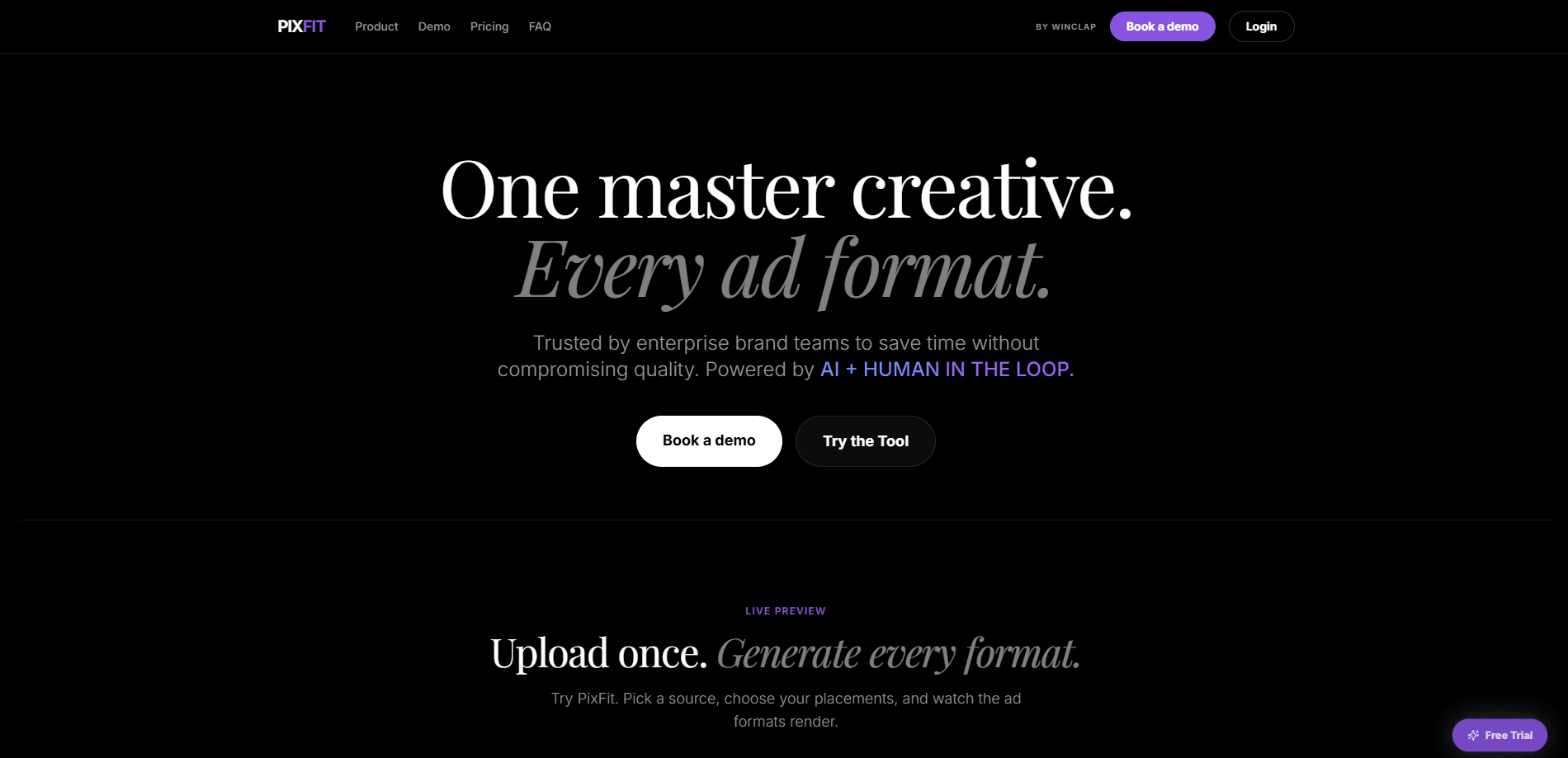
PixFit is an AI creative resizing tool that turns a single master ad asset into every format a campaign needs. Built by Winclap for in-house brand and performance marketing teams, it enforces brand rules and platform safe zones while generating production-ready outputs for Meta ads, Google ads, TikTok ads, and custom sizes. Creative adaptation usually means hours of manual work. PixFit aims to cut it to minutes.
About PixFit
What Is PixFit
PixFit is a creative production platform for teams that run high-volume ad campaigns across multiple channels. You feed it one master file, usually a 1:1 asset, and it outputs the full set of ratios a campaign requires. The pitch is simple. Brand teams reportedly spend up to 80% of production time on resizing the same creative to fit different placements, and PixFit exists to remove that bottleneck. If you resize ads by hand every week, the premise will feel familiar.
The tool centers on brand governance. Color tokens, typography rules, logo exclusion zones, and visual hierarchy get enforced in every output, and the system applies each platform's safe zones so logos, calls to action, and legal copy don't get cropped. Batch processing generates 30+ formats from a single master in one click. So who is this actually for?
The honest limit is that AI doesn't nail every layout. Complex compositions may need a regeneration or a small manual touch, which is why PixFit runs a three-tier delivery model: roughly 70% first-pass ready from AI, 25% solved through an AI Autofix loop with regeneration and inpainting, and the last 5% handled by a senior in-house creative. Every output gets accounted for, but the human layer matters more than the marketing copy admits.
Getting Started
- Register at app.pixfit.ai and start with 5 free credits, no credit card required.
- Upload a source asset, ideally a 1:1 master, or pick a sample to explore the demo.
- Select your target platforms and ratios, such as Google's 1:1, 4:5, 9:16 and 16:9, Meta's three ratios, or TikTok's 1:1 and 9:16.
- Hit Generate Formats and let the AI render the output set with safe zones applied.
- Review each version, regenerate individual formats, or roll back to an earlier generation before publishing.
Product Information
A quick look at PixFit's pricing, supported platforms, and performance.
Best for
The users, tasks, and scenarios where this tool fits best.
Users
- In-house brand and marketing teams
- Performance marketers
- Small creative teams at growing brands
Tasks
- Resizing one master asset into every required ad format
- Enforcing brand rules across outputs
- Applying platform safe zones
- Scaling creative automation
Scenarios
- Launching a multi-market campaign on a tight deadline
- Iterating on ad creatives after early performance data
- Adapting one hero visual for a quarterly product push across Meta, Google, and TikTok
Key features
Intelligent Resize With Safe Zones
PixFit maps your brand hierarchy and applies it across every ratio. The system reads platform-specific safe zones, so logos, CTAs, and legal copy stay inside the visible area rather than getting clipped at the edges. For teams shipping to Meta ads, Google ads, and TikTok ads at once, this removes the most tedious part of creative adaptation.
Brand Fidelity Enforcement
Brand color tokens, typography rules, logo exclusion zones, and visual hierarchy get enforced in each output, no matter the format. This matters for brand teams who can't let a regional variant drift off-brand. It's a governance layer, not just a resize engine.
Three-Tier Delivery Model
Production runs through three stages. About 70% of outputs come first-pass ready with no intervention, 25% get solved through the AI Autofix loop of regeneration and inpainting, and the final 5% go to a senior in-house creative. The claim is that 100% of outputs ship, with zero dead ends. Treat those percentages as vendor figures rather than audited results.
AI Autofix Loop
When the first attempt isn't right, PixFit runs up to five AI fix iterations. That covers automatic regeneration, targeted inpainting, and comment-guided refinement, so a production team can dial in a result without pulling in a designer for every tweak.
Batch Processing
One click generates 30+ production-ready formats from a single master. Winclap says a job that takes a designer two days takes PixFit under three minutes. That gap is the whole selling point. Creative automation at this scale isn't a nice extra for teams drowning in format variants. It's the difference between shipping and stalling.
Version History
Every generation is versioned. You can compare outputs, regenerate individual formats, or roll back to an earlier version at any time. It's the kind of feature that saves you when a client or stakeholder wants the previous direction after all.
Human Fallback
When AI iterations don't get there, a senior in-house creative takes over and finishes the asset. This is PixFit's insurance policy against the layouts that break automated tools, and it's why the platform can promise delivery on every output.
Collaboration and Access Control
Teams can invite members with role-based access and organize work into projects and folders. The platform runs on desktop and tablet, so resizing can happen away from a desk. All plans from Scale up include the human-in-the-loop layer.
Pros and cons
Pros
- Turns one master asset into the full format set for Meta, Google, and TikTok.
- Safe-zone handling keeps logos, CTAs, and legal copy from getting cropped.
- Brand governance applies color, type, and logo rules to every output automatically.
- Version history and per-format regeneration make iteration fast.
- Free trial gives 5 resizes with no credit card required.
Cons
- Complex layouts still need regeneration or a manual touch, so it isn't fully hands-off.
- Per-output credit billing means heavy users on the Core plan will need to upgrade quickly.
- No team collaboration on the $49 Core tier, which limits its use for larger groups.
- API availability isn't publicly documented, which blocks teams wanting programmatic integration.
Frequently asked questions
A source asset is the master creative you upload, usually a 1:1 file, that PixFit uses to generate every other format. One input goes in and the full campaign set comes out ready for each platform.
Related content
Explore related tools, skills, and articles for PixFit.
PixFit Alternatives

ngram 2.0
ngram · Video · Marketingngram 2.0 is an AI video generator for teams. It turns a prompt, a screen recording, or a product URL into a narrated explainer, product demo, or AI avatar video, and every scene stays editable.

OpenScreen 2
OpenScreen (open-source project) · Video · ProductivityOpenScreen 2 is a free, open-source screen recorder and demo video editor for Windows, macOS, and Linux, with automatic zooms, styled frames, local captions, and agent edits.

Skreno
Skreno · Video · ProductivitySkreno is a browser screen recorder that captures a tab, a window or your whole display, then attaches AI transcripts, summaries and console logs to one share link.