

Pixlie
Brightforge Software Inc. · Video
Pixlie is an AI video generation studio that treats prompting like directing instead of gambling. The pitch on its own homepage is blunt. Most AI tools are slot machines. Pixlie is a cockpit. That framing matters, because the product leans on deliberate control rather than one-shot luck. So the Pixlie AI video generator gives you text-to-video and image-to-video generation, a character lock system for keeping faces stable across shots, camera moves you set on purpose (pan, tilt, zoom, orbit), video-to-video restyling, and audio-reactive motion. A free lane lets you create forever at 5-second clips and 720p. Basic, Pro, and Enterprise plans add longer clips, higher resolution, more monthly output, and API access. Native iOS and Android apps run on the same account as the web studio.
About Pixlie
What Is Pixlie
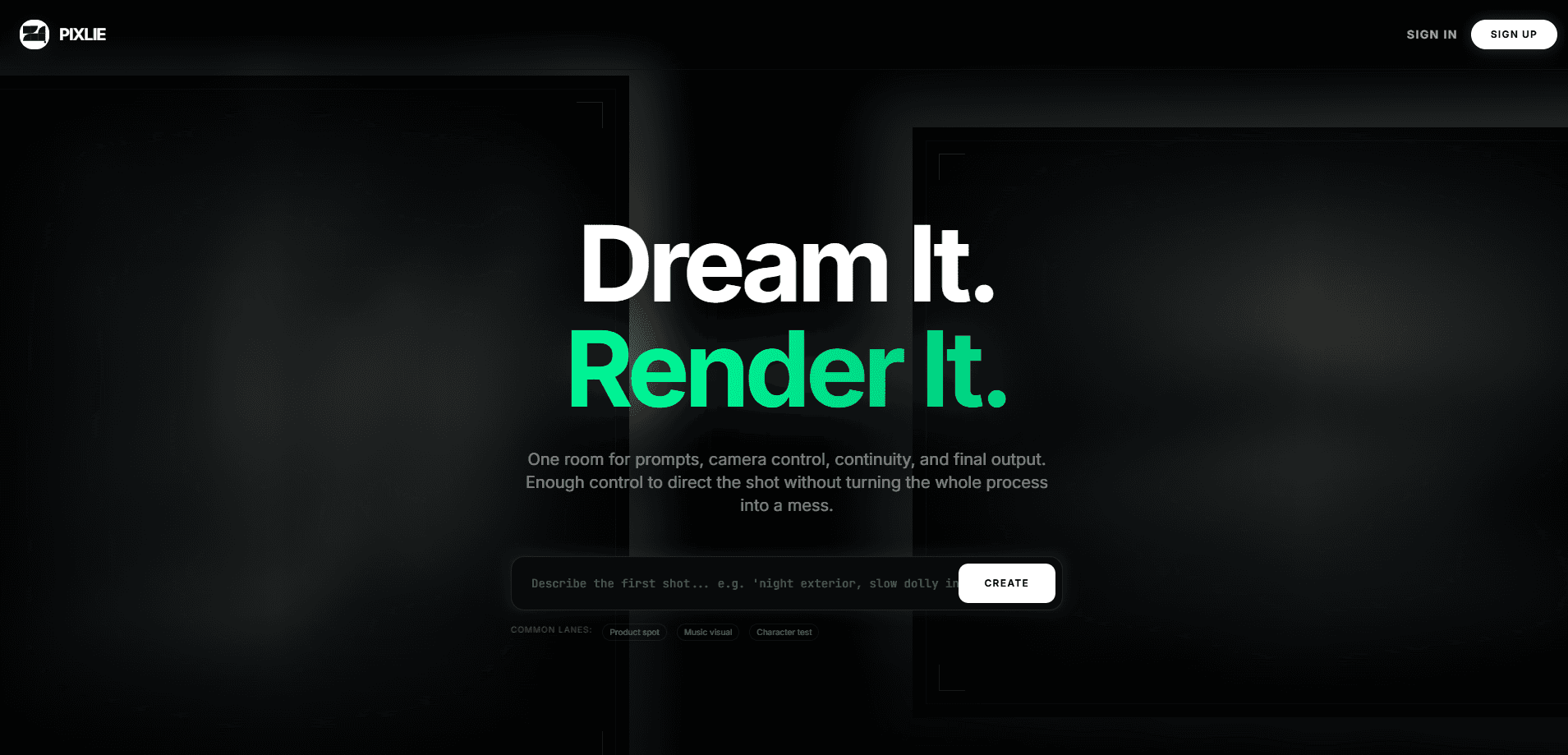
Pixlie is a browser-based AI video studio from Brightforge Software Inc. Its core idea is that a creator should be able to script, shape, and finish a shot in one room, without bouncing between five tabs. The homepage calls the workspace a cockpit: prompts, camera control, continuity, and final output live together.
The toolset covers the usual generation modes plus a few things most competitors treat as afterthoughts:
- Image generation and editing
- Video generation (text-to-video and image-to-video)
- Character design tools with identity consistency
- Video-to-video restyling
- Audio-reactive motion
- Background removal and upscaling
What separates Pixlie from a plain prompt box is emphasis on repeatability. Character Lock v2 trains a face once. Then it reuses that face across many shots, with consistent hair, features, and overall look. Motion Brush 2.0 lets you draw a camera path and keep the subject inside a move you can actually use. Audio Reactive builds motion around a track instead of faking sync afterward in an editor.
Pixlie runs on custom-selected, commercially licensed AI models, optimized for both quality and commercial licensing compatibility in the United States and most countries. On the privacy side, generated content is retained for 30 days after creation, then deleted automatically. Usage logs are kept for up to 12 months.
Pixlie launched to visible traction, landing at #9 Product of the Day on Product Hunt plus a featured placement in June 2026. It opened doors on web, iOS (iPhone and iPad), and Android.
Getting Started
- Go to pixlys.com and create a free account with your email, or continue with Google or Apple.
- Open the Create view, pick a mode (text-to-video or image-to-video), and describe your first shot.
- Set length, resolution, and any camera move you need using Motion Brush.
- Optionally lock a character, restyle a source clip, or attach audio for reactive motion.
- Submit the job, wait for the render, then export or share the finished video.
Product Information
A quick look at Pixlie's pricing, supported platforms, and performance.
Best for
The users, tasks, and scenarios where this tool fits best.
Users
- Solo creators who want directional control, not random output
- Marketing and social teams shipping short-form video at volume
- Indie studios and small production crews
- Anyone who needs a consistent character across many clips
- Editors who want to restyle existing footage
Tasks
- Turning a written prompt into a finished short video
- Animating a still image into motion
- Keeping one face stable across a whole series
- Setting deliberate camera moves like pan, tilt, zoom, or orbit
- Restyling source footage while keeping its timing and blocking
- Matching motion to a music track
Scenarios
- Campaign openers and social ads
- Character-driven series and recurring-brand videos
- Music video loops and audio-reactive clips
- Look-dev and style-transfer tests
- Continuity passes on a longer project
- Fast concept drafts before a full production
Key features
Text-to-Video and Image-to-Video
Pixlie generates video from a written prompt or from a single reference image. You describe the shot. The model builds the scene, subject, and motion. Image-to-video animates a still you already like, which is handy when you want to keep a specific composition or subject intact.
Character Lock v2
This is Pixlie's answer to AI inconsistency. Train a character face once. Then reuse it in many shots. Hair, features, and general vibe stay stable, so a recurring person doesn't drift between clips. For series work or branded characters, it removes a huge chunk of manual fixing.
Camera Moves with Motion Brush 2.0
Instead of hoping the model picks a decent angle, you set the move. Pan, tilt, zoom, and orbit are all deliberate choices. Motion Brush 2.0 lets you draw a path and keep the subject inside a move you can actually use. It's the difference between a random swing and a shot you'd keep in an edit.
Video-to-Video Restyling
Upload source footage and restyle it without losing what made it work. Timing, blocking, and the good parts of the original take stay put while the look changes. That's useful for turning a rough cut into a stylized piece or testing several looks against the same motion.
Audio-Reactive Motion
Pixlie shapes motion and intensity around a track rather than faking sync later in the edit. Drop in audio. The visuals react to it. It suits music loops, beat-driven social clips, and any piece where the picture should follow the sound.
Background Removal and Upscaling
Two cleanup tools sit alongside generation. Background removal isolates your subject for compositing. Upscaling lifts resolution when you need cleaner output. Enterprise plans push exports up to 4K, while Pro and Basic top out at 1080p.
Editor and Export Pipeline
A dedicated Editor view handles the final pass, and exports are built for sharing. Paid tiers carry no watermark. The paid lanes add longer clip lengths: up to 10 seconds on Basic, 30 seconds on Pro, and 60 seconds on Enterprise.
API Access
Pro and Enterprise plans include API access. Teams can wire Pixlie generation into their own tools and workflows instead of working only through the studio interface. That matters for automated or high-volume pipelines.
Pros and cons
Pros
- Strong controls for consistency, especially Character Lock v2
- Deliberate camera work through Motion Brush 2.0
- Video-to-video restyling that keeps original timing and blocking
- Free tier lets you create indefinitely at 5-second clips
- Native iOS and Android apps on the same account as web
- API access on Pro and Enterprise
Cons
- Free plan caps clips at 5 seconds and 720p
- Monthly output limits can bind on the lower tiers
- Full commercial-use terms vary by component, so you'll want to check them
- Pricing is subscription-only, with no credit packs on the public site
- 4K exports sit behind the top Enterprise tier
Frequently asked questions
Yes. Pixlie has a free lane that lets you create without a subscription. What do free accounts actually get? Free accounts receive 3 images per day, 3 short videos (5 seconds) per 24 hours, 10 videos per rolling 30 days, 720p exports, starter credits, and a single active queue. No payment is required for basic creation, so you can test the studio before committing a cent. Any honest Pixlie review should note that the free lane is generous for testing but tight for production, since longer clips and higher resolution sit behind the paid tiers.
Related content
Explore related tools, skills, and articles for Pixlie.
Pixlie Alternatives

ngram 2.0
ngram · Video · Marketingngram 2.0 is an AI video generator for teams. It turns a prompt, a screen recording, or a product URL into a narrated explainer, product demo, or AI avatar video, and every scene stays editable.

OpenScreen 2
OpenScreen (open-source project) · Video · ProductivityOpenScreen 2 is a free, open-source screen recorder and demo video editor for Windows, macOS, and Linux, with automatic zooms, styled frames, local captions, and agent edits.

Skreno
Skreno · Video · ProductivitySkreno is a browser screen recorder that captures a tab, a window or your whole display, then attaches AI transcripts, summaries and console logs to one share link.