

PixPrompt: AI Photo Editing
Ghauri Bros, Inc. · Image · Prompts
PixPrompt is a free Android prompt library that hands you ready-made AI photo editing prompts for ChatGPT, Midjourney, Nano Banana, and other image generators.
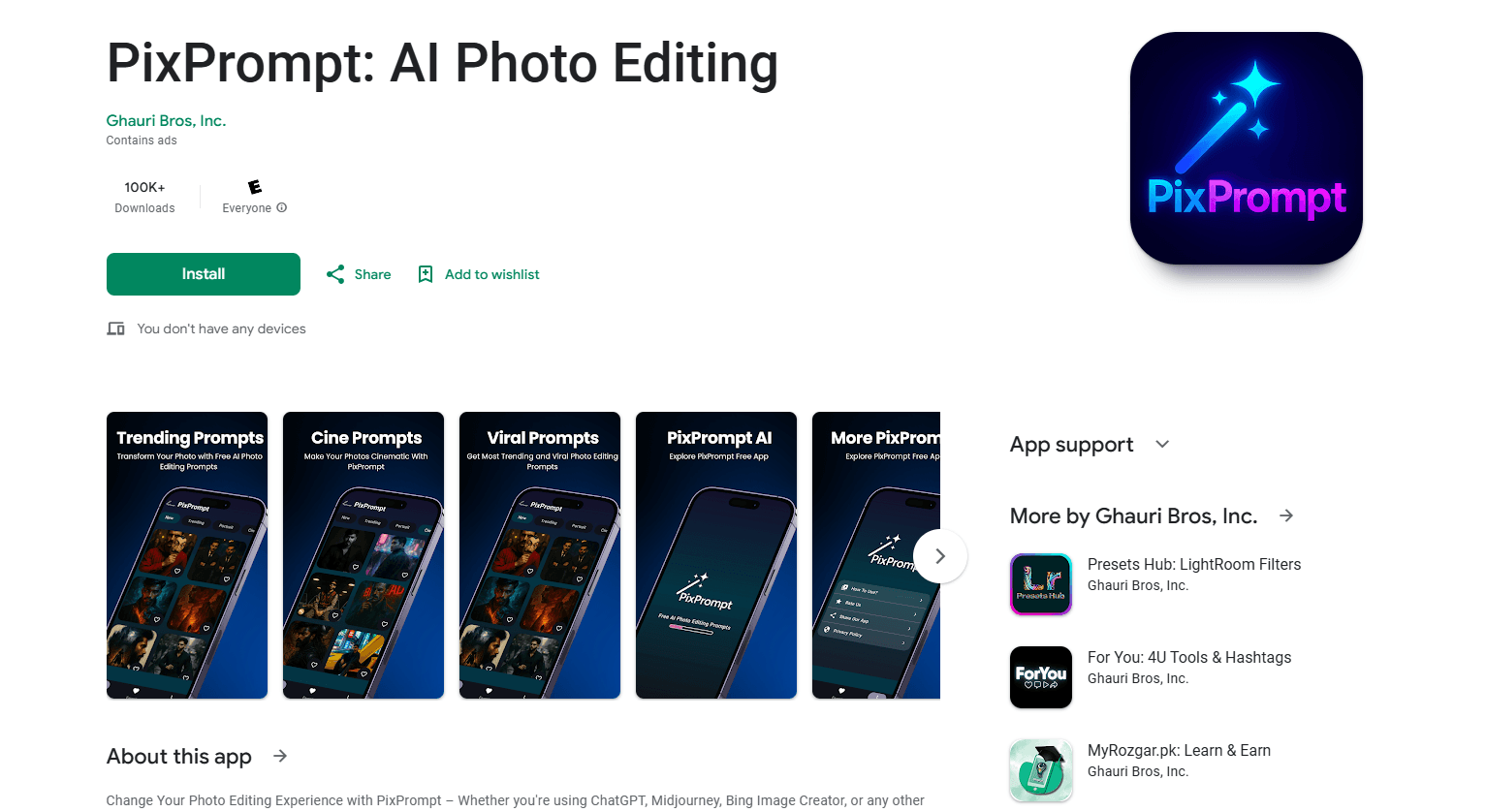
About PixPrompt: AI Photo Editing
What Is PixPrompt
PixPrompt is a free prompt library and AI app for people who want better AI photos without learning prompt engineering. Open it, browse categories like Trending, Portrait, or Cinematic, tap a prompt, and paste it into whatever image tool you already use. Ghauri Bros, Inc. built it as a shortcut: the ideas are curated for you instead of lifted from a blank text box.
The problem it solves is real. Most casual users stall at the prompt itself, not at the generator. Writing "cinematic portrait, soft rim light, 85mm lens" takes more knowledge than tapping a card that already says it. PixPrompt collects those AI image prompts and adds a prompt builder for the times you want to tweak one.
The catch is what the app does not do. It generates nothing on its own, so you still need a subscription to ChatGPT, Midjourney, or a similar tool to turn a prompt into an image. It's also Android-only and ad-supported, which means banners break the flow on smaller screens. Treat it as an idea source, not a photo editor.
Getting Started
- Install PixPrompt from Google Play. No account or sign-up is required.
- Browse the categories, or use search to find a style you want, like portrait or cinematic.
- Tap any prompt to copy it, then paste it into ChatGPT, Midjourney, Nano Banana, or another image tool.
- Use the Prompt Builder when you want to change the subject, mood, or lighting before copying.
- Save the prompts you like as favorites so they're one tap away next time.
Product Information
A quick look at PixPrompt: AI Photo Editing's pricing, supported platforms, and performance.
Best for
The users, tasks, and scenarios where this tool fits best.
Users
- Casual AI photo fans
- Social media managers
- Photographers and designers
- Beginners testing AI image tools
Tasks
- Finding an image style idea
- Building a custom prompt
- Keeping a shortlist of prompts
Scenarios
- Posting daily social content
- Planning a portrait shoot
- Learning what AI models can do
Key features
A prompt library built for AI photo editing
PixPrompt organizes ready-made prompts into categories, with Trending, New, Portrait, and Cinematic among them. Each entry is written to work in the tools people already use, from ChatGPT and DALL-E to Midjourney and Stable Diffusion. The value is speed: you go from "I want a cool photo" to a usable prompt without writing one yourself.
One-tap copy
Every prompt copies to your clipboard with a single tap. That sounds small until you've typed the same 40-word recipe three times. Copy, switch apps, paste, generate. The whole loop takes seconds, which is the point of carrying this on your phone.
Prompt Builder
The prompt builder lets you shape an AI prompt before copying it. You change the subject, the mood, or the framing and the text updates around your choices. It's the feature that keeps the app useful after you've browsed the whole library once.
Search and favorites
A search bar finds prompts by keyword, so you aren't tapping through every category. Favorites let you pin the recipes you reuse, which matters when a style works for a client or a recurring post.
Fresh prompts and Video Master Prompts
The library gets updated with new entries, and recent releases added what the app calls Video Master Prompts. Those target the newer generators like Nano Banana, Google Gemini, and ChatGPT. Updates also brought faster loading and a redesigned layout.
Works with the tools you already pay for
PixPrompt doesn't replace your image generator. It feeds it. The output is a text prompt you paste elsewhere, so the app fits any workflow that ends in ChatGPT, Midjourney, or another model. No account, no subscription, no lock-in to a single generator.
Pros and cons
Pros
- Free to use, with no account or sign-up required to browse and copy prompts.
- Covers the major tools people actually use, including ChatGPT, Midjourney, DALL-E, and Nano Banana.
- One-tap copy keeps the browse-to-paste loop fast on a phone.
- The Prompt Builder turns canned prompts into editable ones when you want a variation.
- Favorites and search keep a growing library manageable.
Cons
- It generates no images on its own, so you still need a paid AI tool to actually make anything.
- Android-only, so iPhone users are left out.
- Ads interrupt browsing, and they're more intrusive on smaller screens.
- Some prompt quality varies by category, so popular styles are better maintained than niche ones.
Frequently asked questions
It's a library of ready-made AI photo editing prompts. You browse categories, copy a prompt, and paste it into ChatGPT, Midjourney, or another image generator to produce a picture.
Related content
Explore related tools, skills, and articles for PixPrompt: AI Photo Editing.
PixPrompt: AI Photo Editing Alternatives

Tractionwave
TractionWave · Image · MarketingTractionWave is an AI attention heatmap tool for static ads. Upload a PNG or JPG and it returns predicted attention, ranked hotspots, and fixes before you spend budget.

Imejis.io
Imejis.io · Image · MarketingImejis.io is an AI design studio for agents and marketing teams. Describe an image in plain words, and it writes the copy, builds the layout, reflows it to every size, then exports a finished file.

Layoutr
Van Dijk Ontwikkeling · Image · China AILayoutr is a browser floor plan tool that scales your own plan, places furniture at true size, shows the room in 3D and renders it with AI.