

Plainly
Plainly (Plainly Videos) · Video
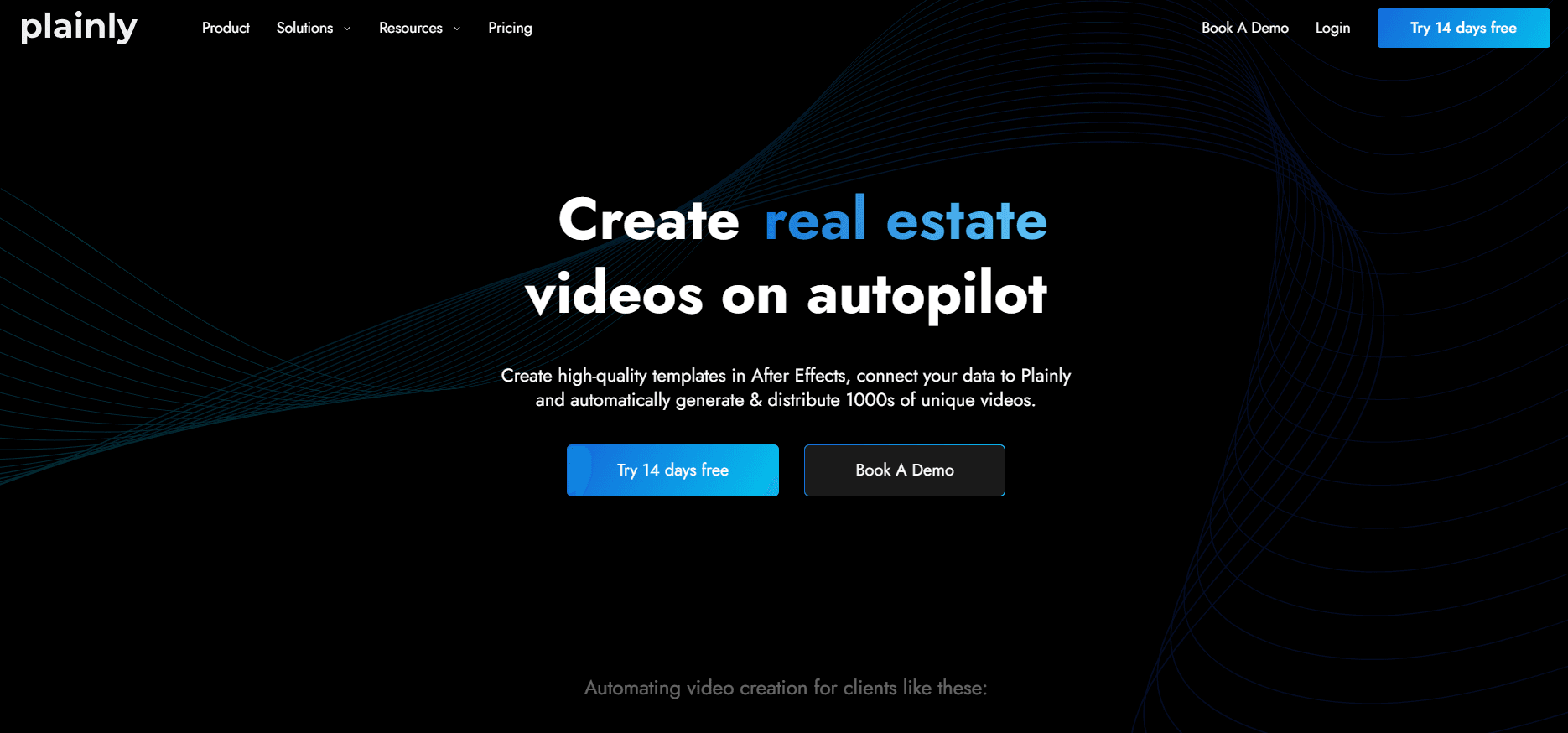
Plainly is video automation software that turns After Effects templates and a spreadsheet or API feed into hundreds of rendered videos, with cloud rendering and bulk exports.
About Plainly
What Is Plainly
Plainly is a cloud platform for automated video creation. A designer builds one template in After Effects, uploads the project, marks the text, images, video, and audio that should change, and the platform renders a separate video for every row of data you feed it. The design lives in After Effects, so the output keeps the original motion work instead of a rebuilt approximation.
The product fits teams that ship the same video shape over and over: product catalogs, property listings, localized ad sets, weekly recap clips. A data-driven video pipeline looks like this in practice. Instead of duplicating a project 300 times, you connect a CSV, an integration, or a video generation API call and let the render queue do the work. That is the promise of most video automation tools. The difference here is fidelity, since Plainly runs the actual After Effects project rather than a limited set of editable slots.
The barrier is the template. Someone on your side still needs After Effects skills to build and maintain it, which rules out a solo marketer with no design support. Pricing runs on rendered minutes, so long-form content gets expensive fast, and the platform won't replace an editor for creative work. It renders what the template and the data describe.
Getting Started
- Sign up for the 14-day trial and open a workspace. You can invite the whole team, since paid plans don't charge per seat.
- Build a video template in After Effects, then upload the project through the web app or push it with the open-source After Effects plugin.
- Mark the dynamic layers. Plainly scans the project and detects likely parameters, and you confirm the ones that change per video.
- Connect data with a CSV upload, one of the native integrations, or an API request, then map each column to a layer.
- Render the batch, check a few outputs, and let Plainly export or distribute the rest.
Product Information
A quick look at Plainly's pricing, supported platforms, and performance.
Best for
The users, tasks, and scenarios where this tool fits best.
Users
- Performance marketing teams
- Motion designers in agencies
- Localization and content ops teams
- E-commerce and marketplace operators
Tasks
- Product catalog videos
- Localized ad sets
- Recurring recap videos
- Personalized outreach
Scenarios
- A catalog refresh adds 400 SKUs
- A campaign runs in six languages
- An agency onboards a new client
Key features
After Effects Template Rendering
Plainly runs your actual After Effects project in the cloud, so effects, expressions, and plugins behave the way they did in the design file. There's no rebuilt browser editor and no compatibility layer that drops a layer or flattens a transition. For motion designers, that means the approved look survives hundreds of renders.
Dynamic Layer Marking
The platform scans an uploaded project and lists the parameters it can change, including text, images, video, audio, colors, and animation settings. You confirm which ones vary per video and leave the rest locked. The result is a template that stays on brand while the data changes underneath.
Layer Scripting
Layer scripting goes past simple value swaps. You can set conditional rendering, timing rules, and duration pinning, or change font, start time, and layer properties per record. A price above a threshold can trigger a different color, and a long product name can stretch a scene instead of overflowing.
Data Connections and API
Data arrives by CSV upload, a native integration, or a direct API call. The video generation API treats projects, templates, and renders as separate resources, so a pipeline can queue batches and poll for finished files. Twelve plus native integrations cover common automation, storage, and marketing tools, and custom connections are possible.
Cloud Rendering at Scale
Renders run on shared cloud infrastructure and process in parallel, which is how a single template turns into thousands of files without a local machine grinding for days. Paid plans set concurrent render limits rather than capping your team size, and a dedicated node option pushes your jobs to the front of the queue.
Output Formats and Distribution
Each platform wants its own aspect ratio, codec, and bitrate, and Plainly exports custom formats per template instead of one master file you re-encode later. Finished videos can land in cloud storage or a connected platform through the same integration that supplied the data.
Pros and cons
Pros
- Keeps After Effects as the design source, so the final video matches the approved project rather than a simplified rebuild.
- Layer scripting handles conditional and time based logic that most template tools can't express.
- Data entry through CSV, API, and a dozen native integrations covers both spreadsheet workflows and engineering pipelines.
- Unlimited team members on paid plans, which matters for agencies that add freelancers per project.
- ISO 27001 certification and GDPR compliance give procurement teams something concrete to review.
Cons
- A working After Effects template is mandatory, so a team without motion design skills can't get to a first render alone.
- Minutes based pricing makes long videos costly. Starter gives you 50 render minutes for $69 per month, which a single 30 minute webinar series can eat through.
- The base Unlimited plan caps you at two simultaneous renders, so high volume work needs a higher plan.
- There's no timeline editing in the browser. Fixing a typo means editing data, and fixing a layout means going back to After Effects.
Frequently asked questions
Plainly automates repetitive video production. You build one After Effects template, connect a data source, and the platform renders a separate video for every row, which suits ad variants, product catalogs, localized campaigns, and recurring report videos.
Related content
Explore related tools, skills, and articles for Plainly.
Plainly Alternatives

ngram 2.0
ngram · Video · Marketingngram 2.0 is an AI video generator for teams. It turns a prompt, a screen recording, or a product URL into a narrated explainer, product demo, or AI avatar video, and every scene stays editable.

OpenScreen 2
OpenScreen (open-source project) · Video · ProductivityOpenScreen 2 is a free, open-source screen recorder and demo video editor for Windows, macOS, and Linux, with automatic zooms, styled frames, local captions, and agent edits.

Skreno
Skreno · Video · ProductivitySkreno is a browser screen recorder that captures a tab, a window or your whole display, then attaches AI transcripts, summaries and console logs to one share link.