

Plazmapunk
Plazmapunk · Video
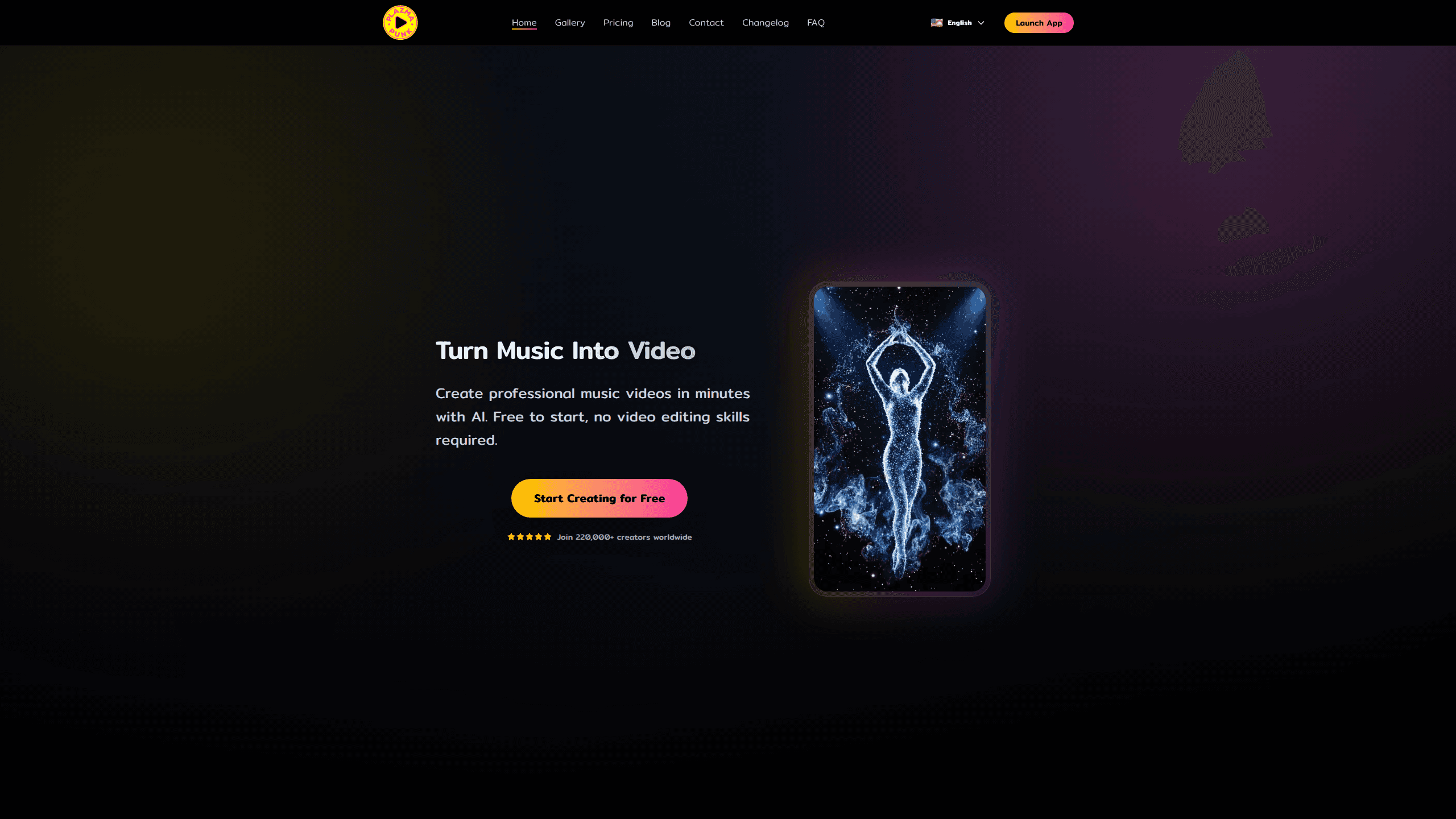
Plazmapunk is an AI music video generator that turns an uploaded audio track into a finished video in a few minutes. That's the whole promise. A song goes in, a synced video comes out. You upload a song or build one with the built-in AI music tool, pick a visual style, and the platform syncs the visuals to the beat, mood, and rhythm of your audio. Think of it as a music video maker that handles the hard part for you. It's built for musicians, content creators, and anyone who wants a music video without touching editing software, and there's a free plan that gives 20 seconds of video generation a day.
About Plazmapunk
What Is Plazmapunk
Plazmapunk is a browser-based AI music video generator from a small German team, founded by Florian Woeste and Anton Wiehe. The pitch is narrow and clear: give it a track, get a music video. No timeline, no keyframes, no render farm to babysit.
The core idea is audio-reactive generation. The platform reads the tempo, beat, and emotional tone of your track, then builds moving visuals that land on the beat instead of drifting against it. That sync is the whole point. Plenty of AI tools can make a clip; far fewer make one that feels like it belongs to the song.
The catch is control. AI-driven visuals are generative, so the first pass won't always match the exact image in your head. You get a scene editor to nudge things, but this isn't a precision editing tool. Treat it like one and you'll be annoyed. It also caps free daily output at 20 seconds, so heavier projects push you toward a paid tier fast.
Getting Started
- Sign up at plazmapunk.com with an email, or open the app and create a free account to get your daily generation allowance.
- Add audio. Upload your own track, or make one inside the platform with its AI music generator if you don't have a song ready.
- Pick a base style and aspect ratio. Styles draw on models like Kandinsky 2.2 and Stable Diffusion XL, and you can set 9:16, 16:9, 1:1, or 3:4 for different platforms.
- Refine the look with Magic Enhance or by editing the style description, then let the system render the synced video.
- Export at a platform-ready ratio when the render finishes, or upscale on a higher plan.
Product Information
A quick look at Plazmapunk's pricing, supported platforms, and performance.
Best for
The users, tasks, and scenarios where this tool fits best.
Users
- Independent musicians
- Content creators and social media managers
- Beginners with no editing background
Tasks
- Making a music video for a song
- Building an audio-reactive visual loop
- Creating an original score and video in one place
Scenarios
- Releasing a single on a budget
- Filling a TikTok or Reels schedule
- Testing a visual direction before committing
Key features
Audio-Reactive Sync
Plazmapunk analyzes your track's tempo, beat, and emotional tone, then drives the visuals from that data so cuts and motion land on the music instead of against it. This is the feature the whole product stands on. A video that ignores the beat reads as random footage. One that tracks it reads as intentional. For a music video, that difference is everything.
Multiple AI Style Models
Styles pull from generative models including Kandinsky 2.2 and Stable Diffusion XL, so you can shift the whole look of a project with a single change. The practical win is range without new skills: the same track can come out dreamlike, painterly, or abstract depending on the base style you pick. Free accounts get a limited style set. Paid tiers open more.
Magic Enhance Prompts
Magic Enhance improves the accuracy and quality of your prompts, and you can also edit the style description yourself when you want more control. If you've ever typed a detailed prompt and gotten something unrelated, this is the fix the feature targets. It's the tool's answer to the blank-page problem that stops most beginners before they generate anything. Prompting is hard. This softens that.
Scene Editor With GPT
A GPT-powered scene editor lets you adjust visual elements and narrative beats, and edit, extend, or change style descriptions. It's the closest the platform gets to directing, which matters once you move past one-off clips. It's still not a frame-by-frame editor. Set expectations accordingly.
Multi-Ratio Export
Export covers 9:16, 16:9, 1:1, and 3:4, which lines up with vertical feeds, widescreen, square posts, and portrait formats. Instead of rendering one video and cropping it four ways, you pick the ratio that matches where it's going. Style transfer, post-processing filters, and transition effects round out the look.
Built-In AI Music Generator
If you don't have a track, Plazmapunk can make one. That turns it into a single-stop tool for creators who arrive with an idea but no finished audio, which is more common than you'd think among solo creators. Having both halves in one place saves bouncing between a music tool and a video tool.
Developer API
Plazmapunk offers a developer API that lets third-party apps plug into its video generation engine, which opens the door to custom apps and automated pipelines. Most casual users will never touch it, but it matters if you're building a product that needs music video generation on the back end. It's a real differentiator against consumer-only rivals.
Pros and cons
Pros
- Beat-synced visuals, which is the hard part most AI video tools skip.
- Free plan gives 20 seconds of generation a day, enough to genuinely test it.
- Four export ratios cover the main social and widescreen formats without manual cropping.
- Built-in music generator means you can start with no audio at all.
- Developer API supports custom apps and automation beyond the consumer app.
- Watermark removal, video upscaling, and priority processing on paid tiers.
Cons
- Free daily limit of 20 seconds is tight, so anyone doing regular work hits a paywall quickly.
- Generative output won't always match a specific vision, and the scene editor can only nudge it so far.
- No mobile app, so everything runs in a browser, which is awkward for editing on a phone.
- Free plan restricts the number of visual styles, which limits how varied a first project can look.
Frequently asked questions
It's an AI music video generator that turns an audio track into a synced video. You upload music or create it in the app, choose a visual style, and the platform generates a video whose motion matches the beat and mood of your song.
Related content
Explore related tools, skills, and articles for Plazmapunk.
Plazmapunk Alternatives

Vadu AI
Vadu AI · Image · VideoVadu AI is a web-based AI video generator that turns written prompts or still images into short clips, and it can also generate images on its own. You type what you want, pick a model and style, and the platform renders the result in minutes. A free plan covers light testing, while paid tiers run from $9 to $77.40 per month based on how many credits you burn.

Mykaraoke Video
MyKaraoke Video · VideoMykaraoke Video is an online karaoke video maker and lyric video maker that turns any song into a finished, lyrics-synced video right in your browser. It handles the slow part for you. The AI pulls vocals out of the mix and locks the lyrics to the beat, then lets you customize background, fonts, and colors before exporting in 1080p MP4. If you make lyric videos for social media, party nights, or music promotion, it skips the software installs and manual timing work entirely. Want a karaoke video generator that doesn't eat your whole evening? That's the pitch here.

Finalframe
Finalframe · VideoFinalframe is a set of free, browser-based tools for grabbing exact frames out of a video clip. Its best-known feature, the Final Frame Extractor, lets you extract the last frame of any video so you can use it as the starting image for AI video tools like Luma Dream Machine, Runway, or Kling. Want to keep a clip going? That last frame is your starting point. The tool runs locally in your browser, needs no sign-up, and costs nothing. A separate paid AI video-generation app from the same team is currently offline while it's rebuilt.