

PlugThis
PlugThis.ai · Coding
PlugThis is an AI Chrome extension builder that turns a plain-English description into a complete Manifest V3 extension package. You type what you want, and the tool returns the manifest, scripts, popup, background service worker, and icons as a downloadable ZIP. It's aimed at people with an extension idea but no developer, no six weeks, and no $5,000 budget, and the code you generate is yours to keep and edit.
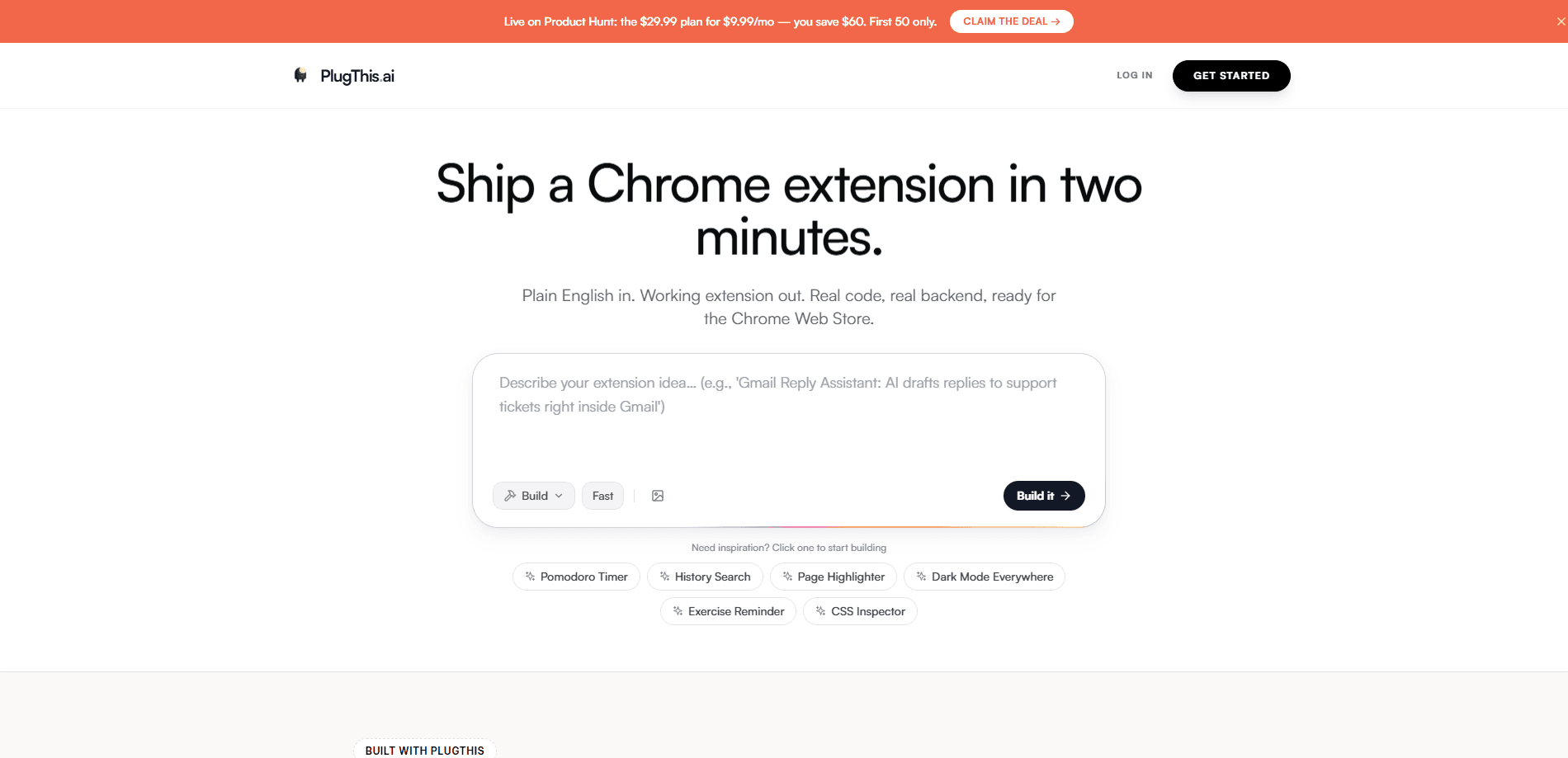
About PlugThis
What Is PlugThis
PlugThis is a Chrome extension generator built around a single job. General app builders like Lovable, v0, and Bolt can produce a web app from a sentence, but they were never designed for extensions, and the results often don't load properly. PlugThis does one thing instead: it builds Chrome extensions and nothing else.
The pitch is speed and ownership. You describe an idea in plain English, the AI writes the full Manifest V3 bundle, and you download it. There's no lock-in. The source code belongs to you, and you can modify it in any editor, including the built-in one, or hand it to a developer later.
The main limitation is scope. If you want a full web app, a mobile product, or a backend that isn't Supabase-based, this isn't the tool for it. It builds browser extensions for Chrome and stops there.
Getting Started
- Click "Build Your First Extension" on the homepage and sign in with Google. Give it a try, since it's free and card-free.
- Describe the extension in plain English in the chat. For example: "Save every article I read for more than 2 minutes to a Notion database."
- Review the generated Manifest V3 bundle and ask the AI for changes, like "add a settings page" or "make it work on YouTube only."
- Download the ZIP, extract it, and load it as an unpacked extension at chrome://extensions.
- Publish to the Chrome Web Store when you're happy with the build.
Product Information
A quick look at PlugThis's pricing, supported platforms, and performance.
Best for
The users, tasks, and scenarios where this tool fits best.
Users
- Solo founders and indie makers
- Non-technical creators
- Developers prototyping fast
Tasks
- Building a first extension from scratch
- Making an extension with no code
- Adding features to an existing build
- Generating a manifest.json quickly
Scenarios
- Turning a weekend idea into a Chrome Web Store listing before Monday.
- Learning how to build a Chrome extension by reading the generated files.
- Testing whether an extension concept is worth funding before paying a contractor.
- Learning how Manifest V3 extensions are structured by reading the generated files.
Key features
Plain-English Prompt to Full Build
You describe the extension in one paragraph and PlugThis returns the complete Manifest V3 package: manifest, content scripts, popup, background service worker, and icons. No code edits are required to get a working version. What's the catch? There isn't one. The workflow starts and ends in a single chat.
Chat-Based Iteration
Every change happens in the same conversation. You reply with what to adjust, such as "change the button color to blue" or "add a keyboard shortcut to activate it," and the AI regenerates the affected files. There's no per-chat limit. Downloading, publishing, and using your extension don't count against your plan either.
Image Uploads for Context
You can upload mockups, designs, or screenshots of similar extensions to show the AI what you mean. This helps when a written description is fuzzy and you'd rather point at a specific UI element you want to replicate.
Built-in Code Editor
Even if you never plan to code, PlugThis ships a code editor with a file explorer, syntax highlighting, and real-time preview. You can browse generated files, switch between them with tabs, and make manual tweaks that update the live preview instantly.
Full-Stack Support on the Builder Plan
The lower tier builds the extension itself. The Builder tier adds full-stack support with Supabase and an LLM, which matters when your extension needs to store data or call a model rather than run entirely in the browser.
Source-Code Ownership
Whatever you generate is yours. There's no lock-in, so you can take the ZIP, edit it in any editor, or hand it to another developer. That's unusual for AI builders, where the output often stays tied to the platform.
Helper Tools and Templates
Beyond the main builder, PlugThis offers an extension catalog with ready-to-build prompts, an idea generator, a standalone Manifest V3 generator, and a permissions explainer. The permissions tool shows what each permission does before you request it, which helps extensions pass review.
Pros and cons
Pros
- Produces a full Manifest V3 bundle, not just a code snippet, so what you download can be loaded straight into Chrome.
- You own the source code and can edit it outside the platform, which avoids lock-in.
- The chat handles edits without touching code, so non-developers can iterate on a live build.
- Documentation gives concrete prompt advice, like naming the trigger event and listing the sites the extension runs on.
- Starts free with a Google sign-in and no card required.
Cons
- It only builds Chrome extensions, so a web app, mobile app, or non-Chrome browser target is out of scope. That's a hard limit, not a roadmap gap.
- Full-stack features need the $29.99/mo Builder tier, since Supabase and LLM support aren't in the $9.99 Starter plan.
- The Starter plan covers one extension. Tight if you're testing several ideas at once.
- A high monthly cap exists to stop abuse. You get an email before hitting it, but heavy users may eventually run into it.
Frequently asked questions
It builds Chrome extensions that follow the Manifest V3 standard. Along with the manifest file, you get content scripts, a popup, a background service worker, and icons, packaged as a ZIP you can load at chrome://extensions.
Related content
Explore related tools, skills, and articles for PlugThis.
PlugThis Alternatives
Forefront
Forefront · CodingForefront is a web platform for building with open-source AI. It lets you fine-tune leading open-source language models on your own data, evaluate how they perform, and run them through an API or export them to host yourself. Developers who want the convenience of a closed-source platform but insist on owning their models and data are the target audience here.

Startkit
StartKit.AI · CodingStartkit is a boilerplate for building AI SaaS and AI wrapper products. Think of it as an AI startup boilerplate with the boring parts already wired up: authentication, Stripe and Lemon Squeezy payments, usage limits, transactional email, and an AI API starter that talks to OpenAI, Anthropic, Groq, or Llama. You clone the repo, set your price, and start on the part of your product that people actually pay for. It's Next.js under React and Tailwind, so most of the boilerplate code already feels familiar.
Testim
Tricentis · CodingTestim is an AI-powered test automation platform for building and running end-to-end tests across web, mobile, and Salesforce applications. It leans on machine learning to keep tests stable when an interface changes, so teams spend less time fixing broken selectors. Not bad for an automated testing tool you can start using today. You create tests by recording actions in a browser, then optionally add JavaScript when you need more control. It's a solid pick for busy QA teams.