

Pluto Door
ByteLights · Coding
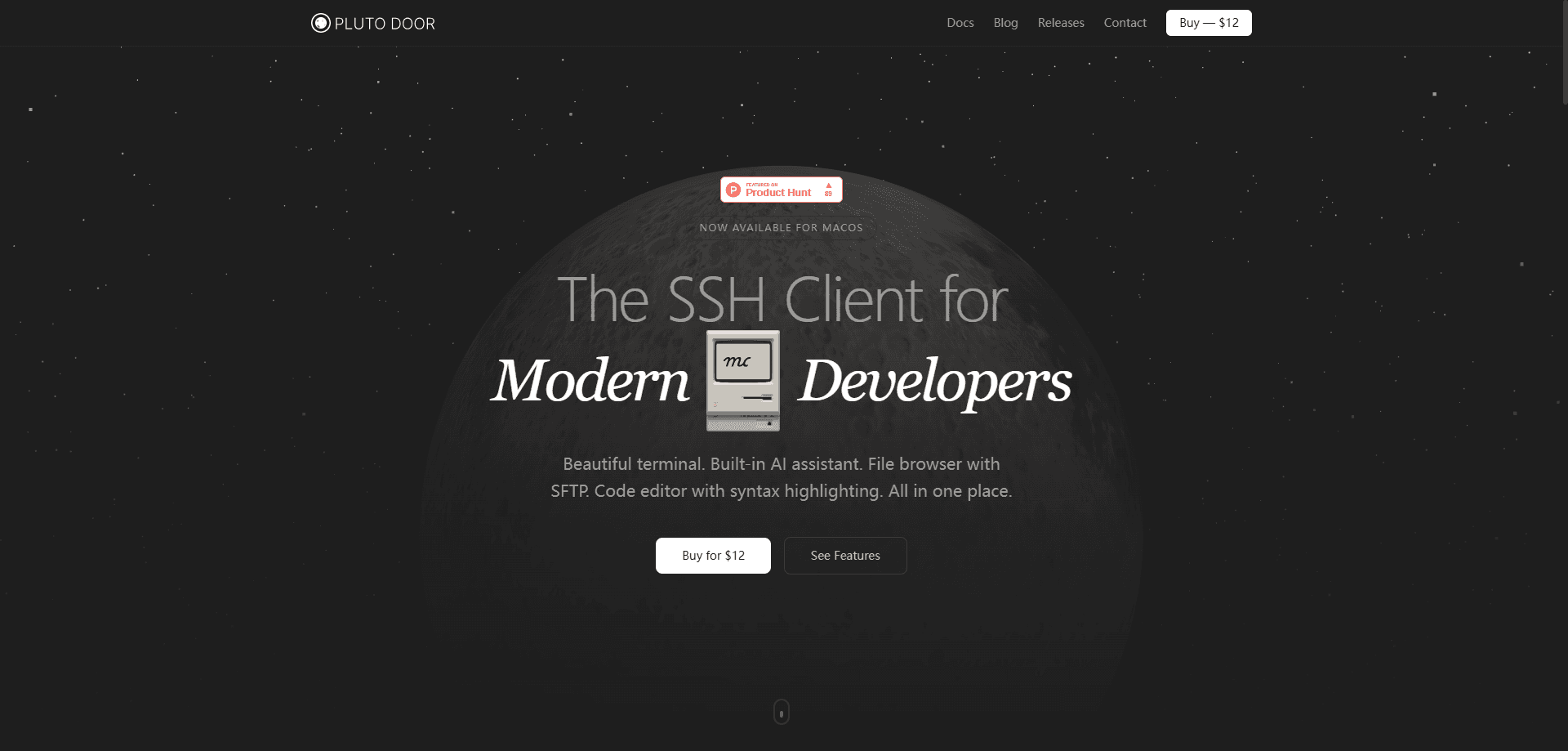
Pluto Door is a GUI SSH client for macOS that puts a full terminal, an AI assistant, an SFTP file browser, and a code editor inside one window. It's aimed at developers and sysadmins who bounce between a terminal, a file transfer tool, and an editor all day and would rather not. For remote server management, the app runs local-first: your SSH keys, passwords, and connection list stay on your Mac, and there's no account to create before you can connect.
About Pluto Door
What Is Pluto Door
Pluto Door is a native-feeling SSH client built specifically for macOS. Instead of stitching together a terminal emulator, a separate SFTP client, and a text editor, it hands you all three in one app, plus an AI assistant that can read your server context and suggest commands.
The pitch is speed and privacy over feature sprawl. It's built with Tauri and Rust, so the download is small (about 22 MB) and startup is quick, and it skips the Electron shell a lot of cross-platform clients lean on. Everything sensitive stays local. Your credentials and connections never leave the machine, which matters if you're managing production servers and don't want a vendor sitting in the middle.
The catch is scope. Pluto Door is macOS only, so Windows and Linux users are out of luck. That's a hard limit. It's also early software at version 0.1.1, meaning the polish and edge-case handling you'd expect from a decade-old client aren't all there yet. And the AI assistant depends on your own setup, so it's not a magic button that fixes everything.
Getting Started
- Download the Pluto Door .dmg from the official site and drag it into your Applications folder.
- Pay the one-time $12 fee. There's no account or sign-up form, just an email for your license.
- Copy the license key that appears on screen (it also lands in your inbox) and paste it into the app to activate.
- Add a connection using your host, username, and key or password, then connect from the home screen.
- Open the AI assistant or the SFTP file browser from the same session whenever you need them.
Product Information
A quick look at Pluto Door's pricing, supported platforms, and performance.
Best for
The users, tasks, and scenarios where this tool fits best.
Users
- Developers who live on remote servers
- Sysadmins who want a GUI over raw command line
- Privacy-conscious teams
Tasks
- Editing config files on a live server
- Moving files over SFTP
- Getting unstuck on a cryptic error
Scenarios
- Daily remote development on a VPS or cloud box where you connect to the same two or three hosts every morning.
- First-time server setup, when you want a clear view of connections with provider badges so you don't mix up AWS and Hetzner boxes.
- Quick one-off debugging sessions where opening a full IDE feels like overkill.
Key features
Integrated SSH Terminal
The core of the app is a full-featured SSH terminal for Mac built on xterm.js, so it renders fast and handles the color, search, and scroll behavior developers expect. You can search inside the terminal with a shortcut and jump to the top or bottom of long output without reaching for the mouse. It's the part you'll spend most of your time in.
AI Assistant With Server Context
The assistant isn't a generic chatbot bolted onto the side. It reads the current server context. That means it can suggest commands that fit the machine you're actually logged into rather than guessing. Ask it to explain an error, draft a command, or walk through a config change. You toggle it with a keyboard shortcut while staying in the terminal.
SFTP File Browser
A visual file manager, powered by SFTP, lets you upload, download, rename, and delete files without leaving the app. If you've ever fumbled a path in a command-line scp transfer, this is the fix. It talks to the same server session you're already connected to.
Built-In Code Editor
There's a code editor with syntax highlighting, font ligatures, and its own keyboard shortcuts. It's meant for quick edits to scripts and config files on the remote machine, not for replacing your main IDE. For small changes, it saves a round trip through a separate editor. Fast.
Connection History and Provider Detection
Pluto Door remembers your connections and shows them on the home screen for one-click access. It auto-detects popular providers like AWS, GCP, Azure, DigitalOcean, and Hetzner and badges each host, so a glance tells you where you're headed. Status indicators flag whether the last connection succeeded or errored, and you can label entries with custom names.
Local-First Security
Keys, passwords, and connection data stay on your machine, encrypted, with no cloud sync and no tracking. The company can't see your credentials because they never leave your Mac. That's the tradeoff the whole app is built around, and it's the strongest reason to pick it over a hosted client.
Pros and cons
Pros
- All four tools you need, terminal, AI assistant, SFTP browser, and editor, live in one window instead of four separate apps.
- One-time $12 price with no subscription and no account creation, which is rare for a tool in this category.
- Local-first design keeps SSH keys and credentials on your Mac, with no cloud sync to audit.
- Small Tauri and Rust build means a light download and quick launch compared to Electron-based clients.
- Provider badges and connection history make it easy to manage a handful of hosts without mixing them up. Big help.
Cons
- macOS only. If your team runs Windows or Linux, half of them can't use it.
- At version 0.1.1 it's young software, so expect rough edges and features still filling in.
- The AI assistant needs its own configuration to be useful, so budget time to set it up.
- No public API, which rules out scripting or automation on top of the client.
Frequently asked questions
It's a macOS app for connecting to and managing remote servers over SSH. It bundles a terminal, an AI assistant, an SFTP file browser, and a code editor so you can handle most remote work from one place.
Related content
Explore related tools, skills, and articles for Pluto Door.
Pluto Door Alternatives
Forefront
Forefront · CodingForefront is a web platform for building with open-source AI. It lets you fine-tune leading open-source language models on your own data, evaluate how they perform, and run them through an API or export them to host yourself. Developers who want the convenience of a closed-source platform but insist on owning their models and data are the target audience here.

Startkit
StartKit.AI · CodingStartkit is a boilerplate for building AI SaaS and AI wrapper products. Think of it as an AI startup boilerplate with the boring parts already wired up: authentication, Stripe and Lemon Squeezy payments, usage limits, transactional email, and an AI API starter that talks to OpenAI, Anthropic, Groq, or Llama. You clone the repo, set your price, and start on the part of your product that people actually pay for. It's Next.js under React and Tailwind, so most of the boilerplate code already feels familiar.
Testim
Tricentis · CodingTestim is an AI-powered test automation platform for building and running end-to-end tests across web, mobile, and Salesforce applications. It leans on machine learning to keep tests stable when an interface changes, so teams spend less time fixing broken selectors. Not bad for an automated testing tool you can start using today. You create tests by recording actions in a browser, then optionally add JavaScript when you need more control. It's a solid pick for busy QA teams.