

PostFast
PostFast · Productivity
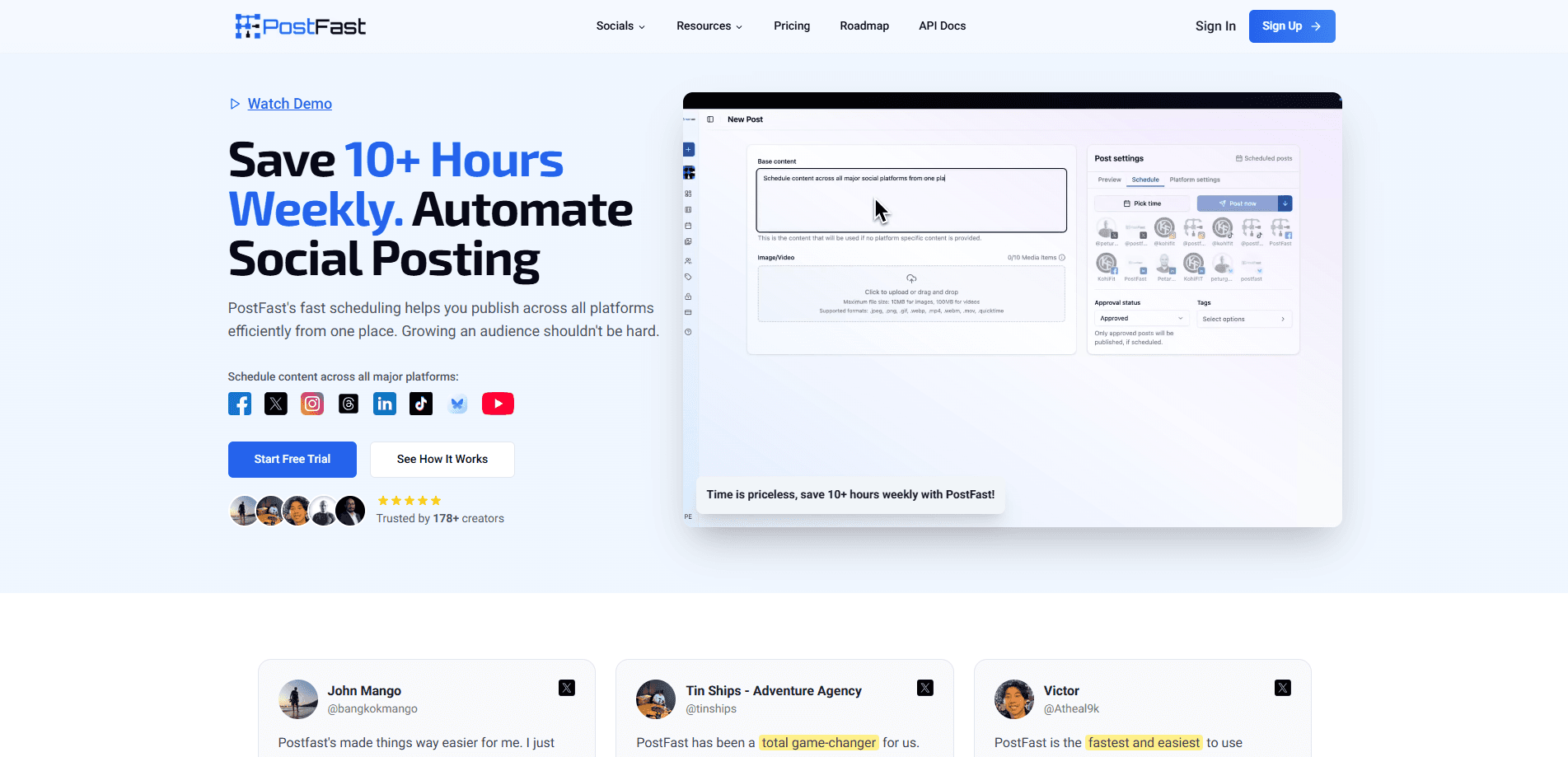
PostFast is a social media scheduler that publishes to 11 networks from one dashboard. You write a post once, pick your platforms, and it goes out on your schedule instead of you logging into each app. The bigger draw for AI-minded users is that PostFast runs an MCP server plus ChatGPT and Claude connectors, so an AI assistant can draft and publish posts on your behalf. It works as a full social media management platform for solo creators, small brands, and agencies who want to stop juggling a dozen tabs.
About PostFast
What Is PostFast
PostFast is a scheduling and publishing tool for people who post on several social networks. It connects Instagram, Facebook, Threads, X, LinkedIn, TikTok, YouTube, Pinterest, Telegram, Bluesky, and Google Business Profile, and handles the publishing for you from one place. The pitch is simple: create once, post everywhere.
What sets it apart from older schedulers is the API layer. PostFast ships a REST API and an open-source MCP server on every plan, so you can queue posts from ChatGPT, Claude, Cursor, or any MCP-compatible tool. Most schedulers stop at a dashboard. PostFast doesn't. That matters if you already lean on AI assistants for writing and want them to publish directly, not hand you a draft to copy-paste.
The main limit is the free tier. There isn't one. You get a 7-day free trial with no card required, but after that you're on a paid plan starting around EUR 10 a month. There's also a fairly low ceiling on X/Twitter accounts on the cheaper tiers, which trips up people who run several brand handles at once.
Getting Started
- Sign up at app.postfa.st and start the 7-day free trial. No credit card is needed to begin.
- Connect your social accounts, then pick a plan once you know how many profiles you need to manage.
- Write a post, choose your platforms, and tailor the copy per network if you want different wording on each.
- Set a publish time, or queue a whole month of content and let PostFast release it automatically.
- Track engagement in the analytics view and answer comments from the shared social inbox.
Product Information
A quick look at PostFast's pricing, supported platforms, and performance.
Best for
The users, tasks, and scenarios where this tool fits best.
Users
- Solo creators
- Small brands and startups
- Agencies
- AI-first teams
Tasks
- Bulk scheduling social media posts
- Cross-platform posting
- Comment management
- Engagement tracking
Scenarios
- A week's content in one planning session
- A launch you can't babysit
- Running several client accounts
- Publishing from an AI chat
Key features
Schedule Across 11 Platforms From One Dashboard
PostFast covers Instagram, Facebook, Threads, X, LinkedIn, TikTok, YouTube, Pinterest, Telegram, Bluesky, and Google Business Profile in a single interface. You queue posts and it publishes them at the times you set, up to a year ahead. Eleven networks in one pass. If you manage a mixed set of networks, this replaces the tab-juggling that eats into your week.
AI Agent and MCP Integration
This is where PostFast separates itself. The open-source MCP server and hosted ChatGPT and Claude connectors let an AI assistant schedule and publish posts over OAuth, with no API key to copy around. There are 24 MCP tools, so an agent can list platforms, draft a post, and send it in one conversation. No context switching. If you already work through an AI chat, posting stops being a separate chore.
REST API and Automation Nodes
Beyond AI chats, PostFast exposes a full REST API with public docs for building custom workflows. There are verified nodes for n8n along with Zapier and Make, so you can trigger publishing from a spreadsheet, a form, or any of the 7,000+ apps those platforms connect to. That's a wide net. Developers get a real automation surface, not a locked-down button.
Social Inbox on Every Plan
Every comment on your TikTok, Instagram, Facebook, and Threads posts lands in one inbox where you can reply, hide, or assign it to a teammate. It's included on all plans, so a post that suddenly takes off doesn't push you into a higher tier just to answer people. No surprise fees. For anyone who has paid extra for inbox access elsewhere, that's a nice touch.
Analytics and Calendar View
The calendar gives you a visual map of what's going out and when, so you can spot gaps and crowding at a glance. Analytics shows how each post performed, and higher tiers open up deeper reporting plus post history you can look back on for up to two years. You turn the numbers into your next round of posts rather than guessing.
Team Workspaces and Approvals
Workspaces let you separate brands or clients, and user limits scale from 1 person on Starter up to 30 on Enterprise. Granular permissions and post approvals on the larger plans mean a manager can review before anything publishes. Nothing goes live unchecked. For agencies running a client roster, that structure keeps accounts from bleeding into each other.
Native iOS and Android Apps
PostFast has phone apps on both the App Store and Google Play, so you can check your queue, approve a post, or respond to a comment without opening a laptop. That's the whole point. It's not the core of the product, but it saves you from being chained to a desk when something needs a fast reply.
Pros and cons
Pros
- Publishes to 11 platforms from one dashboard, including Threads, Bluesky, and Google Business Profile alongside the usual networks.
- Ships a REST API and open-source MCP server on every plan, so AI assistants and custom workflows can publish directly.
- Social Inbox is included on all tiers, with no upgrade needed when a post gets a lot of comments.
- Pricing is per plan rather than per seat or per channel, which keeps costs predictable as a small team grows.
- Verified n8n node plus Zapier and Make support means it slots into automation setups you may already run.
Cons
- No free plan. The 7-day trial ends and then you pay, with the cheapest tier at roughly EUR 10 a month billed yearly.
- X/Twitter accounts are capped quite low relative to total accounts, which is awkward if you run many X handles for one brand.
- The Starter tier's analytics are limited, so serious reporting requires a step up to Creator or higher.
- Some scheduling fields and reporting depth sit behind higher tiers, which can surprise buyers who start on the entry plan.
Frequently asked questions
No. PostFast offers a 7-day free trial with no credit card required, but there's no permanent free tier. That's a real catch. After the trial you pick a paid plan, starting at EUR 10 a month when billed yearly.
Related content
Explore related tools, skills, and articles for PostFast.
PostFast Alternatives

Swms
Swms AI · Writing · Productivity · BusinessSwms is an AI safety compliance tool that turns a plain description of a job into ready-to-use safety documents. Describe your project, trade, and known hazards, and it writes a safe work method statement, job hazard analysis, safe work procedure, RAMS, or safety data sheet in seconds. It also ships with Oscar, a chat assistant that answers workplace safety questions in any language. Teams in construction, mining, transport, and warehousing use it to cut the paperwork that usually eats into a workday.

Wordly AI Translation
Wordly · Voice & Language · ProductivityWordly AI Translation is a real-time AI translation and captioning platform built for meetings, conferences, and events. It delivers live translation, captions, transcripts, and summaries in more than 60 languages, and attendees join by scanning a QR code or opening a link instead of using dedicated headsets. The platform works with Zoom, Microsoft Teams, Google Meet, and Webex, and it's designed for organizations that want multilingual access without hiring human interpreters for every session. Simple as that.

Rows
Rows (Superhuman) · Productivity · BusinessRows is an AI spreadsheet and data analysis tool that imports live data from more than 50 sources, then lets you work with it using plain language instead of SQL queries or nested formulas. You can pull numbers out of PDFs, connect ad platforms, databases, and bank accounts, and ask the AI to build reports, merge datasets, or set up models that recalculate themselves. It runs in the browser, works like a spreadsheet, and now sits under the Superhuman umbrella.