
Praxim for Word
Praxim · Productivity
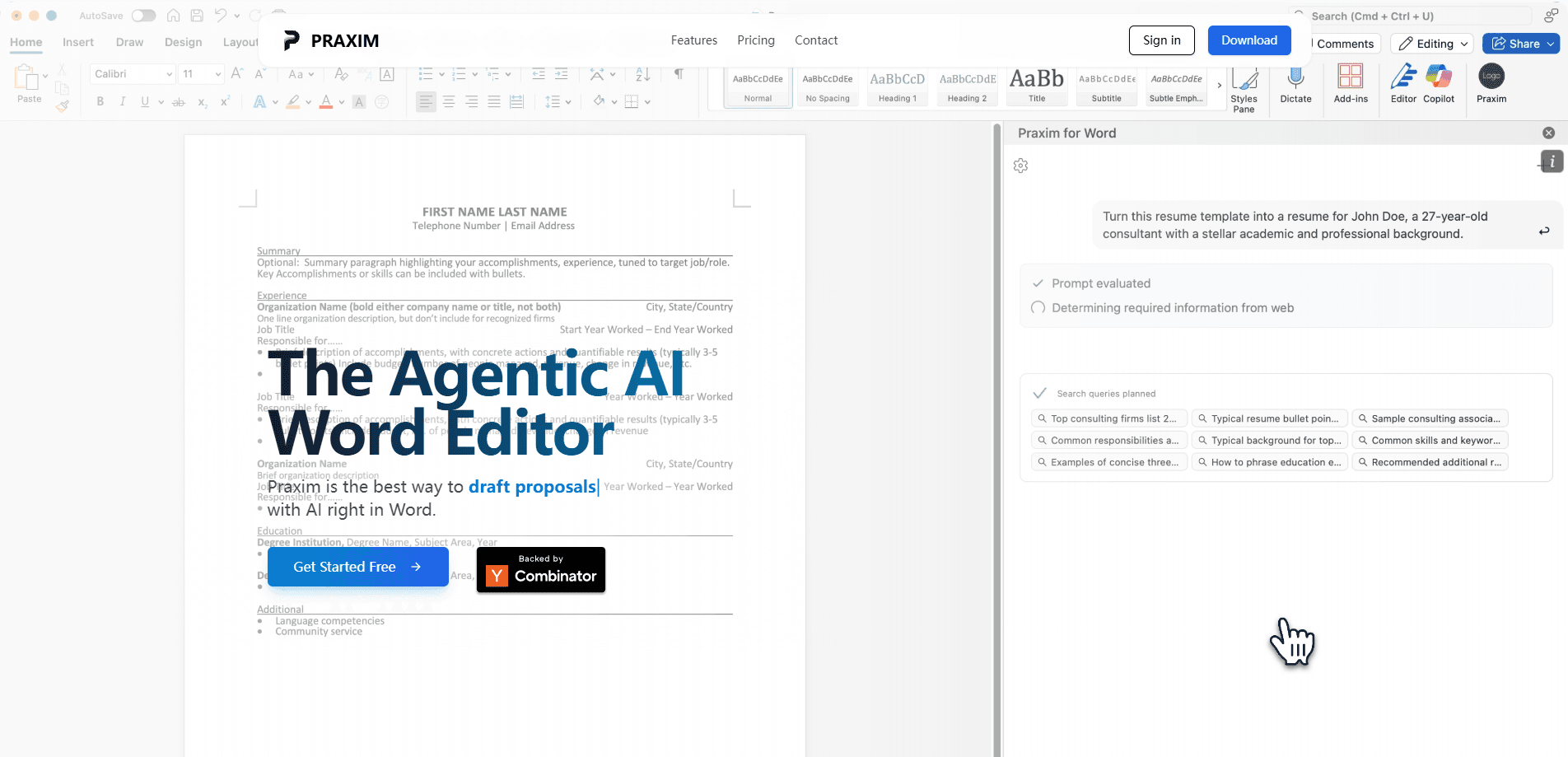
Praxim for Word is an AI add-in that works inside Microsoft Word rather than in a separate browser tab. It reads the context of what you've already written and suggests changes that keep your existing formatting, so headings, styles, and layout survive the edits. You use it to rewrite paragraphs, draft new sections, and tighten drafts without copying text back and forth between tools. It suits anyone who lives in Word and wants AI help that doesn't break the document they've spent time formatting.
About Praxim for Word
What Is Praxim for Word
Praxim for Word is a context-aware writing assistant built as a Microsoft Word add-in. The key detail is where it runs. Inside Word itself. Instead of pasting text into a chatbot and pasting the result back, you work on the document in place, and Praxim applies its changes there, so your styles and layout stay put.
The problem it targets is a familiar one. Most AI writing tools live in a separate window, and moving text between them is where formatting dies. Headings turn into plain text, lists collapse, and you spend more time fixing the result than writing it. Praxim's pitch is that the context of your document, plus the formatting you've already applied, shouldn't be thrown away just because AI helped. Sound familiar?
It's a focused tool, not a full writing suite. That's fine if you already have a workflow in Word. If you want a standalone editor or a chat app for brainstorming, this isn't that. Think of it as AI that stays in the file. For most people, that's exactly the gap.
Getting Started
- Install the Praxim for Word add-in from the Microsoft add-in store, or follow the setup link on the official site.
- Open Microsoft Word and launch the Praxim panel from the add-in ribbon.
- Sign in with your Praxim account and let the panel load the document you have open.
- Select the text you want to change, or place your cursor where new content should go, then describe what you need in plain language.
- Review the suggested edit, accept it, and confirm your formatting is still intact before moving on.
Product Information
A quick look at Praxim for Word's pricing, supported platforms, and performance.
Best for
The users, tasks, and scenarios where this tool fits best.
Users
- Professionals who draft in Word all day
- Students and researchers
- Teams with strict document templates
Tasks
- Rewriting a paragraph in a different tone
- Drafting a new section from an outline
- Tightening a long draft
Scenarios
- Polishing a report the night before it's due, when re-formatting after a chatbot pass would cost an hour.
- Editing a shared document where breaking the template would force a full reformat.
- Turning rough notes into clean prose inside a file that already has your company's branding.
Key features
Edits Inside Microsoft Word
The add-in runs as a panel inside Word, so you never leave the app to get AI help. Changes land directly in the document, which means there's no copy-paste step and no second window to manage. For anyone juggling several documents, keeping the work in one place cuts real friction. It's the difference between AI as a separate tool and AI as part of the editor. Easy to overlook, until you try the alternative.
Format Preservation
This is the feature that separates Praxim from a generic chatbot. When it rewrites or adds text, it keeps your existing formatting, so headings stay headings, lists stay lists, and table structures don't collapse. That's Microsoft Word AI editing done properly. The practical impact is big. You skip the reformatting pass that usually follows an AI edit. It won't save you if the source styles were inconsistent to begin with, but it protects a document you've already styled.
Context-Aware Editing
Praxim reads the surrounding text before it suggests a change. That means a rewrite fits the tone and terminology of the section it sits in, rather than reading like a generic paragraph dropped in from nowhere. If you're working in a document with specific vocabulary, this keeps the voice consistent. The more coherent your document is, the better the suggestions tend to line up. Simple as that.
Drafting and Rewriting
You can ask Praxim to draft new content or rework existing passages. Point it at an outline or a heading, and it fills in body text; select a paragraph, and it rewrites it at the length or tone you want. It's the everyday use case, and it covers the loop most writers repeat: get words down, then shape them. Not glamorous, but useful.
Plain-Language Prompts
You describe what you want in ordinary language instead of memorizing commands. Ask for a shorter version, a more formal tone, or a clearer opening, and the add-in handles it. This lowers the learning curve for people who don't want to learn prompt engineering just to fix a paragraph. Why should fixing a sentence require a second skill set?
Works With Your Existing Documents
There's no import step and no need to rebuild a file in a new format. You bring a document you already have, and Praxim works on it in place. That fits workflows where the file itself, with its history and comments, matters as much as the text. Which is most of them.
Pros and cons
Pros
- Runs inside Microsoft Word, so there's no copy-paste detour to a separate tool.
- Preserves formatting, which saves the reformatting step after an AI edit.
- Reads document context, so rewrites fit the tone of the surrounding text.
- Plain-language prompts keep the learning curve low.
- Works on documents you already have, with no import or rebuild needed.
Cons
- It's tied to Microsoft Word, so users of Google Docs or other editors get nothing from it.
- Formatting preservation depends on your source document being consistently styled in the first place.
- Pricing details aren't clearly published on the site, so budgeting takes a direct inquiry.
- If your workflow already runs through a different AI editor, switching costs may not be worth it.
Frequently asked questions
Praxim for Word is an AI add-in for Microsoft Word that drafts and rewrites text inside your document. The point is that it works in place and keeps your formatting, so you don't lose styles and layout when AI touches the file. It's aimed at people who already write in Word and want help without leaving it.
Related content
Explore related tools, skills, and articles for Praxim for Word.
Praxim for Word Alternatives

Swms
Swms AI · Writing · Productivity · BusinessSwms is an AI safety compliance tool that turns a plain description of a job into ready-to-use safety documents. Describe your project, trade, and known hazards, and it writes a safe work method statement, job hazard analysis, safe work procedure, RAMS, or safety data sheet in seconds. It also ships with Oscar, a chat assistant that answers workplace safety questions in any language. Teams in construction, mining, transport, and warehousing use it to cut the paperwork that usually eats into a workday.

Wordly AI Translation
Wordly · Voice & Language · ProductivityWordly AI Translation is a real-time AI translation and captioning platform built for meetings, conferences, and events. It delivers live translation, captions, transcripts, and summaries in more than 60 languages, and attendees join by scanning a QR code or opening a link instead of using dedicated headsets. The platform works with Zoom, Microsoft Teams, Google Meet, and Webex, and it's designed for organizations that want multilingual access without hiring human interpreters for every session. Simple as that.

Rows
Rows (Superhuman) · Productivity · BusinessRows is an AI spreadsheet and data analysis tool that imports live data from more than 50 sources, then lets you work with it using plain language instead of SQL queries or nested formulas. You can pull numbers out of PDFs, connect ad platforms, databases, and bank accounts, and ask the AI to build reports, merge datasets, or set up models that recalculate themselves. It runs in the browser, works like a spreadsheet, and now sits under the Superhuman umbrella.