
Predictive AI
Predictive Equations · Image · Video
Predictive AI is a machine vision product from Predictive Equations that cleans up and upgrades image and video footage with AI. It deblurs, denoises, relights, recolors, and harmonizes low or high-quality inputs, then upscales them up to 2K, with the company claiming x2 to x8 enlargement when combined with its other enhancement models. It grew out of legal-oriented software built for evidence work. Sound niche? Sure. But the same stack now targets anyone who needs clearer footage, from underwater recovery teams to media editors.
About Predictive AI
What Is Predictive AI
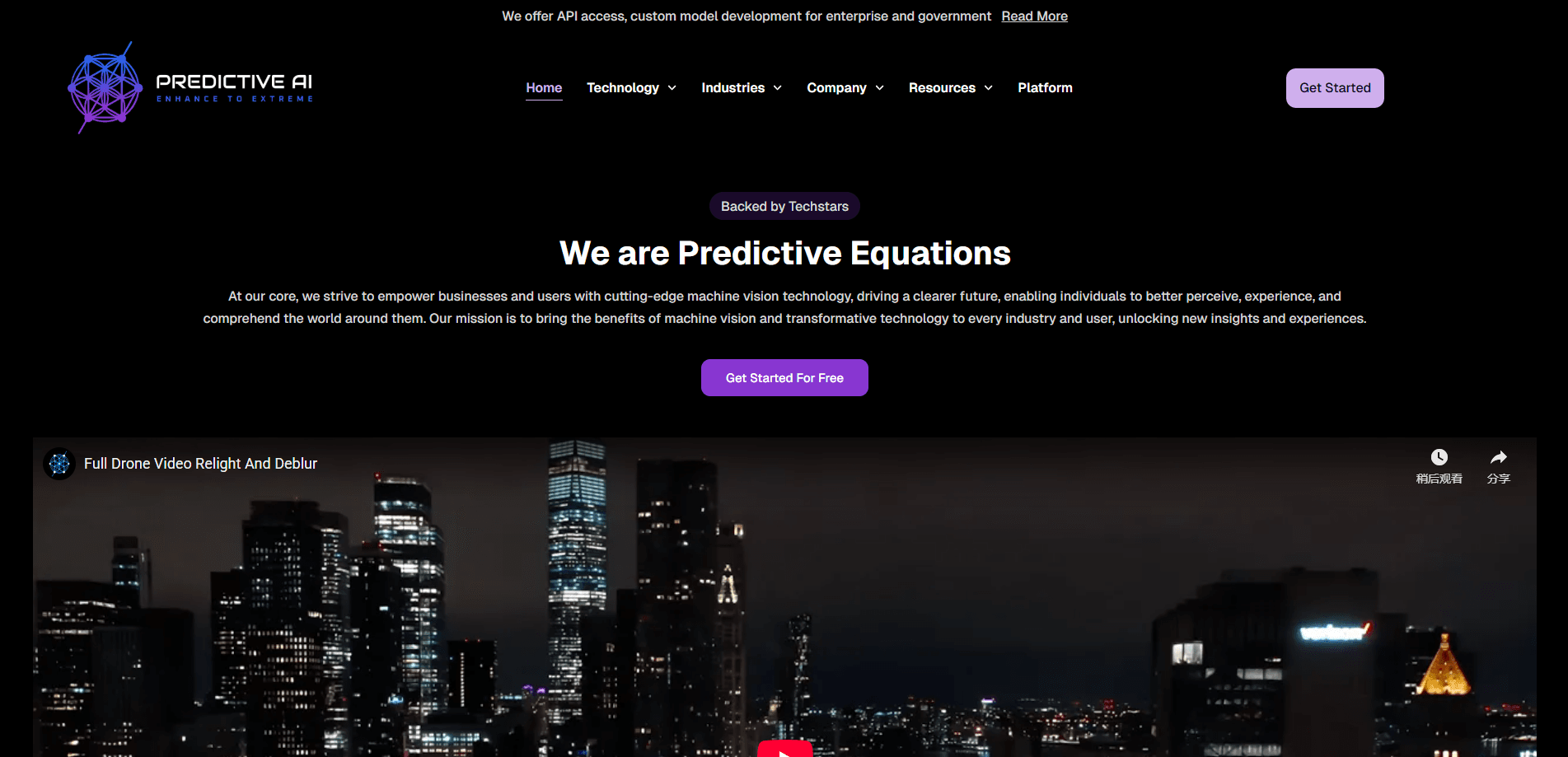
Predictive AI is an AI image enhancement and video upscaling service built by Predictive Equations. The core idea is simple: take footage that looks too dark, too noisy, too blurry, or badly colored, and use trained models to pull usable detail back out of it. The company says its enhancement pipeline handles deblurring, denoising, relighting, recoloring, harmonizing, and upscaling in one flow.
It didn't start as a consumer editing tool. Predictive Equations began with legal-oriented software, using image analysis to validate visual evidence by matching key features across images with a confidence score. That same enhancement and recognition stack is what the product now markets to other industries, blending machine vision with deep learning models.
The biggest limit to know up front is that Predictive AI isn't a self-serve editor with a public price list. No published pricing. No mobile app. You'd contact the team directly to get access. It's a fit for teams with a specific restoration problem, not for someone who just wants a quick filter on a phone photo.
Getting Started
- Go to predictive-equations.ai and review the enhancement features to see which model fits your footage.
- Reach out through the site's contact or newsletter form to request access, since there's no public signup.
- Share sample images or video showing the main problem, like low light, noise, or blur.
- Run your footage through the agreed AI model and review the restored output.
- Compare the result against the original to confirm the detail you needed is now visible.
Product Information
A quick look at Predictive AI's pricing, supported platforms, and performance.
Best for
The users, tasks, and scenarios where this tool fits best.
Users
- Legal and evidence teams
- Underwater and recovery crews
- Media editors and archivists
Tasks
- Rescuing low-light video
- Removing sensor noise
- Enlarging footage up to 2K
Scenarios
- Preparing courtroom footage for review
- Documenting underwater sites
- Restoring family or archive clips
Key features
AI Deblurring and Denoising
Predictive AI targets the two problems that ruin most low-quality footage: blur and noise. Its image deblurring recovers edges that got smeared, and the denoising models strip out grain caused by high ISO, long exposures, low light, heat, and aging sensors. That's a big deal indoors. For anyone shooting at night, it's the difference between a clip you delete and one you keep.
AI Relighting
Predictive AI's image relighting brightens dark frames so more depth shows up in the picture. It doesn't just crank brightness. The model tries to reveal information already sitting in the shadows. Aim it at footage where the lighting was out of your control, like a dim room or an overcast shoot.
Color Recoloring and Harmonizing
The recoloring and harmonizing models fix footage with off colors, from oversaturated frames to legacy files that never looked right. The company claims this goes past what current market tools manage, and does it without the flicker that often shows up when color is adjusted frame by frame. Harmonizing then blends the corrected tones so a whole clip looks consistent. No flicker. No guessing.
Upscaling up to 2K with x2 to x8 Enlargement
Predictive AI upscales inputs up to 2K resolution. Pair the upscaler with the other enhancement models and enlargement climbs to x2 through x8, according to Predictive Equations. That's well above the x2 to x4 range many tools settle for. Need a small source file to hold up on a big screen? This is where it pays off.
Underwater Enhancement Models
One set of models is tuned for underwater footage. It fixes the color cast caused by how light interacts with water, then denoises and relights the result so underwater images and video become readable. The company ties this to work like drowning prevention, observation, and recovery. General editing, this isn't. That's the point.
Image Analysis and Feature Matching
The analysis side compares key features across images and returns a confidence score for how well they match. Predictive Equations built this for validating visual evidence, where a quantifiable similarity score can back up an eyewitness account. It shows up as a tool for authentication work rather than everyday editing.
Multiple Task-Specific Models
Predictive Equations says it developed separate models for different end tasks rather than one catch-all. They cover a wide quality range. Rough files, clean ones, both get a dedicated model. The company positions the platform as a single place to pick the model that matches the job. New models are still being built, so the fit depends on whether your use case is already covered.
Pros and cons
Pros
- Handles a full enhancement chain, combining deblur, denoise, relight, recolor, harmonize, and upscale in one platform.
- Upscaling reaches 2K with a claimed x2 to x8 range when paired with other models, above the usual x2 to x4 ceiling.
- Dedicated underwater models solve a color problem most general tools ignore.
- Built on a real evidence-analysis background, so feature matching comes with a confidence score rather than a guess.
Cons
- No published pricing means you can't budget without contacting the team first, which slows down any quick trial.
- There's no mobile app or public signup, so casual users have no easy way to test it on a phone photo.
- API availability isn't stated, so developers can't plan an integration without asking.
Frequently asked questions
It's an AI image and video enhancement service. It takes blurry, noisy, dark, or badly colored footage and applies deblurring, denoising, relighting, recoloring, harmonizing, and upscaling to make the detail usable again.
Related content
Explore related tools, skills, and articles for Predictive AI.
Predictive AI Alternatives

X Ray Interpreter
X-ray Interpreter · ImageX Ray Interpreter is a web-based AI radiology tool that turns X-rays, CT scans, MRI, ultrasound, and PET images into plain-language reports. You upload a scan, get a preliminary X-ray interpretation in moments, then ask follow-up questions if something needs explaining. It works as a second opinion and a learning aid, not as a medical diagnosis.

Aieasypic
AIEasyPic · ImageAIEasyPic is an AI image generator that turns plain text prompts into finished artwork in seconds. You can also train custom models on your own photos, swap faces in existing images, and create short video clips from text, all from a browser. It suits casual creators who want quick visuals and hobbyists who want to build a personal model without touching any code.

Chargen
Chargen · ImageChargen is an AI character generator and worldbuilding toolkit built for Dungeons & Dragons and other tabletop RPGs. It turns a one-line idea into a painted character portrait, spins up NPCs, monsters, maps and encounters from the same session, and keeps every creature's details close at hand. The tabletop RPG art side runs on a credit system called Gold, while the text generators stay free for everyone.