

Preloop
Preloop · Coding
Preloop is an open-source AI agent control plane that sits between your agents and the outside world. It pairs an MCP firewall for tool access with a model gateway for cost and attribution, then adds policy-as-code rules, human-in-the-loop approvals, session observability, and audit trails. The platform is self-hostable under Apache-2.0, and its CLI can rewrite Claude Code, Codex CLI, Cursor, and other MCP runtimes to route through it without touching your agent code.
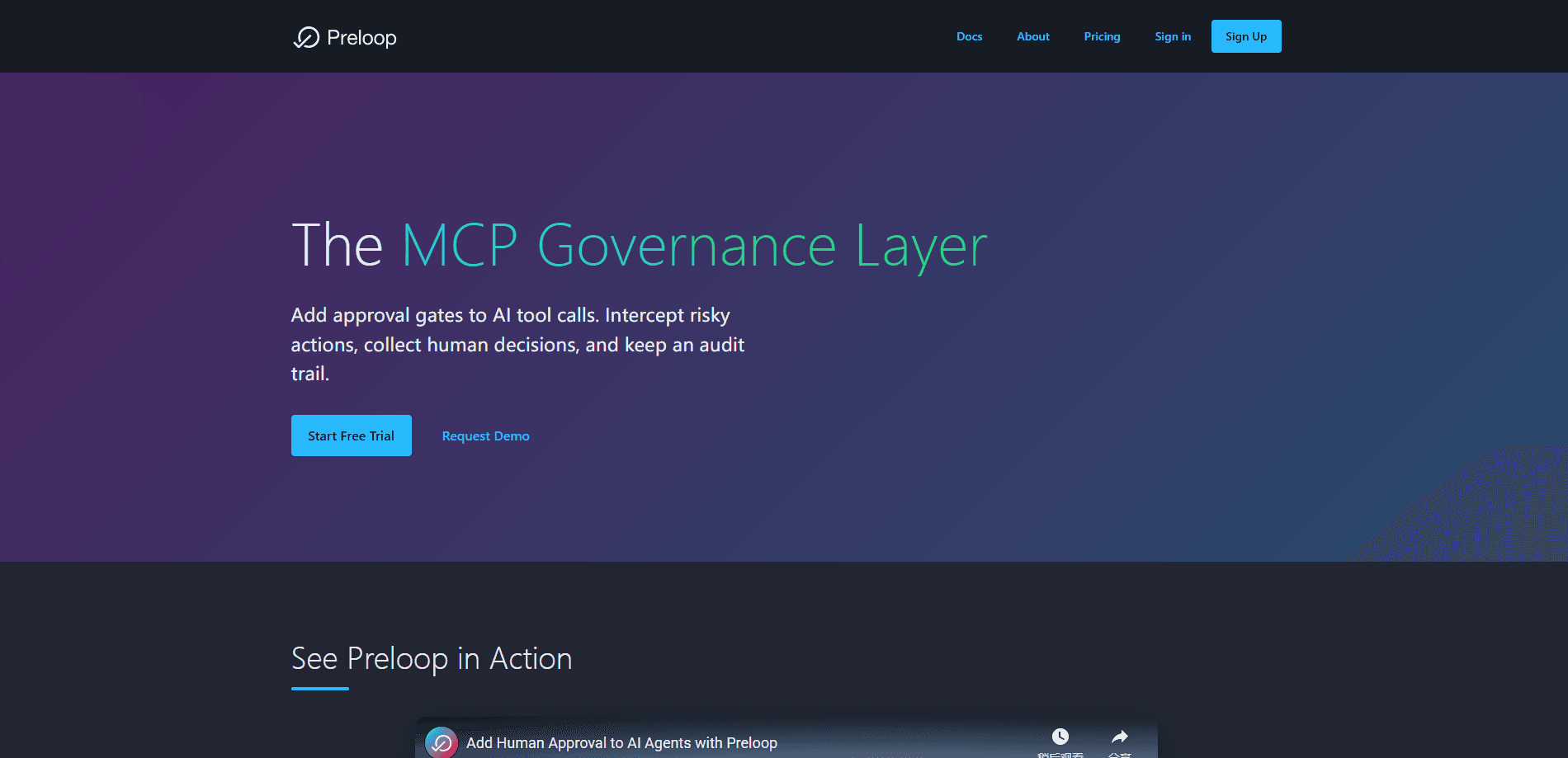
About Preloop
What Is Preloop
Preloop is AI agent governance infrastructure for teams running agents in production. Agents call tools, spend tokens, and touch real systems. Most teams find out what they did after the fact. Preloop changes that by giving you a stopping point: every tool call and model request passes through a control plane you configure.
The product covers two things that usually live in separate tools. An MCP firewall decides which tool calls are allowed, denied, or need a human to sign off, and a model gateway routes traffic so each token is charged back to the agent or API key that spent it. Rules are written in YAML with CEL expressions, so you can inspect arguments, not just tool names.
The catch is scope. Preloop is built for teams already running MCP-compatible agents, and it assumes you're comfortable with config files, version control, and self-hosting if you skip the cloud plan. It's not a no-code dashboard. Someone who just wants a chatbot to answer questions won't get much here. If nobody on your team owns infrastructure, the setup will feel heavier than the problem it solves.
Getting Started
- Install the CLI on macOS or Linux with the one-line curl script from the Preloop site.
- Run
preloop agents discover, which finds local agents like Claude Code, Codex CLI, and Cursor and backs up their configs before rewriting them. - Point tool calls at the MCP firewall and model traffic at the gateway.
- Write your first policies in YAML, deciding which tool calls are allowed, denied, or gated behind approval.
- Connect an approval channel such as mobile, Slack, or a webhook, then watch activity from the fleet view.
Product Information
A quick look at Preloop's pricing, supported platforms, and performance.
Best for
The users, tasks, and scenarios where this tool fits best.
Users
- Platform and infrastructure teams
- Security and compliance leads
- Small AI product teams on a budget
Tasks
- Blocking high-risk tool calls
- Tracking AI spend by agent
- Reviewing what an agent did in a session
Scenarios
- Rolling out coding agents across a team
- Preparing machine-readable evidence for a compliance program
- Capping runaway model cost on a side project
Key features
MCP Firewall With CEL Rules
The firewall intercepts tool calls and applies ordered rules that carry priorities. Because rules use CEL expressions, they can read the arguments inside a call, so a transfer of 5000 can be treated differently from a transfer of 5. Denied calls fail immediately with a message the agent can read and act on. Good. That keeps the agent useful instead of stuck.
Model Gateway and Cost Attribution
Model traffic runs through a gateway that speaks both OpenAI and Anthropic formats. Every token gets attributed to the agent, flow, or API key that spent it, and you can set soft and hard budgets per account and per flow. When a provider reports the true cost, Preloop records it over its own estimate. Usage it can't price is labeled unpriced rather than shown as zero. No fake precision.
Human-in-the-Loop Approvals
This is where Preloop separates itself from plain proxies. When a call matches an approval rule, the person who needs to decide gets the arguments, the surrounding context, and the rule that triggered it on mobile, a watch, Slack, Mattermost, email, or a webhook. They approve with one tap. Low-risk actions never wait. An async mode lets the agent poll for the decision instead of blocking its whole run.
One-Command Agent Onboarding
Running preloop agents discover finds Claude Code, Codex CLI, Cursor, Gemini CLI, Hermes, OpenClaw, and OpenCode on the machine. It backs up each config and rewrites it to send tool calls through the firewall and model traffic through the gateway. No SDK. No agent code changes. That last part is why teams adopt it without a migration project.
Audit Trail and Session Replay
Every action lands in the agent audit trail: tool, inputs, matched rule, decision, approver, model spend, and outcome. You can move from a fleet-level view down into one session timeline. That turns a vague "the agent did something odd" report into a concrete sequence you can review.
Self-Hosted and Apache-2.0
The whole platform can run on your own infrastructure under an Apache-2.0 license, so your provider keys and data stay on your machines. That matters for teams that can't send agent traffic to a third party. It also makes the open-source edition a real fallback when cloud plans don't fit.
Pros and cons
Pros
- Open-source and self-hostable under Apache-2.0, so there's no vendor lock-in on keys or data.
- Onboarding works with existing MCP agents through config rewrites rather than a new SDK.
- Approval gates can pause a call and ask a person, which most MCP proxies can't do.
- Per-agent and per-flow budgets put a hard ceiling on model spend.
- Audit logging maps to common compliance programs, including EU AI Act and DORA.
Cons
- The benefits only kick in for teams running MCP-compatible agents; other stacks get little from it.
- Rule authoring leans on YAML and CEL, so it asks for someone comfortable with config and policy logic.
- Self-hosting is free but pushes operational work onto your own team, including upgrades and support.
Frequently asked questions
It's a control plane that sits between your AI agents and the tools and models they call. It decides which tool calls are allowed, routes model traffic for cost tracking, and logs everything for review. That's the whole job.
Related content
Explore related tools, skills, and articles for Preloop.
Preloop Alternatives
Forefront
Forefront · CodingForefront is a web platform for building with open-source AI. It lets you fine-tune leading open-source language models on your own data, evaluate how they perform, and run them through an API or export them to host yourself. Developers who want the convenience of a closed-source platform but insist on owning their models and data are the target audience here.

Startkit
StartKit.AI · CodingStartkit is a boilerplate for building AI SaaS and AI wrapper products. Think of it as an AI startup boilerplate with the boring parts already wired up: authentication, Stripe and Lemon Squeezy payments, usage limits, transactional email, and an AI API starter that talks to OpenAI, Anthropic, Groq, or Llama. You clone the repo, set your price, and start on the part of your product that people actually pay for. It's Next.js under React and Tailwind, so most of the boilerplate code already feels familiar.
Testim
Tricentis · CodingTestim is an AI-powered test automation platform for building and running end-to-end tests across web, mobile, and Salesforce applications. It leans on machine learning to keep tests stable when an interface changes, so teams spend less time fixing broken selectors. Not bad for an automated testing tool you can start using today. You create tests by recording actions in a browser, then optionally add JavaScript when you need more control. It's a solid pick for busy QA teams.