

Premium Favicon
Premium Favicon · Image
Premium Favicon is a web-based favicon generator that turns a logo or a few text characters into a complete, production-ready icon package for websites and apps. It works as a favicon maker and as a full asset builder at once, producing the whole set browsers and devices expect, from classic favicon files to PNG sizes and Apple touch icons. No hand-assembly. No Photoshop. If you run a site, ship a web app, or manage icons for clients, the tool handles the fiddly parts and hands back files you can drop straight into a project.
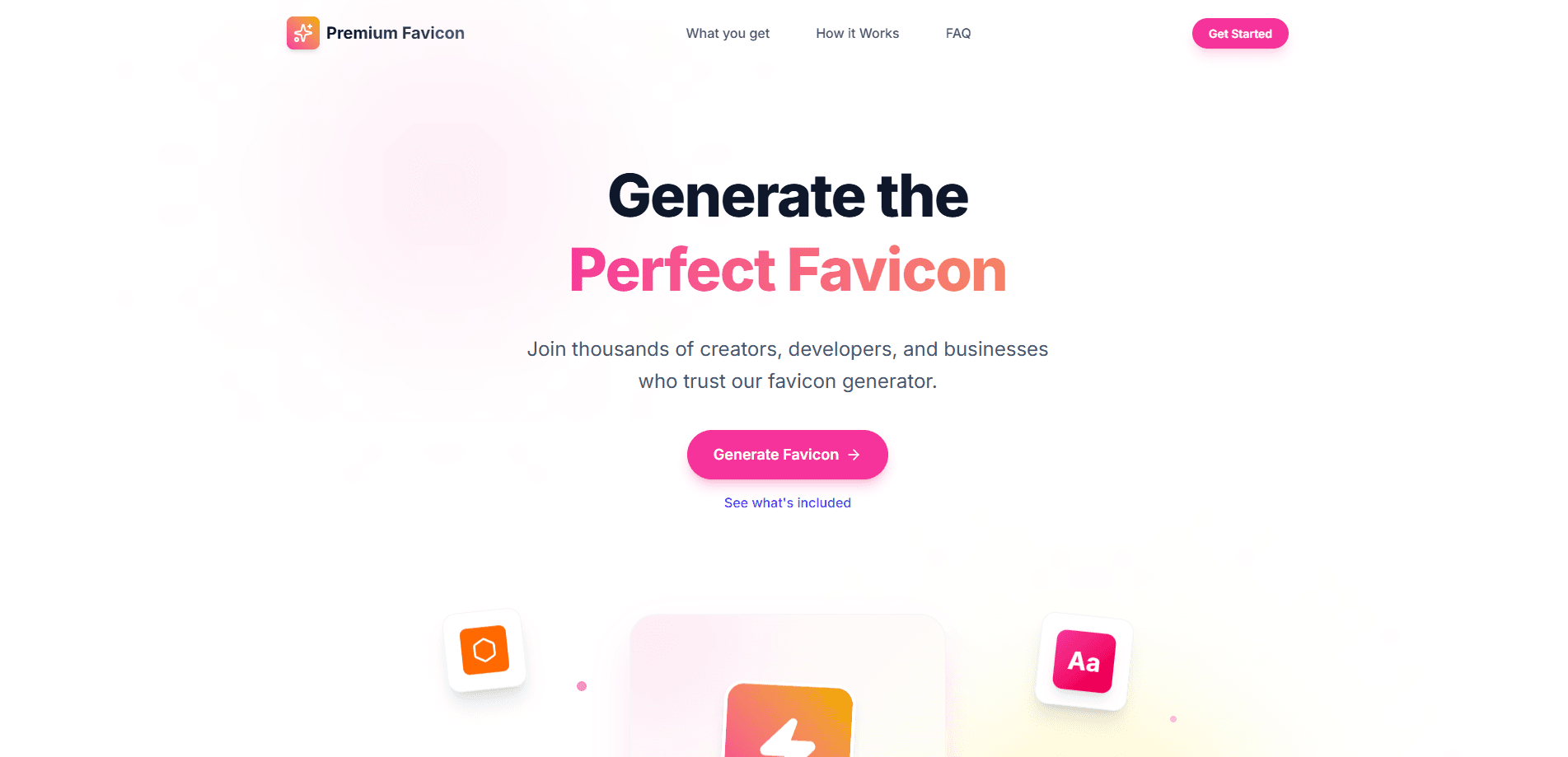
About Premium Favicon
What Is Premium Favicon
Premium Favicon is an online favicon tool built for people who'd rather not fight with image editors to produce a tiny browser icon. You hand it a logo or a set of text characters. It returns a full asset package that follows current web and mobile standards.
The problem it solves is messy and boring. A modern site doesn't need one icon. It needs a small stack of them: a multi-size ICO for browser tabs, PNGs for different contexts, an Apple touch icon, and icons for an installable PWA. Getting all of those sized, named, and wired up by hand is the kind of job that eats an afternoon if you do it carefully and still often leaves one file missing on some forgotten platform. Premium Favicon compresses that into a single pass.
The main limit is that it's a generator, not a design tool. If you don't already have a clean source image or short text, you still need to sort that out first. A fuzzy or overly detailed logo won't magically become crisp at 16x16. And the tool won't redraw artwork for you. What happens if your logo is a detailed illustration with fine lines? It'll turn to mush at tab size, and the tool won't fix that.
Getting Started
- Open the Premium Favicon site and pick your creation method: upload a logo image, or type the text characters you want to use.
- Preview how the icon looks at the small sizes browsers actually show in tabs and bookmarks.
- Generate the package, which bundles the favicon file, PNG formats, and Apple touch icons.
- Download the assets and copy them into your project's root or asset folder.
- Link the files in your site's HTML head so browsers pick them up, then reload to confirm the tab icon updates.
Product Information
A quick look at Premium Favicon's pricing, supported platforms, and performance.
Best for
The users, tasks, and scenarios where this tool fits best.
Users
- Web developers
- Small business owners
- Freelancers and agencies
Tasks
- Generating a full favicon package from a company logo
- Creating a favicon from text characters
- Preparing Apple touch icons
- Setting up icons for an installable PWA
Scenarios
- Launching a brand-new website
- Refreshing an outdated brand
- Building a quick landing page or side project
Key features
Two Ways to Create an Icon
You can generate a favicon from an uploaded logo image or straight from text characters. The text option matters when you don't have artwork ready. It lets you ship initials or a short wordmark as your site icon, which is a perfectly respectable look for a personal blog or a small side project that isn't chasing a formal brand identity yet. Both routes feed into the same output package, so the choice doesn't change what you get back.
Complete, Deploy-Ready Asset Package
Rather than handing you a single file, Premium Favicon builds the whole set: the standard favicon file, PNG formats, and Apple touch icons. Everything follows current web and mobile conventions, so the icons render consistently across devices without you second-guessing which dimensions each platform expects. There's no follow-up step where you resize or rename anything by hand.
Retina and High-Resolution Support
The generated set includes high-resolution assets for Retina screens, so the icon stays sharp on modern displays instead of going blurry when scaled up. This is the part people usually miss. Most export a single small icon and hope for the best. Open it on a 4K monitor and the blur shows instantly.
iOS and Android Optimized Output
Icons are optimized for both iOS and Android, covering the home-screen contexts each platform expects. That means a site added to a phone's home screen picks up a proper branded icon rather than the generic gray placeholder that quietly signals to users you never finished the job.
PWA and Home-Screen Ready
The package supports installable web apps. You get the icon assets a PWA experience needs for home-screen shortcuts. If you're building a progressive web app, this closes one of the small but visible gaps in the setup.
Standards-Compliant, Faster Setup
By following contemporary web standards, the tool reduces the guesswork around which sizes and formats to include. You get a faster path to the finish line, and fewer broken-icon reports from users on odd browsers show up later. That last part matters more than it sounds, because icon bugs are the kind of thing nobody reports until it looks embarrassing on a client's screen.
Pros and cons
Pros
- Generates the full icon set in one pass, covering ICO, PNG, and Apple touch icons together.
- Offers a text-to-favicon option when no logo artwork exists yet.
- Includes Retina and high-resolution assets, so icons stay sharp on modern screens.
- Output is ready to deploy with no manual resizing or renaming.
- Handles iOS, Android, and PWA icon contexts, which are easy to forget individually.
Cons
- It's a web tool with no API, so you can't automate icon regeneration inside a build pipeline.
- It won't clean up or redraw a low-quality source image, so the output is only as good as your input.
- There's no design editing built in, which means anything beyond uploading or typing text needs a separate tool.
Frequently asked questions
It's an online favicon generator that builds a complete icon package for a website or app. You provide a logo or text characters, and it returns the favicon file, PNG formats, and Apple touch icons ready to deploy.
Related content
Explore related tools, skills, and articles for Premium Favicon.
Premium Favicon Alternatives

X Ray Interpreter
X-ray Interpreter · ImageX Ray Interpreter is a web-based AI radiology tool that turns X-rays, CT scans, MRI, ultrasound, and PET images into plain-language reports. You upload a scan, get a preliminary X-ray interpretation in moments, then ask follow-up questions if something needs explaining. It works as a second opinion and a learning aid, not as a medical diagnosis.

Aieasypic
AIEasyPic · ImageAIEasyPic is an AI image generator that turns plain text prompts into finished artwork in seconds. You can also train custom models on your own photos, swap faces in existing images, and create short video clips from text, all from a browser. It suits casual creators who want quick visuals and hobbyists who want to build a personal model without touching any code.

Chargen
Chargen · ImageChargen is an AI character generator and worldbuilding toolkit built for Dungeons & Dragons and other tabletop RPGs. It turns a one-line idea into a painted character portrait, spins up NPCs, monsters, maps and encounters from the same session, and keeps every creature's details close at hand. The tabletop RPG art side runs on a credit system called Gold, while the text generators stay free for everyone.