

Pretty Prompt
Pretty Prompt · Productivity · Prompts
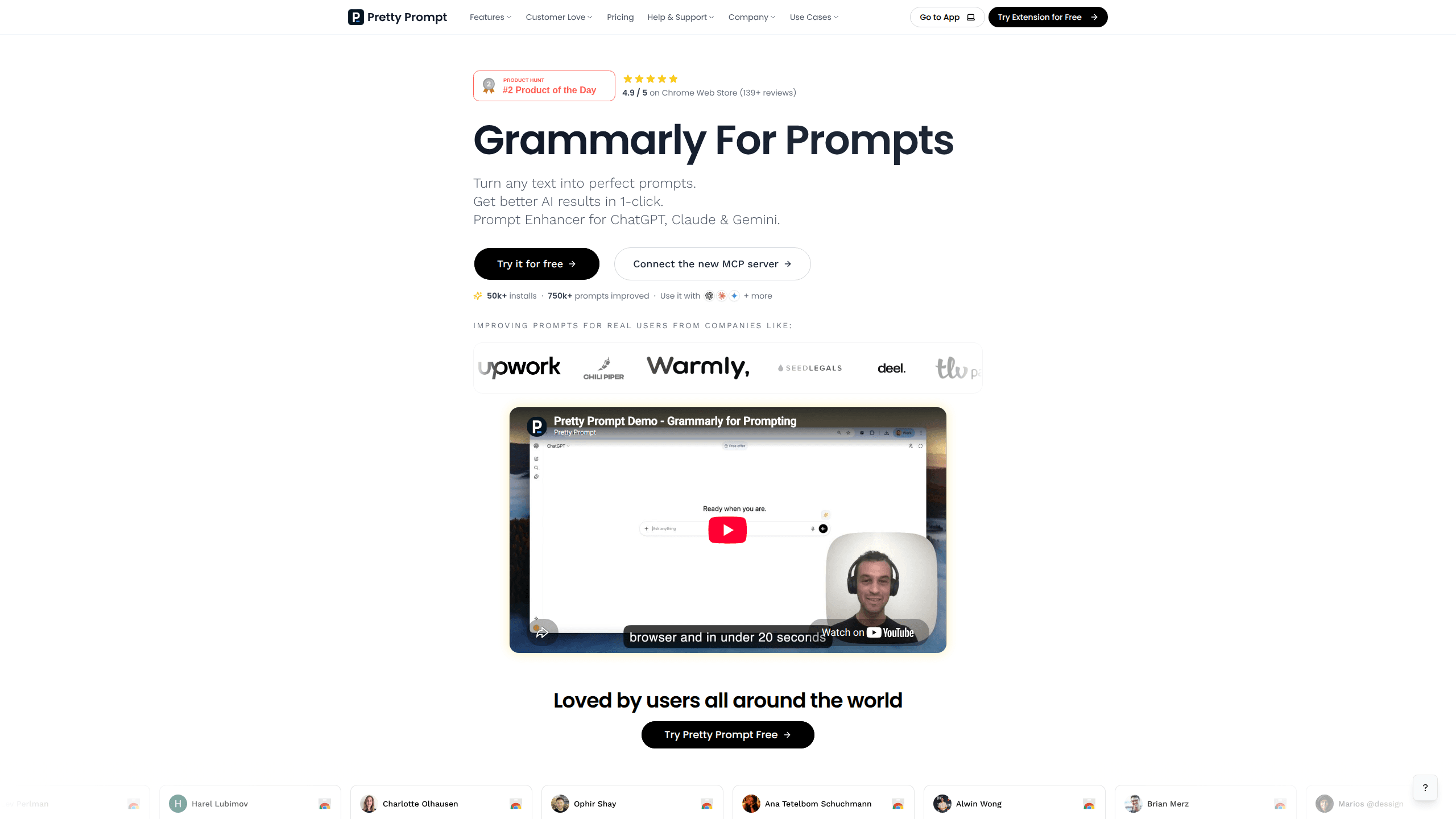
Pretty Prompt is an AI prompt enhancer that rewrites a rough request into a clear, structured prompt in one click. It runs as a Chrome extension for prompts inside ChatGPT, Claude, Gemini, Perplexity and dozens of other AI tools. No copy-paste between tabs. Better prompts, better answers, and no need to learn prompt engineering first.
About Pretty Prompt
What Is Pretty Prompt
Pretty Prompt works like a spell-checker for prompts. You type a rough idea into the chat box you already use, click the Pretty Prompt button, and it hands back a tighter, better-structured version of the same request. The company calls the idea "Grammarly for prompts." That comparison holds up. You aren't writing prompts from scratch. You're starting from a draft and letting the tool sharpen it.
Think of it as a prompt optimizer rather than a prompt generator. It doesn't invent your request for you. It takes what you meant and rewrites it. So what does that look like in practice?
The main problem it solves is inconsistency. Most people get uneven results from AI because their prompts vary wildly in quality from one minute to the next, shaped by how tired, rushed or focused they happen to be when they hit send. Pretty Prompt pushes every request toward the same structured shape, so the output stops depending on how much energy you had when you typed it. It works in over a dozen languages. The improved prompt comes back in the language you wrote in.
Here's the catch. Pretty Prompt isn't a standalone chatbot. It only helps where an AI chat window exists, and it lives in Chrome and Chromium browsers rather than Safari or mobile apps. If you mostly prompt from your phone, this tool won't reach you yet. The free plan also caps you at 5 improved prompts per week. That runs out fast if you use AI daily.
Getting Started
- Open the Pretty Prompt listing on the Chrome Web Store and click Add to Chrome. No account is needed to try it.
- Head to ChatGPT, Claude, Gemini or another supported site. A Pretty Prompt button appears inside the chat box.
- Type your rough request the way you normally would, then click the button once to improve prompts for ChatGPT, Claude or Gemini.
- Paste or accept the improved prompt and send it. Use Refine mode if you want to keep adjusting the wording.
- Sign in when you want the free weekly plan or a Pro subscription with unlimited prompts.
Product Information
A quick look at Pretty Prompt's pricing, supported platforms, and performance.
Best for
The users, tasks, and scenarios where this tool fits best.
Users
- Everyday ChatGPT and Claude users
- Marketers and founders
- Students and job seekers
Tasks
- Rewriting a half-formed idea into a usable prompt
- Cleaning up prompts that returned weak answers
- Reusing a proven prompt across tools
Scenarios
- A daily content workflow where you draft posts and emails with AI
- Fast research sessions across several models at once
- Learning prompt structure by example
Key features
One-Click Prompt Improvement
The core action is a single button inside the chat box. Type a rough request. Click once. Pretty Prompt returns a structured version with clearer instructions, added context and a sensible format. The big win is that you never leave the page or copy text into a second tool. A Refine mode lets you nudge the wording further without starting over.
Works Inside the AI Tools You Already Use
Pretty Prompt is a Chrome extension first, not a separate website you have to visit. It slots into ChatGPT, Claude and Gemini, plus Perplexity, Lovable, v0 and dozens more sites. That placement matters, because your prompt gets improved in the exact window where you were already going to send it and you never have to break your flow. No tab switching. No paste step. No losing your train of thought.
Prompt History and Saved Library
Every prompt you improve is kept, with the last 3 free or full history on Pro. Pro users also get a saved library for storing prompts worth keeping. If you've ever written a prompt that worked perfectly and then lost it somewhere in a long scroll of messages, this is the fix you've been wanting. Both features are the practical reason people stay subscribed once the free weekly cap starts to bite.
Context and Conversational Memory
Pro adds context memory for up to unlimited snippets and conversational memory, so the tool can account for details you've shared before. Free users get a limited version capped at 3 snippets. In practice this means fewer prompts where the AI forgets the tone, audience or project you described one message ago.
Same-Language Output in Dozens of Languages
Write in your native language and the improved prompt comes back in that same language. The tool covers English, Spanish, French, German, Japanese, Korean, Russian, Arabic and more. It's a small touch that matters a lot for non-English users who want structured prompts without translating their thoughts first.
Free Plan With No Card Required
You can install the extension and improve 5 prompts a week without creating an account or entering payment details. The weekly count resets automatically. It's a low-friction way to find out whether better prompts actually change your results before you pay anything. Pro starts at $8.25 per month when billed yearly.
Pros and cons
Pros
- Improves prompts in place, so there's no copy-paste step between tools.
- Acts as a prompt engineering tool for people who never studied prompting.
- Works across many AI sites, including ChatGPT, Claude, Gemini and Perplexity.
- Returns the improved prompt in your own language, which helps non-English speakers.
- Free tier needs no signup and no credit card to test.
- 4.9 stars from 139+ ratings and 50,000+ users suggest the approach resonates.
Cons
- Limited to Chrome and Chromium browsers, so Safari and mobile users can't use it.
- The free plan caps you at 5 prompts a week, which heavy users will exhaust quickly.
- No public API, so you can't wire the enhancer into your own apps or custom workflows.
Frequently asked questions
It rewrites a rough request into a clearer, better-structured prompt in one click. The goal is to get stronger answers from AI without you learning prompt engineering first. It works inside the chat window you're already using. In short, it's a ChatGPT prompt tool that stays out of your way.
Related content
Explore related tools, skills, and articles for Pretty Prompt.
Pretty Prompt Alternatives

Swms
Swms AI · Writing · Productivity · BusinessSwms is an AI safety compliance tool that turns a plain description of a job into ready-to-use safety documents. Describe your project, trade, and known hazards, and it writes a safe work method statement, job hazard analysis, safe work procedure, RAMS, or safety data sheet in seconds. It also ships with Oscar, a chat assistant that answers workplace safety questions in any language. Teams in construction, mining, transport, and warehousing use it to cut the paperwork that usually eats into a workday.

Wordly AI Translation
Wordly · Voice & Language · ProductivityWordly AI Translation is a real-time AI translation and captioning platform built for meetings, conferences, and events. It delivers live translation, captions, transcripts, and summaries in more than 60 languages, and attendees join by scanning a QR code or opening a link instead of using dedicated headsets. The platform works with Zoom, Microsoft Teams, Google Meet, and Webex, and it's designed for organizations that want multilingual access without hiring human interpreters for every session. Simple as that.

Rows
Rows (Superhuman) · Productivity · BusinessRows is an AI spreadsheet and data analysis tool that imports live data from more than 50 sources, then lets you work with it using plain language instead of SQL queries or nested formulas. You can pull numbers out of PDFs, connect ad platforms, databases, and bank accounts, and ask the AI to build reports, merge datasets, or set up models that recalculate themselves. It runs in the browser, works like a spreadsheet, and now sits under the Superhuman umbrella.