

Prism Videos
Prism AI · Video
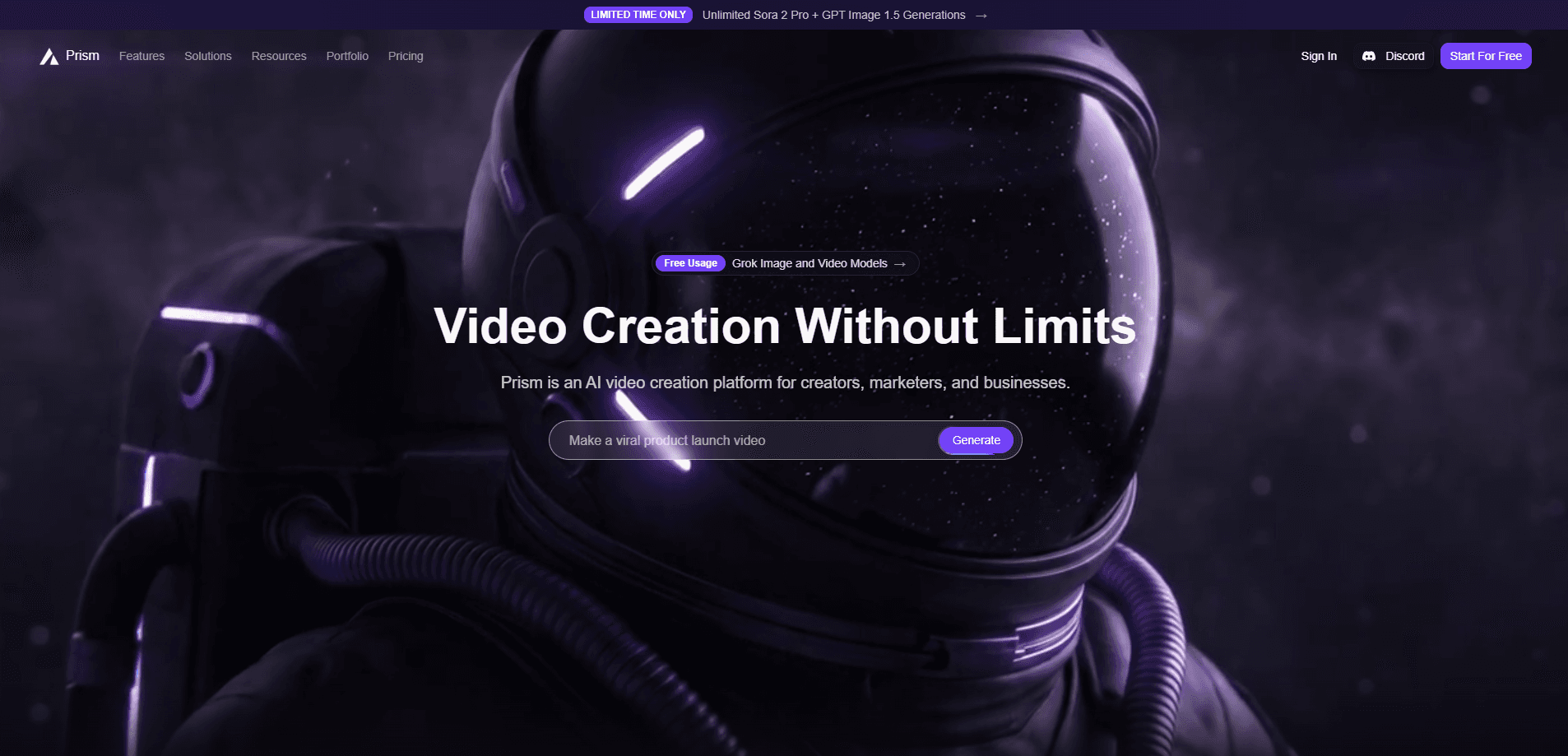
Prism Videos is an all-in-one AI media studio that lets you generate, edit and publish video and image content from a single workspace. You can start from a text prompt, an image or a reference clip, pick from dozens of leading AI models, then refine the result with editing, lip sync and template tools. It works as a short-form video tool and a light AI video editor in the same tab. Use it for TikTok, Reels, Shorts and ad creatives. It's built for creators, marketers and small teams who need those assets without juggling five different apps.
About Prism Videos
What Is Prism Videos
Prism Videos is a browser-based AI video creation platform. Instead of one model doing everything, it pulls together a large library of image and video models, including Seedance, Kling, Google Veo and Flux, and wraps them in a single interface. That means you can move from a rough idea to a finished clip without exporting files between tools.
The pitch is speed and breadth. You describe what you want, the platform routes it to a suitable model, and you tune the output with the same editing tools you'd use anywhere else. Teams that ship TikTok clips, Reels, Shorts or paid ads get a workflow that stays in one tab. That's the whole idea.
The main catch is math. Prism runs on a credit system, and the heavier video models burn credits fast, so a few 720p generations can eat a chunk of a monthly allowance. There's no public API for developers, and some of the strongest models sit behind the higher tiers. Worth knowing upfront. Credits add up fast.
Getting Started
- Create a free account on the Prism Videos site and confirm your email.
- Open a new project and pick your starting point: a text prompt, an uploaded image or a reference clip.
- Pick a video or image model from the menu, then write a prompt describing the scene, motion and style.
- Generate the clip, then refine it with lip sync, motion controls and template tools.
- Export the finished file or publish it straight to your channel.
Product Information
A quick look at Prism Videos's pricing, supported platforms, and performance.
Best for
The users, tasks, and scenarios where this tool fits best.
Users
- Social media creators
- Small marketing teams
- Agencies producing ad variants
Tasks
- Turning a text prompt into a short video
- Creating concept frames and thumbnails
- Adding lip sync to an avatar clip
Scenarios
- Daily short-form content for TikTok, Reels and Shorts
- Testing several ad creatives before a campaign
- Building a visual mood board before a shoot
Key features
Multi-Model Generation
Prism Videos gives you access to a wide set of image and video models in one place, including Seedance 2.5, MiniMax H3, Flux 3, Krea 2 Turbo, Kling 3.0 and Google Veo 3.1. You pick the model per generation, so you can match a cheaper fast model for drafts and a heavier one for hero shots. That flexibility is the main reason people choose it over a single-model tool. Text to video is the core move here.
Prism Agent
The Prism Agent is an orchestration layer that chains several AI tools together to complete a request. Rather than you picking each model by hand, you describe the outcome and the agent routes the job through the steps it needs. It's the closest thing here to a "just tell it what you want" mode, and it's aimed at people who don't want to learn each model's quirks. Handy. Still not magic.
AI Image Generation
Alongside video, Prism includes an AI image generator for stills, thumbnails, characters and concept art. Those images can feed directly into a video project as a first frame or a style reference, which saves the round trip of generating in one app and importing into another. It covers the common need to have a strong visual before any motion gets added. Simple as that.
Built-In Video Editing
Once a clip is generated, you're not stuck with it. Prism adds editing, timeline-based creation, motion controls and template tools inside the same workspace. You can trim, rearrange and polish without exporting to a separate editor. Think of it as an AI video editor bolted to the generator. For short-form content that's the difference between shipping today and shipping next week.
Templates and Community Gallery
There's a library of templates and a community gallery where creators post what they've built. The templates shorten the start of a project, and the gallery doubles as a source of ideas when you're staring at a blank page. Both are useful for people who want a head start rather than a blank canvas.
Pros and cons
Pros
- Dozens of leading image and video models, including Google Veo and Kling, available in one workspace.
- A free tier with 10 monthly credits, so you can test the platform before paying anything.
- Image generation, video generation and editing live in the same tool, which removes a lot of app-switching.
- A Prism Agent that orchestrates multiple models for people who'd rather describe an outcome than configure settings.
- Clear credit pricing per plan, with a $0.20-ish entry point at the Starter tier for regular use.
Cons
- Credits disappear quickly on premium video models; a handful of 720p generations can use up a large share of a monthly allowance, which makes cost control harder for heavy users.
- No public API, so developers can't wire Prism into their own apps or automate pipelines.
- The strongest models and unlimited daily generations sit on paid tiers, which limits what the free plan can actually produce.
Frequently asked questions
Prism Videos is an AI video creation platform for generating, editing and publishing video and image content. People use it for short-form social clips, ad creatives, thumbnails and avatar-style videos, all from one browser workspace. No app install needed.
Related content
Explore related tools, skills, and articles for Prism Videos.
Prism Videos Alternatives

Vadu AI
Vadu AI · Image · VideoVadu AI is a web-based AI video generator that turns written prompts or still images into short clips, and it can also generate images on its own. You type what you want, pick a model and style, and the platform renders the result in minutes. A free plan covers light testing, while paid tiers run from $9 to $77.40 per month based on how many credits you burn.

Mykaraoke Video
MyKaraoke Video · VideoMykaraoke Video is an online karaoke video maker and lyric video maker that turns any song into a finished, lyrics-synced video right in your browser. It handles the slow part for you. The AI pulls vocals out of the mix and locks the lyrics to the beat, then lets you customize background, fonts, and colors before exporting in 1080p MP4. If you make lyric videos for social media, party nights, or music promotion, it skips the software installs and manual timing work entirely. Want a karaoke video generator that doesn't eat your whole evening? That's the pitch here.

Finalframe
Finalframe · VideoFinalframe is a set of free, browser-based tools for grabbing exact frames out of a video clip. Its best-known feature, the Final Frame Extractor, lets you extract the last frame of any video so you can use it as the starting image for AI video tools like Luma Dream Machine, Runway, or Kling. Want to keep a clip going? That last frame is your starting point. The tool runs locally in your browser, needs no sign-up, and costs nothing. A separate paid AI video-generation app from the same team is currently offline while it's rebuilt.