

PRobe
PRobe · Coding
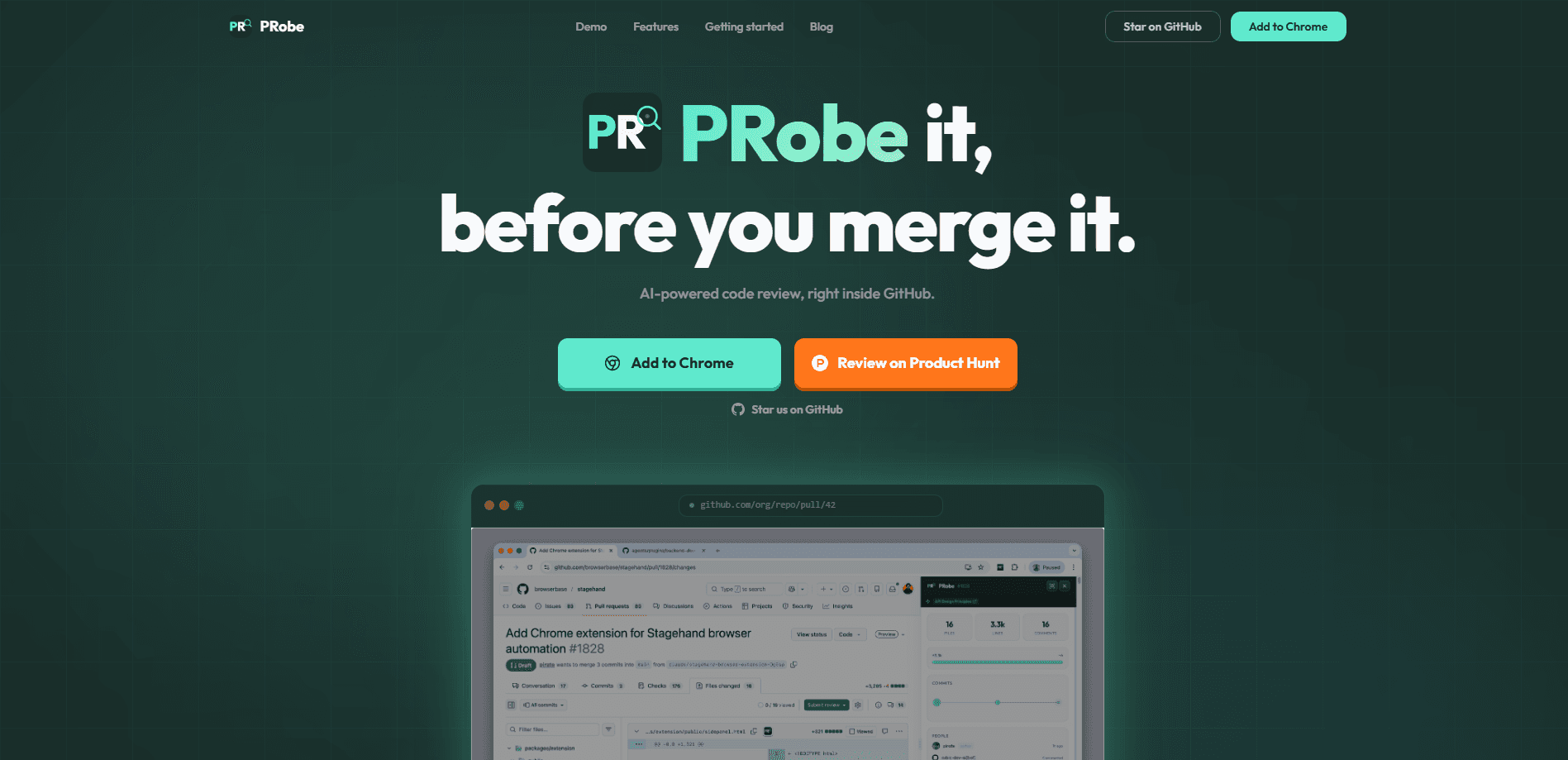
PRobe is an AI code review tool that connects to GitHub and lets you chat with any pull request. Instead of reading a long diff line by line, you ask questions in plain language and get answers about what changed, why it matters, and what might break. It fits teams and solo developers who already live in GitHub pull requests and want faster, clearer code review without leaving their normal workflow. Big diff? Ask it questions instead.
About PRobe
What Is PRobe
PRobe is a code review assistant built around a simple idea: a pull request is easier to understand when you can talk to it. The tool reads a GitHub PR and opens a conversation about the change, so you can ask what a function does, whether an edge case is handled, or why a file was touched. Developers use it to shorten the gap between opening a PR and confidently approving or requesting changes.
The main problem it addresses is review fatigue. Large diffs hide the parts that matter, and reviewers often skim instead of reading closely. When you have twenty files to get through and only ten minutes before a standup, the temptation to approve without reading closely is real. PRobe turns that wall of code into a back and forth, which is useful when you're reviewing someone else's work or returning to your own PR a week later. Why does that matter? Because a question you can ask beats a comment you have to hunt for.
It's worth being clear about the limits. PRobe is a young tool. It sits on top of GitHub, so it depends on your PRs, your repos, and GitHub being available. It doesn't replace a human reviewer who knows the product. Treat it as a first pass that surfaces questions, not a final verdict. A tool that reads a diff and answers questions about it can flag what looks off, but only the person who built the feature knows whether that behavior is actually intended. If you're unsure whether it fits your setup, the official site at getprobe.dev is the place to check current details.
Getting Started
- Go to getprobe.dev and sign up for an account.
- Connect your GitHub account and grant access to the repositories you want reviewed.
- Open a pull request, then point PRobe at that PR and let it read the change.
- Ask questions about the diff and read the answers, or request feedback on specific files and functions.
- Use what you learn to approve, comment, or request changes in your normal GitHub review flow.
Product Information
A quick look at PRobe's pricing, supported platforms, and performance.
Best for
The users, tasks, and scenarios where this tool fits best.
Users
- Developers who review a lot of GitHub pull requests
- Solo developers without a review buddy
- Team leads triaging incoming PRs
Tasks
- Understanding an unfamiliar diff
- Spotting risky changes
- Writing review comments
Scenarios
- Reviewing a large PR late in the day when your focus is running low
- Picking up a teammate's abandoned PR
- Comparing an AI code review assistant against your usual manual pass
Key features
Chat With Any GitHub Pull Request
The core of PRobe is conversation. You open a pull request and ask questions about it, and the tool answers based on the code in the diff. That means you can treat a PR like a person you're interviewing, instead of scrolling through changes and guessing at intent. Simple idea. It works.
AI Code Review Feedback
Beyond questions, PRobe gives review-style feedback on the change. It points at code that looks fragile, unclear, or worth a second look. The value is a faster first pass, so your human review time goes to the decisions that actually need a person. Missed something? It happens.
Plain-Language Explanations
Ask what a block of code does and PRobe explains it in everyday terms. For developers reading an unfamiliar language or an unfamiliar part of a codebase, this is quicker than tracing every call. No decoder ring needed. The tool is aimed at people who want to understand a change, not just approve it.
GitHub-Native Workflow
PRobe works with GitHub pull requests, so it fits the flow you already use. There's no separate review tool to check and no new place to track comments. You connect GitHub once, then work on the PRs you'd review anyway. That's the whole pitch.
Focus on the Change, Not the Whole Repo
The tool reads a specific pull request rather than your entire codebase. That keeps answers tied to what's actually being proposed for merge. It's a narrower scope than a full-repo assistant, and for review that's usually the point. Want the bigger picture? You still need your own knowledge of the repo.
Pros and cons
Pros
- Answers questions about a pull request in plain language, which speeds up reading a large diff.
- Fits GitHub pull requests directly, so you don't change your review workflow.
- Gives a useful first pass on code before a human reviewer digs in.
- Good for solo developers who want a second opinion before merging.
- Fast to set up. Connect GitHub and start asking.
Cons
- It depends on GitHub, so it won't help if your team reviews code somewhere else.
- It reads the pull request, not your wider codebase, so it can miss context that lives outside the diff.
- Pricing and free-plan details aren't visible on the current site, so you'll need to check before committing to it.
- It's a young tool, and AI review can be confidently wrong, so it can't replace a human reviewer who knows the product.
- Because PRobe only sees the pull request and not the surrounding product decisions, it can approve a change that looks clean in isolation but breaks an unwritten rule your team follows.
Frequently asked questions
It connects to GitHub and lets you chat with a pull request. You ask questions about the change, and it answers in plain language and gives review-style feedback, so you understand a diff faster. That's especially handy when the author is on another team and you have no idea what the change is meant to fix.
Related content
Explore related tools, skills, and articles for PRobe.
PRobe Alternatives
Forefront
Forefront · CodingForefront is a web platform for building with open-source AI. It lets you fine-tune leading open-source language models on your own data, evaluate how they perform, and run them through an API or export them to host yourself. Developers who want the convenience of a closed-source platform but insist on owning their models and data are the target audience here.

Startkit
StartKit.AI · CodingStartkit is a boilerplate for building AI SaaS and AI wrapper products. Think of it as an AI startup boilerplate with the boring parts already wired up: authentication, Stripe and Lemon Squeezy payments, usage limits, transactional email, and an AI API starter that talks to OpenAI, Anthropic, Groq, or Llama. You clone the repo, set your price, and start on the part of your product that people actually pay for. It's Next.js under React and Tailwind, so most of the boilerplate code already feels familiar.
Testim
Tricentis · CodingTestim is an AI-powered test automation platform for building and running end-to-end tests across web, mobile, and Salesforce applications. It leans on machine learning to keep tests stable when an interface changes, so teams spend less time fixing broken selectors. Not bad for an automated testing tool you can start using today. You create tests by recording actions in a browser, then optionally add JavaScript when you need more control. It's a solid pick for busy QA teams.