
Product Hunt MCP
Jai Pandya · Coding
Product Hunt MCP is a free, open source Model Context Protocol server that lets AI assistants read Product Hunt posts, comments, collections, topics, and users through plain conversation.
About Product Hunt MCP
What Is Product Hunt MCP
Product Hunt MCP is a Model Context Protocol server that wraps the Product Hunt API and hands its data to any AI assistant that speaks MCP, such as Claude Desktop or Cursor. You ask a question in plain language, and the server turns it into a real API call against Product Hunt.
The gap it fills is access. Product Hunt holds a running record of new product launches, vote counts, and community discussion, but that data normally lives behind a developer API and a GraphQL schema. With this server, you don't write queries yourself. The assistant pulls post details, comments, collections, topics, and user profiles for you.
The main limits are practical, not technical. You need your own Product Hunt API token, so the server runs on your own access rights. It also returns what the API exposes, so anything Product Hunt doesn't publish stays out of reach. The project is a small community tool, not an official Product Hunt product.
Getting Started
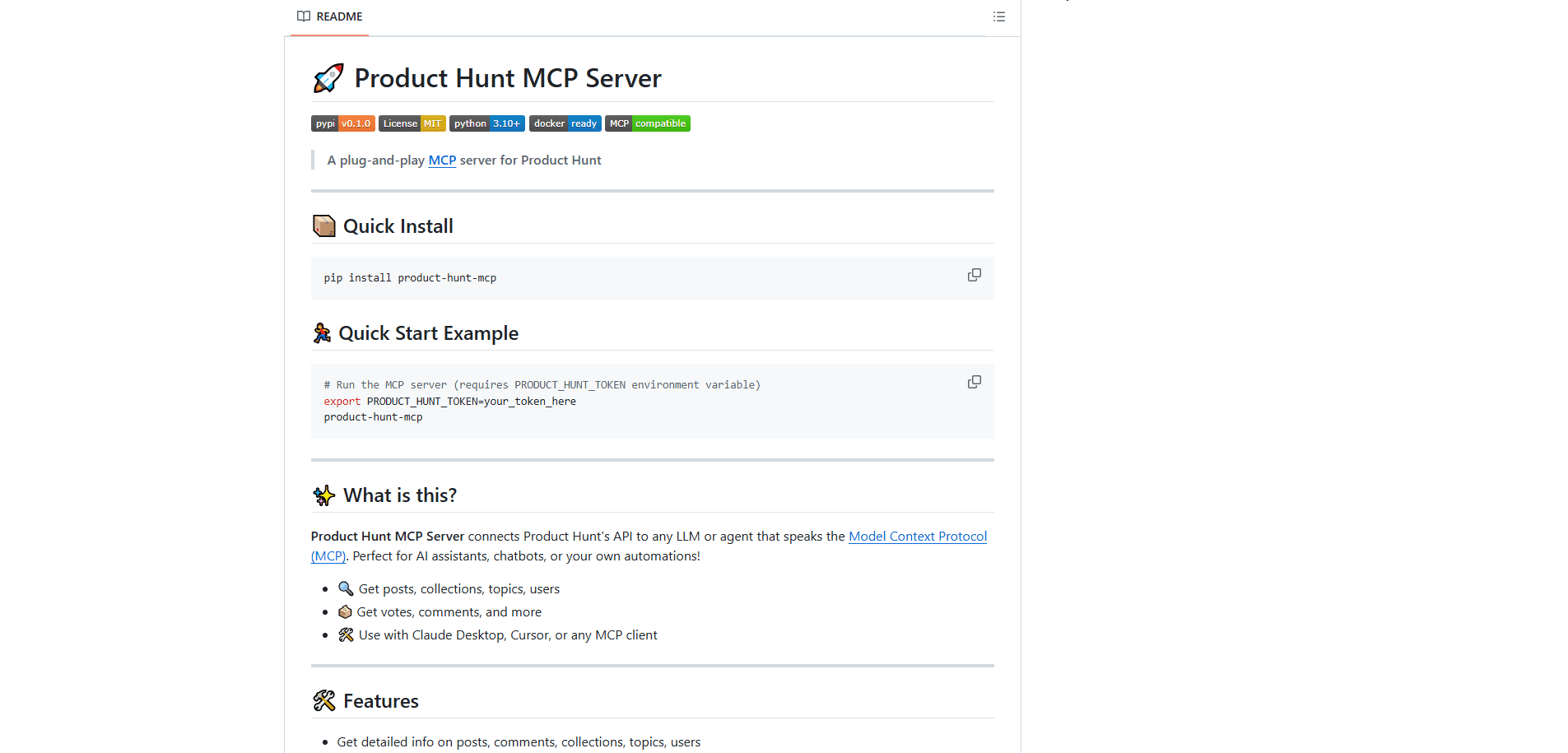
- Create a Product Hunt account, then open the API dashboard at producthunt.com/v2/oauth/applications and add a new application.
- Copy the Developer Token shown for that application.
- Install the package with
pip install product-hunt-mcporuv pip install product-hunt-mcp. Python 3.10 or later is required. - Add the server to your MCP client config. In Claude Desktop or Cursor, set the command to
product-hunt-mcpand pass your token as thePRODUCT_HUNT_TOKENenvironment variable. - Restart the client, then ask something like "what launched in the AI topic this week" and review the results.
Product Information
A quick look at Product Hunt MCP's pricing, supported platforms, and performance.
Best for
The users, tasks, and scenarios where this tool fits best.
Users
- Founders checking the market
- Product managers tracking a category
- Developers building on Product Hunt data
Tasks
- Launch discovery
- Product research
- Community sentiment checks
- Competitor comparison
- Creator lookups
Scenarios
- Validating an idea before you build
- Writing a weekly roundup
- Prepping an investor update
Key features
Covers the Whole Product Hunt Surface
The server reaches beyond posts into comments, collections, topics, and users. That breadth means most everyday Product Hunt questions have a matching tool. Read a launch, scan a curated collection, or search topics by keyword, and there's a tool for each.
Search and Filters That Match How You Browse
You can filter posts by topic, order, count, featured status, and posted date range. This mirrors how the Product Hunt site itself lets you sort and slice, so you get the same views through a conversation instead of the web interface.
Comment and Vote Data
Comments come back paginated, and user upvote activity is available too. For anyone judging how a launch landed, the comment thread usually says more than the vote total alone, and this is where you reach it.
Runs on FastMCP
The project is built with FastMCP, a Python framework for MCP servers, which keeps the code short and compatibility wide. It works with Claude Desktop, Cursor, and other MCP clients rather than locking you to one assistant.
Straightforward Install
A single pip install product-hunt-mcp gets you the command, and a Docker image is included for container users. Configuring it means editing one JSON block in your client and adding your token as an environment variable.
Open Source Under MIT
The code ships under the MIT license, so you can read it, fork it, and change the tools to fit your own workflow. The repository also carries a changelog and issue tracker, and PRs are welcome.
Pros and cons
Pros
- Free and open source under the MIT license, with no subscription or per-seat cost.
- Covers posts, comments, collections, topics, and users in one server, so you rarely hit a dead end.
- Built on FastMCP, so it works across Claude Desktop, Cursor, and other MCP clients.
- Filtering by topic, date, featured status, and order matches the Product Hunt website's own options.
- Installable through pip or Docker, which suits both local testing and container setups.
Cons
- You must bring your own Product Hunt API token, which means an account and a small setup step before anything works.
- It's a community project, not an official Product Hunt tool, so the API can change and the server may lag behind.
- There's no graphical interface: configuration lives in a JSON file, which can be fiddly for non-developers.
- Results are bounded by the Product Hunt API and its rate limits, so heavy querying can hit a reset window.
Frequently asked questions
Yes. The package is open source under the MIT license and costs nothing to install or run. Your only requirement is a Product Hunt API token, which is also free to create.
Related content
Explore related tools, skills, and articles for Product Hunt MCP.
Product Hunt MCP Alternatives
Forefront
Forefront · CodingForefront is a web platform for building with open-source AI. It lets you fine-tune leading open-source language models on your own data, evaluate how they perform, and run them through an API or export them to host yourself. Developers who want the convenience of a closed-source platform but insist on owning their models and data are the target audience here.

Startkit
StartKit.AI · CodingStartkit is a boilerplate for building AI SaaS and AI wrapper products. Think of it as an AI startup boilerplate with the boring parts already wired up: authentication, Stripe and Lemon Squeezy payments, usage limits, transactional email, and an AI API starter that talks to OpenAI, Anthropic, Groq, or Llama. You clone the repo, set your price, and start on the part of your product that people actually pay for. It's Next.js under React and Tailwind, so most of the boilerplate code already feels familiar.
Testim
Tricentis · CodingTestim is an AI-powered test automation platform for building and running end-to-end tests across web, mobile, and Salesforce applications. It leans on machine learning to keep tests stable when an interface changes, so teams spend less time fixing broken selectors. Not bad for an automated testing tool you can start using today. You create tests by recording actions in a browser, then optionally add JavaScript when you need more control. It's a solid pick for busy QA teams.