

Promptrepo
Mailrecipe LLC · Coding
Promptrepo is a no-code fine-tuning tool that turns data in Google Sheets into working AI models. You pick input and output columns, train a model, then deploy it from a spreadsheet.
About Promptrepo
What Is Promptrepo
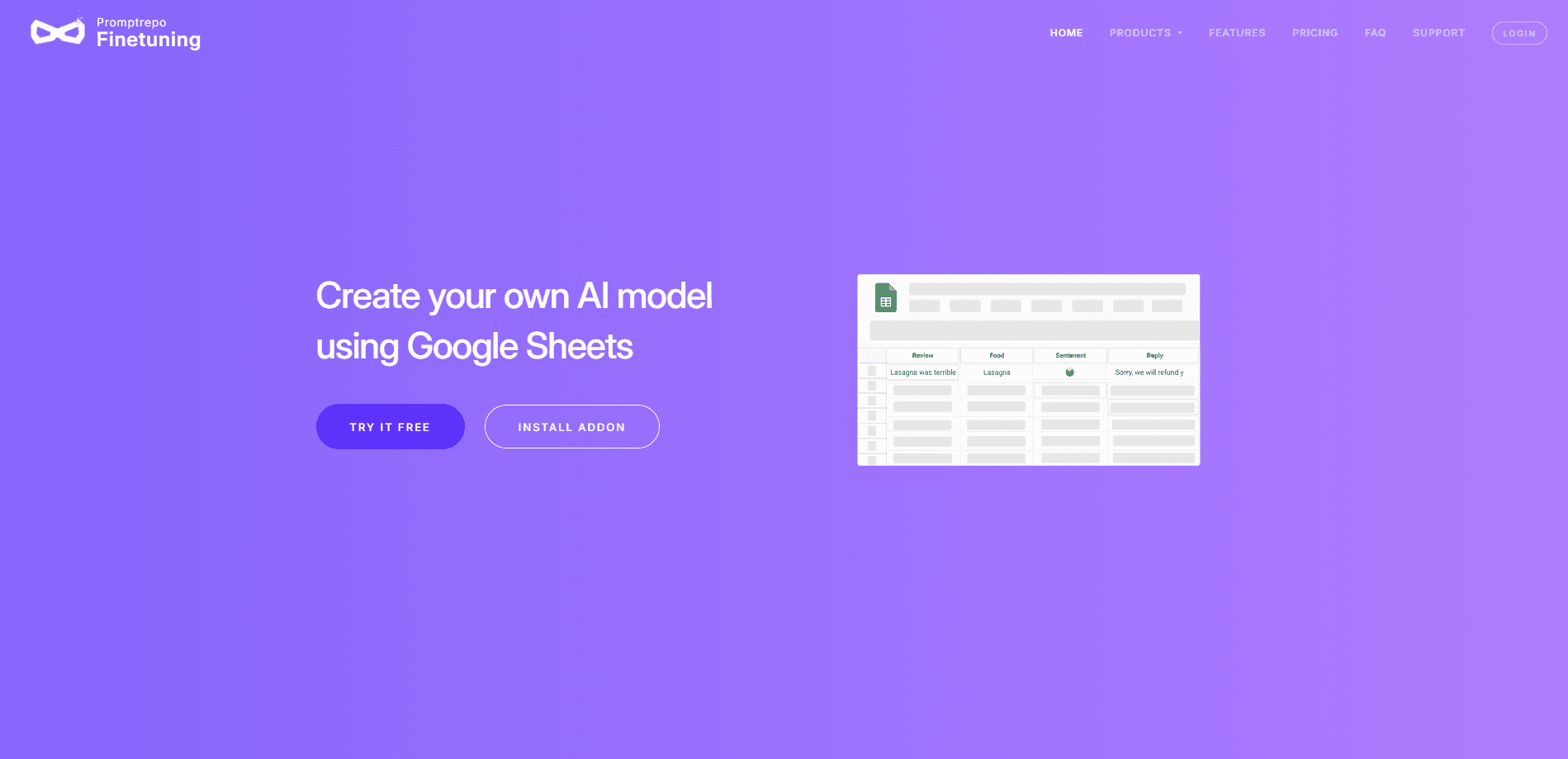
Promptrepo lets teams fine-tune AI models without writing code. It runs as a Google Sheets add-on, so the data you already keep in a spreadsheet becomes the training set. You select input columns, choose output columns with a type like text, number, or category, and the tool runs the training on hosted infrastructure. It's a practical way to train an AI model without coding.
The tool targets a real gap. General models are good at broad tasks but weak on company-specific work, and building a task-specific model usually means involving engineers. Promptrepo pushes that work to the people who know the data best, whether they're in support, operations, or research, and it keeps fine-tuned models in the same place as the source data.
The main limit is scope. Promptrepo doesn't ship a general chat assistant or a blank canvas for arbitrary model work. It's built for structured spreadsheet tasks, so free-form experiments and complex pipelines sit outside what it does well.
Getting Started
- Open Google Sheets and add or import the dataset you want the model to learn from.
- Open the Extensions menu, click Promptrepo, then click Train AI to open the sidebar.
- Name the model, then select input columns and output columns, setting a type for each one.
- Use Advanced settings to pick OpenAI, Mistral, or LLaMA and to add a system message that describes the task.
- Click Publish to start training, then test the model with a formula, the interface, or an API call.
Product Information
A quick look at Promptrepo's pricing, supported platforms, and performance.
Best for
The users, tasks, and scenarios where this tool fits best.
Users
- Domain experts without coding skills
- Support and operations teams
- Small product teams
Tasks
- Classification
- Structured extraction
- Content generation
Scenarios
- Auto-filling Google Forms from uploaded documents when staff don't have time to key in data.
- Turning logged OpenAI calls into a fine-tuned model that replaces the generic one in production.
- Staying on a spreadsheet budget
Key features
No-Code Model Builder in Google Sheets
Everything runs inside a spreadsheet you already use. You import data, open the Promptrepo sidebar under Extensions, and walk through naming, input columns, and output columns. Nothing about the flow needs a terminal or a Python file, which is the whole point for non-technical owners.
A Practical AI Model Builder, Not a Blank Canvas
The AI model builder accepts text, files, or JSON on the input side, and output columns can be text, a number, a yes/no flag, a category list, an array, or JSON. Declaring a type is what keeps a fine-tune AI model honest, since a classifier for support tickets won't drift into writing essays.
Multiple Base Model Choices
You can train on OpenAI, Mistral, or LLaMA. OpenAI is the default, and the Mistral and LLaMA options are still in beta, which matters if your team has a preferred provider or a cost ceiling. Support has to grant access to the newer options before you can use them.
Evaluation by Formula, Interface, or API
You can test a model inside a Sheets formula, through the sidebar, or with an API call. Testing in the grid means non-engineers can sanity-check results against rows they already trust, and the API path lets developers wire the same model into an app.
API for Production Integration
The REST API lets you call a fine-tuned model from apps, sites, and internal tools. Real use looks like swapping the standard OpenAI model for your fine-tuned one and watching accuracy rise while cost drops. It's a small change in code with a noticeable effect on output quality.
Built-In Version Control
Promptrepo tracks the build process and model versions for you. When accuracy moves, you can trace it back to a specific training run instead of guessing which dataset or settings produced the live model. That matters in any team where more than one person edits the data.
Pros and cons
Pros
- Keeps training data and the fine-tuning workflow in one familiar spreadsheet.
- Lets people without coding skills build and ship a custom model.
- Supports classification, extraction, and generation in a single tool.
- API access means the model you train can run in real products, not just tests.
- The free tier covers 10 models if you supply your own API key.
Cons
- There's no free plan, so you need a paid subscription after the 7-day trial, which caps you at 20 free responses.
- It's tied to Google Sheets, so teams on Excel or Airtable can't run the same flow without moving data.
- The Mistral and LLaMA base models are still in beta, and you have to email support to get access.
Frequently asked questions
No. Promptrepo is a paid product with a 7-day free trial that includes your first 20 responses. After the trial you need a subscription to keep going. There's a free training tier that lets you build up to 10 models, but only when you bring your own API key.
Related content
Explore related tools, skills, and articles for Promptrepo.
Promptrepo Alternatives
Forefront
Forefront · CodingForefront is a web platform for building with open-source AI. It lets you fine-tune leading open-source language models on your own data, evaluate how they perform, and run them through an API or export them to host yourself. Developers who want the convenience of a closed-source platform but insist on owning their models and data are the target audience here.

Startkit
StartKit.AI · CodingStartkit is a boilerplate for building AI SaaS and AI wrapper products. Think of it as an AI startup boilerplate with the boring parts already wired up: authentication, Stripe and Lemon Squeezy payments, usage limits, transactional email, and an AI API starter that talks to OpenAI, Anthropic, Groq, or Llama. You clone the repo, set your price, and start on the part of your product that people actually pay for. It's Next.js under React and Tailwind, so most of the boilerplate code already feels familiar.
Testim
Tricentis · CodingTestim is an AI-powered test automation platform for building and running end-to-end tests across web, mobile, and Salesforce applications. It leans on machine learning to keep tests stable when an interface changes, so teams spend less time fixing broken selectors. Not bad for an automated testing tool you can start using today. You create tests by recording actions in a browser, then optionally add JavaScript when you need more control. It's a solid pick for busy QA teams.