

PunkerIcon
PunkerDuck · Image
PunkerIcon is an AI icon generator that turns a short text prompt into a finished SVG or PNG icon in seconds. You describe what you want, pick a style and color, and download the result. No icon library to dig through. No designer to wait on. It fits indie developers, product teams, and anyone who needs custom icons without learning vector software. No design degree required.
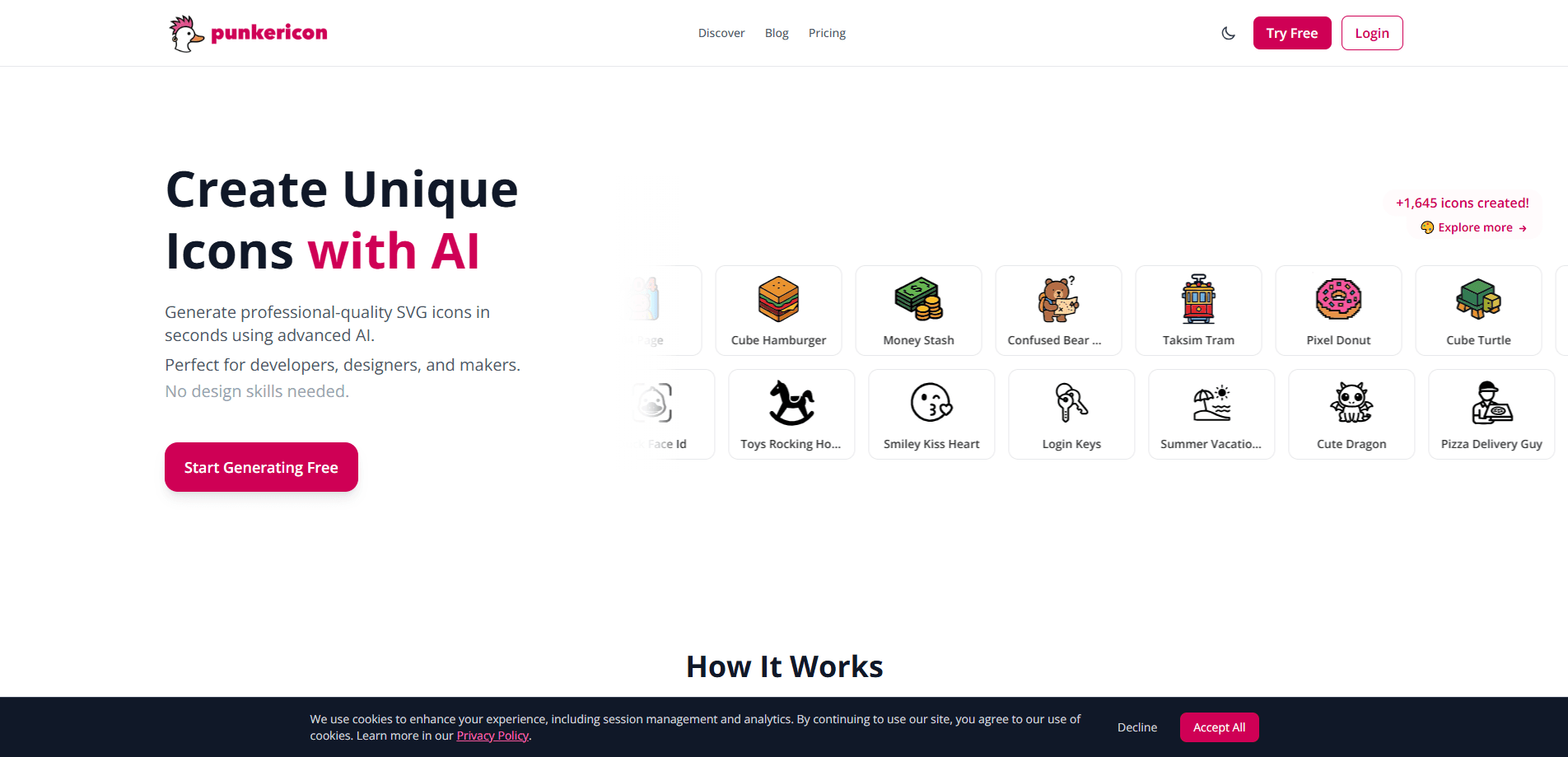
About PunkerIcon
What Is PunkerIcon
PunkerIcon is a web-based icon studio built by PunkerDuck. The pitch is blunt: skip the endless scroll through icon libraries and describe the symbol you need instead. Type a prompt like "shopping cart" or "settings gear," and the tool returns a clean icon you can drop into a website, app, or deck.
The tool generates two formats. SVG gives you a vector file that scales to any size without blurring. That matters if you're shipping a responsive site or a design system. PNG is the quick option for slides, emails, and places that don't read vector files. Both come out ready to use, and the icons are cleared for commercial projects.
The catch is scale. This is a pay-as-you-go tool built around credits, not an unlimited subscription, so anyone generating hundreds of icons a month will feel the meter running pretty quickly. There's also no API yet, which rules it out for teams that want to wire generation straight into their own apps, no matter how good the output looks. Support told us it's in the works, but no date has been announced.
Getting Started
- Open icon.punkerduck.com and start with 3 free credits, no signup needed.
- Create an account to add 5 more free credits and keep your icon history.
- Type a short prompt describing the icon, then pick a style like Solid, Outline, or Pixel and choose black or colored output.
- Generate the icon, tweak the prompt if it's off, and download it as SVG or PNG.
- When your free credits run out, buy a one-time credit pack from the pricing page.
Product Information
A quick look at PunkerIcon's pricing, supported platforms, and performance.
Best for
The users, tasks, and scenarios where this tool fits best.
Users
- Indie developers
- Product and marketing teams
- Non-designers
Tasks
- App icon design
- Quick asset asks
- UI icon sets
- Illustration touch-ups
Scenarios
- Early product design
- Last-minute content work
- One-off branding experiments
Key features
Text-to-Icon Generation
You describe the icon in plain words and the model draws it. No layers, no pen tool, no grid alignment. The output lands in seconds. That's the whole point: bad ideas get thrown away fast, and good ones get refined by tweaking the prompt.
SVG and PNG Output
Every icon downloads as a proper vector SVG or a raster PNG. SVG is the one that matters for web work since it stays sharp at any size, while PNG covers the places that can't handle vectors, like older slide tools or email templates.
Style and Color Control
You can pick from styles such as Solid, Outline, and Pixel, and switch between black monochrome and colored icons. Describing a style in the prompt, say "minimalist" or "vintage," also nudges the result. Black icons cost 1 credit and colored ones cost 2.
Free Credits to Start
PunkerIcon hands you 3 credits the moment you land on the site, and 5 more when you sign up. That's enough to test whether the style you want is achievable before paying anything, and there's no card required for the free tier.
Commercial Licensing
Icons you generate carry no licensing restrictions for commercial use, and you can drop them into apps, websites, logos, and marketing material without owing PunkerIcon a royalty or crediting the tool anywhere on the page.
Pros and cons
Pros
- Gets you a usable icon in seconds from a single sentence, no design skills involved.
- SVG export keeps icons sharp at every size, which stock PNG packs can't match.
- Free credits let you judge output quality before spending anything.
- One-time credit packs mean no subscription dangling over your head.
- Clear commercial-use terms remove the usual licensing headache.
Cons
- Credit-based pricing adds up if you're generating icons in bulk, since colored icons burn 2 credits each.
- No API means you can't automate icon generation inside your own product yet.
- Style range is narrower than a dedicated icon library, so very specific or highly detailed symbols may fall short.
Frequently asked questions
Yes, partly. You get 3 free credits without signing up and 5 more after creating an account, which lets you try the generator before paying. After that you buy credit packs.
Related content
Explore related tools, skills, and articles for PunkerIcon.
PunkerIcon Alternatives

Tractionwave
TractionWave · Image · MarketingTractionWave is an AI attention heatmap tool for static ads. Upload a PNG or JPG and it returns predicted attention, ranked hotspots, and fixes before you spend budget.

Imejis.io
Imejis.io · Image · MarketingImejis.io is an AI design studio for agents and marketing teams. Describe an image in plain words, and it writes the copy, builds the layout, reflows it to every size, then exports a finished file.

Layoutr
Van Dijk Ontwikkeling · Image · China AILayoutr is a browser floor plan tool that scales your own plan, places furniture at true size, shows the room in 3D and renders it with AI.