

Pylar
Pylar · Coding
Pylar is a secure data access layer for AI agents that connect to your internal data without exposing raw tables. Teams write governed SQL views, turn them into MCP tools, and publish one link that works with Claude, Cursor, ChatGPT, n8n, and other agent builders. It's data governance for AI that actually ships. Why does that matter? Because most agent connections run with zero guardrails right now. The target audience is data and engineering teams that want agents to use real business data while keeping control over what each agent can see.
About Pylar
What Is Pylar
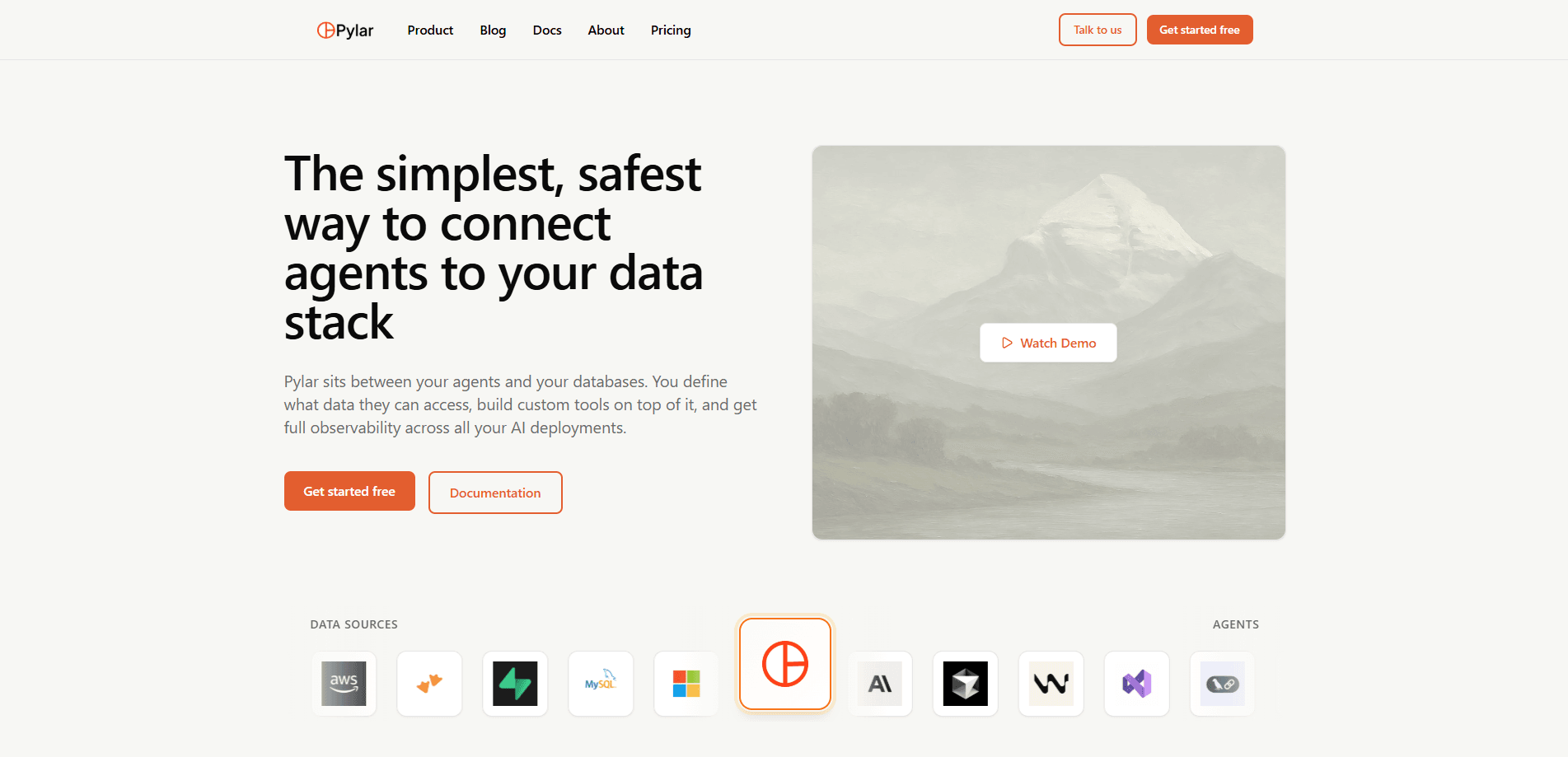
Pylar sits between your databases and your AI agents. Instead of handing an agent a database connection or a half-configured MCP server, you define SQL views that spell out exactly which columns, rows, and joins an agent is allowed to touch. Agents query through those views and never reach the underlying tables. That matters. A single misconfigured server can leak customer records, internal logic, or code in seconds.
The platform covers the full path from connection to deployment. You connect sources like Snowflake, BigQuery, or Postgres, sandbox the data you want exposed, compile it into agent-ready MCP tools, and publish one MCP server URL and token. Update a view later and every connected agent picks up the change, with no redeploy on your side. Credentials stay isolated in cloud KMS. Access history gives you an audit trail.
The catch is that Pylar assumes you already have structured data worth governing. If your data lives only in spreadsheets or a single small app, the setup work may not pay off yet. It's also built for teams, not solo tinkerers, so the pricing and role features reflect that audience. Simple as that.
Getting Started
- Sign up for an account and start the 14-day trial, which gives full access with no credit card required.
- Connect a data source such as Snowflake, BigQuery, or Postgres, or use one of the managed business connectors.
- Write a SQL view in the built-in SQL IDE that defines the exact data an agent should see, then test it before saving.
- Build one or more MCP tools on top of that view, either from a natural-language prompt or manual configuration.
- Publish the tools to get a single MCP server URL and token, then paste that into your agent builder and start querying.
Product Information
A quick look at Pylar's pricing, supported platforms, and performance.
Best for
The users, tasks, and scenarios where this tool fits best.
Users
- Data and platform engineers
- AI engineers building production agents
- RevOps and analytics leads
- Security and compliance owners
Tasks
- Exposing specific database tables to an agent without granting full database access
- Joining data across Snowflake, BigQuery, and Postgres in one query
- Turning a SQL view into a reusable MCP tool
- Auditing what agents actually queried
Scenarios
- A team wants an AI support agent to read customer data but not edit it
- A startup connects its CRM, billing, and support tools to one governed layer
- An engineering org needs multiple agents across departments to share one data contract
Key features
Governed SQL Views
Views are the only access level an agent gets, which means every query runs through a definition you wrote. You choose the columns, apply filters, mask sensitive data, and implement row-level security. Agents can't reach raw tables. Not even close. Every query gets logged for audit.
MCP Tool Builder
On top of a view, you create MCP tools using a natural-language prompt or manual setup, and one view can produce several tools. The tools become the interface agents call, so you can shape what a tool does without rewriting the agent itself. That keeps the data contract in Pylar instead of scattered across agent code.
One-Link Publishing
Pylar hands you a single MCP server URL and token that connects to any agent builder, including Claude, Cursor, ChatGPT, n8n, and LangChain. Publish once and everything that uses the link stays current. Change a view or tool? Connected agents pick up the update automatically. No redeploy needed.
Managed Business Connectors
If you don't run a warehouse, Pylar can host one. It offers managed connectors for over 100 business tools across sales, marketing, support, product, and finance, and it handles ingestion, sync, and schema setup so you don't have to build and maintain pipelines yourself. Your CRM, billing, and support data lands in a governed layer ready for agents.
Cross-Database Joins
Pylar connects to existing databases and warehouses at the same time and lets you join across them in a single query. Snowflake, BigQuery, and Postgres data can meet in one view without any data movement. That saves the ETL step teams usually build before agents can see a joined picture.
Credential Isolation
Database credentials are stored securely using cloud key management, so agents never hold the keys to your sources. They authenticate to Pylar, and Pylar reaches the data on their behalf. This narrows the blast radius if an agent is compromised. Big difference.
Evals and Observability
The Evals dashboard tracks success rates, surfaces errors, and shows how agents actually use your views. You can refine a view or tool based on real query patterns instead of guessing, and you don't have to redeploy agents to see the effect. So what does that look like in practice? A view that fails half its calls gets adjusted in place, then rechecked against the next batch of live traffic. For teams shipping agents to production, that feedback loop is the part that usually goes missing.
Team Controls and SSO
Higher plans add project organization, role-based access control, SSO authentication, and audit logs. These let larger orgs split views by team, control who can publish tools, and tie agent access into existing login and compliance systems. Enterprise plans extend to private cloud or on-prem deployment.
Pros and cons
Pros
- Views-as-the-only-access-level is a clear security model, and agents never touch raw tables.
- One MCP server link works across many agent builders, so you publish once instead of per tool.
- Cross-database joins skip the ETL pipeline teams usually build before agents can use joined data, which saves real setup time.
- Updating a view propagates to connected agents automatically, with no redeploy work, so a fix made once in Pylar reaches every connected agent without anyone touching the agent code itself.
- Managed connectors and a hosted warehouse help teams that don't already run one, and the 100+ connector list covers most common SaaS tools.
Cons
- There's no free plan, only a 14-day trial, so teams can't keep a live setup without paying.
- The entry plan caps agents at 5,000 executions and 1 data source, which fills up fast in daily use.
- SSO, audit logs, and the Evals dashboard sit on the $199/mo Growth tier, so smaller teams lose the observability they'd want.
- It assumes structured data in databases or supported connectors, so spreadsheet-only teams get little from it.
Frequently asked questions
Pylar is a secure data access layer that lets AI agents query your databases through governed SQL views instead of raw tables. You define what data is visible, turn views into MCP tools, and publish one link to your agent builders.
Related content
Explore related tools, skills, and articles for Pylar.
Pylar Alternatives
Forefront
Forefront · CodingForefront is a web platform for building with open-source AI. It lets you fine-tune leading open-source language models on your own data, evaluate how they perform, and run them through an API or export them to host yourself. Developers who want the convenience of a closed-source platform but insist on owning their models and data are the target audience here.

Startkit
StartKit.AI · CodingStartkit is a boilerplate for building AI SaaS and AI wrapper products. Think of it as an AI startup boilerplate with the boring parts already wired up: authentication, Stripe and Lemon Squeezy payments, usage limits, transactional email, and an AI API starter that talks to OpenAI, Anthropic, Groq, or Llama. You clone the repo, set your price, and start on the part of your product that people actually pay for. It's Next.js under React and Tailwind, so most of the boilerplate code already feels familiar.
Testim
Tricentis · CodingTestim is an AI-powered test automation platform for building and running end-to-end tests across web, mobile, and Salesforce applications. It leans on machine learning to keep tests stable when an interface changes, so teams spend less time fixing broken selectors. Not bad for an automated testing tool you can start using today. You create tests by recording actions in a browser, then optionally add JavaScript when you need more control. It's a solid pick for busy QA teams.