

Qik Office
Qik · Productivity
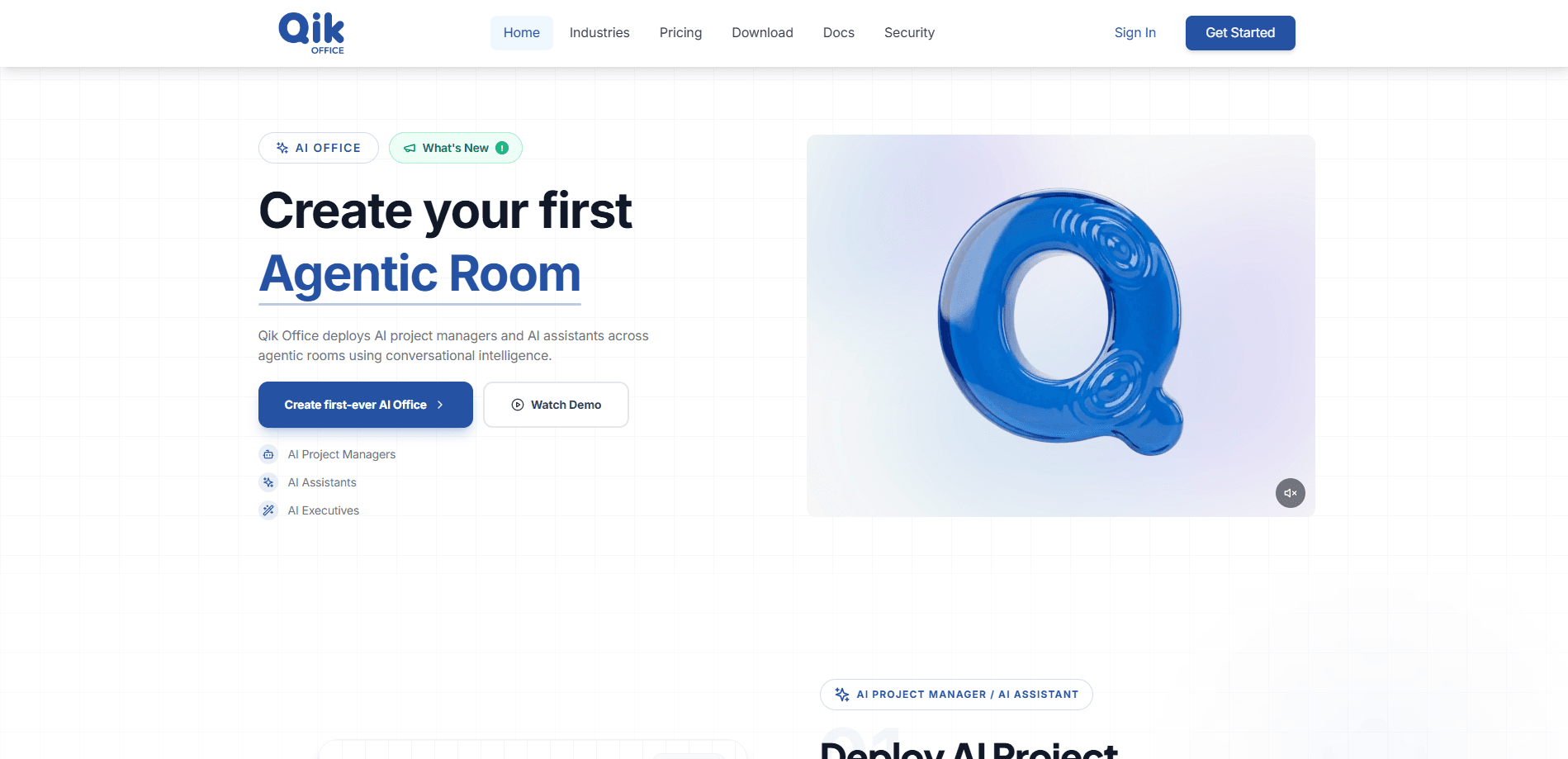
Qik Office is an AI work organizer for teams that keeps meetings, chat, tasks, files, and schedules in one structured place. It deploys AI project managers and AI assistants inside persistent agentic rooms, so work stays tied to a shared context instead of scattering across five different apps. Think of it as an AI office platform where an agent plans, tracks, and reports alongside the people in the room.
About Qik Office
What Is Qik Office
Qik Office is a workspace built around a simple idea: meetings generate decisions, decisions generate tasks, and tasks need a home. Most teams lose that thread the moment a call ends. Qik Office keeps it by pairing every room with an AI project manager that watches the conversation and turns it into structured output.
The product combines several pieces. Agentic Rooms are persistent, context-bound spaces where agents and humans share the same state. AI Project Managers plan and execute work inside those rooms, producing minutes, summaries, and reports. AI Assistants and AI Executives sit in the same structure, handling research and higher-level oversight. Auto-tagging and AI structuring pull scattered enterprise data into workspaces that stay searchable.
The main limitation is maturity. Qik Office is a young platform, so feature depth varies, and the strongest value shows up when a team actually commits to running work inside its rooms. Teams that want a simple shared to-do list will find it heavier than they need.
Getting Started
- Go to qikoffice.com and request access or sign in with your work account.
- Create your first agentic room and invite the teammates who own the project.
- Add files, meeting notes, or a calendar link so the AI project manager has context to work from.
- Run a meeting or paste a transcript, then let the agent draft minutes, summaries, and action items.
- Review, assign, and let the room track tasks and reports as work moves forward.
Product Information
A quick look at Qik Office's pricing, supported platforms, and performance.
Best for
The users, tasks, and scenarios where this tool fits best.
Users
- Project managers who already spend hours turning meetings into tracking sheets and want an AI project manager to handle the boring parts.
- Small teams that keep losing decisions in chat, and need one AI workspace where the thread of a project survives.
- Operations leads juggling scattered docs across departments, since auto-tagging and AI structuring pull that material into one place.
Tasks
- Turning a recorded meeting into minutes, a summary, and a clean action-item list without anyone writing them by hand.
- Keeping a live task board synced to what people actually said in a call, instead of a manual update pass afterward.
- Drafting recurring status reports from a room's history so weekly updates stop being a copy-paste job.
Scenarios
- Weekly project standups where the agent captures commitments and follows up automatically.
- Onboarding a new hire into an ongoing effort, since a persistent room keeps the full context in one scope.
- Cross-team handoffs where files, decisions, and tasks need to travel together instead of in separate emails.
Key features
AI Project Managers
Each room can host an agent that plans and drives work rather than just answering questions. It watches the conversation, keeps plans aligned with intent, and generates structured outputs like minutes, summaries, and reports. The value is continuity: the agent carries context forward so a project doesn't reset every Monday.
Agentic Rooms
Rooms are persistent and context-bound, which means conversations, tasks, artifacts, and decisions live in one shared state. Humans and agents work side by side in the same scope, so nothing falls between the chat app and the task tracker. This is the core of the AI office platform idea, and it's what separates Qik Office from a plain notetaker.
AI Assistants and AI Executives
Beyond individual project management, Qik Office layers assistants and executive-level agents into the same structure. Assistants handle research and drafting, while executive agents give a higher-level view across rooms. In practice, this means a team can ask for a rollup across several projects without stitching reports together manually.
Auto-Tagging and AI Structuring
Scattered enterprise data is the enemy of any AI workspace. Qik Office auto-tags incoming material and structures it into workspaces, so a messy pile of files and messages becomes something an agent can actually reason over. Teams drowning in unsorted notes get the most from this.
Meeting to Action Pipeline
The meeting assistant side of Qik Office turns a call into minutes, summaries, and reports that feed directly into task tracking. You aren't exporting a transcript to a separate tool. The output lands where the work already lives, which cuts the manual step most teams repeat every week.
Unified Calendar, Chat, and Files
Meetings, chat, tasks, files, and schedules share one home. That means fewer app switches and a single source of truth when someone asks what changed. For teams standardized on scattered tools, this consolidation is the main reason to move.
Pros and cons
Pros
- Keeps meetings, tasks, files, and schedules in one AI workspace instead of spreading context across multiple apps.
- The AI project manager produces minutes, summaries, and reports automatically, which removes a repetitive admin task.
- Persistent agentic rooms preserve project context over time, so new members can catch up without a briefing call.
- Auto-tagging and AI structuring make large piles of unsorted team material searchable and usable.
- The layered assistant and executive agents give both hands-on and higher-level views of the same work.
Cons
- There's no confirmed free plan, so teams can't test the full workflow before paying.
- Pricing tiers and exact limits aren't clearly published, which makes budgeting harder than with competitors.
- Because the platform is young, some features are still maturing, and the ceiling on room size and integrations is unclear.
- The value depends on the team actually running work inside Qik Office rooms; a casual user won't get much from it.
Frequently asked questions
Qik Office is an AI work organizer that puts an AI project manager inside shared spaces called agentic rooms. It turns meetings and project chatter into structured minutes, tasks, and reports so work stays aligned in one place.
Related content
Explore related tools, skills, and articles for Qik Office.
Qik Office Alternatives

Swms
Swms AI · Writing · Productivity · BusinessSwms is an AI safety compliance tool that turns a plain description of a job into ready-to-use safety documents. Describe your project, trade, and known hazards, and it writes a safe work method statement, job hazard analysis, safe work procedure, RAMS, or safety data sheet in seconds. It also ships with Oscar, a chat assistant that answers workplace safety questions in any language. Teams in construction, mining, transport, and warehousing use it to cut the paperwork that usually eats into a workday.

Wordly AI Translation
Wordly · Voice & Language · ProductivityWordly AI Translation is a real-time AI translation and captioning platform built for meetings, conferences, and events. It delivers live translation, captions, transcripts, and summaries in more than 60 languages, and attendees join by scanning a QR code or opening a link instead of using dedicated headsets. The platform works with Zoom, Microsoft Teams, Google Meet, and Webex, and it's designed for organizations that want multilingual access without hiring human interpreters for every session. Simple as that.

Rows
Rows (Superhuman) · Productivity · BusinessRows is an AI spreadsheet and data analysis tool that imports live data from more than 50 sources, then lets you work with it using plain language instead of SQL queries or nested formulas. You can pull numbers out of PDFs, connect ad platforms, databases, and bank accounts, and ask the AI to build reports, merge datasets, or set up models that recalculate themselves. It runs in the browser, works like a spreadsheet, and now sits under the Superhuman umbrella.