
Qlip AI
Qlip (acquired by Livestorm) · Video
Qlip is an AI video clipping tool that finds shareable moments in long recordings and turns them into captioned vertical clips. Livestorm acquired the team in 2026.
About Qlip AI
What Is Qlip
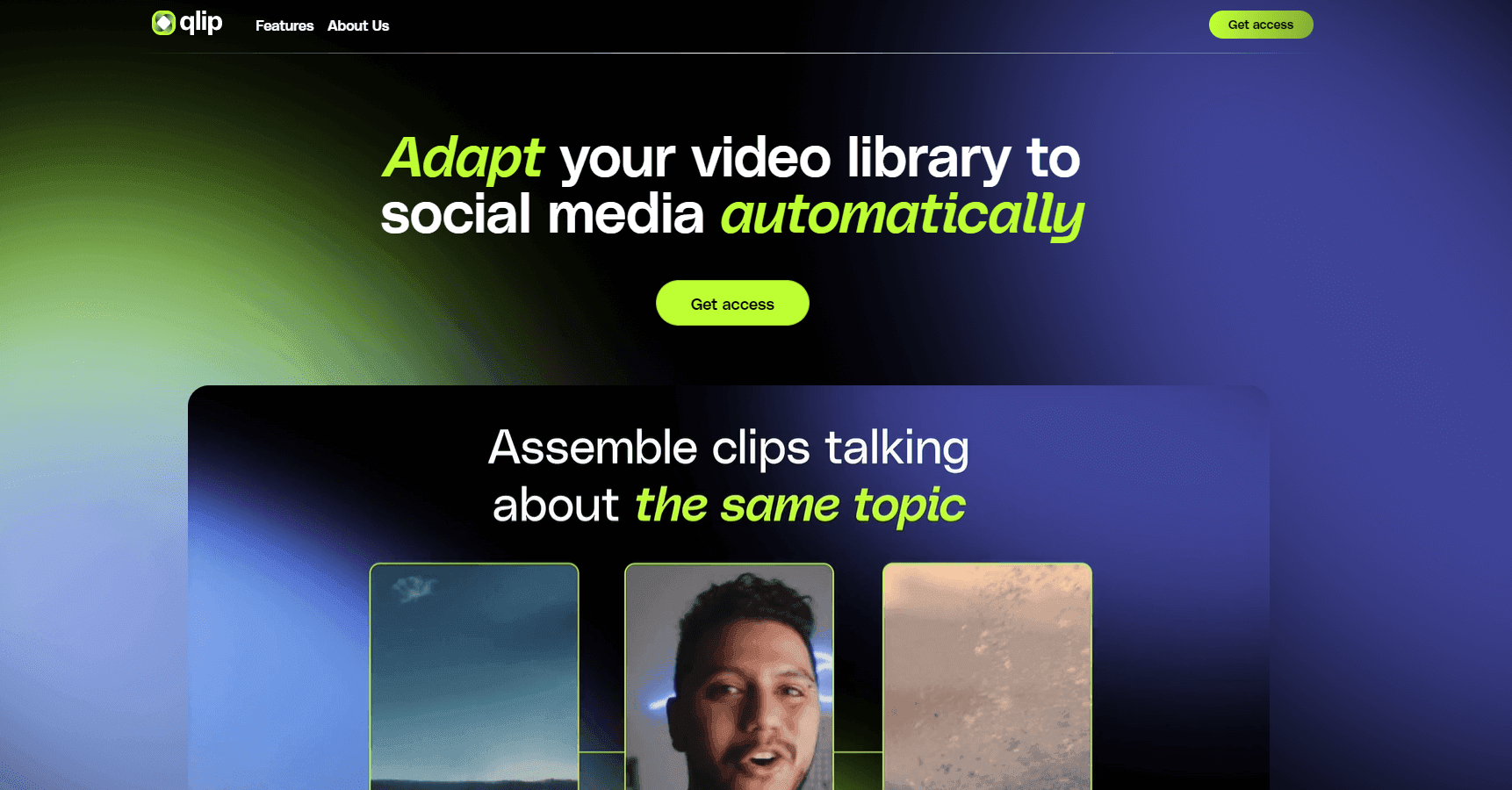
Qlip is a web app for video repurposing. You upload a long recording, a podcast, an interview, a webinar, or a livestream, and the software marks the stretches worth posting on their own. Those moments come back as short-form clips with captions, your logo, and a vertical frame that fits TikTok, Instagram Reels, and YouTube Shorts.
The company started in Paris. Pamela Carvallo and Svend Court-Payen founded it around 2021, and the team built its own moment-detection engine instead of wrapping a generic model. That detail mattered later. Livestorm says it bought Qlip for the technology and the team, not for the customer list.
The problem Qlip attacked is easy to describe. A 90-minute interview can hold a dozen good posts. Cutting them by hand takes an editor most of a day. Qlip ranked the passages it judged self-contained, then applied titles, colors, and captions in one pass.
One limit now shapes everything. Qlip as a standalone product is closed. Livestorm announced the acquisition on 29 May 2026 and published its blog post on 2 June. The qlip.ai domain and the app subdomain both redirect to Livestorm AI Studio. New signups are gone, and the old pricing pages are gone with them.
Getting Started
- Open qlip.ai and create an account. This step no longer works for new users, since the site now forwards to Livestorm.
- Upload a video file or point Qlip at a recording. The old trial covered two hours of content across 14 days.
- Review the suggested moments. Qlip listed each clip with a preview and a short reason for the pick, and you could swap a suggestion for another section of the source.
- Adjust the framing, captions, colors, logo, and title. Each clip kept its own settings, so a series could share a look without looking identical.
- Export the finished clips, download them, or push them to connected social accounts. Livestorm AI Studio keeps the same idea and adds manual trimming of the full replay.
Product Information
A quick look at Qlip AI's pricing, supported platforms, and performance.
Best for
The users, tasks, and scenarios where this tool fits best.
Users
- Podcasters and interview hosts
- Social media managers
- Webinar and live event teams
Tasks
- Turning one long interview into a set of short-form clips
- Captioning and reframing for vertical feeds
- Reusing a webinar replay
Scenarios
- Clearing a backlog of recorded calls
- Testing short-form before hiring
- Teams already on Livestorm
Key features
AI Highlight Detection
Qlip scored passages by how well they stood alone, not by volume or laughter. The engine looked for a complete thought with a beginning and an end, then surfaced the strongest candidates as clips. That approach produces fewer false starts than loudness-based detection, and it also means quiet, dense explanations can beat a punchline.
Automatic Clip Editing
Each clip arrives with a title, brand colors, and a logo placement already applied. You can edit the text and restyle the caption, and the settings carry across a batch for consistency. The work left for you is judgment, not assembly.
Vertical Reframing
The editor crops 16:9 footage into 9:16 while keeping the speaker in frame, and it also exports square and horizontal versions. Talking-head recordings survive the crop well. Wide group shots and screen recordings need a manual check, since a fixed crop can cut the wrong person out.
Captions and Text Overlays
Captions are generated from the audio, editable word by word, and rendered into the video. For silent viewing on TikTok and Reels, burned-in captions do most of the work. Accuracy depends on audio quality, and accented speech or crosstalk will need corrections.
Publishing and Scheduling
Finished clips can be downloaded or sent to connected social accounts, and Qlip kept a queue for scheduled posts. This is the part that saved the most time in practice, because the export, upload, and caption steps normally live in three different tools.
Livestorm AI Studio Successor
Livestorm rebuilt Qlip's engine into AI Studio, an add-on for its webinar platform. It costs €2,000 per year with unlimited use, works in seven languages at launch, and opened a private beta in July 2026. The core promises are the same: automatic highlight detection, captioned clips, and editable aspect ratios. The difference is the audience. AI Studio is sold to companies that run webinars, not to individual creators.
Pros and cons
Pros
- Highlight detection favors complete thoughts, so clips need less repair than tools that chase volume spikes.
- Branding and captions are applied in one pass, which keeps a week of posts visually consistent.
- The old trial gave 14 days and two hours of content, enough to test on a real episode before paying.
- Storage scaled with the plan, from 50GB on Starter to 250GB on Expert, with seats for small teams.
- The technology survived the acquisition and now runs inside a larger platform, so the engine is still maintained.
Cons
- You can't buy Qlip today. The domain redirects to Livestorm, and standalone signups are closed.
- The successor costs €2,000 per year and requires a Livestorm Pro or Enterprise plan, which prices out most solo creators.
- The shutdown was abrupt for existing customers, and the old pricing tiers disappeared without a public migration guide.
- No public API was documented, so teams that wanted an automated pipeline had to work through the interface.
Frequently asked questions
Qlip turns long videos into short clips for social media. You upload a podcast, interview, webinar, or stream, and the AI picks moments that work on their own, then adds captions, branding, and a vertical crop for TikTok, Reels, and Shorts.
Related content
Explore related tools, skills, and articles for Qlip AI.
Qlip AI Alternatives
Griffin by Tavus
Tavus · Voice & Language · Video · ChatbotGriffin by Tavus is the first Human Interaction Model: a full-duplex, video-to-video system that watches, listens, and answers during a live video call in real time.

Syllaby AI Avatar 2.0
Syllaby · Video · MarketingSyllaby AI Avatar 2.0 turns a script into a presenter-led video with a reusable AI avatar, natural voice, B-roll and automatic subtitles, all in one browser workflow.

Vitra.ai
Vitra.ai · Voice & Language · Video · MarketingVitra.ai is an agentic content platform that creates, translates, reviews, and publishes video, images, documents, and app content in 120 languages from one shared brief.