
Qudemo
Qudemo · Video
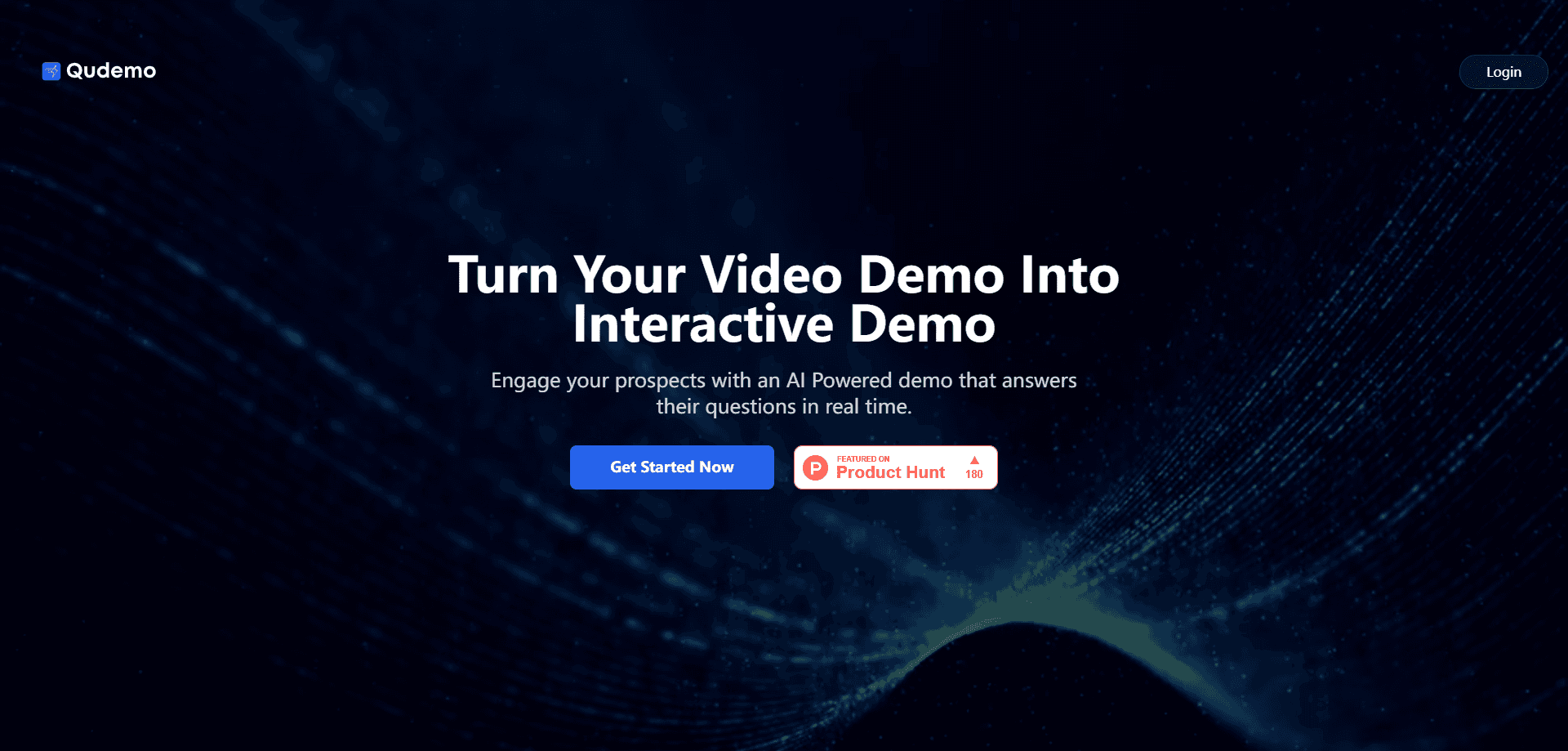
Qudemo is an AI-powered platform that turns a standard product demo video into an interactive product demo viewers can actually talk to. Instead of scrubbing through a 12-minute recording looking for one feature, a viewer types a question and gets an answer with a timestamp that jumps straight to the relevant section. It's built for teams that ship demo videos and want real demo video engagement, not just a click count.
About Qudemo
What Is Qudemo
Qudemo is a web platform that adds a conversational layer on top of demo videos. You upload a recording, the platform indexes what's in it, and then visitors can ask questions in plain language. The answer comes back as text plus a timestamp, so the video seeks to the moment that covers it. No editing skills needed. Viewers never touch a timeline.
The problem it solves is a familiar one. Most demo videos are linear, but most viewers aren't. Someone landing on your site wants to know one thing: does this handle bulk exports, or connect to their CRM, or support SSO? Qudemo lets them ask that directly. Fewer abandoned demos. Better signals about what people actually care about.
The limit worth knowing up front is scope. Qudemo is a video experience layer, not a video host or a full sales platform. It won't replace your CRM or your analytics stack, and the quality of its answers depends on how clear your source recording is. If your demo is vague, the interactive version will be vague too. Anyone who has watched a prospective customer bounce off a demo that never gets to the feature they came for will recognize the frustration this sets out to fix.
Getting Started
- Sign up for a Qudemo account and open the dashboard.
- Upload a demo video, or connect the recording you already have from your screen capture tool.
- Let Qudemo process the video so it can index the content and map questions to timestamps.
- Share the interactive link on your site, in outreach emails, or in a product tour.
- Review the questions viewers ask to see which features get the most attention.
Product Information
A quick look at Qudemo's pricing, supported platforms, and performance.
Best for
The users, tasks, and scenarios where this tool fits best.
Users
- SaaS marketing teams
- Product marketers
- Startups without a demo team
Tasks
- Answering viewer questions about a demo
- Reusing old demo videos
- Gathering engagement signals
Scenarios
- A prospect lands on your pricing page and wants to see one workflow before booking a call.
- A trade show or landing page where people explore at their own pace without a rep standing by.
- A support or onboarding page where new users look up a specific feature inside a longer walkthrough.
Key features
Conversational Q&A Over Your Video
The centerpiece is a question box attached to the demo. A viewer types something like "can it export to CSV," and Qudemo answers in text and hands back a timestamp. Click it and the video jumps to that moment. It turns a passive watch into a lookup, and that simple shift is often the difference between a prospect who books a call and one who closes the tab without ever seeing the feature they needed.
Timestamped Answers
Every answer comes tied to a point in the recording, so viewers land in the right place instead of guessing where in the timeline the feature they care about actually shows up. That's the detail that makes the whole thing usable. An answer without a timestamp is just a chatbot reply. The timestamp connects it to the video.
Works On Top Of Existing Recordings
You don't rebuild your demo to use Qudemo. Upload what you have, whether it came from a screen recorder or a marketing team's edited cut, and the platform layers the interaction on top. For small teams, that removes the biggest barrier. No fresh interactive demo to build from scratch.
Engagement Insight From Viewer Questions
The questions people ask are a feedback channel. If dozens of viewers ask about one integration, your demo probably isn't showing it. Qudemo surfaces those questions so marketing and product teams can act on them, rather than guessing why a demo didn't convert, which is the kind of signal most video analytics tools never give you.
Shareable Interactive Links
A Qudemo experience is a link you can drop into a landing page, an email, or a product tour. No plugin. No download for the viewer. That keeps friction low, which matters when you're trying to get someone to watch a demo they didn't ask for.
Pros and cons
Pros
- Viewers get answers without watching a full recording, which cuts down on demo drop-off.
- Works with videos you already have, so there's no re-shoot or re-edit.
- Timestamped answers connect each question to the exact moment in the video.
- The questions asked give a read on which features matter to visitors.
- Web-based and shareable as a link, so viewers need nothing installed.
Cons
- Answer quality depends on the source recording, so a vague demo produces vague answers.
- It's a layer on top of video, not a video host or editor. You still need a recording and somewhere to keep it.
- Pricing and full feature details sit behind the site's app interface, so you'll want to confirm current plans before committing.
Frequently asked questions
Qudemo makes a recorded demo video interactive. Viewers ask questions in plain language and get answers that point to the exact timestamp in the video. It's aimed at teams that produce an interactive product demo and want viewers to find specific answers fast, instead of scrubbing through a timeline.
Related content
Explore related tools, skills, and articles for Qudemo.
Qudemo Alternatives

ngram 2.0
ngram · Video · Marketingngram 2.0 is an AI video generator for teams. It turns a prompt, a screen recording, or a product URL into a narrated explainer, product demo, or AI avatar video, and every scene stays editable.

OpenScreen 2
OpenScreen (open-source project) · Video · ProductivityOpenScreen 2 is a free, open-source screen recorder and demo video editor for Windows, macOS, and Linux, with automatic zooms, styled frames, local captions, and agent edits.

Skreno
Skreno · Video · ProductivitySkreno is a browser screen recorder that captures a tab, a window or your whole display, then attaches AI transcripts, summaries and console logs to one share link.