

Raycast
Raycast Technologies Inc. · Productivity
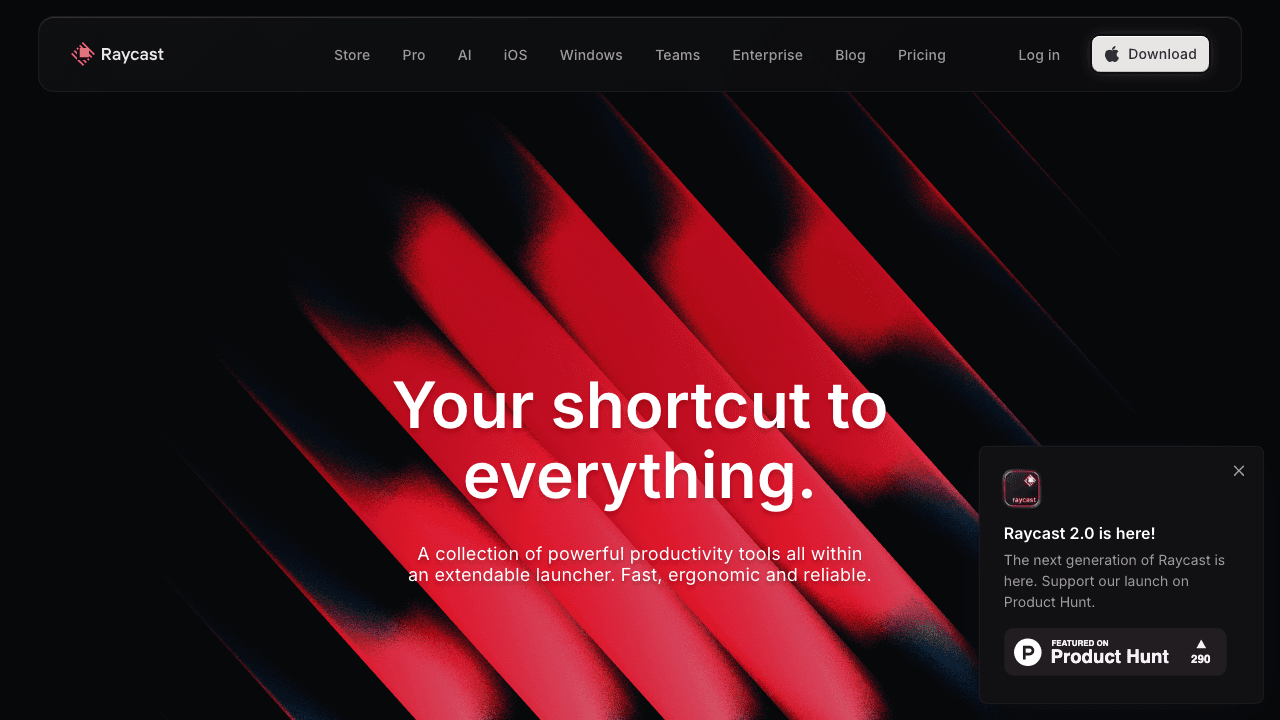
Raycast is a keyboard-first productivity launcher for Mac and Windows that puts app search, file search, clipboard history, window management, and an AI assistant behind a single hotkey. It works like a faster Spotlight alternative for people who never want to leave the keyboard. Most users start with the free plan and move to Pro when they want full AI access, cloud sync, and unlimited clipboard history.
About Raycast
What Is Raycast
Raycast is a launcher you summon with a hotkey. Type a few letters and it finds the app, file, or command you want. Type a calculation and it answers it. Type a question and the built-in AI replies, all without opening a browser tab.
The product fits people who live on the keyboard. Developers, writers, and support teams use it to launch tools, paste old clips, and draft text without breaking focus. The idea is simple: keep your hands on the keys and your attention on the task. No mouse required.
Under that surface sits an extension platform. Developers publish commands that plug tools like GitHub, Jira, Linear, and Notion into the launcher, so you search them the same way you search everything else.
Think of it as an AI command bar that also happens to be a solid clipboard manager. You copy text all day, and it keeps everything. The main limits sit behind the paywall: full AI access and unlimited clipboard history need Pro, and the Mac build targets Apple Silicon only.
Getting Started
- Download Raycast from the official site and install it on your Mac or Windows machine.
- Open the app and set your global hotkey, which is how you summon the launcher from anywhere.
- Grant the permissions Raycast asks for, such as file access for File Search and accessibility for window management.
- Browse the extension store and install the commands you want, like GitHub or a note app.
- Type your first command, such as an app name or a question for AI, and start building the habit.
Product Information
A quick look at Raycast's pricing, supported platforms, and performance.
Best for
The users, tasks, and scenarios where this tool fits best.
Users
- Developers
- Writers and editors
- Support and ops teams
- Power users
Tasks
- Launching apps and files fast
- Reusing text
- Managing windows
- Drafting with AI
- Finding old copies
Scenarios
- A workday spent switching between the terminal, browser, and issue tracker
- Writing sessions where you want a faster first draft
- Multi-monitor setups
Key features
Universal Search and App Launcher
Hit the hotkey, type a few characters, and the launcher ranks results by how you actually use your machine. Fuzzy matching handles typos, and aliases let you give long commands short names. Once the muscle memory sets in, opening anything takes under a second. It's that fast.
Clipboard History
Raycast works as a clipboard manager that keeps a searchable log of what you copy, images included. Press the clipboard hotkey to paste something you copied an hour ago without retracing your steps. The free plan caps how far back the history goes, while Pro removes the cap, and anyone who copies and pastes all day will notice the difference within the first week of everyday use.
Window Management
Custom commands resize and reposition windows. Snap a window to half the screen, maximize it, or build layouts that match how you work across two monitors. For most people, it replaces a dedicated window manager. Worth the setup time.
AI Chat and Quick AI
AI Chat runs in a panel inside the launcher, and Quick AI lives one hotkey away. Together they turn the AI command bar into a place to work, not just a place to search. You can draft, summarize, translate, or rewrite text without switching apps. A model picker lets you choose a fast model for quick jobs or a smarter one for harder tasks, and the Advanced AI add-on unlocks the top-end models that cost more per month but handle longer and trickier prompts without dropping context.
Extensions and the Store
The extension store covers developer tools, project trackers, note apps, weather, and system utilities. Each extension adds commands that behave like native features. The catalog keeps growing, which is what keeps the launcher useful months after install, and that steady flow of new commands from outside developers is the reason the product feels bigger than a simple app switcher.
File Search and Quicklinks
File Search reaches into local folders and returns results fast, so you can open a document without remembering where you saved it. Quicklinks turn your most-used sites and system links into launchable items, and for anyone who juggles a dozen tabs across a project tracker, a wiki, and a repo, that single hotkey becomes the fastest route back to the tools that matter most during a busy workday.
Snippets, Calculator, and Emoji
Snippets expand short phrases into full blocks of text, which saves time on replies, signatures, and boilerplate. The calculator reads plain language, so "20% off 240" returns the answer directly. The emoji and symbol picker searches by name. Small things, real time savers.
Pros and cons
Pros
- One hotkey reaches apps, files, clipboard, snippets, windows, and AI.
- The extension store adds depth without bloating the core app.
- AI Chat and Quick AI cover writing and research without a browser tab.
- The free plan is genuinely usable, and Pro costs $8/mo.
- Available on both macOS and Windows.
Cons
- The Mac build targets Apple Silicon, so older Intel Macs are left out.
- Full AI and unlimited clipboard history sit behind the Pro paywall.
- The Windows version trails macOS in feature coverage.
- Setting up custom commands and themes takes time to learn.
Frequently asked questions
Raycast is a launcher that lets you find and open apps, files, and commands from a single hotkey. It also handles clipboard history, window management, and AI tasks, so it works as one hub for common daily actions.
Related content
Explore related tools, skills, and articles for Raycast.
Raycast Alternatives

Swms
Swms AI · Writing · Productivity · BusinessSwms is an AI safety compliance tool that turns a plain description of a job into ready-to-use safety documents. Describe your project, trade, and known hazards, and it writes a safe work method statement, job hazard analysis, safe work procedure, RAMS, or safety data sheet in seconds. It also ships with Oscar, a chat assistant that answers workplace safety questions in any language. Teams in construction, mining, transport, and warehousing use it to cut the paperwork that usually eats into a workday.

Wordly AI Translation
Wordly · Voice & Language · ProductivityWordly AI Translation is a real-time AI translation and captioning platform built for meetings, conferences, and events. It delivers live translation, captions, transcripts, and summaries in more than 60 languages, and attendees join by scanning a QR code or opening a link instead of using dedicated headsets. The platform works with Zoom, Microsoft Teams, Google Meet, and Webex, and it's designed for organizations that want multilingual access without hiring human interpreters for every session. Simple as that.

Rows
Rows (Superhuman) · Productivity · BusinessRows is an AI spreadsheet and data analysis tool that imports live data from more than 50 sources, then lets you work with it using plain language instead of SQL queries or nested formulas. You can pull numbers out of PDFs, connect ad platforms, databases, and bank accounts, and ask the AI to build reports, merge datasets, or set up models that recalculate themselves. It runs in the browser, works like a spreadsheet, and now sits under the Superhuman umbrella.