
Read AI: Meeting Notes
Read AI · Productivity
Read AI: Meeting Notes is a desktop app that records, transcribes and summarizes your calls without joining the meeting as a visible bot. It works as an AI note taker that never shows up as a guest. It runs on Windows and Mac, works across video tools like Zoom, Google Meet and Microsoft Teams, and lets you ask questions about a live transcript while the conversation is still going. Read AI also syncs your notes to mobile and web, so the same meeting history follows you across devices. The catch is simple. Most of the useful volume sits behind paid tiers.
About Read AI: Meeting Notes
What Is Read AI: Meeting Notes
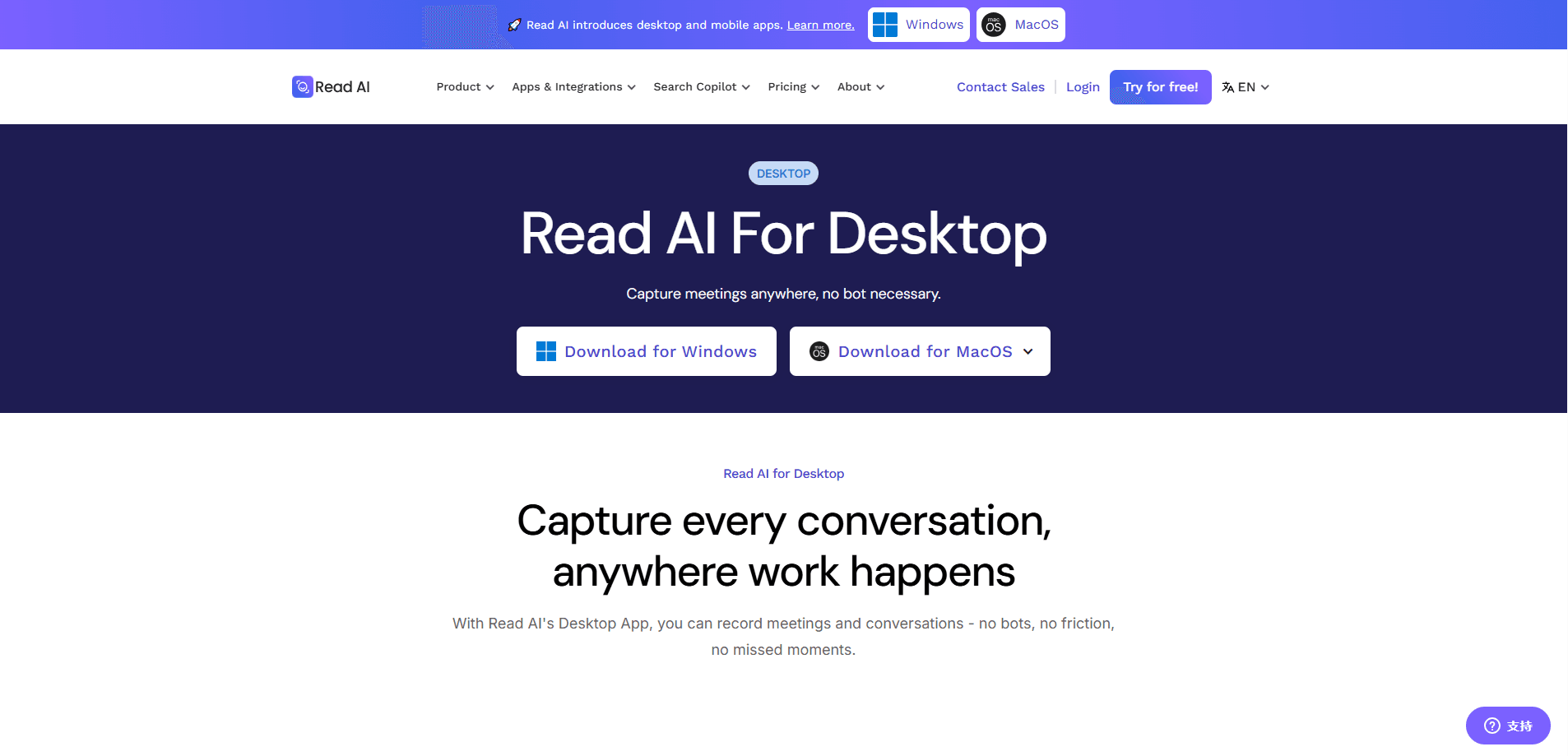
Read AI: Meeting Notes is an AI meeting assistant built around a desktop app for Windows 10+ and macOS 14 (Sonoma) or later. The idea is simple. Instead of inviting a recording bot into the call, you let the app capture the audio locally on your machine, then it turns that audio into a transcript, a summary and a searchable record you can revisit later. That matters for people who've sat through a meeting where the bot got kicked out, or where a client flat-out refused a third-party guest on the call.
The company behind it, Read AI, has been building meeting intelligence tools since 2021 and now offers the same system across desktop, mobile and web. Notes, the searchable knowledge base and your preferences stay in sync once you sign in, so starting a call on your laptop and checking the recap on your phone doesn't mean two separate accounts.
That sync is the whole point.
The main limitation to know up front is the free tier. You can download this desktop transcription app at no cost and it does work with the Free plan, but meeting quotas and plan restrictions apply. Anyone who lives in back-to-back calls will hit those limits quickly and need to move to a paid seat. Plan for that.
Getting Started
- Download the Read AI desktop app for Windows or Mac, then install and open it.
- Create a free Read AI account or sign in with your existing one. Signing in is what links your notes across desktop, mobile and web.
- Grant the microphone and system-audio permissions the app asks for, so it can capture both sides of the call.
- Start a meeting in Zoom, Google Meet, Microsoft Teams or a similar tool. Read AI detects the call and begins transcribing automatically.
- Use the live transcript panel to ask questions mid-meeting, then open the finished summary afterward to review action items.
Product Information
A quick look at Read AI: Meeting Notes's pricing, supported platforms, and performance.
Best for
The users, tasks, and scenarios where this tool fits best.
Users
- Sales and customer success teams
- Remote and hybrid employees
- Managers who run frequent one-on-ones
Tasks
- Turning a long call into a short recap
- Searching past conversations
- Asking questions mid-meeting
Scenarios
- Back-to-back client calls where a visible recording bot would break the mood
- Note-free standups and syncs
- Cross-device review
Key features
Bot-Free Meeting Capture
Read AI records through the desktop app rather than a bot that joins the call. No bot. No awkward "Read AI has joined the meeting" message and no host approval prompt, which matters for client calls where a visible guest isn't welcome. The app captures system audio and your microphone, then turns the result into a transcript you own.
Live Transcription and In-Meeting Q&A
While the meeting runs, Read AI builds a live transcript you can read and search. You can ask it questions about what's been covered so far, which is useful when you step in late or need to confirm a number someone quoted. The transcript updates as people speak. No more waiting until the call ends to catch up.
Automatic Summaries and Action Items
Once a meeting wraps, the assistant generates a summary and pulls out the decisions and follow-ups. Instead of rewatching a 45-minute recording, you skim the recap and move on. That's the real win. This is the part most people pay for, since it's where the time savings actually show up.
Searchable Knowledge Base
Read AI keeps your meeting history in a searchable library across desktop, mobile and web. You can look up a topic, a person or a decision and jump straight to the moment it came up. What did the client say about pricing last month? The search finds it in seconds. No scrolling. Over time this turns scattered call recordings into something closer to a personal archive of what your team decided and why.
Cross-Platform Sync
Sign in once and your notes, summaries and preferences follow you across devices. Start a call on your laptop, finish it on your phone, and the record stays consistent. Same account, every platform. The sync also keeps the same account working in Zoom, Google Meet and Teams, so the tool adapts to whichever platform your team uses that day.
Pros and cons
Pros
- Works without a bot joining the call, good for client-facing meetings
- Captures, transcribes and summarizes in one desktop app
- Searchable notes sync across desktop, mobile and web
- Free plan makes it easy to test before paying
- Supports Zoom, Google Meet and Microsoft Teams
Cons
- Free plan has meeting quotas and plan restrictions that heavy users hit fast
- Paid seats run around $15/user/month, which adds up for larger teams
- Desktop app needs system-audio permissions, which some IT teams restrict
Frequently asked questions
It records your meetings through a desktop app, transcribes them live, then produces a summary with action items. Your notes stay searchable across desktop, mobile and web once you sign in. That's the short version.
Related content
Explore related tools, skills, and articles for Read AI: Meeting Notes.
Read AI: Meeting Notes Alternatives

Swms
Swms AI · Writing · Productivity · BusinessSwms is an AI safety compliance tool that turns a plain description of a job into ready-to-use safety documents. Describe your project, trade, and known hazards, and it writes a safe work method statement, job hazard analysis, safe work procedure, RAMS, or safety data sheet in seconds. It also ships with Oscar, a chat assistant that answers workplace safety questions in any language. Teams in construction, mining, transport, and warehousing use it to cut the paperwork that usually eats into a workday.

Wordly AI Translation
Wordly · Voice & Language · ProductivityWordly AI Translation is a real-time AI translation and captioning platform built for meetings, conferences, and events. It delivers live translation, captions, transcripts, and summaries in more than 60 languages, and attendees join by scanning a QR code or opening a link instead of using dedicated headsets. The platform works with Zoom, Microsoft Teams, Google Meet, and Webex, and it's designed for organizations that want multilingual access without hiring human interpreters for every session. Simple as that.

Rows
Rows (Superhuman) · Productivity · BusinessRows is an AI spreadsheet and data analysis tool that imports live data from more than 50 sources, then lets you work with it using plain language instead of SQL queries or nested formulas. You can pull numbers out of PDFs, connect ad platforms, databases, and bank accounts, and ask the AI to build reports, merge datasets, or set up models that recalculate themselves. It runs in the browser, works like a spreadsheet, and now sits under the Superhuman umbrella.