

Rectify
Rectify · Coding
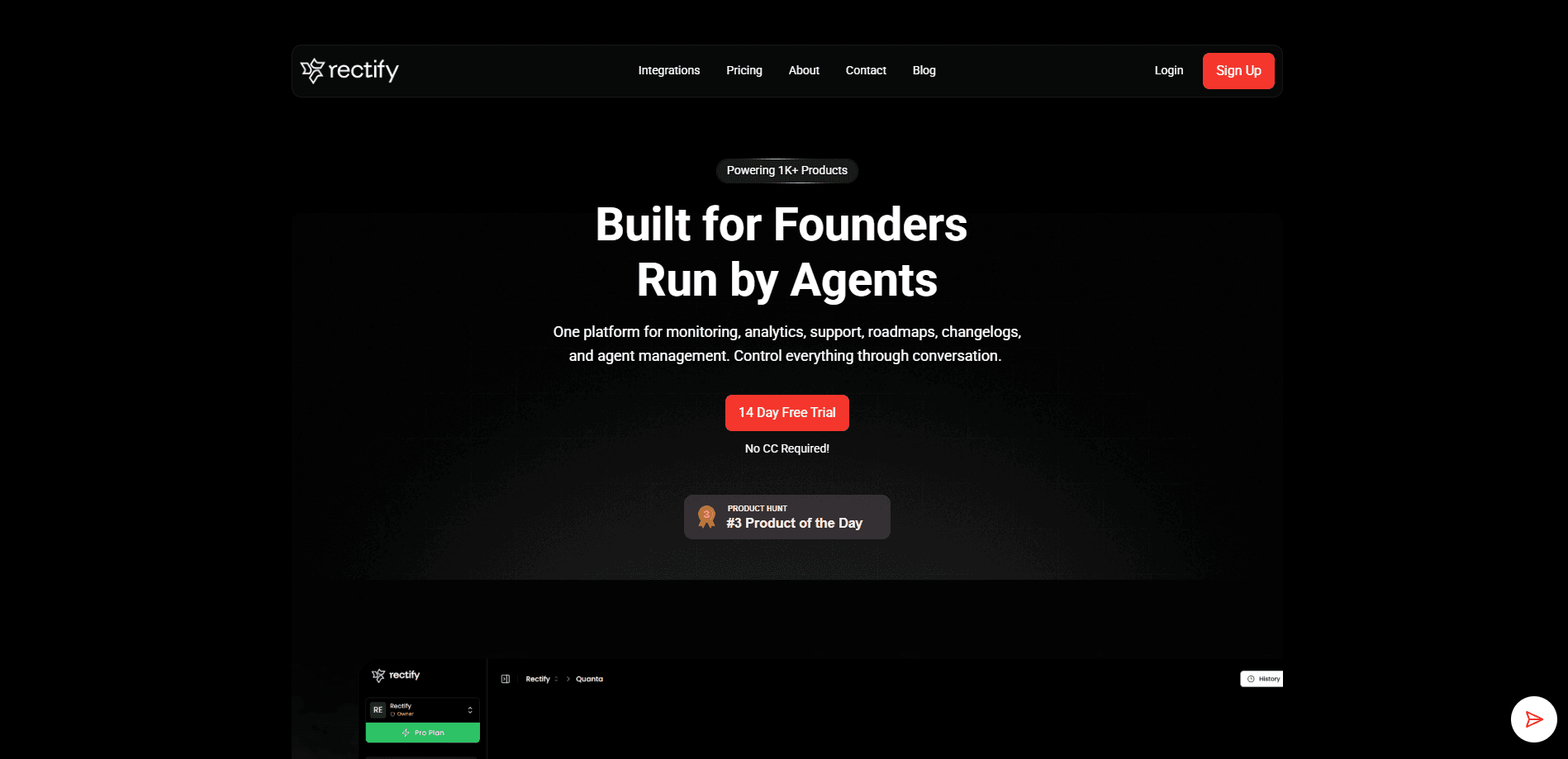
Rectify is an AI operations platform built for SaaS teams that want one place to watch their product, talk to customers, and fix what breaks. It pulls uptime monitoring, session replay, a support inbox, a roadmap, changelogs, and code scanning into a single workspace, then hands the day-to-day work to Quanta, an AI agent you talk to in plain language. Instead of learning five dashboards, you describe the problem and let the agent pull the report, draft the reply, or trace the bug for you.
About Rectify
What Is Rectify
Rectify is an all-in-one operations platform for SaaS products, aimed mainly at founders and small teams who ship fast and don't have a dedicated ops crew. The pitch is simple: your AI coding tools let you build a feature in minutes, so debugging and support shouldn't drag on for hours afterward. Rectify closes that gap by putting monitoring, analytics, customer support, and product planning under one roof.
The centerpiece is Quanta, an AI agent that works across every tool in the workspace. Ask it to find sessions where users hit errors. It answers without you configuring filters. Ask it to draft support replies, and it pulls the relevant feedback and decides when a human should step in. The point is simple. You describe what you want, and you skip the query language entirely.
The catch is scope. Rectify is young and focused on web SaaS products, so it won't cover native mobile apps or every legacy stack. Its deeper features, like code scan limits and session replay caps, scale with your plan, and the free tier is deliberately small. Teams outside the SaaS world will find it less useful.
Getting Started
- Sign up at app.rectify.so with your email. No credit card is needed to start.
- Connect your first project and link the tools you already use, such as GitHub for code scan and Slack for alerts.
- Bring your own AI API keys (OpenAI, Claude, Gemini, DeepSeek, or OpenRouter) so Quanta can run on models you control.
- Open the chat and ask Quanta for something concrete, like a list of sessions with rage clicks or a draft reply to an open ticket.
- Review what the agent produces, adjust the roadmap or changelog, and invite teammates as your plan allows.
Product Information
A quick look at Rectify's pricing, supported platforms, and performance.
Best for
The users, tasks, and scenarios where this tool fits best.
Users
- SaaS founders
- Non-technical product owners
- Small engineering teams of three to ten
Tasks
- Debugging AI-generated code
- Handling customer support
- Watching uptime
Scenarios
- A founder waking up to an error spike and asking Quanta which sessions broke, instead of digging through logs.
- A solo developer who needs a status page and SSL expiry monitoring without paying for a separate tool.
- A team turning user feedback into roadmap cards and shipping a changelog every week.
Key features
Quanta, the Conversational AI Agent
Quanta is the reason Rectify feels different from a stack of separate tools. You ask it to find sessions where users rage-clicked or dropped off, and it does the digging for you. The same agent can pull a code scan report, check uptime, or generate a changelog, all from one chat. That's the whole idea. It works across the entire workspace, so it can link a support ticket to a session replay and trace a bug from code scan to roadmap.
AI-First Support Inbox
The support inbox drafts replies with the full conversation history in front of it, pulling in related feedback so the answer isn't generic. You choose how much the AI handles through three modes: AI-first, AI-only, or human-only. That control matters. Some teams want the agent to triage while a person signs off. Others are happy to let it answer alone.
AI-Powered Session Replays
Session replay shows you exactly what a user experienced, and Quanta surfaces the interesting parts on its own. Rage clicks, errors, and drop-off patterns get flagged without you building filters. Then you ask follow-up questions in plain English. The free tier includes ten replays. The top plan covers five thousand.
Uptime Monitoring and Status Pages
Rectify monitors your infrastructure across HTTP/HTTPS, TCP, DNS, and ICMP, and alerts you through Slack, Discord, email, or webhooks the moment something breaks. Branded status pages keep customers informed during an incident. Automatic MTTR calculations show how fast you're actually fixing things. SSL certificate monitoring is included. So what does that mean in practice? An expired cert won't catch you off guard at 2 a.m.
Code Scan with Security Ratings
You can scan any GitHub repo on demand with static analysis that flags bugs, security vulnerabilities, and code smells. Each issue gets an A to E rating for maintainability, reliability, and security. Rectify points to the exact file path, line number, and character offset. Fix recommendations show up right in the dashboard, which helps you track technical debt before it becomes a fire.
MCP Server for Your IDE
Rectify runs an MCP server, so you can connect Claude, Cursor, or any MCP-compatible editor directly to your workspace. Your AI assistant then gets real-time access to code scan results, feedback insights, and project data for contextual debugging. Setup is a single line of config. Token-based authentication keeps the connection locked down.
Bug Reporting and Workflows
Users can report issues with annotated screenshots, Loom recordings, and automatic technical data, including console logs, network requests, and browser details captured in one click. Vague complaints turn into tickets you can act on. Workflows let you set a trigger and have Rectify handle the follow-up. Routine operations then run without someone watching them.
Pros and cons
Pros
- Consolidates monitoring, support, session replay, and planning into one workspace, which cuts down on tab-switching and tool sprawl.
- Quanta handles real work through natural language, from finding broken sessions to drafting support replies, instead of just giving instructions.
- Bring-your-own-key AI models with no markup keep costs under your control, and you can pick OpenAI, Claude, Gemini, DeepSeek, or OpenRouter.
- Transparent pricing with a free tier and a 14-day trial, and no credit card is required to start.
Cons
- The free plan is thin, with one project, a single user, and only ten session replays, so it works mainly as a trial.
- Rectify targets web SaaS products, so teams building native mobile apps or unusual stacks may not get full coverage.
- Limits like code scans and replays scale with price, and the higher plans get expensive for very small teams.
Frequently asked questions
Rectify is an AI operations platform for SaaS teams. It combines uptime monitoring, session replay, a support inbox, a roadmap, changelogs, and code scanning, then lets an AI agent named Quanta run much of the routine work for you.
Related content
Explore related tools, skills, and articles for Rectify.
Rectify Alternatives
Forefront
Forefront · CodingForefront is a web platform for building with open-source AI. It lets you fine-tune leading open-source language models on your own data, evaluate how they perform, and run them through an API or export them to host yourself. Developers who want the convenience of a closed-source platform but insist on owning their models and data are the target audience here.

Startkit
StartKit.AI · CodingStartkit is a boilerplate for building AI SaaS and AI wrapper products. Think of it as an AI startup boilerplate with the boring parts already wired up: authentication, Stripe and Lemon Squeezy payments, usage limits, transactional email, and an AI API starter that talks to OpenAI, Anthropic, Groq, or Llama. You clone the repo, set your price, and start on the part of your product that people actually pay for. It's Next.js under React and Tailwind, so most of the boilerplate code already feels familiar.
Testim
Tricentis · CodingTestim is an AI-powered test automation platform for building and running end-to-end tests across web, mobile, and Salesforce applications. It leans on machine learning to keep tests stable when an interface changes, so teams spend less time fixing broken selectors. Not bad for an automated testing tool you can start using today. You create tests by recording actions in a browser, then optionally add JavaScript when you need more control. It's a solid pick for busy QA teams.