

Reeroll
Reeroll · Video
Reeroll was an AI video editor that turned a chat prompt and a pre-designed template into a polished marketing video. The service has shut down.
About Reeroll
What Is Reeroll
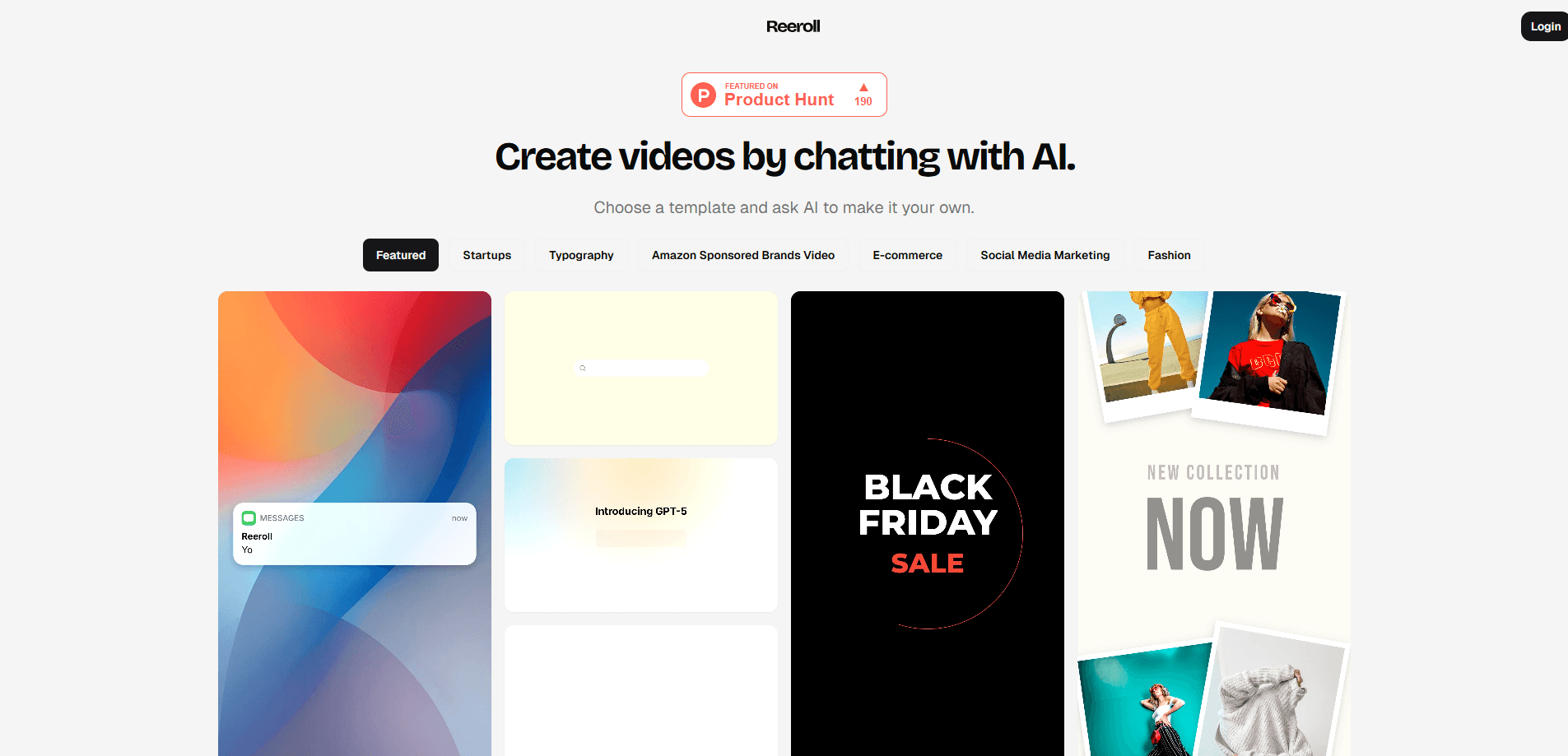
Reeroll was an AI-powered video creation platform for marketing video. Instead of building a timeline clip by clip, you described what you wanted in a chat, picked a pre-designed template, and the tool assembled a finished marketing video from that input. It targeted people who needed watchable product and social video but had no editing background.
The idea was to collapse several steps that normally sit in separate tools. A user started from a template rather than a blank canvas, then steered the result by chatting with the AI. The platform handled the parts beginners struggle with: cutting clips, applying filters and adding transitions between scenes. It also offered instant preview, so you could watch the result before exporting it.
Reeroll was built for social media content, product demos and brand videos. That put it in the same territory as other template-driven editors, where speed and a clean interface matter more than frame-level control. The limits followed from the design: a template-first, chat-driven editor gives up fine manual control in exchange for a short path from idea to export, and it suits short promotional clips far better than long or highly custom projects.
The most important thing to know today is that Reeroll is no longer available. The company shut the service down and left a short notice on its site thanking users for joining the journey. Anyone looking for an equivalent now needs a different tool.
Getting Started
- Go to the Reeroll site and create an account.
- Describe the video you want in the chat and pick a pre-designed template.
- Let the AI assemble the scenes, cutting, filters and transitions.
- Preview the result, adjust it through the chat, then export the video.
Product Information
A quick look at Reeroll's pricing, supported platforms, and performance.
Best for
The users, tasks, and scenarios where this tool fits best.
Users
- Social media creators who post short promotional clips
- Small business owners who need product demos
- Marketers who need brand videos on a deadline
- Beginners who find professional editors intimidating
Tasks
- Creating a marketing video from a written brief
- Producing product demo clips
- Making social media videos
- Applying edits through chat
- Previewing before export
Scenarios
- Launching a small product
- Keeping a social channel active
- Explaining a product to customers
- Testing a message before investing
Key features
AI-driven video generation
Reeroll generated video content from a chat prompt, so the user described an outcome instead of editing every cut. The AI took that input and built the video, which is what removed most of the manual work for beginners. It set the platform apart from editors that only assist once you have already assembled a timeline.
Professionally designed templates
The platform shipped a set of pre-designed templates that served as the starting point for each video. Templates matter here because they carry layout, pacing and a look that already works, so a user without design training gets a presentable result. Choosing a template was the first real decision in the workflow.
Simple, user-friendly interface
Reeroll advertised an interface aimed at non-editors, with the chat as the main way to direct the video. The point was to keep the skill floor low so a person could focus on the message rather than the software. This is the trade-off the product was built around: less control, far less friction.
Smart editing for cuts, filters and transitions
The tool handled the editing tasks that slow beginners down, including cutting clips, applying filters and adding transitions between scenes. Handling these automatically is what makes a template-driven editor produce something that looks finished rather than stitched together. It is the difference between a rough assembly and a clip ready to post.
Instant preview and export
Reeroll let users preview a video as they worked and export it when satisfied. Quick preview shortens the loop between a change and seeing its effect, which matters most when edits are directed through chat. Export closes the flow and turns the project into a file ready to share.
Pros and cons
Pros
- Cuts the entry barrier for video: a chat prompt and a template replace timeline editing, so beginners can produce something watchable.
- Template-first design gives a presentable look without design training, which shortens the path from idea to export.
- Automates the tedious parts, including cutting, filters and transitions, so users focus on the message.
- Instant preview makes it easy to check a change before exporting, which reduces rework on simple videos.
- Chat-driven edits are approachable for people who have never used professional editing software.
Cons
- Giving up fine manual control means the output stays close to what the template allows, which limits custom results.
- The service has shut down, so the tool can no longer be used or downloaded.
- Template-based output tends to look similar across projects, which is a poor fit for brands that need a distinct visual voice.
- It suits short promotional clips far better than long or complex edits, so ambitious projects are out of scope.
Frequently asked questions
Reeroll was an AI video editor for making marketing videos, product demos and social media content. You described the video in a chat, picked a template, and the platform assembled a finished clip you could export.
Related content
Explore related tools, skills, and articles for Reeroll.
Reeroll Alternatives
Griffin by Tavus
Tavus · Voice & Language · Video · ChatbotGriffin by Tavus is the first Human Interaction Model: a full-duplex, video-to-video system that watches, listens, and answers during a live video call in real time.

Syllaby AI Avatar 2.0
Syllaby · Video · MarketingSyllaby AI Avatar 2.0 turns a script into a presenter-led video with a reusable AI avatar, natural voice, B-roll and automatic subtitles, all in one browser workflow.

Vitra.ai
Vitra.ai · Voice & Language · Video · MarketingVitra.ai is an agentic content platform that creates, translates, reviews, and publishes video, images, documents, and app content in 120 languages from one shared brief.