

Remaker AI
Remaker AI · Image · Video · China AI
Remaker AI is a browser based AI photo and video editor with background removal, upscaling, a magic eraser, and face swap tools. It runs on credits you buy once.
About Remaker AI
What Is Remaker AI
Remaker AI is a web toolkit for people who need one specific photo or video job done fast: cut out a subject, lift a blurry shot, delete a stranger from the background, swap a face, or turn a text prompt into an image. Every tool sits on its own page, so you upload, pick a mode, and download without opening a layered editor.
The company sells access through credit packs rather than a monthly plan, and that credit based pricing keeps a quiet month cheap. You buy credits once and they stay in your account until you spend them, which suits occasional users who edit in bursts and hate paying for a quiet month. Credits start at $5.99 for 200 and go up to $299 for 20,000, and new accounts get a small free balance so you can test a tool before paying.
The limits matter. Free credits are a one time welcome allowance, not a renewable tier. Heavy batches get expensive once you price out thousands of credits, and automatic masks can miss loose hair, thin straps, or glass edges, so you should check every cutout before you export. The site says it was named to a16z's Top 50 AI web products list for 2025.
Getting Started
- Open remaker.ai in a browser and create an account with an email address or a Google login.
- Pick a tool from the home grid, such as the background remover, the AI image upscaler, or the AI photo editor.
- Upload a JPG, PNG, or WebP file and choose a mode. The upscaler offers separate settings for blur, low light, faces, text, and old photos.
- Type a prompt if the tool takes one, then run the job. Most single edits finish in seconds and cost a few credits.
- Download the result, or open the video section if you need a clip instead of a still.
Product Information
A quick look at Remaker AI's pricing, supported platforms, and performance.
Best for
The users, tasks, and scenarios where this tool fits best.
Users
- Online sellers
- Social media creators
- Families with old photos
- Marketers testing visuals
Tasks
- Removing a background from a portrait or product photo
- Lifting a low resolution image
- Erasing an object or a person
- Generating a portrait or tattoo concept
Scenarios
- A shop launch with forty product photos
- Restoring a family archive before a reunion
- A weekly content calendar for a small brand
Key features
Background Remover
The background remover cuts a subject out of a photo and returns a transparent PNG you can drop onto any color or scene. It works on people, products, and pets, and it runs in the browser with no install. The catch is fine detail: loose hair and semi transparent objects often need a second pass in a full editor.
AI Image Upscaler
This tool enlarges a photo while rebuilding edges and texture, and it splits the job into six modes: plain upscaling, blur repair, lighting and color correction, portraits, lettering, and old photos. The lettering mode is the unusual one, since it sharpens type on scanned posters and screenshots that generic upscalers smear. A fast and a quality mode let you trade speed for detail.
Magic Eraser
The magic eraser removes an object, a logo, or a passerby from a photo by filling the selected area with matching background. It suits real estate shots, street photos, and product images where a distracting element ruins the frame. Results look best on simple textures such as sky, grass, and plain walls.
AI Photo Editor
The AI photo editor accepts a text prompt and applies the change to a chosen part of the image, so you can redraw an object, change a color, or add an element without layers or masks. It also hosts the style effects that the site groups under photo effects, which is the fastest route to a themed look for a post.
Face Swap and Portrait Tools
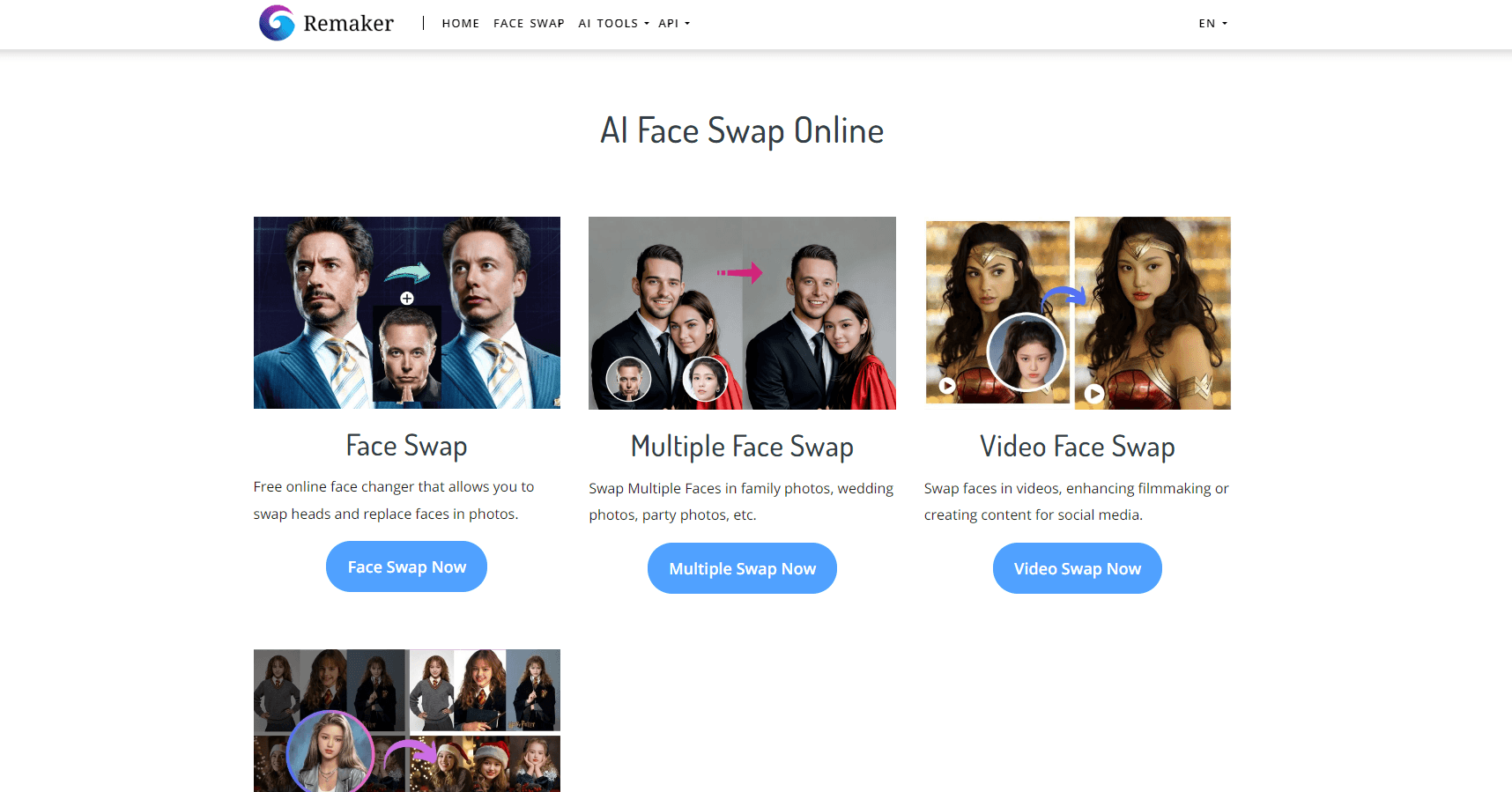
The face swap tool maps one face onto another photo, and the AI portrait generator builds studio style headshots from a handful of selfies. Both are aimed at quick profile pictures and creative posts rather than forensic accuracy, so check hands, ears, and lighting before you publish.
AI Video Tools
The video side includes an AI video generator for text to clip work, a video enhancer for cleaning up footage, and a set of trending templates built for vertical social formats. Clips consume more credits than stills, so test the prompt on a short duration first.
Pros and cons
Pros
- One account covers stills and video, so a small team doesn't need a separate editor, upscaler, and background tool.
- Credits never expire and there's no auto renewal, which removes the usual subscription trap for occasional users.
- The tool pages are self explanatory and each one carries a short tutorial, so a first time user can finish a cutout in under a minute.
- Payments run through Stripe, with cards, Google Pay, and Apple Pay supported, and prompts work in several languages including English, Japanese, and German.
Cons
- There's no unlimited plan, so a business that edits every day has to forecast credit spend and top up by hand.
- The free balance is a one time allowance, which means every export after it runs out costs credits.
- Automatic masks struggle with fine edges like flyaway hair or transparent glass, so cutouts and face swaps still need a human check before publishing.
Frequently asked questions
It handles single job photo and video edits. You can remove a background, enlarge a low resolution image, erase an object, swap a face, or generate an image from a prompt. Most tools take one upload and return a file in seconds.
Related content
Explore related tools, skills, and articles for Remaker AI.
Remaker AI Alternatives

X Ray Interpreter
X-ray Interpreter · ImageX Ray Interpreter is a web-based AI radiology tool that turns X-rays, CT scans, MRI, ultrasound, and PET images into plain-language reports. You upload a scan, get a preliminary X-ray interpretation in moments, then ask follow-up questions if something needs explaining. It works as a second opinion and a learning aid, not as a medical diagnosis.

Aieasypic
AIEasyPic · ImageAIEasyPic is an AI image generator that turns plain text prompts into finished artwork in seconds. You can also train custom models on your own photos, swap faces in existing images, and create short video clips from text, all from a browser. It suits casual creators who want quick visuals and hobbyists who want to build a personal model without touching any code.

Chargen
Chargen · ImageChargen is an AI character generator and worldbuilding toolkit built for Dungeons & Dragons and other tabletop RPGs. It turns a one-line idea into a painted character portrait, spins up NPCs, monsters, maps and encounters from the same session, and keeps every creature's details close at hand. The tabletop RPG art side runs on a credit system called Gold, while the text generators stay free for everyone.