

Revid: Free All-in-One AI Video Creator
Revid · Video
Revid is a browser-based AI video creator built by the team at revid.me. It turns text prompts, still images, and reference visuals into short video clips in a few clicks. No editing software, no camera. But does it hold up for longer or more complex work? Not really, and the 8-second cap is the reason. That makes it a fit for marketers, social media creators, and storytellers who need content fast. The platform leans on three core workflows, text to video, image to video, and reference to video, and sells generation credits on a one-time basis rather than a monthly subscription.
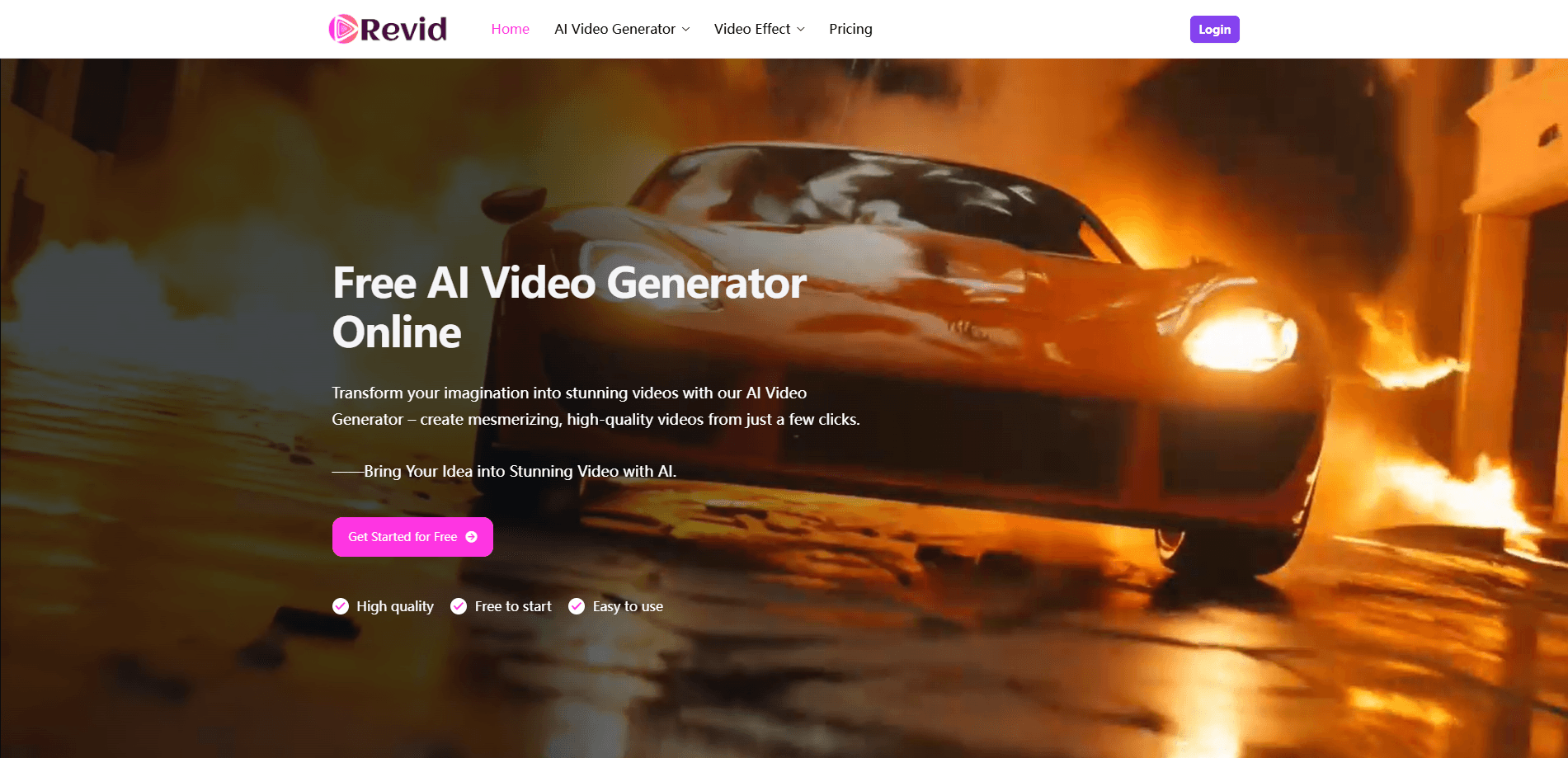
About Revid: Free All-in-One AI Video Creator
What Is Revid
Revid is an online AI video generator that converts your inputs into finished clips. You can type a description, upload a photo, or drop in a reference image, and the tool renders a short video from it. It's aimed at people who need video content fast and don't want to learn a full editing suite.
The main problem it solves is speed. Making even a simple clip the traditional way means footage, a timeline, and hours of trimming. Revid compresses that into a prompt and a few seconds of waiting. Handy when you need a quick ad, a social post, or a concept preview.
The biggest limitation is length. Every paid tier caps output at up to 8 seconds per video, so Revid is a tool for short-form clips rather than long-form productions that need continuous footage and careful pacing. Generation also runs on a credit system, and once your credits are spent you have to buy more. Videos render online too, so you'll want a stable connection while you work.
Getting Started
- Go to revid.me and pick a mode: text to video, image to video, or reference to video.
- Type your prompt, or upload the image or reference you want to animate.
- Adjust any available settings, then start the AI video maker and wait for the render.
- Preview the clip and re-generate with a tweaked prompt if you want a different take.
- Download the finished video, or buy a credit pack if you need more generations.
Product Information
A quick look at Revid: Free All-in-One AI Video Creator's pricing, supported platforms, and performance.
Best for
The users, tasks, and scenarios where this tool fits best.
Users
- Social media creators
- Small business marketers
- Beginners with no editing skills
Tasks
- Turning a written idea into a clip
- Animating a still product photo
- Matching a specific look
Scenarios
- Filling a content calendar on a tight deadline
- Testing ad concepts before a real shoot
- Making quick visual explainers for social posts
Key features
Text to Video Generation
Type a description and Revid renders a matching clip. This is the fastest path into the tool. It works for anyone who can write a sentence about the scene they want, no storyboard required. Start simple and refine the wording if the first take misses.
Image to Video Animation
Upload a still image and the tool adds motion to it, keeping the original picture intact while introducing movement and transitions that make a flat photo feel like a short scene. It's built for bringing photos, illustrations, and product shots to life without a camera or a shoot.
Reference to Video Control
You can hand Revid a specific character, object, or scene as a reference and steer the output toward that look. Consistency matters when you're running a series. This helps keep the same subject looking the same across several clips.
Credit-Based One-Time Pricing
Instead of a subscription, Revid sells credit packs you buy once and keep until you use them. Bigger packs come with steeper discounts, and the credits don't expire, so you aren't locked into recurring bills that keep charging whether you generate videos or not.
High-Quality Model and Fast Renders
Every paid tier unlocks the same high-quality model and the fastest available generation, so the engine you get doesn't change based on how much you spend. Paying more buys volume, not a better model, which keeps the output consistent no matter which pack you pick.
Browser-Based Workflow
Everything runs in the browser. No install, no local rendering power. That means a lightweight laptop is enough. You can start on one device and pick up on another as long as you're signed in.
Pros and cons
Pros
- Free to start, so you can test text to video and image to video before paying.
- One-time credit packs with no recurring subscription to cancel.
- Credits never expire, so unused generations carry over.
- Three input modes cover prompts, photos, and reference-driven scenes.
- No editing skills or software needed to produce a clip.
Cons
- Paid tiers cap video length at up to 8 seconds, which rules out longer content.
- Credit system means heavy users have to keep topping up.
- Generation depends on a stable internet connection since it renders online.
Frequently asked questions
Revid creates short AI-generated videos from text prompts, images, or reference visuals, which makes it useful for social clips, promo teasers, and quick concept previews without editing software.
Related content
Explore related tools, skills, and articles for Revid: Free All-in-One AI Video Creator.
Revid: Free All-in-One AI Video Creator Alternatives
Griffin by Tavus
Tavus · Voice & Language · Video · ChatbotGriffin by Tavus is the first Human Interaction Model: a full-duplex, video-to-video system that watches, listens, and answers during a live video call in real time.

Syllaby AI Avatar 2.0
Syllaby · Video · MarketingSyllaby AI Avatar 2.0 turns a script into a presenter-led video with a reusable AI avatar, natural voice, B-roll and automatic subtitles, all in one browser workflow.

Vitra.ai
Vitra.ai · Voice & Language · Video · MarketingVitra.ai is an agentic content platform that creates, translates, reviews, and publishes video, images, documents, and app content in 120 languages from one shared brief.