

Rippling - HR, IT & Finance;
Rippling · Productivity
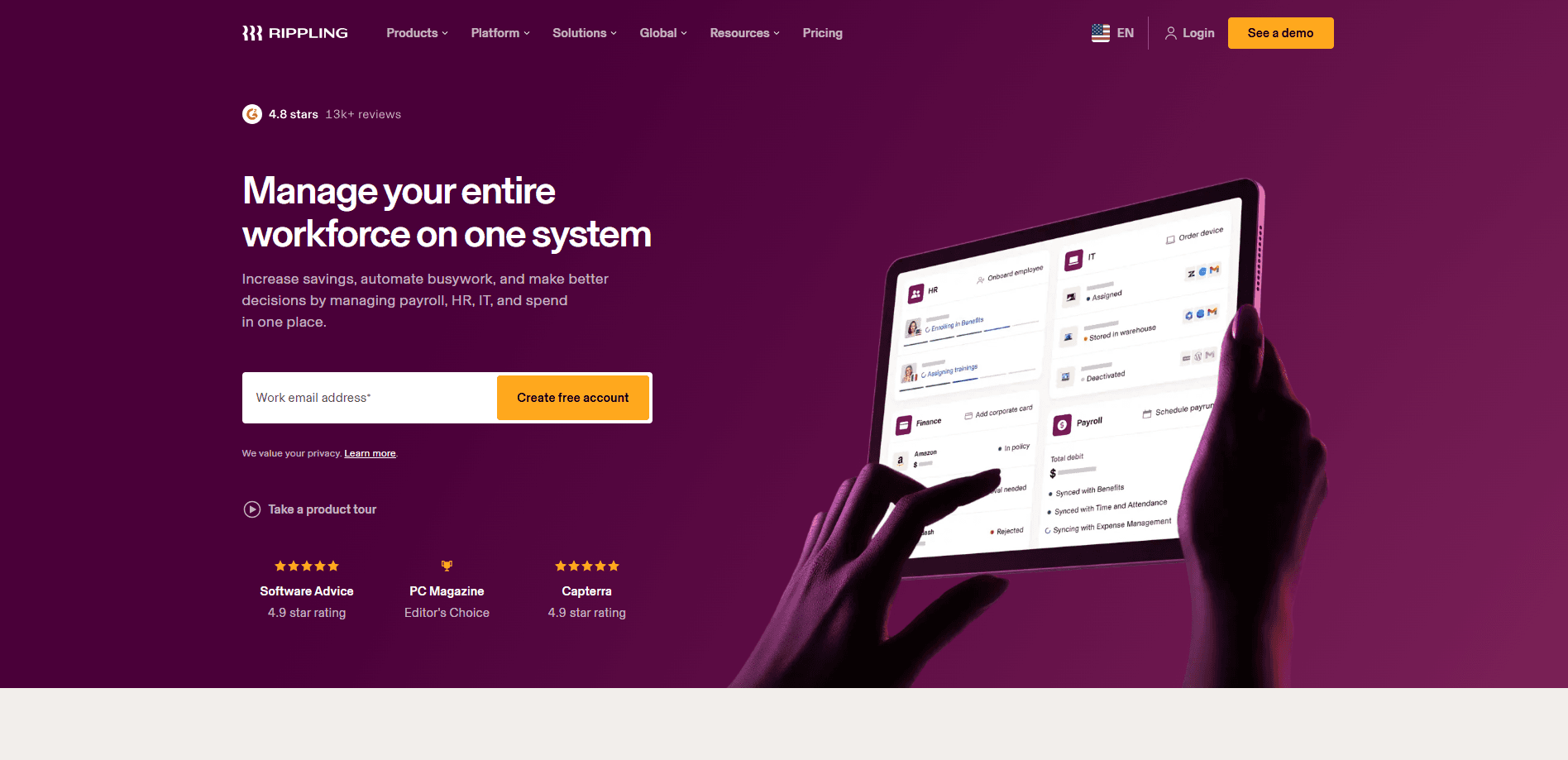
Rippling is a workforce management platform that pulls HR, IT, payroll, and finance into a single system built on one shared data foundation. Instead of stitching together a payroll tool, a benefits provider, a device manager, and a corporate card, you run them all from one place where every app sees the same employee record. That shared context is what makes its automation and AI features useful: when a new hire is added, Rippling can trigger their payroll setup, provision their laptop, and issue a card in the same flow.
About Rippling - HR, IT & Finance;
What Is Rippling
Rippling is a business platform that combines HR, IT, and finance tools on top of one data layer. The pitch is simple enough: most companies run separate systems for payroll, benefits, device management, expense tracking, and identity, then spend hours syncing them by hand. Rippling argues those systems should share the same source of truth, because a person's role, location, and reporting line already determine what they should be paid, which apps they can access, and how much they can spend.
The product is organized around apps you can buy separately. HR covers onboarding, benefits, recruiting, and performance. IT handles identity, access, and device management. Finance covers corporate cards, expenses, procurement, and bill pay. Payroll runs employees and contractors, including global teams. Every app sits on the same core platform, and according to Rippling, the more apps you turn on, the more its AI can do.
The main limitation is cost and commitment. Rippling charges per employee per month, and small teams on tight budgets often find the full stack hard to justify. It's a platform pitched at companies that expect to grow, not at someone who just needs a paycheck tool.
Getting Started
- Create a free account with your work email, or book a demo if you want a guided tour first.
- Pick the apps you need, starting with the required Rippling Platform and adding payroll, benefits, IT, or finance modules on top.
- Import your existing employee data and year-to-date payroll from your current provider so records carry over without a gap.
- Configure policies once: roles, permissions, approval rules, and security settings that then apply across every app.
- Run your first payroll or onboarding flow, then add modules as your team grows.
Product Information
A quick look at Rippling - HR, IT & Finance;'s pricing, supported platforms, and performance.
Best for
The users, tasks, and scenarios where this tool fits best.
Users
- HR and People teams at growing companies
- IT and security admins
- Finance leads
Tasks
- Onboarding a new hire
- Running multi-state or global payroll
- Offboarding securely
Scenarios
- A 50-person startup that's outgrown spreadsheets and wants one platform before hiring accelerates.
- A distributed company paying contractors and full-time staff across several countries through one system.
- A team where HR and IT both manage employee lifecycle events and want the handoffs automated.
Key features
Unified data foundation
Every app shares one employee record covering role, location, and reporting lines. That's the difference between Rippling and tools that just bundle separate products behind one login. When something changes in HR, IT and finance see it immediately. No sync job required.
Automated onboarding and offboarding
Rippling can chain routine lifecycle events together. A new hire triggers payroll, benefits, app access, and device setup from one action, and offboarding reverses it. Customers like Clay report automating around 80% of their onboarding tasks, according to Rippling's own case study.
Payroll for employees and contractors
Payroll runs in minutes for both salaried staff and contractors, including global teams. Rippling imports your year-to-date data when you switch providers, so quarterly and annual tax filings don't break mid-year. That migration support matters if you're leaving a payroll vendor you're unhappy with.
Identity, access, and device management
The IT side manages identity, access, and devices while enforcing security policies automatically. Permissions are role-based and shift as roles change. Rules you set once get applied across every app. Employees lose access to systems they shouldn't see without an admin chasing each one. No ticket needed.
Corporate cards, expenses, and spend controls
Finance tools cover corporate cards, expense reports, procurement, bill pay, and travel. Because spend data sits next to headcount and role data, approvals can follow your org structure instead of a generic workflow. Finance gets a cleaner view of who's spending what. That's a real difference.
Rippling AI
AI runs across the platform, answering questions and taking action using your company's own HR, payroll, IT, and finance data. You can ask it to surface insights or hand off repetitive tasks, like approving dependents or standardizing job titles. It's only as useful as the data you've fed the platform, so there's a real setup cost up front.
App Studio for custom workflows
App Studio lets teams build custom workflows and applications without heavy engineering. It's aimed at operations people who know the process but not how to code it. The tradeoff is that custom builds still need someone to maintain them.
Compliance coverage
Rippling tracks labor laws, training requirements, and termination rules across regions, flagging risks and suggesting fixes. Coverage spans 50 US states and 180+ countries. For teams hiring in unfamiliar markets, that's often the reason they pick it over a cheaper point tool.
Pros and cons
Pros
- One login and one employee record across HR, IT, payroll, and finance, which removes a lot of manual syncing.
- Lifecycle automations like onboarding and offboarding run from a single trigger, saving real admin time.
- Global payroll and compliance coverage across 50 US states and 180+ countries suit distributed teams.
- Threatens to be the payroll vendor you can actually leave: year-to-date import means switching mid-year is workable.
Cons
- No free plan, and per-employee pricing adds up fast, so it's a hard sell for very small teams or tight budgets.
- The value depends on using several modules. Buy only one app and you lose much of the point of the shared data layer.
- Migrating historical data from multiple systems takes planning and time, and the payoff is gradual, not instant.
- Full setup is a real project. The AI and automation features need clean data before they do much.
Frequently asked questions
It's a single platform that runs HR, IT, payroll, and finance for a company. You can use it for onboarding, benefits, payroll, device management, corporate cards, and expenses, all connected to the same employee data. Think of it as replacing several separate systems with one.
Related content
Explore related tools, skills, and articles for Rippling - HR, IT & Finance;.
Rippling - HR, IT & Finance; Alternatives

Swms
Swms AI · Writing · Productivity · BusinessSwms is an AI safety compliance tool that turns a plain description of a job into ready-to-use safety documents. Describe your project, trade, and known hazards, and it writes a safe work method statement, job hazard analysis, safe work procedure, RAMS, or safety data sheet in seconds. It also ships with Oscar, a chat assistant that answers workplace safety questions in any language. Teams in construction, mining, transport, and warehousing use it to cut the paperwork that usually eats into a workday.

Wordly AI Translation
Wordly · Voice & Language · ProductivityWordly AI Translation is a real-time AI translation and captioning platform built for meetings, conferences, and events. It delivers live translation, captions, transcripts, and summaries in more than 60 languages, and attendees join by scanning a QR code or opening a link instead of using dedicated headsets. The platform works with Zoom, Microsoft Teams, Google Meet, and Webex, and it's designed for organizations that want multilingual access without hiring human interpreters for every session. Simple as that.

Rows
Rows (Superhuman) · Productivity · BusinessRows is an AI spreadsheet and data analysis tool that imports live data from more than 50 sources, then lets you work with it using plain language instead of SQL queries or nested formulas. You can pull numbers out of PDFs, connect ad platforms, databases, and bank accounts, and ask the AI to build reports, merge datasets, or set up models that recalculate themselves. It runs in the browser, works like a spreadsheet, and now sits under the Superhuman umbrella.