

RoastLinkedIn.com
RoastLinkedIn.com · Marketing · Business · Chatbot
RoastLinkedIn.com is an AI tool that turns your LinkedIn profile into a funny roast, then gives you tips to fix it for recruiters.
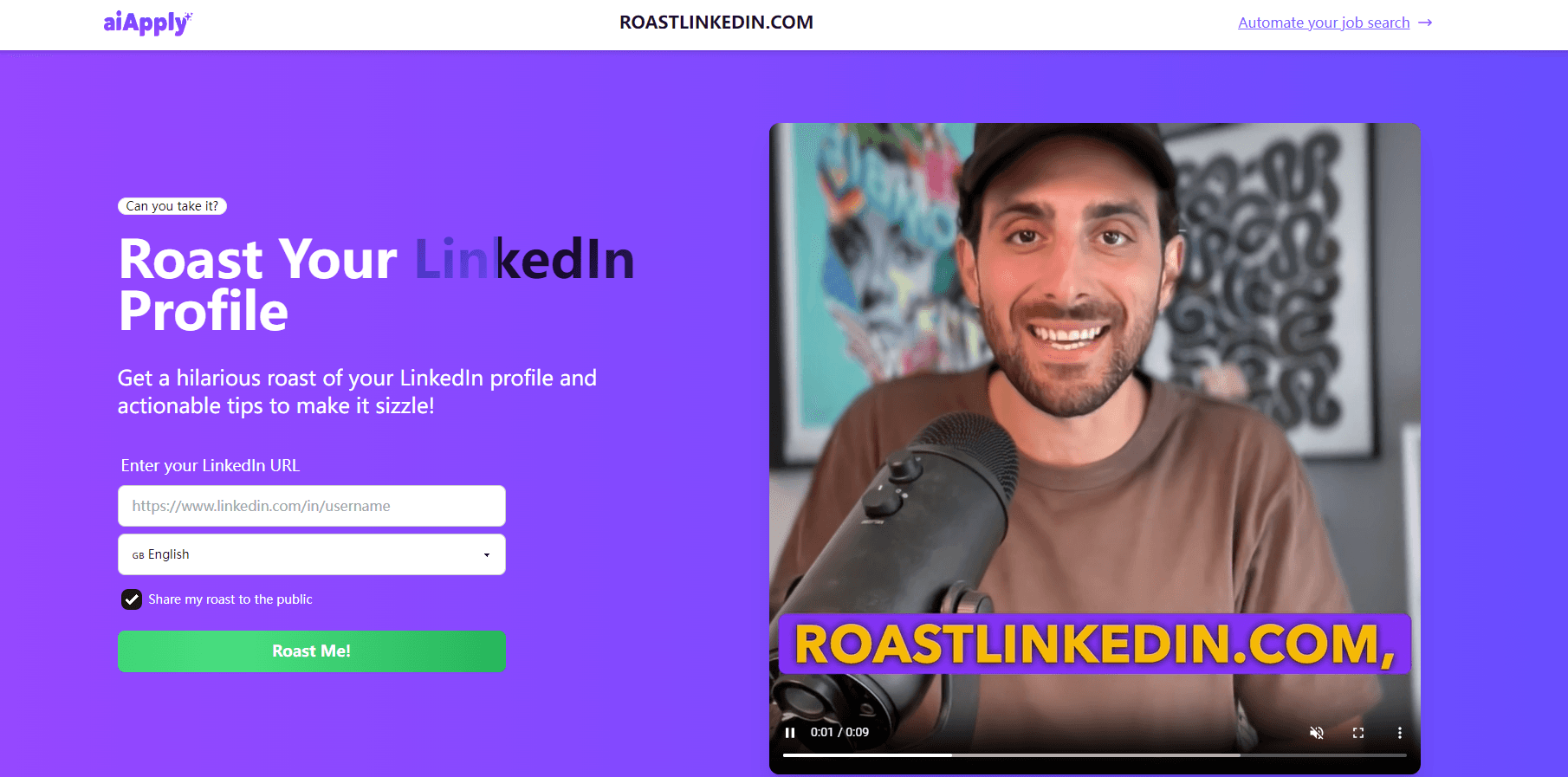
About RoastLinkedIn.com
What Is RoastLinkedIn.com
RoastLinkedIn.com is a browser-based AI tool that reads your LinkedIn profile and writes a comic roast of it. Paste your profile URL, hit generate, and you get a punchline-heavy critique of how you present yourself, alongside plain tips for tightening the same page. A roast generator like this one is cheaper than a career coach and faster than asking five friends.
It solves a small but real problem: most people have no idea how their profile reads to a stranger. Recruiters skim, hiring managers skim, and your carefully written headline might land as generic filler. A LinkedIn roast generator is a low-stakes way to find out. If the AI mocks your buzzword-stuffed summary, that's a signal worth acting on.
It's meant for laughs first. Don't treat the output as a formal career audit, and don't expect deep industry-specific advice. There's no report to download and no long profile analytics. You get a roast, some pointers, and an optional public share. So what should you actually do with it? Read the tips, ignore the noise, and fix one thing.
If you want a full profile teardown with scoring and a downloaded report, this isn't that product, and you'll know within sixty seconds of reading your first roast that it never pretended to be.
Getting Started
- Open RoastLinkedIn.com in your browser. No install and no sign-up is needed to try it.
- Paste the URL of your public LinkedIn profile into the input field.
- Choose whether you want your roast shared publicly. Leave it off if you'd rather keep it private.
- Hit generate and read the roast together with the improvement tips underneath.
- Tighten your headline, summary, or experience bullets based on what the roast flagged, then re-run it to see if the jokes get thinner.
Product Information
A quick look at RoastLinkedIn.com's pricing, supported platforms, and performance.
Best for
The users, tasks, and scenarios where this tool fits best.
Users
- Job seekers
- Professionals polishing a personal brand
Tasks
- Roasting a LinkedIn profile
- Getting LinkedIn profile tips
- Sharing a roast publicly
Scenarios
- Prepping for a job search
- Team or friend banter
Key features
AI Profile Roast
The core of the tool is the roast itself. RoastLinkedIn.com reads the text of your LinkedIn profile and rewrites its weak spots as jokes. An overused phrase like "results-driven professional" comes back as a punchline rather than a note. That's the hook. A dry checklist of faults would get skimmed and forgotten, but nobody ignores a joke about their own headline.
Improvement Tips
Every roast ships with advice. Alongside the jokes, this free LinkedIn roast also hands you tips to improve your LinkedIn profile: a headline that says nothing, a summary built on clichés, bullets that repeat the same verb. It's the practical half of the product. The jokes fade. The notes don't.
Public Roast Sharing
You can opt in to share your roast publicly, which turns the output into something you can post. It's a light social feature, not a portfolio, and it's optional. Keep it off if the roast is for your eyes only.
No-Signup Web Access
The whole thing runs in the browser. There's no app to install, no account to create before you see a result, and no onboarding flow. You paste a URL and get output. That keeps the barrier to trying it close to zero, which matters for a joke tool you might use once and forget. That low-friction design is the whole point of a roast generator that wants to be shared, because every friend who tries it after seeing your result is one more person who might paste in their own profile URL and pass the joke along. You might be wondering whether this counts as a real LinkedIn profile review tool. It's a light one. The feedback is real, but it's shallow by design, and the roast framing is the point.
Pros and cons
Pros
- Free to use, with no sign-up blocking the first roast.
- The humor makes an honest critique easier to hear than a dry checklist would.
- Doubles as a profile check: the tips point at real wording problems, not just jokes.
- Runs entirely in the browser, so there's nothing to install.
Cons
- Output quality depends on how much public text your profile exposes, so a sparse page gives a thin roast.
- There's no deep report, scoring, or download, which limits it as a formal profile review tool.
- The roast format won't suit people who want neutral, straight-faced feedback.
Frequently asked questions
It reads your LinkedIn profile and writes a humorous critique of it, then adds tips for improving the same page. Think of it as a roast with a payoff. You laugh first, then you fix the headline you've been meaning to rewrite for six months without ever getting around to it.
Related content
Explore related tools, skills, and articles for RoastLinkedIn.com.
RoastLinkedIn.com Alternatives

Tractionwave
TractionWave · Image · MarketingTractionWave is an AI attention heatmap tool for static ads. Upload a PNG or JPG and it returns predicted attention, ranked hotspots, and fixes before you spend budget.

OpenSEO - AI Visibility
EveryApp · Coding · Marketing · BusinessOpenSEO is an open source SEO platform for keyword research, backlinks, rank tracking, site audits, and AI visibility, with usage-based pricing and MCP access for AI agents.

Plugins Radar
Plugins Radar · Marketing · BusinessPlugins Radar tracks where your ChatGPT plugin ranks in directory and in-chat search, which competitors outrank it and what changed, with hourly checks on 9,885 listings.