

RollBot
RollBot · Video
RollBot is a browser-based tool for turning a set of images or short videos into a looping video or GIF. You drag your files in, pick a speed and an export format, and it renders the result in seconds. Everything runs on your own device, so your images never leave your computer. It suits people who need a quick reel, slideshow, or social post without opening a full video editor.
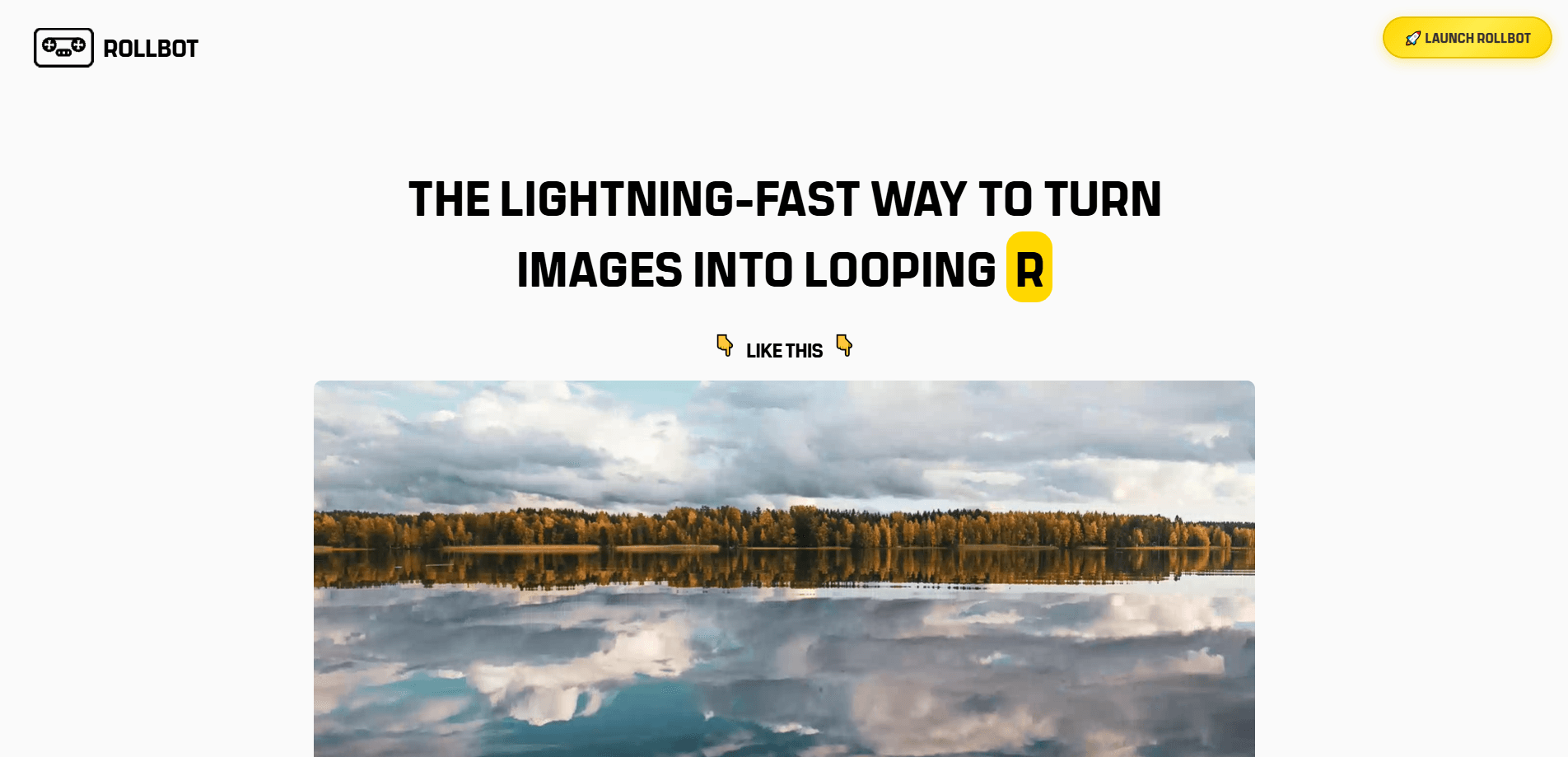
About RollBot
What Is RollBot
RollBot is a lightweight looping video maker and image to video tool that runs entirely in your web browser. Instead of dragging clips around a timeline, you drop in your images, set how long each one shows, and export. It handles the repetitive part of turning stills into a looping GIF, so you don't have to.
The problem it solves is simple. Most video editors are built for editing, not for a single, narrow job like turning ten portfolio shots into a smooth loop. RollBot skips the timeline, the project files, and the export dance. If you've ever opened a heavyweight editor just to produce one slideshow maker output and then waited two minutes for it to load, you already know the frustration this thing is built to avoid. It's aimed at makers, designers, and social media posters who want an animated result in under a minute.
Privacy is the other angle. RollBot processes your files locally in the browser, so nothing gets uploaded to a server. That matters if you're working with client assets or photos you'd rather not hand to a third party. Most online GIF creator tools route your images through their servers, and you have no real way of knowing what happens to them after that. The trade-off is that a browser-based tool leans on your device's horsepower, and the free tier caps exports at 800x450px.
Getting Started
- Open rollbot.app in Chrome, Safari, or another modern browser and click Launch RollBot.
- Drag your images or .mp4 files onto the drop area, or click to select them.
- Set the duration per image or video, then pick an export format such as Animated GIF, WebM, or MP4.
- Adjust sizing and output dimensions if you've unlocked premium.
- Hit Create Video and download the finished file when the render hits 100%.
Product Information
A quick look at RollBot's pricing, supported platforms, and performance.
Best for
The users, tasks, and scenarios where this tool fits best.
Users
- Designers and portfolio owners
- Social media posters
- Privacy-conscious creators
Tasks
- Making a looping GIF from a handful of images
- Building a slideshow or montage
- Creating a portfolio or product reel
Scenarios
- Quick social posts
- Client previews
- Marketing pages that need motion
Key features
Looping Video and GIF Export
The core job: take a set of images or clips and output a loop that plays cleanly with no visible seam. You choose the export format, and RollBot handles the frame timing. Think of it as a dedicated GIF maker and reel builder rather than a general-purpose editor. It's aimed at people who want one motion asset, not a full edit.
Local, In-Browser Processing
RollBot renders everything on your device and sends nothing to a server, which is a meaningful promise for anyone who handles client work or private photos on a regular basis. That's the headline privacy claim on the site, and it's the reason to pick this over a typical online converter. The flip side: render speed depends on your hardware, and big files on an older laptop will take a while.
Multiple Export Formats
You can export Animated GIF, WebM video, and an experimental MP4 option. The MP4 path is limited to Chrome and Safari, so if you're on Firefox or another browser you're stuck with the other two formats. GIF is the safe choice for broad compatibility, while WebM and MP4 give you smaller files and better quality for modern platforms.
Drag-and-Drop Workflow
There's no timeline to learn. You drop files onto the page, set durations, and go. For a narrow task like this, that's the point. So why do most people still reach for a full editor out of habit? Because that's what they know. RollBot asks you to unlearn that, and in exchange you skip the project setup, the clip arranging, and the export chains you'd normally sit through before you get a single usable file out the other end.
Premium Export Options
The one-off premium unlocks 4K and other resolutions, custom durations up to 10 seconds per item, custom dimensions, and a start-point control for MP4s, which is a lot of extra control for a single payment. If the free 800x450px cap is too small for your use case, and for most social platforms it genuinely is, this is where the extra quality comes from.
Pros and cons
Pros
- No install and no account needed to start; it runs in the browser.
- Your images stay on your device, which is rare for a free online tool.
- Fast for its narrow purpose, since there's no timeline or project setup.
- One-off £9.99 premium instead of a subscription.
- Handles images and short videos in the same loop.
Cons
- Free exports are capped at 800x450px, which is too small for many uses, so premium is often a practical requirement.
- MP4 export only works in Chrome and Safari.
- It's a single-purpose tool. If you need trimming, audio, or text overlays, you'll be reaching for a real editor anyway.
Frequently asked questions
It turns a set of images or videos into a looping video or GIF. You add your files, set the speed and export format, and it renders the result in your browser.
Related content
Explore related tools, skills, and articles for RollBot.
RollBot Alternatives

Vadu AI
Vadu AI · Image · VideoVadu AI is a web-based AI video generator that turns written prompts or still images into short clips, and it can also generate images on its own. You type what you want, pick a model and style, and the platform renders the result in minutes. A free plan covers light testing, while paid tiers run from $9 to $77.40 per month based on how many credits you burn.

Mykaraoke Video
MyKaraoke Video · VideoMykaraoke Video is an online karaoke video maker and lyric video maker that turns any song into a finished, lyrics-synced video right in your browser. It handles the slow part for you. The AI pulls vocals out of the mix and locks the lyrics to the beat, then lets you customize background, fonts, and colors before exporting in 1080p MP4. If you make lyric videos for social media, party nights, or music promotion, it skips the software installs and manual timing work entirely. Want a karaoke video generator that doesn't eat your whole evening? That's the pitch here.

Finalframe
Finalframe · VideoFinalframe is a set of free, browser-based tools for grabbing exact frames out of a video clip. Its best-known feature, the Final Frame Extractor, lets you extract the last frame of any video so you can use it as the starting image for AI video tools like Luma Dream Machine, Runway, or Kling. Want to keep a clip going? That last frame is your starting point. The tool runs locally in your browser, needs no sign-up, and costs nothing. A separate paid AI video-generation app from the same team is currently offline while it's rebuilt.