

Rotor Videos
Rotor Videos · Video
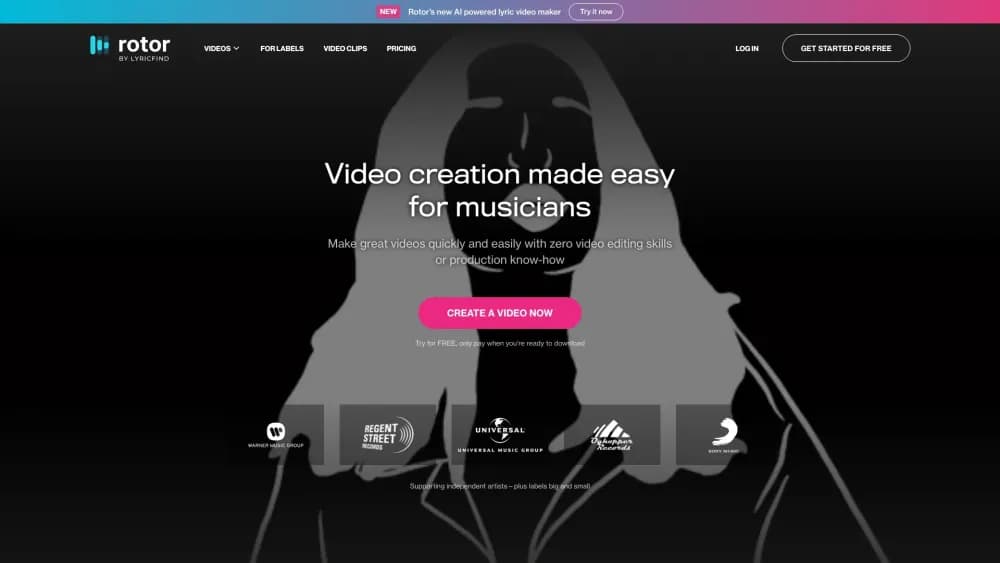
Rotor Videos is a browser-based music video maker for artists. It pairs your track with stock clips and timed lyrics to produce lyric videos, Spotify Canvas loops, and full music videos in minutes.
About Rotor Videos
What Is Rotor Videos
Rotor Videos is an online video maker for musicians, built around one job: giving artists a steady supply of visuals without hiring an editor. You upload a finished song, pick a look, and the platform cuts clips to the beat of your track. The output covers the formats artists actually need each release cycle, from a nine by sixteen Spotify Canvas loop to a full length music video for YouTube.
The pitch is speed and cost. A single music video used to mean a shoot day, a director, and a few thousand dollars. Rotor Videos compresses that into an afternoon of clicking through style options, with stock footage licensed as part of the download price. Artists who release every few weeks use it to keep their back catalogue moving instead of saving visuals for one big single.
The tradeoff is control. You work inside the platform's styles, clip library, and editing rules. There's no timeline editor for frame level adjustments, so a shot that almost works still needs a different style or a different clip. Anyone who wants shot by shot authorship will find the ceiling quickly.
Getting Started
- Create an account at rotorvideos.com and choose a subscription or a credit pack.
- Upload your audio file and let the engine map the tempo and structure of the song.
- Pick a format, then browse styles, filters, and clips until the preview looks right.
- Add text or promotional lines, resize for each platform, and pay to download the finished file.
Product Information
A quick look at Rotor Videos's pricing, supported platforms, and performance.
Best for
The users, tasks, and scenarios where this tool fits best.
Users
- Independent artists
- Small labels and managers
- Songwriters without a video budget
Tasks
- Building a Spotify Canvas
- Making a lyric video
- Refreshing old catalogue
- Cutting a promo clip for social
Scenarios
- A release week with no video planned
- A monthly release schedule
- Testing a visual direction before spending on a real shoot
Key features
Automatic Editing From Your Track
The engine reads the tempo and sections of your uploaded song, then cuts the chosen clips to match. You don't set in and out points or drag anything onto a timeline. What you get is a cut that lands on the beat, which is the part most beginners struggle with.
Spotify Canvas and Apple Music Album Motion
Rotor Videos works as a Spotify Canvas maker and ships a dedicated format for the other place listeners see looping art. Canvas output is sized for Spotify's vertical loop, and Album Motion covers the animated artwork Apple Music displays. Both are short, silent loops, so the tool skips the intro and finds a section that works on repeat.
Lyric Videos With Timed Text
The lyric video maker handles text timing inside the editor. You paste the lines, adjust placement and styling, and the platform syncs them to the audio you uploaded. Fonts and animations come from the style you picked, so the result matches the rest of the video instead of looking pasted on.
Stock Clip Library and 150+ Styles
Every download includes access to a large stock footage library, which the company lists at more than 17 million clips. There are also more than 150 designed styles, from VHS and glitch looks to cleaner performance footage treatments, plus filters you can layer on top. The library is the reason you don't need to source footage yourself.
Text Overlays and Social Format Presets
You can drop titles, release dates, and promotional lines anywhere in the video. Preset crops then resize the same project for vertical, square, and widescreen feeds. That matters for a stock footage video maker, since a clip that works at sixteen by nine often loses its subject when cropped by hand.
Per-Video Credits Alongside Subscriptions
Credits let you pay only for what you download. One credit is $9.99, with packs of five, ten, and fifty at lower unit prices, and credits don't expire. A Canvas costs one credit, a music video costs three, and a lyric video costs four, which makes the cheap formats genuinely cheap.
Pros and cons
Pros
- Fast turnaround: a usable video comes out in minutes, not days, which fits a weekly release schedule.
- No editing skills required: the engine handles cutting, so the learning curve is mostly picking a style.
- Footage is included: the stock clip library removes a separate licensing bill and a search session.
- Format coverage: Canvas, Album Motion, lyric videos, artwork videos, and full music videos come from one account.
- Transparent download pricing: credits are listed per format, so you can estimate a campaign before paying.
Cons
- No timeline editor: you can't nudge a cut by a few frames, so a clip that's close but wrong means starting the style search again.
- Subscription is per artist: a manager handling five acts needs five plans or credit packs, which changes the math.
- Download required to evaluate: previews are free, but you can't judge final quality without spending a credit.
- Lyrics still need manual cleanup: auto timing gets close, and fixing a stubborn line costs time.
Frequently asked questions
Rotor Videos makes promotional videos for music releases. Artists use it for Spotify Canvas loops, Apple Music Album Motion, lyric videos, album artwork videos, and full music videos, all from one upload of the track.
Related content
Explore related tools, skills, and articles for Rotor Videos.
Rotor Videos Alternatives
Griffin by Tavus
Tavus · Voice & Language · Video · ChatbotGriffin by Tavus is the first Human Interaction Model: a full-duplex, video-to-video system that watches, listens, and answers during a live video call in real time.

Syllaby AI Avatar 2.0
Syllaby · Video · MarketingSyllaby AI Avatar 2.0 turns a script into a presenter-led video with a reusable AI avatar, natural voice, B-roll and automatic subtitles, all in one browser workflow.

Vitra.ai
Vitra.ai · Voice & Language · Video · MarketingVitra.ai is an agentic content platform that creates, translates, reviews, and publishes video, images, documents, and app content in 120 languages from one shared brief.