

Rova AI
Scandium Systems · Coding
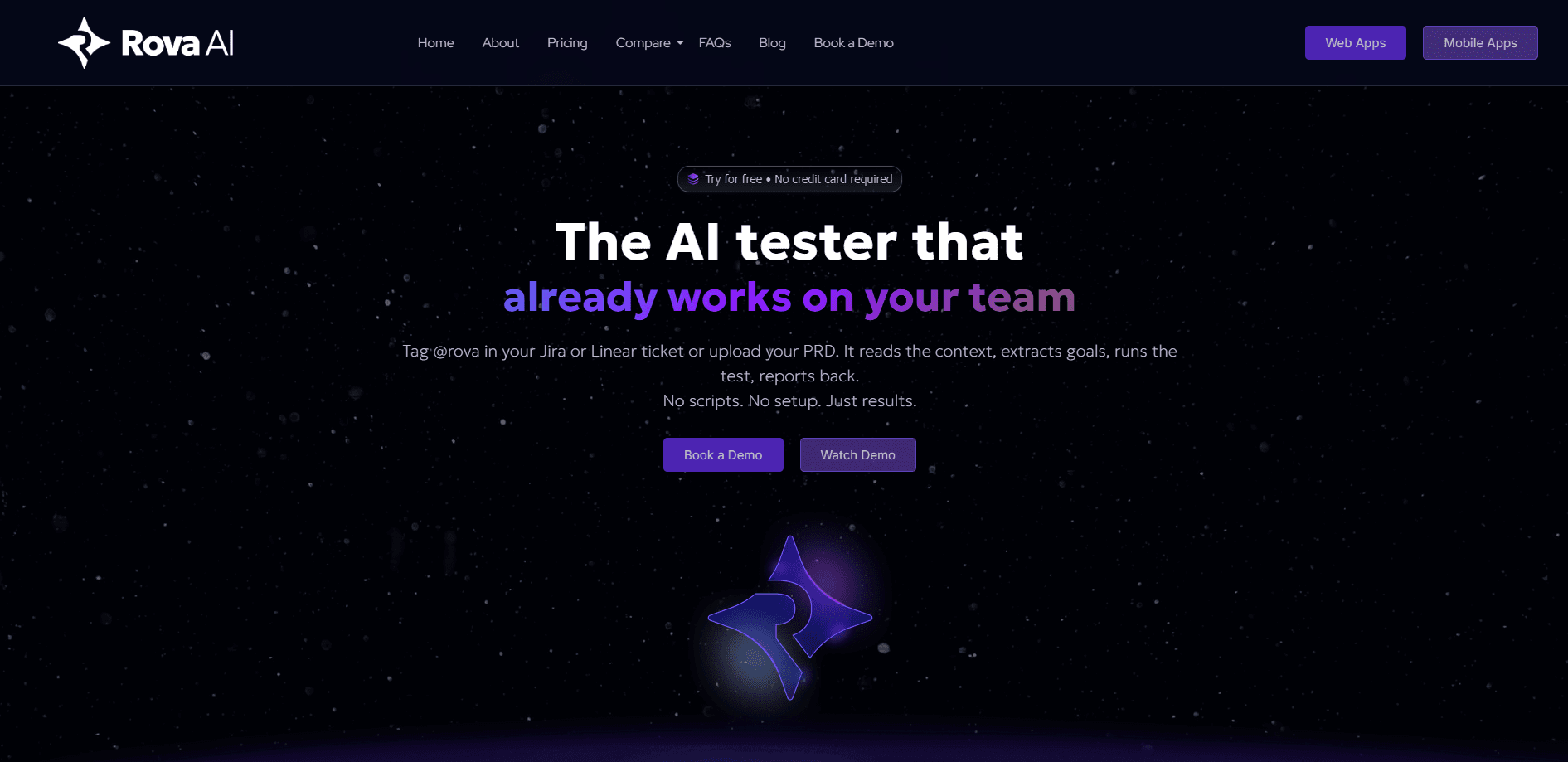
Rova AI is an autonomous software testing agent built by Scandium Systems for anyone shipping software, not just dedicated QA teams. You describe what your product should do in plain English, drop in a URL, or tag @rova in a Jira or Linear ticket, and Rova AI maps your app, builds a test plan, runs it like a real user, and reports what broke. It works on web and mobile, needs no scripts or selector maintenance, and explains every result in plain language that a founder, PM, or engineer can all read. Think of it as AI-powered automated testing you can actually run yourself.
About Rova AI
What Is Rova AI
Rova AI is a no-code software testing agent that automates the boring, fragile part of quality checks: writing and maintaining test scripts. Why does that matter? Most teams burn more hours fixing broken scripts than writing new ones. That's no-code test automation in practice. Instead of recording clicks or wiring up selectors, you hand it a goal. Most teams file it under software QA tool, and Rova AI leans harder on autonomy than most. Rova AI reads the intent, figures out the flows that matter, and verifies them the way a person would click through your product. Simple as that.
The tool targets a real gap. Most test automation platforms were built for trained QA engineers, so small teams either skip testing or bolt on a tool nobody has time to maintain. Rova AI flips that. It treats testing as a goal to verify, not a script to write. The company behind it, Scandium Systems, frames it as a testing agent that works for the founder shipping a first app and the QA lead juggling hundreds of test cases.
The main limits are worth knowing up front. Rova AI still runs inside your browser and needs access to the app under test, so it won't magically test a closed system. It pauses when it hits an OTP, a login wall, or a judgment call only you can make, which means long flows need some human attention. And because it adapts through understanding rather than fixed paths, tricky logic like payment edge cases may still want a human in the loop.
Getting Started
- Sign up at rova.qa with your work email. No credit card is required to start.
- Give Rova AI an input: paste a URL, upload a PRD, tag @rova in a Jira or Linear ticket, or type a plain-English goal like "Test the signup flow, including email verification."
- Review the generated test plan. Rova AI maps your application, lists the relevant flows, and covers standard paths, edge cases, and failure scenarios before anything runs.
- Hit run. Rova AI navigates your product, clicking and filling forms on its own, and pauses to ask you when it hits something it can't decide alone.
- Read the plain-language report with step-level screenshots and a comparison against the last successful run, then share the link with anyone on your team.
Product Information
A quick look at Rova AI's pricing, supported platforms, and performance.
Best for
The users, tasks, and scenarios where this tool fits best.
Users
- Founders and small product teams
- QA leads and test engineers
- Product managers and developers
Tasks
- Regression testing after a release
- Signup, onboarding, and checkout checks
- Turning a PRD into a test plan
Scenarios
- Shipping fast without a dedicated QA team
- Continuous quality in a CI/CD pipeline
- Reporting to non-technical teammates
Key features
Intent-Based Test Generation
You describe the outcome you want verified in everyday language, and Rova AI reasons backward to decide how to check it. It accepts URLs, PRDs, plain-English prompts, or a tag in Jira or Linear. The upside is that you don't need to know your app's internal paths to get started.
Self-Healing Tests
Because tests aren't tied to CSS selectors or fixed step orders, UI changes don't break them the way they break traditional automation. Rova AI understands goals, not paths, so when a flow moves or a button gets renamed it adapts and keeps running. That's the whole point. Tests stop breaking for no reason.
Autonomous Execution with Human Checkpoints
Hit run. Rova AI does the rest. If it runs into an OTP, a login screen, or a call only you can make, it pauses, asks, and then picks up exactly where it left off. You stay in control without hand-holding every step.
Plain-Language Reporting
Every result is explained in plain English with step-level screenshots, a side-by-side comparison against the last successful run, and a shareable link. Anyone on the team can open the report without a Rova account, which cuts the back-and-forth between QA and product.
Web, Mobile, and API Coverage
Rova AI covers web and mobile testing, and Scandium's broader platform extends no-code automation to APIs as well. That means frontend and backend checks can live in one workflow rather than split across separate tools.
CI/CD and Issue-Tracker Integrations
Rova AI connects to CI/CD pipelines, issue trackers, and test case management tools so results flow back into the systems your team already uses. Tag it in a ticket and the verification result lands where the work is tracked.
Pros and cons
Pros
- No scripting or selector maintenance, so non-QA team members can run meaningful tests.
- Goal-based tests survive UI changes that would break traditional automated scripts.
- Plain-language reports with screenshots and shareable links suit mixed technical and non-technical audiences.
- Free to start with no credit card, and it covers both web and mobile.
- Integrations with CI/CD and issue trackers keep results in your existing workflow.
Cons
- Long or unusual flows still pause for human input at OTPs and login walls, so full unattended runs aren't always possible.
- Pricing details aren't published on the site beyond a free starting point and tiered plans, so you'll need to talk to sales to compare budgets.
- Very complex logic like payment edge cases may still need manual review rather than pure automation.
- As a newer product, the public track record and third-party reviews are thinner than those of long-established automation platforms.
Frequently asked questions
Rova AI is an autonomous testing agent that verifies whether your software works as intended. You give it a goal in plain English, a URL, or a ticket, and it maps your app, builds a test plan, runs the tests, and reports bugs in plain language with screenshots.
Related content
Explore related tools, skills, and articles for Rova AI.
Rova AI Alternatives
Forefront
Forefront · CodingForefront is a web platform for building with open-source AI. It lets you fine-tune leading open-source language models on your own data, evaluate how they perform, and run them through an API or export them to host yourself. Developers who want the convenience of a closed-source platform but insist on owning their models and data are the target audience here.

Startkit
StartKit.AI · CodingStartkit is a boilerplate for building AI SaaS and AI wrapper products. Think of it as an AI startup boilerplate with the boring parts already wired up: authentication, Stripe and Lemon Squeezy payments, usage limits, transactional email, and an AI API starter that talks to OpenAI, Anthropic, Groq, or Llama. You clone the repo, set your price, and start on the part of your product that people actually pay for. It's Next.js under React and Tailwind, so most of the boilerplate code already feels familiar.
Testim
Tricentis · CodingTestim is an AI-powered test automation platform for building and running end-to-end tests across web, mobile, and Salesforce applications. It leans on machine learning to keep tests stable when an interface changes, so teams spend less time fixing broken selectors. Not bad for an automated testing tool you can start using today. You create tests by recording actions in a browser, then optionally add JavaScript when you need more control. It's a solid pick for busy QA teams.