

Runbear
Runbear Inc. · Coding
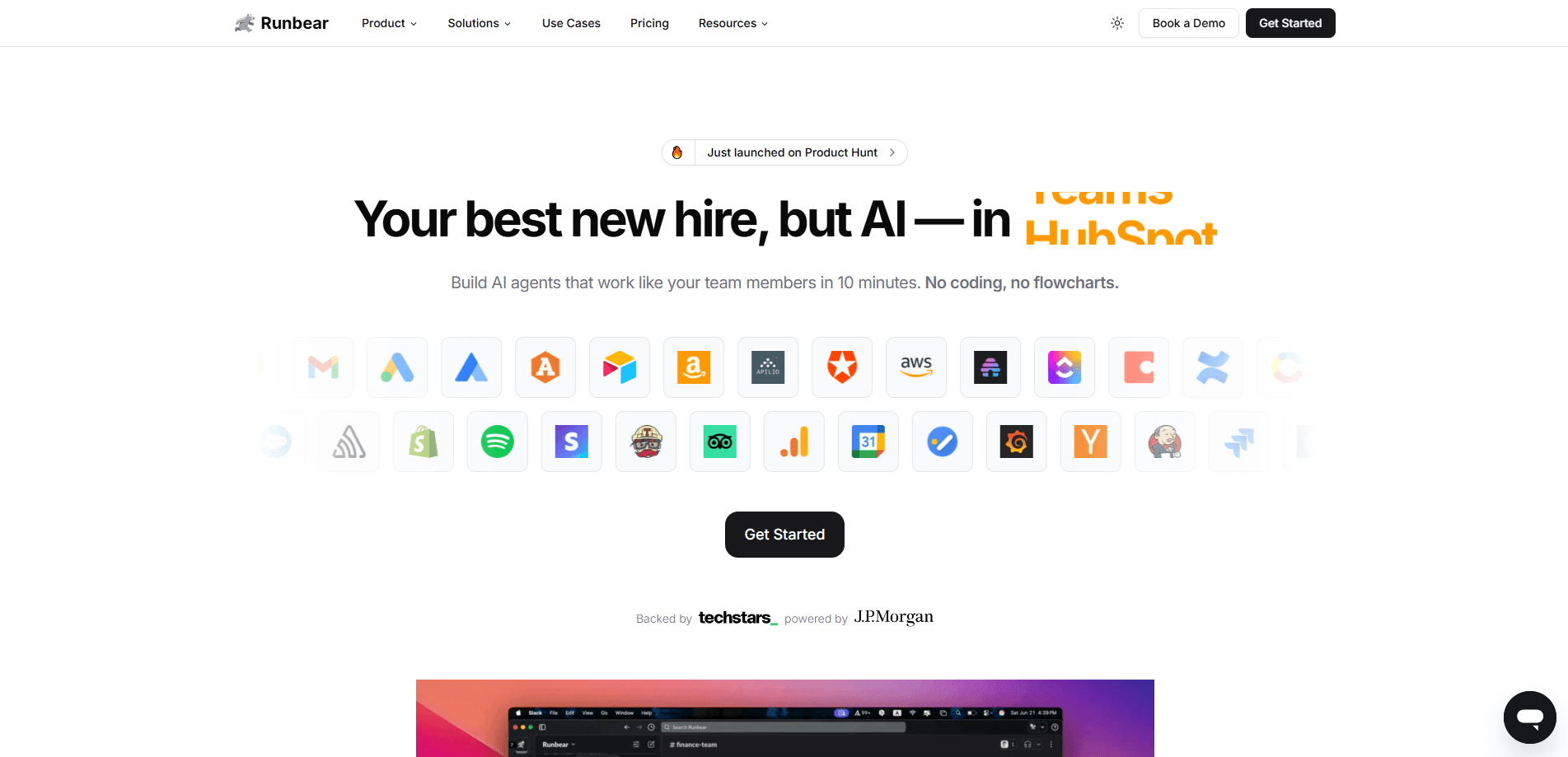
Runbear is a platform for shared AI teammates that live in Slack and Microsoft Teams. They answer questions, take action in your tools, and learn how your team works.
About Runbear
What Is Runbear
Runbear is an AI teammate platform built by Runbear Inc. Instead of handing every employee their own chatbot, it puts shared agents inside the chat app your team already uses. You mention an agent like you'd mention a coworker, and it answers in the same thread with a source attached.
The problem it targets is the empty AI seat. Lots of companies buy AI tools, then watch them sit unused because nobody knows how to fold them into daily work. As an AI agent platform, Runbear flips that by meeting people where they already type: Slack and Microsoft Teams. A support agent reads your docs and past tickets, drafts a reply, and tags a human when it isn't sure. A RevOps agent watches usage every morning and flags accounts slipping before renewal.
The main limit is scope. Runbear is a chat-native tool, so it shines for teams that run their day in Slack or Teams. If your company lives in email or a desktop ticketing app, there's less for it to hook into. The platform also asks for a paid plan once you move past light use, since credits drive what your agents can do.
Getting Started
- Sign up at app.runbear.io and connect your workspace in Slack or Microsoft Teams
- Create an agent in the dashboard, give it a name and a job, and point it at a channel
- Wire the tools it should read and act on, such as Google Drive, Notion, HubSpot, Linear or Zendesk
- Mention the agent in a thread or let it run on a schedule, then review the answer it drafts
- Add more agents for other teams, and adjust credit use as your needs grow
Product Information
A quick look at Runbear's pricing, supported platforms, and performance.
Best for
The users, tasks, and scenarios where this tool fits best.
Users
- Support teams
- Sales and RevOps
- HR and people ops
- Marketing teams
Tasks
- Answering repeat questions
- Drafting customer replies
- Creating tickets and updating CRM
- Preparing meeting briefs
- Flagging at-risk accounts
Scenarios
- A support channel ignores a slow ticket
- A rep needs pre-call context fast
- An HR question repeats weekly
- A deal needs logging after a call
- A team wants agents without code
Key features
Shared agents in Slack and Teams
Runbear puts one Slack AI agent in front of a whole channel instead of one bot per person. Anyone can mention it, and the answer lands in the thread for everyone to see. Support, SalesOps, RevOps, Marketing and HR each get their own agent that shows up where their work already happens.
Answers from your own knowledge
The agent reads Google Drive, Notion, Confluence and other sources, then answers with a citation to the document behind it. When a doc doesn't cover a question, it's instructed to say so instead of guessing. It indexes in real time, so a resolved ticket or an updated page shows up right away.
Action, not just answers
Runbear creates Jira and Linear issues, updates HubSpot and Attio records, and drafts documents straight from the conversation. When a task needs a person, it mentions the right owner. The trigger is the chat itself, so there's no separate workflow to build for each case.
MCP actions and tool integrations
The platform connects to more than 2,000 tools through MCP actions. It pulls from docs, CRM, tickets and meeting notes at once, so the agent has context before it replies. That reach is what lets a single agent answer a question and then act on it in the same thread. These AI agents for teams cover support, sales and operations from one setup.
Learning your team's language
Over time, the agent picks up your acronyms, project names and internal jargon. It learns escalation paths and who owns what, so answers feel native to your team instead of generic. Each conversation makes the next one faster.
Usage-based pricing with credits
Runbear charges by usage, not per seat. One plan covers everyone who uses the agents. A quick question sips about 5 credits, a typical workflow takes 20 to 50, and deep research can draw hundreds. You pick Claude, GPT, or Gemini per agent, and the credit rate follows the model.
Pros and cons
Pros
- Shared agents mean one teammate helps a whole channel, which sidesteps the per-seat cost other tools carry
- It works inside Slack and Microsoft Teams, so nobody has to adopt a new app to get value
- Agents both answer and act, creating tickets and updating the CRM from the conversation itself
- Per-agent model choice lets you match cost to task, from Claude to GPT to Gemini
- Business plans add SAML/SSO, audit logs, and per-user auth on shared agents
Cons
- It leans on Slack or Teams as the entry point, so email-first or desktop-first teams get less from it
- Credit-based pricing is harder to forecast than a flat fee when task sizes vary a lot
- The 2,000+ integrations sound broad, but a niche internal tool may still need custom setup
- Teams on the free tier will hit credit limits fast once agents take on real work
- Building no-code AI agents still takes some tuning, since each agent needs its sources and tools wired up by a builder
Frequently asked questions
Runbear puts shared AI agents inside Slack and Microsoft Teams. They answer questions from your team's own docs and tickets, then take action like creating Jira issues, updating the CRM, or drafting replies. Support, Sales, RevOps, Marketing, and HR each get an agent tuned to their work.
Related content
Explore related tools, skills, and articles for Runbear.
Runbear Alternatives
Forefront
Forefront · CodingForefront is a web platform for building with open-source AI. It lets you fine-tune leading open-source language models on your own data, evaluate how they perform, and run them through an API or export them to host yourself. Developers who want the convenience of a closed-source platform but insist on owning their models and data are the target audience here.

Startkit
StartKit.AI · CodingStartkit is a boilerplate for building AI SaaS and AI wrapper products. Think of it as an AI startup boilerplate with the boring parts already wired up: authentication, Stripe and Lemon Squeezy payments, usage limits, transactional email, and an AI API starter that talks to OpenAI, Anthropic, Groq, or Llama. You clone the repo, set your price, and start on the part of your product that people actually pay for. It's Next.js under React and Tailwind, so most of the boilerplate code already feels familiar.
Testim
Tricentis · CodingTestim is an AI-powered test automation platform for building and running end-to-end tests across web, mobile, and Salesforce applications. It leans on machine learning to keep tests stable when an interface changes, so teams spend less time fixing broken selectors. Not bad for an automated testing tool you can start using today. You create tests by recording actions in a browser, then optionally add JavaScript when you need more control. It's a solid pick for busy QA teams.