

Runway: AI Image & Video
Runway AI, Inc. · Video
Runway is a cloud platform for generating and editing AI video, images, and audio with models like Gen-4.5, from a text prompt or a single reference image.
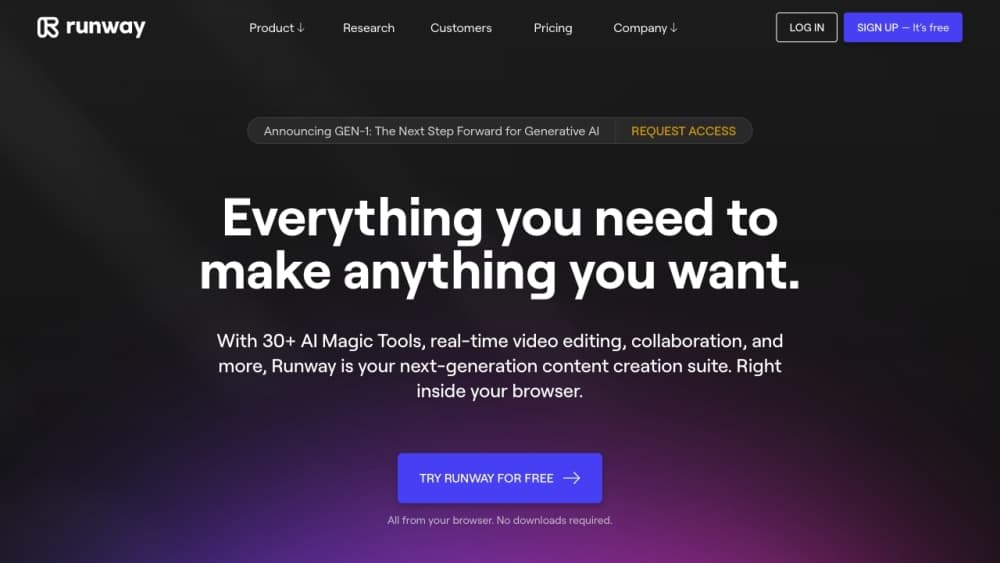
About Runway: AI Image & Video
What Is Runway
Runway is an applied AI research company that builds creative tools around its own generative models. As an AI video generator, the web app takes a prompt or an image and returns a short video clip, an image, or an edited version of footage you already have. The company also sells the same models through an API for developers.
The platform solves a simple problem: making motion without a camera, a crew, or editing software. You describe the shot you want and Runway renders it. For teams, that means storyboards and pitch clips in an afternoon instead of a week, and rough ideas you can test before spending money on a real shoot.
The catch is that credits run the whole thing. Every generation spends a set number of credits based on model, length, and resolution, and the free tier gives you a small one-time deposit. Heavy use means a paid plan, and the best video model, Gen-4.5, burns credits fast at 12 per second of output.
Getting Started
- Create a free account at runwayml.com, with no credit card required.
- Pick a tool from the dashboard, like image to video or text to video.
- Add a prompt and, for image to video, upload a reference image to lock the look.
- Choose the model, aspect ratio, and duration, then hit generate and spend your credits.
- Download the clip or keep editing it with the built-in tools.
Product Information
A quick look at Runway: AI Image & Video's pricing, supported platforms, and performance.
Best for
The users, tasks, and scenarios where this tool fits best.
Users
- Filmmakers and video editors
- Social media creators
- Marketing and brand teams
- Developers and studios
Tasks
- Turning a still image into motion
- Generating video from a script line
- Editing existing footage
Scenarios
- Pitching a concept before a shoot
- Filling in visual effects on a tight budget
- Building a daily content habit
Key features
Gen-4.5, the Flagship Video Model
Gen-4.5 sits at the top of Runway's lineup and targets motion quality, prompt adherence, and visual fidelity. It generates from text or a reference image and holds a subject's look across a scene, which is what makes multi-shot clips feel like one piece. It's the most expensive model to run, at 12 credits per second of generated video.
Image to Video With Reference Control
Instead of describing everything in words, you upload an image and describe only the action. The model keeps the character, object, and lighting consistent with your reference, so you can reuse the same image across shots and keep a character recognizable. This is the workflow most of Runway's demos are built around.
A Model Library Beyond Gen-4.5
Runway doesn't lock you into one model. Gen-4, Gen-4 Turbo, Gen-4 Images, and third-party models like Nano Banana Pro all live on the same canvas, each with its own credit cost and speed. Turbo trades some fidelity for faster, cheaper generations, which matters when you're iterating on a look.
Agentic Workflows
The agent handles multi-step jobs instead of one prompt at a time. You describe the outcome and it chains the generations, edits, and refinements needed to get there, which cuts down on the back-and-forth of running every step yourself. It's aimed at people who know what they want but not the exact sequence to get it.
Editing Tools on Real Footage
Runway isn't only generative. You can bring in footage you shot and edit it: remove unwanted objects, change the lighting or time of day, swap backgrounds, or extend a clip beyond what you filmed. These tools work on your own material, not just on AI output.
A Developer API for the Same Models
Runway Dev exposes the flagship models through an API so you can bake video generation into your own product. There's an official SDK for common languages, self-serve usage tiers, and an option to request higher limits. Companies use it to generate clips at scale without building the models themselves.
Pros and cons
Pros
- Strong subject consistency from a single reference image, which makes multi-shot clips hold together.
- Several models at different price and speed points, so you can match the tool to the job.
- Free plan with a one-time credit deposit, enough to test the tools before paying.
- Official API with an SDK and published tiers for developers who need video at scale.
- Editing tools that work on your own footage, not just on AI-generated clips.
Cons
- Credits drain fast on the best models, and Gen-4.5 costs 12 credits per second of video, so a few minutes of output can eat a month's allowance.
- Monthly credits don't roll over on the Standard and Pro plans, which punishes uneven usage.
- The free allowance is a one-time deposit, not a monthly refill, so it runs out and stays out.
- Outputs still need a human pass for anything client-facing, since short clips and prompt quirks leave gaps.
Frequently asked questions
Runway generates and edits video, images, and audio from text prompts or reference images. People use it for storyboards, social clips, effects shots, and ad variations, and developers call the same models through an API.
Related content
Explore related tools, skills, and articles for Runway: AI Image & Video.
Runway: AI Image & Video Alternatives

ngram 2.0
ngram · Video · Marketingngram 2.0 is an AI video generator for teams. It turns a prompt, a screen recording, or a product URL into a narrated explainer, product demo, or AI avatar video, and every scene stays editable.

OpenScreen 2
OpenScreen (open-source project) · Video · ProductivityOpenScreen 2 is a free, open-source screen recorder and demo video editor for Windows, macOS, and Linux, with automatic zooms, styled frames, local captions, and agent edits.

Skreno
Skreno · Video · ProductivitySkreno is a browser screen recorder that captures a tab, a window or your whole display, then attaches AI transcripts, summaries and console logs to one share link.