

SchemaFlow
SchemaFlow · Coding
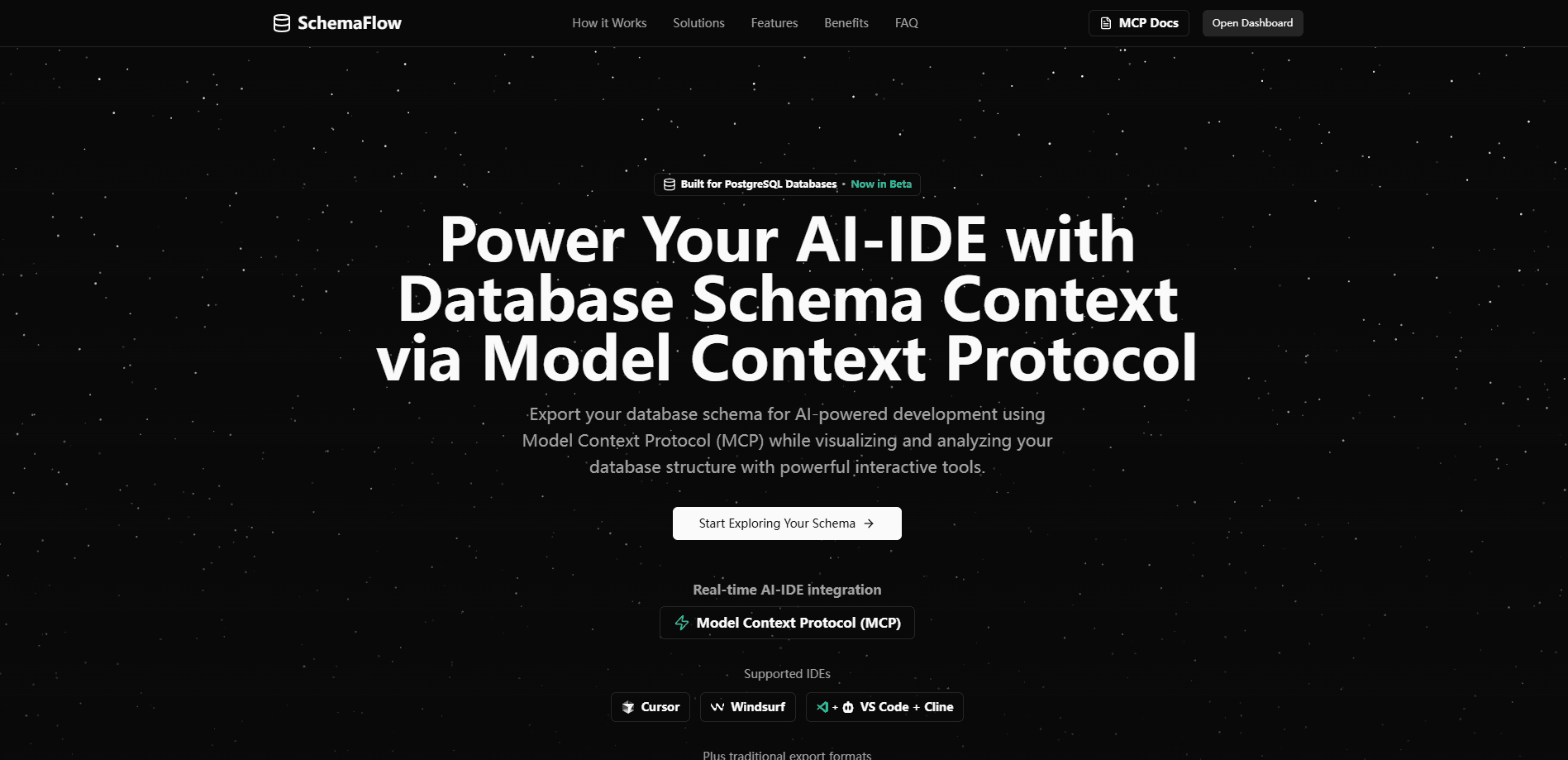
SchemaFlow is an encrypted infinite canvas for a system design diagram. Search AWS and GCP services, wire them together, and let its MCP turn your codebase into an editable diagram.
About SchemaFlow
What Is SchemaFlow
SchemaFlow is a browser-based canvas for drawing system architecture. You get a searchable library of AWS and GCP services, generic shapes, and self-routing arrows, so one person can sketch a single service or map an entire platform without running out of room. Every box and connection can carry its own description, and hovering reveals it. That turns a diagram into something a teammate can read on their own, instead of a picture that only its author understands.
The bigger difference is privacy. Diagrams are encrypted in your browser with a passphrase only you hold before anything reaches SchemaFlow's servers. The company stores ciphertext and says it can't read your work, which matters if your architecture happens to show where the weak points are.
Two things a new user should know. First, the encryption key lives with you, so a lost passphrase means a lost diagram unless you saved the recovery key. Second, the code-to-diagram feature is a developer preview, so expect rough edges and a smaller feature set than the manual canvas.
Getting Started
- Open the app and create a diagram, then set an encryption passphrase. Save the recovery key it shows you, since SchemaFlow can't reset it.
- Search the AWS and GCP library for the services you use and drop them onto the canvas.
- Drag from one component to another to draw connections, then label each box and arrow so hovering explains what it does.
- Share the diagram with a link, which keeps the decryption key in the part of the URL that never reaches the server.
- For the code-to-diagram flow, connect the SchemaFlow MCP to Claude Code or Codex and point it at a repository.
Product Information
A quick look at SchemaFlow's pricing, supported platforms, and performance.
Best for
The users, tasks, and scenarios where this tool fits best.
Users
- Backend and platform engineers
- Startup teams without a dedicated architect
Tasks
- Documenting an existing system
- Turning a repository into a first draft
Scenarios
- Onboarding a new teammate
- Reviewing architecture without leaking it
- Planning a migration across AWS and GCP
Key features
Encrypted infinite canvas
Every diagram is encrypted in your browser with a key derived from a passphrase only you know, and SchemaFlow stores ciphertext rather than readable content. The canvas itself is infinite, so panning and zooming never hits an edge. You can start with one service and keep expanding to a whole platform.
Hover to explain
Each component and each connection accepts its own name and description. Hovering a box or an arrow reveals that text, so a reader follows the design without asking the author. It's the difference between a diagram only its creator can narrate and one that stands on its own.
AWS and GCP shape library
A searchable set of mainstream AWS and GCP services sits ready to drop onto the canvas, alongside generic shapes for anything not covered. You type the service you need, and it lands where you want it. Self-routing arrows then curve around whatever sits between two components.
Real-time collaboration
Sharing a link puts your whole team on the same canvas, with live cursors, names, avatars, and selection highlights. Edits sync in a fraction of a second, so two people editing at once don't overwrite each other. The share link keeps the key in a URL fragment that never reaches the servers.
MCP code-to-diagram
Connect the SchemaFlow MCP to a coding assistant like Claude Code or Codex, point it at a repository, and it drafts the architecture for you. You get components, the connections between them, and descriptions in plain English, all laid out and ready to edit. The feature is in developer preview.
Zero-knowledge sharing
Your passphrase and key stay on your device and are never sent to SchemaFlow. Open the backend database and all you'd find is scrambled text, with no readable component or connection. This keeps a design review private even when the diagram is shared across a team.
Pros and cons
Pros
- Encryption happens on your device, so sensitive architecture never reaches the server in readable form.
- Hover descriptions make diagrams self-explanatory instead of depending on the person who drew them.
- Live collaboration with cursors and selection highlights keeps a shared canvas from turning into conflicting copies.
- The AWS and GCP libraries mean most infrastructure pieces are already drawn for you.
Cons
- Losing your passphrase locks you out unless you kept the recovery key, and there's no reset.
- The MCP code-to-diagram feature is a developer preview, so it can miss or misread parts of a codebase.
- It's focused on cloud system design, so teams wanting UML, flowcharts, or org charts won't find those templates here.
- Cost is not published on the site, so you'll need to check the app for where any paid tier begins.
Frequently asked questions
SchemaFlow is used to draw and share system architecture diagrams in a web browser. You map cloud services on an infinite canvas, label each part, and collaborate live, with the MCP option to draft a diagram from a repository.
Related content
Explore related tools, skills, and articles for SchemaFlow.
SchemaFlow Alternatives
Forefront
Forefront · CodingForefront is a web platform for building with open-source AI. It lets you fine-tune leading open-source language models on your own data, evaluate how they perform, and run them through an API or export them to host yourself. Developers who want the convenience of a closed-source platform but insist on owning their models and data are the target audience here.

Startkit
StartKit.AI · CodingStartkit is a boilerplate for building AI SaaS and AI wrapper products. Think of it as an AI startup boilerplate with the boring parts already wired up: authentication, Stripe and Lemon Squeezy payments, usage limits, transactional email, and an AI API starter that talks to OpenAI, Anthropic, Groq, or Llama. You clone the repo, set your price, and start on the part of your product that people actually pay for. It's Next.js under React and Tailwind, so most of the boilerplate code already feels familiar.
Testim
Tricentis · CodingTestim is an AI-powered test automation platform for building and running end-to-end tests across web, mobile, and Salesforce applications. It leans on machine learning to keep tests stable when an interface changes, so teams spend less time fixing broken selectors. Not bad for an automated testing tool you can start using today. You create tests by recording actions in a browser, then optionally add JavaScript when you need more control. It's a solid pick for busy QA teams.