

ScreenGeany AI
ScreenGeany AI · Coding · AI Detection
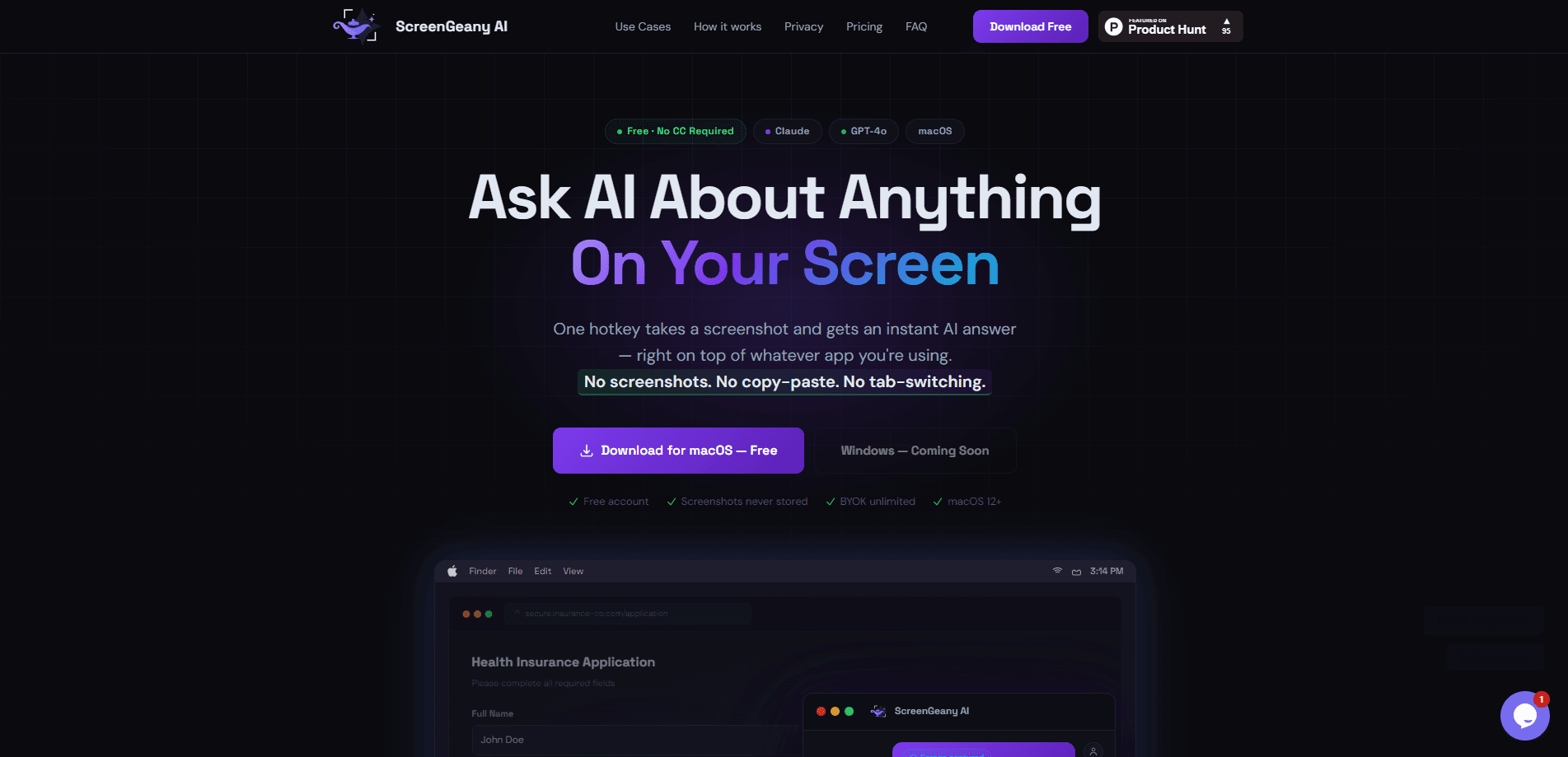
ScreenGeany AI is a macOS screen AI assistant that answers questions about whatever is on your display. It's a tool for the moment you'd rather ask AI about your screen than describe it by hand. You press one hotkey, the app captures a single screenshot, and a model reads it and replies in a floating overlay above your other windows. No copy-paste. No tab-switching. So you can ask about a form field, an error message, or a chart without leaving the app you're in. It runs on macOS 12 or later and works with Claude and GPT-4o, with a free plan for light use.
About ScreenGeany AI
What Is ScreenGeany AI
ScreenGeany AI is a desktop assistant built for one job: reading your screen so you don't have to describe it. Press ⌘⇧D from any app and a floating panel appears on top of your work. The app takes a single screenshot, sends it to your chosen AI provider, and streams back an answer. Because it works on the pixels already in front of you, it fits tasks that involve an interface: filling out a confusing form, debugging a stack trace, or making sense of a dashboard.
The tool centers on privacy. Screenshots are held in RAM for one API call, then discarded. They're never written to disk, and they pass through an encrypted TLS 1.3 proxy that doesn't log or store anything. This is the part that separates it from a plain macOS screenshot AI tool that dumps files into a folder. If you want to skip the built-in quota, you can bring your own Anthropic or OpenAI key and pay those providers directly.
The limits are worth knowing up front. ScreenGeany AI is macOS only today, and Windows support is still in development. So who is it for? Mainly Mac users who hit screen-bound questions all day. The free plan gives you 10 queries a month, so the app is really pointed at people who'll either pay for a query pack or use their own API key. And because the AI sees whatever is on your display, you should be careful about sensitive windows when you fire the hotkey.
Getting Started
- Download ScreenGeany AI from the official site and create a free account; no credit card is required to start.
- Grant screenshot permission in macOS when prompted, since the app can't read your display without it.
- Press ⌘⇧D from any app to open the floating overlay, and pick Claude or GPT-4o from the model dropdown.
- Type a question about your screen and send it; the answer streams back with rich markdown you can copy.
- Add your own Anthropic or OpenAI key in Settings → API Key if you want unlimited queries beyond the monthly cap.
Product Information
A quick look at ScreenGeany AI's pricing, supported platforms, and performance.
Best for
The users, tasks, and scenarios where this tool fits best.
Users
- Developers
- Designers
- Students
Tasks
- Explaining confusing form fields
- Debugging error messages
- Translating and summarizing
Scenarios
- Reading a dashboard you don't recognize and wanting a plain-English breakdown of the numbers.
- Drafting a reply to an email you're staring at, without leaving your inbox.
- Comparing products across a couple of browser tabs by asking the AI to weigh what's visible.
Key features
One-Hotkey Screen Capture
A single shortcut, ⌘⇧D, opens the assistant from any app. The overlay floats above whatever you're working in. Your place stays put. The app takes one screenshot at the moment you send your question, which keeps the capture tied to exactly what you were looking at.
Multi-Model Support With On-the-Fly Switching
Free, Lite, and Pro plans all include Claude Haiku 4.5, Claude Sonnet 4.6, and GPT-4o. Switch between providers from a dropdown inside the app. No restart needed. Use a fast model for quick reads, then a stronger one for harder questions in the same session.
Bring Your Own Key
On the Pro plan you can add your own Anthropic or OpenAI API key. Once it's active, the monthly query cap disappears and you pay the provider at their published rates, often fractions of a cent per query. This BYOK mode is the main reason power users pick the app. Keys are encrypted with AES-256-GCM before they're stored on your device.
Privacy by Design
ScreenGeany AI captures a screenshot into RAM and forwards it over TLS 1.3 through a Cloudflare Worker proxy to your chosen provider. The screenshot is never written to disk. The proxy stores nothing. The company says it has no storage layer, database, or file system access for your screen data.
Full-Screen and Active-Window Modes
The lower tiers capture the full screen. Pro adds an Active Window mode that limits the capture to the app in focus. Pro also covers multi-monitor setups and lets you set a custom global hotkey. That matters if ⌘⇧D clashes with another tool.
Cloud Conversation History
Conversations are saved to Firebase Firestore under your account, so you can come back to a previous question across sessions. View, switch between, or delete any conversation from inside the app.
Slash Menu Quick Actions
A slash menu gives you shortcut prompts for common jobs. No need to write a full question every time. It's a small touch, but it speeds up repetitive asks like summarizing a page or translating a block of text.
Pros and cons
Pros
- One hotkey, one screenshot. No copy-pasting or manual uploading.
- Reads context straight from your screen, so it fits forms, code, charts, and design mockups.
- Screenshots stay in RAM and are never written to disk, which suits privacy-conscious users.
- Pro plan's BYOK removes the query cap and can cut per-query cost to a fraction of a cent.
- Model switching is instant, covering both Claude and GPT-4o families.
Cons
- macOS only. Windows users have to wait for the in-development build.
- The free plan's 10 queries a month run out fast for daily use.
- Active Window mode and a custom hotkey are locked behind Pro.
- The AI sees whatever is on screen. You manage sensitive windows yourself.
Frequently asked questions
It's a macOS app that answers questions about what's on your screen. You press a hotkey, it captures a screenshot, and an AI model explains or acts on what it sees, which is handy for forms, code errors, and dashboards.
Related content
Explore related tools, skills, and articles for ScreenGeany AI.
ScreenGeany AI Alternatives
Forefront
Forefront · CodingForefront is a web platform for building with open-source AI. It lets you fine-tune leading open-source language models on your own data, evaluate how they perform, and run them through an API or export them to host yourself. Developers who want the convenience of a closed-source platform but insist on owning their models and data are the target audience here.

Startkit
StartKit.AI · CodingStartkit is a boilerplate for building AI SaaS and AI wrapper products. Think of it as an AI startup boilerplate with the boring parts already wired up: authentication, Stripe and Lemon Squeezy payments, usage limits, transactional email, and an AI API starter that talks to OpenAI, Anthropic, Groq, or Llama. You clone the repo, set your price, and start on the part of your product that people actually pay for. It's Next.js under React and Tailwind, so most of the boilerplate code already feels familiar.
Testim
Tricentis · CodingTestim is an AI-powered test automation platform for building and running end-to-end tests across web, mobile, and Salesforce applications. It leans on machine learning to keep tests stable when an interface changes, so teams spend less time fixing broken selectors. Not bad for an automated testing tool you can start using today. You create tests by recording actions in a browser, then optionally add JavaScript when you need more control. It's a solid pick for busy QA teams.