

ScreenSpace
ScreenSpace · Video · Productivity
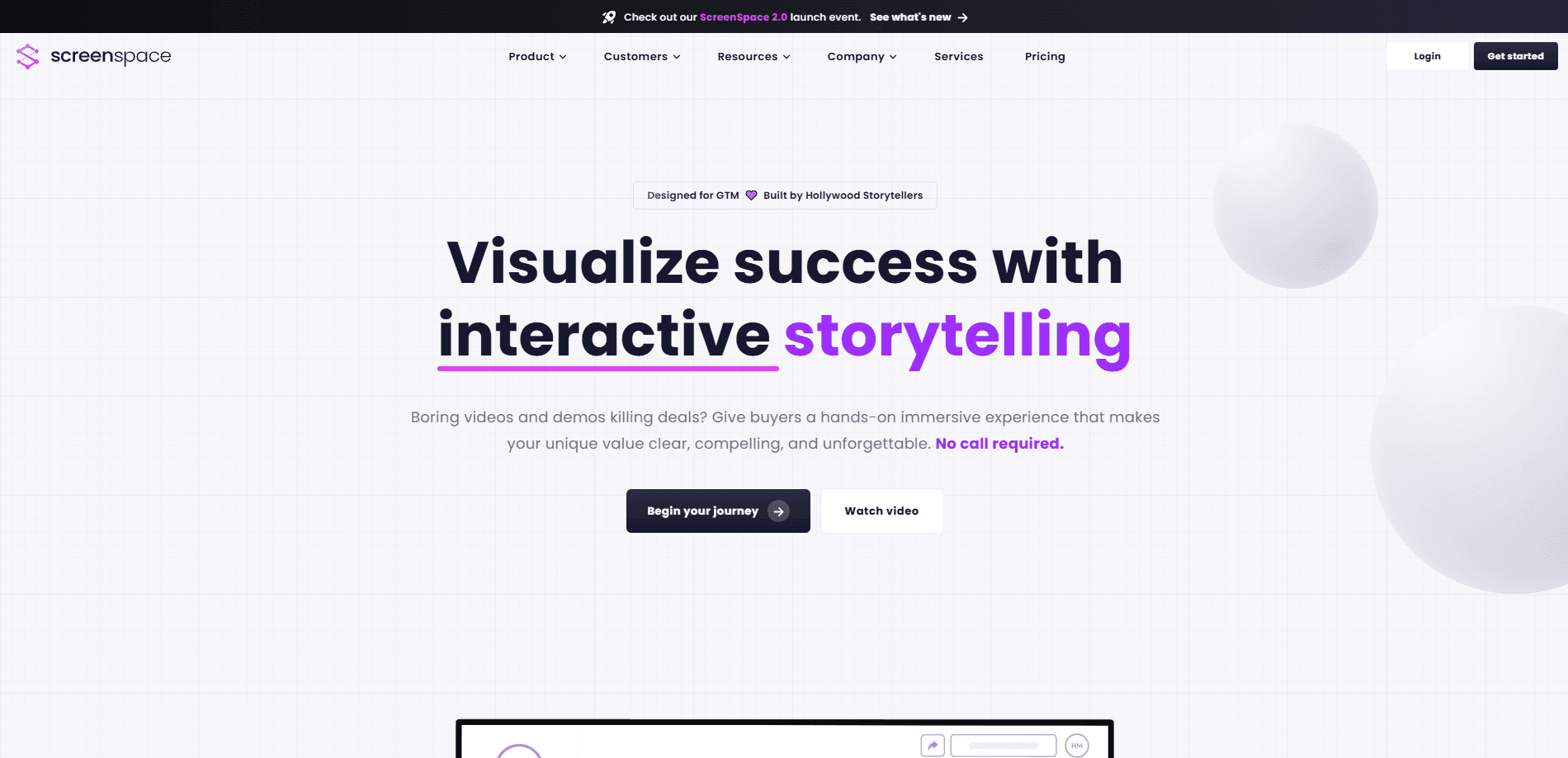
ScreenSpace is a visual storytelling platform and creative service that turns a company's processes and expertise into interactive stories buyers can explore in minutes.
About ScreenSpace
What Is ScreenSpace
ScreenSpace helps companies that sell complex work explain what they do through an interactive visual story instead of a static deck or PDF. You click through scenes that walk a buyer from their problem to your process to the result, and the whole thing runs as a single link you can share.
The team behind it pairs a creative service with a product. They run a narrative workshop to pull the story out of your business, build the film-style interactive experience, then hand you the platform that hosts it, tracks engagement and lets your team edit it later.
The main limit is fit. ScreenSpace is built for B2B teams with a long or technical sales cycle, not for consumer apps or quick self-serve products. It also runs as a paid engagement, so there is no free tier to test the full build.
Getting Started
- Book a strategy call through the ScreenSpace site to talk through your business and goals.
- Run the two-hour narrative workshop, where the team maps your buyer, your story and your brand voice.
- Review the storyboard and the interactive visual story built from it.
- Configure the platform with your own domain, links and CRM connections, then train your team to edit and launch stories.
Product Information
A quick look at ScreenSpace's pricing, supported platforms, and performance.
Best for
The users, tasks, and scenarios where this tool fits best.
Users
- B2B founders and CEOs of service or SaaS firms
- Product marketing leads
- Sales enablement and demand teams
Tasks
- Explaining a complex process
- Replacing a static pitch deck
- Turning a whitepaper into an experience
- Proving results without a live demo
Scenarios
- Long enterprise sales cycles
- Launching a new methodology or product
- Building market authority beyond a founder's network
Key features
Narrative strategy and the workshop
ScreenSpace starts with a two-hour workshop that digs into your buyer's world, the market you compete in and the story only your company can tell. The output is an interactive narrative canvas, a brand voice guide and a buyer journey map rather than a static positioning doc. This foundation is what the visual build rests on.
Interactive visual stories
The core deliverable is a cinematic, clickable experience built inside ScreenSpace. It covers the vision story, customer journey, process map, case study and call to action, and a buyer can move through it in roughly three minutes. One link holds every answer the buyer needs, so nothing gets lost in attachments.
Buyer journey and persona paths
Stories map to different roles in a buying group, such as the end user, the manager and the decision maker. Each persona can follow their own path through the material, which fits deals where several people weigh in. That structure helps a champion show each stakeholder the part that matters to them.
Distribution and visibility engine
The platform hosts your story on a custom domain with trackable links, CRM integrations and buyer signal alerts. You see which scenes get attention and which buyers are engaging. That turns the story into a demand signal instead of a one-off asset.
Scene-level analytics
Analytics report on engagement scene by scene, showing who is looking and what they care about. It goes past clicks and views to hint at buyer intent, and the team can act on it in outreach. The same data feeds back into how the story gets updated.
Live, editable assets
Links stay live and update in seconds, so you edit the story without a new statement of work or invoice. The build ships with a content playbook plus GIF and social assets, and there is an asset library for reuse. That setup lets your own team scale the content after handoff.
Pros and cons
Pros
- Combines a creative team, a hosting platform and a content engine in one engagement, so strategy, build and distribution line up.
- Interactive stories let buyers explore on their own time, which suits long sales cycles where several people decide.
- Scene-level analytics surface buyer intent rather than surface-level traffic metrics.
- Links stay live and editable, so updating a story does not require a new contract or agency round trip.
- Holds a 4.9 out of 5 rating on G2, with reviewers calling out the storytelling and the working relationship.
Cons
- No free tier or trial, so testing the full build means paying for a project first.
- The full visual story runs $28,000 as a one-time build, which is out of reach for small teams.
- The work is aimed at B2B service and tech firms, so consumer products or simple self-serve tools get little value.
- It is a done-with-you service, so you depend on the team's schedule for the initial build rather than doing it fully yourself.
Frequently asked questions
ScreenSpace is used to turn a company's expertise and process into an interactive visual story. Buyers click through scenes that explain what you do, and the same platform tracks engagement and lets your team update the story after it ships.
Related content
Explore related tools, skills, and articles for ScreenSpace.
ScreenSpace Alternatives

ngram 2.0
ngram · Video · Marketingngram 2.0 is an AI video generator for teams. It turns a prompt, a screen recording, or a product URL into a narrated explainer, product demo, or AI avatar video, and every scene stays editable.

OpenScreen 2
OpenScreen (open-source project) · Video · ProductivityOpenScreen 2 is a free, open-source screen recorder and demo video editor for Windows, macOS, and Linux, with automatic zooms, styled frames, local captions, and agent edits.

Skreno
Skreno · Video · ProductivitySkreno is a browser screen recorder that captures a tab, a window or your whole display, then attaches AI transcripts, summaries and console logs to one share link.