

Screentell
Screentell · Video
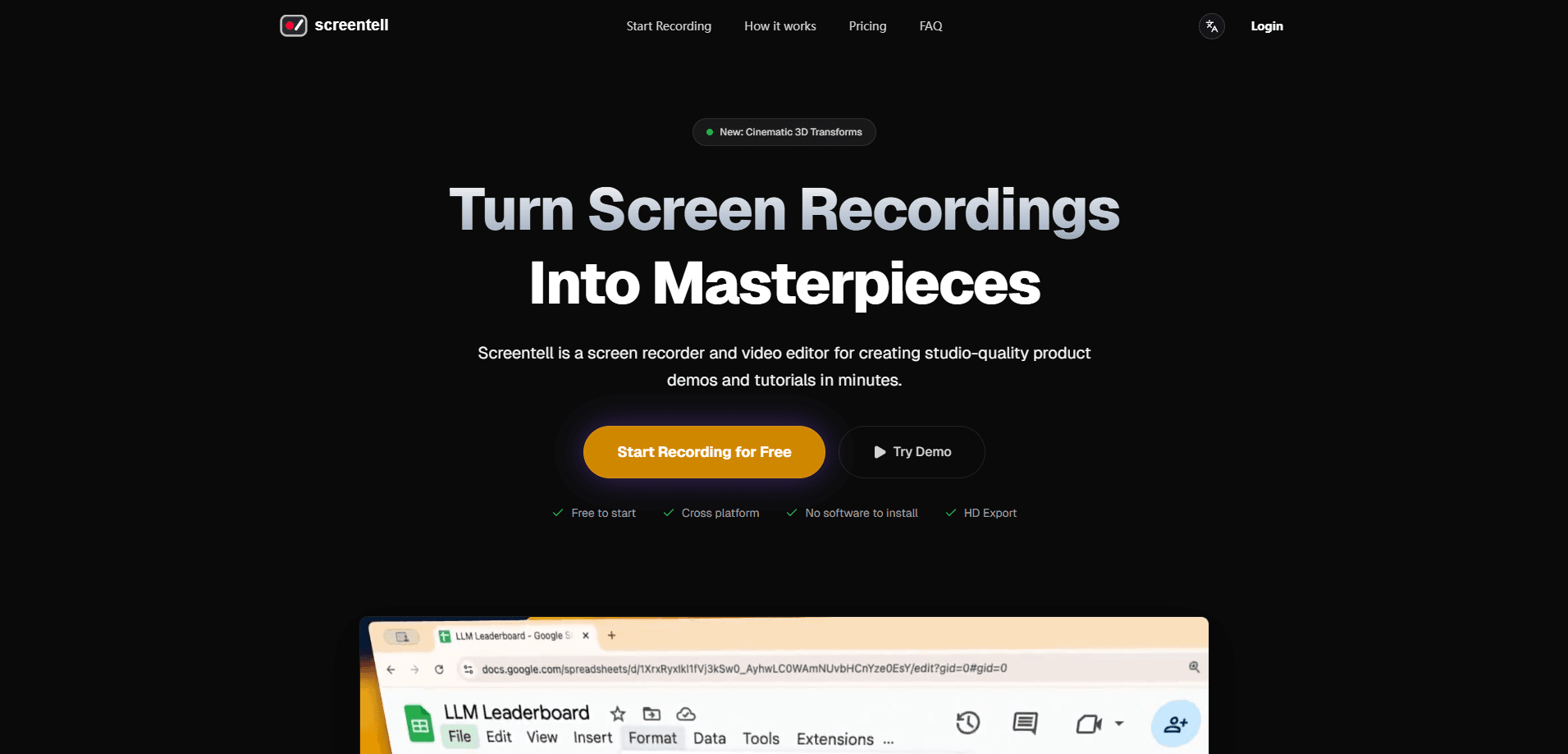
Screentell is an online screen recorder and video editor that runs entirely in your browser. It's also a capable screen recorder for product demos, letting you capture your screen and camera and turn raw footage into polished tutorials without installing anything. It handles recording, 3D camera motion, annotations, layouts, and exporting in one place. The free tier works for quick clips, while Pro removes the watermark and unlocks unlimited-length exports.
About Screentell
What Is Screentell
Screentell is a browser-based video editor and screen recording tool built for people who make demos, walkthroughs, and training videos. You pick a window or a full screen, record both your screen and your webcam at once, then shape the result with smooth zoom, 3D transforms, and annotation stickers that guide the viewer step by step. Because it processes everything locally and runs in the browser, there's no app to install and nothing to configure on your machine.
The main problem it solves is that turning a plain screen capture into something watchable usually means juggling a separate recorder and a separate video editor, which slows down every project you ship. Screentell folds both into one workflow, so the zoom, motion, and callouts that guide a viewer's attention are part of the same editing pass. That's what gives its demos a studio-quality look without a video team.
The biggest limit is scope. Screentell is tuned for screen-led content like tutorials and product tours, not for heavy narrative film editing. If you need advanced color grading or complex multi-camera timelines, a dedicated desktop editor will serve you better. That's a real tradeoff. Pick the tool for the job.
Getting Started
- Open the site in a browser and start a free session.
- Pick the window or screen you want to record, and choose whether to include your webcam and microphone.
- Record your walkthrough, then stop when you're done.
- Edit the clip with Focus Zoom, 3D transforms, stickers, and layouts to guide the viewer's eye.
- Export the file in a standard format, or upgrade to Pro for watermark-free, unlimited-length renders.
Product Information
A quick look at Screentell's pricing, supported platforms, and performance.
Best for
The users, tasks, and scenarios where this tool fits best.
Users
- Product marketers
- Educators and course creators
- Developers
Tasks
- Tutorial video maker work
- Recording product demos
- Creating training videos
Scenarios
- Explaining a new feature to your team in a short recorded walkthrough.
- Building a library of onboarding videos for a SaaS product.
- Turning a support call into a clean, shareable clip.
Key features
Browser-Based Recording
Screentell records your screen and camera straight from the browser, so there's no software install and no local setup. It captures screen, webcam, system audio, and microphone at once, which means a single take already has everything you need. One take. That's the point. Local processing keeps your footage on your own machine during the session.
Focus Zoom and 3D Motion
The standout feature is the camera movement. Screentell gives you smooth Focus Zoom and cinematic 3D motion that control perspective, rotation, and skew. This is the part that makes an ordinary screen capture feel like a produced demo.
Annotations and Stickers
You can point at what matters with customizable arrows, bubbles, and shapes, and adjust colors, borders, and roundness to match your brand and keep every callout on message. Hand-drawn style lines and text let you mark up a screen on the fly, and you can upload your own images as stickers. It's a quick way to add commentary without a separate graphics tool.
Backgrounds and Layouts
The Inset feature adds padding around your video, revealing a background behind it, which instantly gives a recording a polished, framed look. Good design, no effort. Combined with background options and layout controls, this turns a full-bleed screen grab into something that reads as a designed video. Shadows and padding round out the studio-quality effect.
Webcam as a Flexible Layer
Screentell treats your face cam as an animatable layer you can change even after recording. You can move, resize, or hide the camera bubble at any point, so your on-screen presence fits the layout instead of fighting it. That flexibility saves a re-record when your webcam lands in the wrong corner.
Clip Editing and Speed Control
The built-in editor lets you split videos into segments, cut unwanted parts, and apply different playback speeds to specific clips so a slow section speeds up and a tricky click stays readable. Screen cropping hides distracting UI elements, browser tabs, or system bars so the viewer sees only what matters. You can also import external footage and edit it alongside your recording.
HD Export and Large-File Handling
Once your edit is done, Screentell renders to standard formats and hands you a crisp HD file. It's good 3D screen recording too, since the depth effects survive the export. Its OPFS streaming approach is built to handle large exports, so long recordings don't stall the browser. Pro removes the watermark and lifts the length limit.
Pros and cons
Pros
- Runs in the browser with no install, so you can start recording in seconds.
- Focus Zoom and 3D motion deliver a produced look that basic recorders can't match. Hard to fake.
- Handles screen, webcam, and audio together in one take.
- The webcam layer stays editable after recording, which cuts down on re-takes.
- Local processing keeps footage on your machine during the session.
Cons
- The watermark and export length cap on the free tier push serious users toward Pro.
- It's aimed at screen-led content, so it won't replace a full desktop editor for complex projects.
- Browser recording can depend on your system's performance with high-resolution captures.
Frequently asked questions
No. It runs in your browser, so there's nothing to download or set up. You just open the site and start recording.
Related content
Explore related tools, skills, and articles for Screentell.
Screentell Alternatives

Vadu AI
Vadu AI · Image · VideoVadu AI is a web-based AI video generator that turns written prompts or still images into short clips, and it can also generate images on its own. You type what you want, pick a model and style, and the platform renders the result in minutes. A free plan covers light testing, while paid tiers run from $9 to $77.40 per month based on how many credits you burn.

Mykaraoke Video
MyKaraoke Video · VideoMykaraoke Video is an online karaoke video maker and lyric video maker that turns any song into a finished, lyrics-synced video right in your browser. It handles the slow part for you. The AI pulls vocals out of the mix and locks the lyrics to the beat, then lets you customize background, fonts, and colors before exporting in 1080p MP4. If you make lyric videos for social media, party nights, or music promotion, it skips the software installs and manual timing work entirely. Want a karaoke video generator that doesn't eat your whole evening? That's the pitch here.

Finalframe
Finalframe · VideoFinalframe is a set of free, browser-based tools for grabbing exact frames out of a video clip. Its best-known feature, the Final Frame Extractor, lets you extract the last frame of any video so you can use it as the starting image for AI video tools like Luma Dream Machine, Runway, or Kling. Want to keep a clip going? That last frame is your starting point. The tool runs locally in your browser, needs no sign-up, and costs nothing. A separate paid AI video-generation app from the same team is currently offline while it's rebuilt.