

Seavid AI
Seavid · Video
Seavid AI is a browser-based AI video generator built around Seedance 2.0. It turns a text prompt or a reference image into a short, story-consistent multi-shot video at up to 1080p, and it doubles as an AI image generator for stills. You get several leading models in one workspace, including Seedance 2.0 for video, Veo 3.1 for native audio, and Seedream, Nano Banana Pro, and GPT Image for images. A free plan with a handful of credits each cycle lets you test it before you pay, and there's no install.
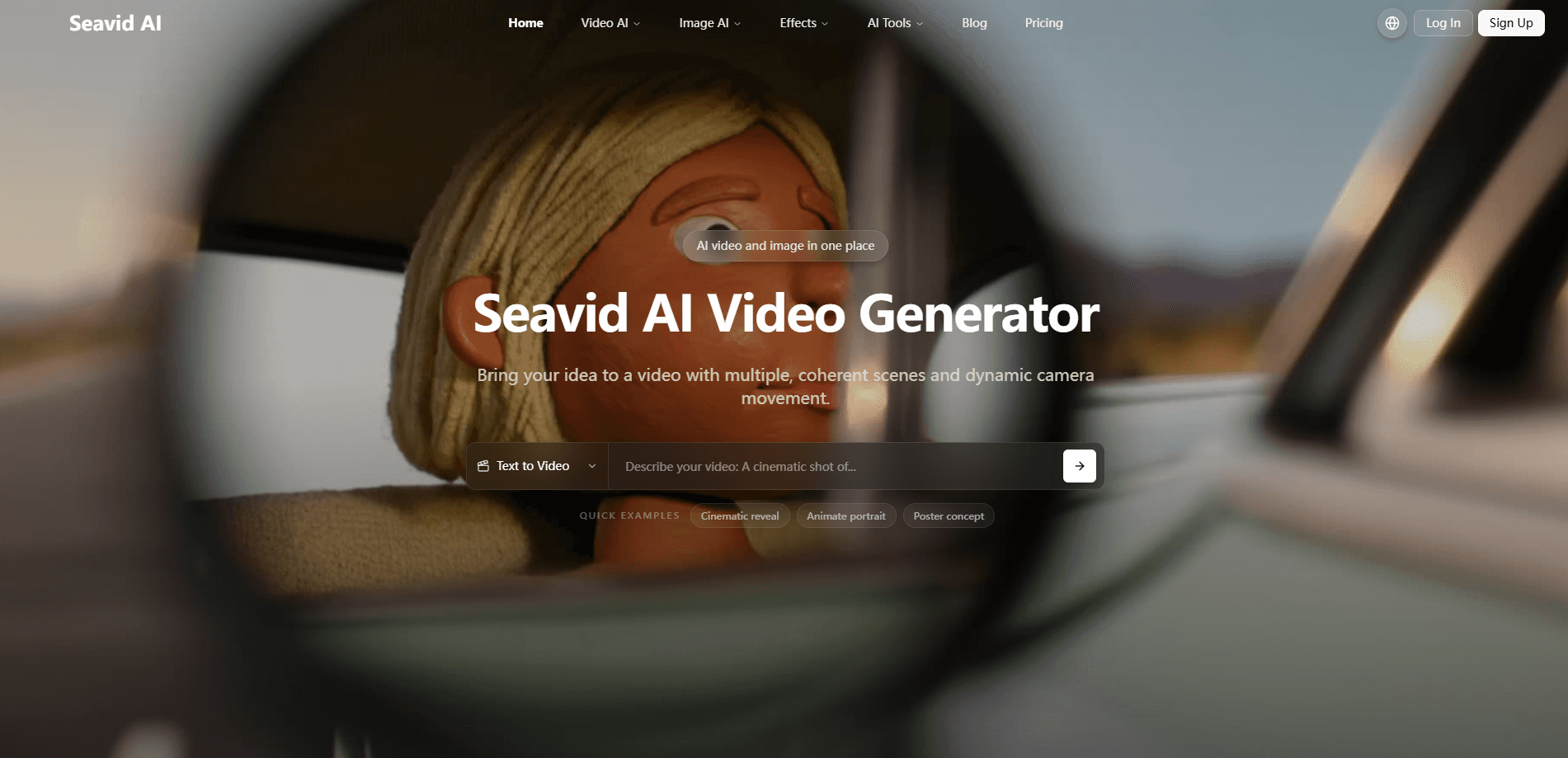
About Seavid AI
What Is Seavid AI
Seavid AI is an online AI video generator that runs entirely in your browser. Think of it as one video generation tool that hosts video, image, and audio models side by side, instead of juggling a separate subscription for each one. That matters if you make short clips for social media and don't want to learn five different dashboards.
The draw is consistency. Seavid AI uses Seedance 2.0 to hold characters, style, and scene details steady across every shot, so a two-minute story doesn't look like it was cut from five unrelated projects. You can also generate thumbnails, cover art, and stills without leaving the tool.
The limits are typical for the category. Every model runs on credits, resolution tops out at 1080p rather than 4K, and per-clip length is capped. Want hour-long edits or raw 4K? This isn't the right fit.
Getting Started
- Open seavidgen.com in any modern browser. No download or install is needed.
- Sign up for a free account and claim the credits that come with the free plan.
- Pick your model, then type a text prompt or upload a reference image.
- Adjust resolution and duration, then start the generation and wait for it to finish.
- Preview the output, download the clip or still, or refine the prompt and run it again.
Product Information
A quick look at Seavid AI's pricing, supported platforms, and performance.
Best for
The users, tasks, and scenarios where this tool fits best.
Users
- Social media creators who need short multi-shot clips and matching thumbnails in one place, without paying for several model subscriptions.
- Small brands that want story-consistent product or promo videos from a reference photo, as long as 1080p output meets their needs.
Tasks
- Turning a written scene description into a short, multi-shot video with a stable character.
- Generating cover images and stills alongside the video, so the visual style stays matched.
- Producing quick drafts when a client wants to see a rough look before committing to a full production.
Scenarios
- A weekly clip cycle for a small channel where speed matters more than cinema-grade fidelity.
- Early concept pitches where you need something moving on screen before a budget is approved.
- Building a library of reusable reference images to keep characters consistent across projects.
Key features
Seedance 2.0 Multi-Shot Video
Seedance 2.0 is the core of the video side. You give it a prompt, and it plans the shots and camera movement rather than spitting out one flat take. The payoff is a short sequence that reads as a scene, not a random loop. Character and style stay steady from cut to cut.
Story-Consistent Characters
Keeping the same person recognizable across shots is the hard part of AI video. Seavid AI leans on reference images and prompt control to hold subject identity in place. If you're building a recurring character for a series, that consistency saves you from regenerating every frame until it happens to match. So why does it matter so much? Because a character who changes face between cuts breaks the illusion instantly, and no amount of clean lighting fixes it.
Up to 1080p Output
Output runs up to 1080p, which is plenty for most social platforms and web embeds, and it keeps render times reasonable when you're generating several clips a day. It won't satisfy a 4K broadcast spec, and you should know that going in. For daily posting and previews, 1080p is the right trade-off between quality and render time.
Several Models in One Workspace
Beyond Seedance 2.0, you get Veo 3.1 for clips with native audio, plus Seedream, Nano Banana Pro, and GPT Image for stills. Switching models is a click, not a new login. This is the real reason to use Seavid AI over booking each model on its own.
Built-In AI Image Generator
Image generation isn't a side note here. You can make cover art, thumbnails, and reference images for the video work in the same session. Building the still first and feeding it back as a reference is a quick way to lock your look.
Native Audio with Veo 3.1
Veo 3.1 brings sound and picture together in one pass, which cuts a step for anything needing dialogue or ambience. No dubbing. No silent export you fix up later. Keep in mind audio quality still varies by prompt.
Browser-Based, No Install
Everything runs in the browser, so a Chromebook works as well as a gaming laptop. There's nothing to update and nothing eating disk space. You do need a stable connection, since generation happens on Seavid's servers.
Pros and cons
Pros
- One workspace covers video, image, and audio, so you don't pay for three separate subscriptions.
- Story-consistent characters across shots, which is the main thing most AI video tools still struggle with.
- A free plan with credits each cycle lets you test the workflow before spending money.
- No install and nothing to maintain, since it all runs in the browser.
- Multiple leading models, including Seedance 2.0 and Veo 3.1, selectable without switching tools.
Cons
- Output caps at 1080p, so anyone needing 4K has to look elsewhere.
- It runs on a credit system, and heavy users will burn through a plan faster than the price suggests.
- There's no public API, which rules it out for automated or large-batch pipelines.
- It's a newer product, so documentation and third-party tutorials are thin compared to older names in the space.
Frequently asked questions
It's used to generate short AI videos from a text prompt or a reference image, and to create still images in the same workspace. If you've ever wanted to hand a written scene to a tool and get back something you can post the same afternoon, that's the promise here. Most people use it for social clips, promos, and quick concept previews.
Related content
Explore related tools, skills, and articles for Seavid AI.
Seavid AI Alternatives

ngram 2.0
ngram · Video · Marketingngram 2.0 is an AI video generator for teams. It turns a prompt, a screen recording, or a product URL into a narrated explainer, product demo, or AI avatar video, and every scene stays editable.

OpenScreen 2
OpenScreen (open-source project) · Video · ProductivityOpenScreen 2 is a free, open-source screen recorder and demo video editor for Windows, macOS, and Linux, with automatic zooms, styled frames, local captions, and agent edits.

Skreno
Skreno · Video · ProductivitySkreno is a browser screen recorder that captures a tab, a window or your whole display, then attaches AI transcripts, summaries and console logs to one share link.