

Seance AI
AE Studio · Chatbot
Seance AI is a web app from AE Studio that builds a simulated chat partner from details you supply about a deceased loved one, using GPT-4. It's framed as entertainment, not a real connection.
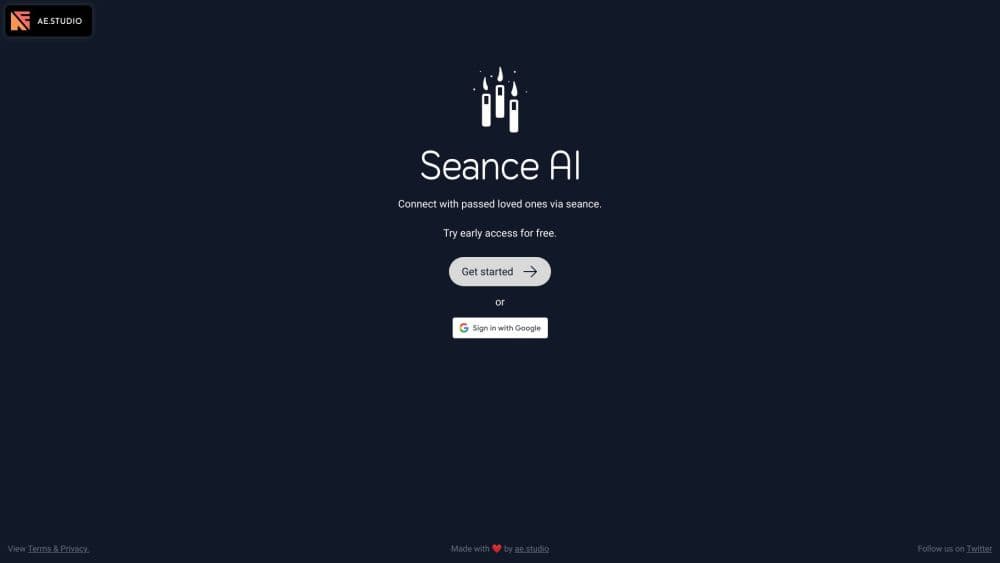
About Seance AI
What Is Seance AI
Seance AI is a small experiment built by AE Studio, a software and AI development firm. You describe a person who has died, feed the app samples of how that person wrote, and it generates a text conversation in their voice. The company describes the result as an immersive, story driven experience around seances and the supernatural.
As an AI afterlife chat app, the pitch lands on a real feeling. Many people keep a phone number in their contacts long after a death, and the idea of getting one more reply has obvious pull. Seance AI turns that into a guided setup instead of an open ended chatbot prompt.
Its own FAQ is blunt about the limits. The site states that Seance AI can't communicate with real spirits or the deceased, and that it exists for entertainment. Anyone using it as grief support should treat the replies as writing generated from the clues they typed in. There's no therapist involved, no age check, and no moderation layer described on the site.
Getting Started
- Open the app from the Seance AI site and start a new seance. No account setup is required to try the demo conversation.
- Fill in who you're trying to reach: name, age, dates, and whatever context feels right.
- Add personality traits and relationships, including the people who mattered to that person.
- Paste writing samples. Texts, emails, or social posts all work, and more samples give the model more to imitate.
- Name the subjects you want to talk about, then open the connection and start the conversation.
Product Information
A quick look at Seance AI's pricing, supported platforms, and performance.
Best for
The users, tasks, and scenarios where this tool fits best.
Users
- Adults curious about AI grief tools
- Writers and storytellers
- People processing a recent loss who want a low stakes first step
Tasks
- Drafting a fictional conversation with someone you've lost
- Testing how well a model mimics a writing voice
- Sharing a memorial conversation with family
Scenarios
- A first birthday or anniversary after a death
- A group storytelling session
- Before trying a paid memorial product
Key features
Guided Seance Setup
The app walks you through six steps instead of asking for one big prompt. You enter who you're trying to reach, their traits, your relationship, and their social circle, and each field sharpens the persona the model builds.
Writing Style Samples
This is the part that separates Seance AI from a generic GPT-4 chatbot. When you paste real messages the person wrote, the model copies their rhythm, their pet phrases, and their punctuation habits. Skip this step and the replies sound like default GPT-4.
Natural Language Conversation
Once the connection opens, the exchange runs as a chat window with a 200 character limit per message. Short turns keep the pace close to texting, which is where the artificial medium works best and long speeches start to feel off.
Voice Recreation on Premium
The paid upgrade adds a voice, generated with AI from the sample material. It only switches on after the one time purchase, and it's the single biggest difference between the free experience and what buyers get.
Animated Portrait on Premium
Premium also animates a photo so the face smiles and moves its head gently. The effect is gentle and clearly synthetic rather than photoreal, and it lands closer to a memorial slideshow than a video call.
Saving and Sharing Conversations
Free users can reopen a past seance and invite friends or family to read it. Storage lasts one month on the free plan, which is short enough to matter if you want a record you can return to later.
Pros and cons
Pros
- The setup is guided and fast, so you can see a working simulated conversation in about ten minutes.
- Writing samples make the tone noticeably more specific than a stock AI chatbot, when you supply enough of them.
- The site states plainly that the experience is fictional, which is the right disclosure for a grief adjacent product.
- There's a free tier with full text functionality, so the paid upgrade is an optional extra rather than required access.
- Conversations can be shared, which turns a private experiment into something a family can read together.
Cons
- The one time $19.99 charge covers voice and portrait only. Anything past the basics sits behind a paywall with no subscription perks to justify it.
- One month of storage on the free plan means conversations vanish unless you copy them somewhere else first.
- The 200 character message limit and the text only format make long or emotional exchanges feel clipped.
- No account system is described, so you have no clear way to recover a seance if you clear your browser.
- Grief is the obvious use case the product invites, yet there's no safety notice beyond a disclaimer, and no way to talk to a human.
Frequently asked questions
No. AE Studio says on its own site that the app can't reach real spirits or the dead, and that it provides a fictional conversation for entertainment. Any reply comes from GPT-4 working with the details you entered.
Related content
Explore related tools, skills, and articles for Seance AI.
Seance AI Alternatives

Knocket
Knocket (Tencent RTC team) · Productivity · Business · ChatbotKnocket is a free live chat and contact page tool that lets visitors message you from your website, app, or a shareable link, with every reply handled from Telegram or one inbox.
Agibot
Agibot · Productivity · AI Assistant · ChatbotAgibot is a personal AI agent for Mac that keeps running after you close the window, runs routines on a schedule, and works from Telegram or Slack with your own API keys.

Melete
Melete · Productivity · AI Assistant · ChatbotMelete is an AI workspace for teams where agents research, draft, and act in Slack, Notion, Linear, and GitHub. Shared memory and approval gates keep people in control.