

Secure MCP Framework by Arcade.dev
Arcade.dev · Coding
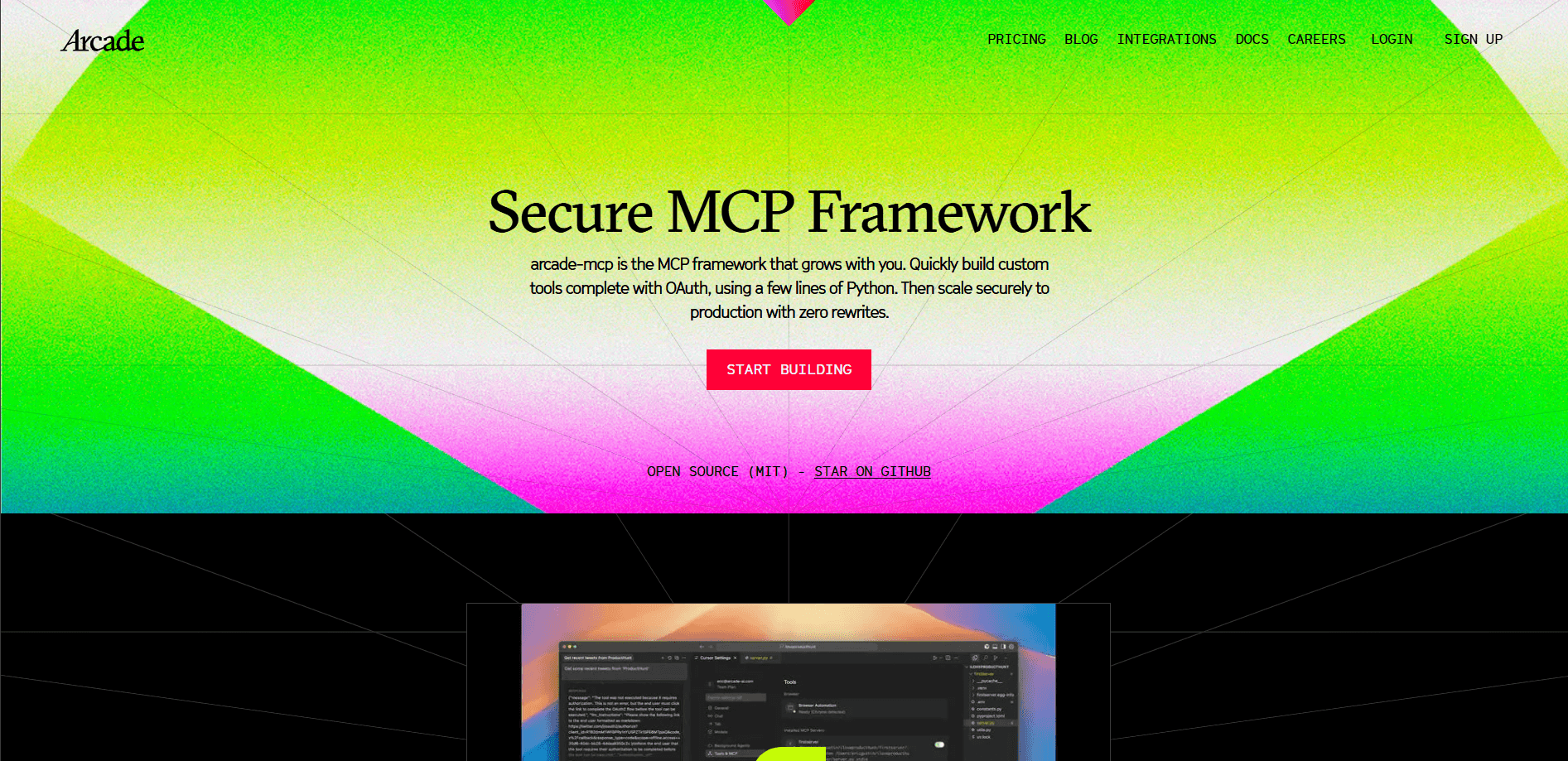
Secure MCP Framework by Arcade.dev is an open-source MCP server framework for building servers that connect AI agents to real tools and accounts. It handles the parts developers usually dread, like OAuth logins, secrets, and MCP server deployment, so you can define a tool in a few lines of readable Python and ship it fast. It fits teams building agent tools that need to touch sensitive systems such as Google, Slack, or Salesforce without reinventing authentication each time. Short version: it's the fastest path to a working server. Genuinely.
About Secure MCP Framework by Arcade.dev
What Is Secure MCP Framework by Arcade.dev
Secure MCP Framework by Arcade.dev is an AI agent tools framework for building Model Context Protocol (MCP) servers, the standard way AI agents discover and call external tools. Arcade built it as the same framework the company uses for its own tools, then released it under an MIT license. That means no vendor lock-in and no surprise licensing, which matters if you plan to run servers on your own infrastructure. Straightforward tradeoff.
The problem it targets is authentication. Most MCP servers are easy to prototype but painful to make production-ready, because real agents need to act on a user's behalf inside Google Drive, Slack, or a CRM. That gap is exactly what an auth-first MCP framework closes. This one treats OAuth connections as a first-class feature, not an afterthought. Secrets live in a .env file locally and in managed secrets in production. No hardcoded keys, no late-night cleanup. That single design choice is why teams that tried to bolt auth onto a bare server end up switching, since retrofitting per-user OAuth into an existing tool usually means rewriting how every tool call is authorized and stored.
The main limit is scope. This is a tool-building framework for developers, not a no-code platform. You'll need to write Python, manage a project, and understand how MCP clients connect. If you want to plug an existing tool into an agent without writing code, Arcade's hosted service is the faster route. Keep that in mind before you commit.
Getting Started
- Install the CLI with
uv tool install arcade-mcp. - Create a new project by running
arcade new my_serverand entering the folder. - Open the generated
server.pyand define your tools with the@app.tooldecorator. - Run the server locally with
uv run server.py, pickinghttporstdioas the transport. - Connect the server to your IDE or agent with
arcade configure, then test your tools end to end.
Product Information
A quick look at Secure MCP Framework by Arcade.dev's pricing, supported platforms, and performance.
Best for
The users, tasks, and scenarios where this tool fits best.
Users
- Python developers who need to ship MCP servers without writing their own OAuth flow. No token plumbing.
- Backend and platform engineers wiring AI agents into company systems like Google Workspace, Slack, or Salesforce. Common need.
- Teams that want an open-source, self-hostable option so credentials and tool code stay under their control.
Tasks
- Building custom MCP servers that define tools agents can call in real workflows.
- Adding OAuth-based user authorization so an agent can act inside a specific person's account.
- Managing secrets across local development and production without hardcoding keys.
- Deploying MCP servers to a cloud environment or a private VPC when compliance demands it.
Scenarios
- Prototyping an agent tool locally on a laptop before committing to a hosted plan. Zero cost to start.
- Shipping a production MCP server that has to pass a security review. No shortcuts.
- Running agents in an air-gapped environment where no external calls are allowed. Compliance-friendly.
- Connecting an MCP server to Cursor, Claude, or another MCP client in an IDE. One command job.
Key features
Auth-First Tool Building
Every tool you define can require a user's authorization before it runs, using OAuth connections handled by the framework. That's the core difference from bare MCP servers, where you'd wire up tokens yourself. An agent can trigger a login prompt, then act on that specific user's account once they approve. This is the auth-first MCP model in practice, and it saves you from building a token store, refresh flow, and consent screen for every provider you connect. No small thing.
One-Command Setup and Local Runs
The CLI spins up a working MCP server in a single command, and uv run server.py starts it locally. You can switch transports with a flag, choosing http or stdio depending on how your client connects. This is what people mean by build MCP server Python the easy way, and it's a genuine difference from wiring up a server by hand when you just want to test one tool before lunch. It keeps the loop short when you're iterating on a tool. Try it once.
Built-In Secrets Management
Secrets stay in a .env file during local development and move to managed secrets in production. Developers don't have to build a separate vault or risk committing credentials. It's a small feature that removes a common source of leaks. You'll notice it the first time you push to production, and your security reviewer will too. Easy win.
Open Source Under MIT
The framework ships under an MIT license, so you keep full control and can fork or self-host as needed. There's no per-seat tax and no licensing surprises down the line. For teams wary of lock-in, this is a meaningful selling point. Big deal.
Production Deployment Options
Beyond the local run, servers can be deployed on Arcade Cloud, inside your own VPC, or fully air-gapped. Enterprise plans add SSO, RBAC, audit logs, and a private registry. That range lets a prototype grow into a governed deployment without a rewrite, which is rare for a framework that also runs on a laptop in five minutes.
Broad Client and Agent Compatibility
Servers built with the framework work with MCP clients and agent stacks including Cursor, Claude, LangGraph, and others. arcade configure wires a server into an IDE or client quickly. You're not locked to a single agent vendor. Pick your stack.
Local Evals with Your Own Credentials
You can run evaluations locally and bring your own credentials, so testing doesn't depend on a hosted service. That helps teams validate tool behavior before they push to production. It also keeps sensitive test data off third-party systems. Fast feedback, no surprises.
Pros and cons
Pros
- Authentication is built into the framework, so OAuth-based agent actions don't require custom plumbing.
- MIT license and local runs give teams full control with no vendor lock-in.
- Setup takes one command, and tools are defined in clean, readable Python.
- Secrets management works the same way locally and in production.
- Deployment scales from local to VPC to air-gapped without changing the tool code.
Cons
- It's a developer framework, so there's a real coding requirement and no no-code path.
- Production use beyond the free tier means paying per auth event and per tool call, which can add up at scale.
- The enterprise features that large teams need, like SSO and audit logs, sit behind a sales conversation rather than self-serve signup. Annoying.
Frequently asked questions
It's an open-source Python framework for building MCP servers, the servers that give AI agents tools to call. Arcade.dev maintains it and uses it for its own tool set. It focuses on making authentication and deployment easy.
Related content
Explore related tools, skills, and articles for Secure MCP Framework by Arcade.dev.
Secure MCP Framework by Arcade.dev Alternatives
Forefront
Forefront · CodingForefront is a web platform for building with open-source AI. It lets you fine-tune leading open-source language models on your own data, evaluate how they perform, and run them through an API or export them to host yourself. Developers who want the convenience of a closed-source platform but insist on owning their models and data are the target audience here.

Startkit
StartKit.AI · CodingStartkit is a boilerplate for building AI SaaS and AI wrapper products. Think of it as an AI startup boilerplate with the boring parts already wired up: authentication, Stripe and Lemon Squeezy payments, usage limits, transactional email, and an AI API starter that talks to OpenAI, Anthropic, Groq, or Llama. You clone the repo, set your price, and start on the part of your product that people actually pay for. It's Next.js under React and Tailwind, so most of the boilerplate code already feels familiar.
Testim
Tricentis · CodingTestim is an AI-powered test automation platform for building and running end-to-end tests across web, mobile, and Salesforce applications. It leans on machine learning to keep tests stable when an interface changes, so teams spend less time fixing broken selectors. Not bad for an automated testing tool you can start using today. You create tests by recording actions in a browser, then optionally add JavaScript when you need more control. It's a solid pick for busy QA teams.